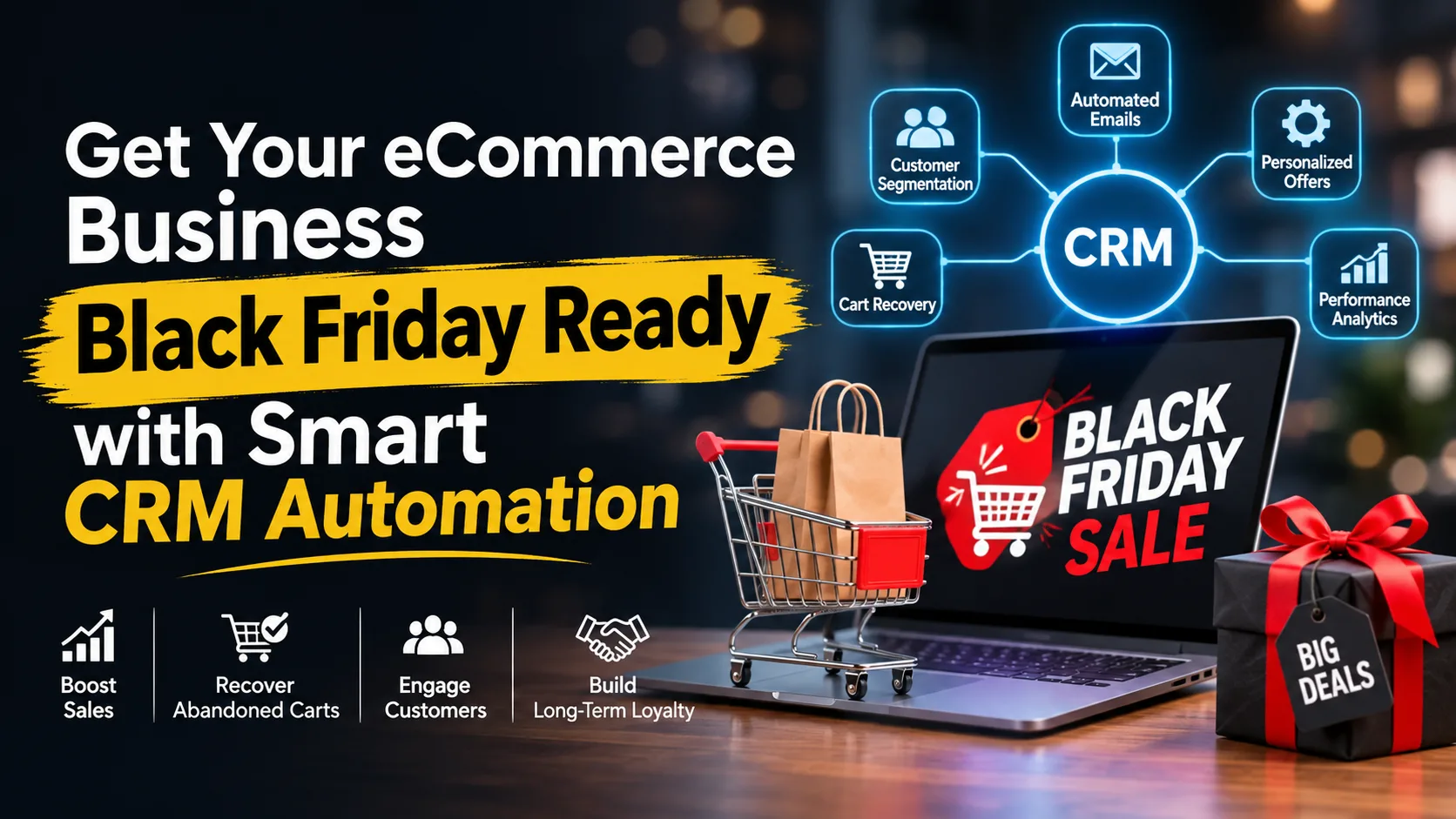
Black Friday is one of the biggest sales opportunities of the year for eCommerce businesses. With customers actively searching for discounts, exclusive offers, and exciting deals, online stores have an excellent opportunity to increase revenue, attract new customers, and build long-term relationships.
However, increased traffic and sales opportunities also bring challenges. Managing hundreds of customer inquiries, following up with potential buyers, recovering abandoned carts, and delivering personalized shopping experiences can quickly become overwhelming.
This is where smart CRM automation makes a difference.
By combining customer relationship management (CRM) with marketing automation, eCommerce businesses can streamline their sales processes, improve customer engagement, and prepare for the Black Friday shopping rush without relying entirely on manual work.
In this guide, we'll explore practical ways to prepare your online store for Black Friday using CRM automation.
Why Black Friday Preparation Matters for eCommerce Businesses
Black Friday customers often compare multiple brands before making a purchase. They expect quick responses, relevant offers, smooth checkout experiences, and timely updates.
Without proper preparation, businesses may struggle with:
- Missed sales opportunities due to delayed follow-ups.
- Lost revenue from abandoned shopping carts.
- Poor customer experiences caused by slow responses.
- Difficulty managing large volumes of customer inquiries.
- Ineffective marketing campaigns that reach the wrong audience.
A well-organized CRM system helps businesses manage customer information, track interactions, and automate important marketing and sales activities.
Instead of managing every customer interaction manually, businesses can use automation to deliver timely and consistent communication throughout the shopping journey.
10 Ways to Prepare Your eCommerce Business for Black Friday with CRM Automation
1. Organize and Segment Your Customer Database
Before launching your Black Friday campaigns, start by organizing your customer database.
Not every customer has the same interests, shopping habits, or purchasing intentions. Sending identical promotional messages to everyone may reduce engagement.
Use your CRM system to segment customers based on:
- Previous purchase history.
- Product preferences.
- Shopping frequency.
- Average order value.
- New versus returning customers.
- Customers who haven't purchased recently.
For example, returning customers can receive exclusive early-access offers, while new subscribers can receive introductory discounts.
Proper customer segmentation makes your marketing campaigns more relevant and increases the chances of conversion.
2. Set Up Automated Email Marketing Campaigns
Email marketing remains an effective way to promote Black Friday deals and keep customers informed.
However, manually sending emails to thousands of customers is time-consuming and difficult to manage.
CRM automation allows you to create scheduled email campaigns that automatically reach customers at the right time.
Consider setting up these email sequences:
- Pre-Black Friday Teasers: Build excitement by announcing upcoming deals.
- Early Access Emails: Give loyal customers an opportunity to shop before the general public.
- Black Friday Launch Emails: Announce your biggest discounts and limited-time offers.
- Last-Chance Reminders: Encourage customers to take advantage of deals before they expire.
- Post-Purchase Emails: Share order confirmations, product recommendations, and follow-up messages.
Automated email campaigns help maintain consistent communication without requiring constant manual effort.
3. Recover Abandoned Shopping Carts Automatically
Cart abandonment is one of the biggest challenges for eCommerce businesses, especially during major shopping events.
Customers may add products to their carts but leave before completing checkout because of distractions, unexpected costs, or last-minute hesitation.
With CRM automation, businesses can create automated abandoned-cart workflows.
For example:
- A customer adds a product to their shopping cart.
- The customer leaves without completing the purchase.
- The CRM workflow identifies the abandoned cart.
- An automated reminder email or SMS is sent.
- A follow-up message can highlight product benefits or an applicable offer.
These timely reminders help bring interested shoppers back to your website and create additional opportunities for conversion.
4. Automate Lead Capture and Follow-Ups
Black Friday marketing isn't just about selling to existing customers. It's also an opportunity to attract new potential buyers.
Create lead capture forms, newsletter subscriptions, promotional landing pages, and early-access registration campaigns.
Connect these forms to your CRM so that new leads are automatically added to your database.
You can then create automated follow-up sequences to:
- Welcome new subscribers.
- Share upcoming Black Friday deals.
- Introduce popular products.
- Send exclusive promotional offers.
- Remind customers when the sale begins.
This ensures that potential buyers stay connected with your brand even before the shopping event starts.
5. Personalize Product Recommendations
Customers are more likely to engage with offers that match their interests.
Instead of sending generic promotional messages, use CRM customer data to deliver personalized product recommendations.
For example:
- Recommend related products based on previous purchases.
- Promote frequently viewed products.
- Highlight complementary items.
- Offer special deals to repeat customers.
- Share recommendations based on previous browsing or purchase activity, where tracking consent and integrations allow it.
Personalized marketing makes customers feel understood and helps businesses create more relevant shopping experiences.
6. Automate Customer Support and Inquiry Management
Black Friday can generate a significant increase in customer questions.
Shoppers may ask about product availability, shipping timelines, discounts, returns, payment methods, and order status.
If your team cannot respond quickly, potential customers may choose another store.
CRM automation can help organize and manage customer inquiries by:
- Automatically assigning inquiries to the right team.
- Sending instant acknowledgment messages.
- Creating follow-up tasks for unresolved requests.
- Tracking customer conversations.
- Providing automated answers to frequently asked questions through supported integrations.
This helps your support team manage a higher volume of inquiries while maintaining a consistent customer experience.
7. Create Automated Upselling and Cross-Selling Campaigns
Black Friday is an excellent opportunity to increase average order value.
CRM automation can help identify opportunities to recommend additional products during and after the purchase journey.
For example, if a customer purchases a laptop, your store could recommend a laptop bag, wireless mouse, or keyboard.
You can automate:
- Complementary product recommendations.
- Frequently bought together offers.
- Post-purchase promotional emails.
- Special deals for returning customers.
- Product bundles and upgrade suggestions.
Relevant recommendations can increase order value while helping customers discover products they may genuinely need.
8. Prepare Automated Order Updates and Notifications
Customers expect regular updates after placing an order, especially during busy shopping periods.
Set up automated notifications for important order stages, such as:
- Order confirmation.
- Payment confirmation.
- Order processing.
- Shipping and dispatch.
- Delivery updates.
- Post-delivery feedback requests.
These notifications reduce uncertainty, improve transparency, and minimize repetitive customer support inquiries.
Make sure your CRM and eCommerce platform are properly integrated so that order updates are based on accurate transaction and fulfillment information.
9. Monitor Campaign Performance with CRM Analytics
Launching campaigns is only one part of a successful Black Friday strategy. You also need to understand what's working.
CRM reporting and analytics can help you monitor:
- Email open and click-through rates.
- Campaign-generated sales.
- Customer acquisition.
- Repeat purchase rates.
- Cart recovery performance.
- Customer engagement.
- Sales opportunities across different customer segments.
Use these insights to identify successful campaigns and improve underperforming ones.
For example, if an abandoned-cart campaign generates more conversions than a general promotional email, you can review its timing and messaging to improve future campaigns.
10. Build Post-Black Friday Customer Relationships
Your relationship with customers shouldn't end when the Black Friday sale finishes.
Many businesses focus heavily on acquiring customers during the shopping season but overlook the importance of retaining them.
CRM automation helps turn one-time buyers into repeat customers through:
- Automated thank-you emails.
- Product review requests.
- Personalized product recommendations.
- Loyalty program invitations.
- Exclusive offers for returning customers.
- Re-engagement campaigns for inactive buyers.
Building long-term customer relationships can create more value than focusing only on short-term promotional sales.
Common CRM Automation Mistakes to Avoid During Black Friday
While automation offers significant benefits, poor implementation can negatively affect customer experiences.
Here are a few mistakes to avoid:
1. Sending Too Many Promotional Messages: Excessive emails and SMS notifications can frustrate customers. Maintain a reasonable communication schedule.
2. Ignoring Customer Segmentation: Generic campaigns may fail to connect with different customer groups. Use relevant customer data to personalize your messaging.
3. Not Testing Automation Workflows: Test your emails, forms, integrations, cart recovery sequences, and notifications before launching your campaigns.
4. Overlooking Mobile Experiences: Many customers shop through mobile devices. Ensure your emails, landing pages, and checkout processes are mobile-friendly.
5. Forgetting Post-Sale Engagement: Don't stop communicating after the purchase. Continue building relationships through relevant follow-ups.
How KITSS Can Help Your eCommerce Business Get Ready for Black Friday
Preparing for Black Friday requires more than attractive discounts and promotional campaigns. Businesses also need an organized approach to managing leads, customer relationships, marketing activities, and follow-ups.
KITSS is a marketing agency helping businesses improve their CRM processes and marketing automation strategies.
With the right CRM and automation approach, eCommerce businesses can streamline customer communication, organize lead management, automate repetitive tasks, and create more efficient customer journeys.
Whether you're looking to improve your CRM setup, automate customer follow-ups, or build a more organized marketing process, KITSS can help you move toward a smarter and more efficient business operation.
Explore KITSS CRM and Marketing Automation Services to discover how smarter automation can support your business growth.
Final Thoughts
Black Friday presents a major opportunity for eCommerce businesses, but success depends on how effectively you prepare.
From organizing customer databases and automating email campaigns to recovering abandoned carts and managing post-purchase communication, CRM automation can simplify many of the activities involved in running a successful sale.
Start preparing early, test your workflows, understand your customers, and build a strategy that supports both immediate sales and long-term customer relationships.
Make this Black Friday more organized, efficient, and customer-focused with smart CRM automation.