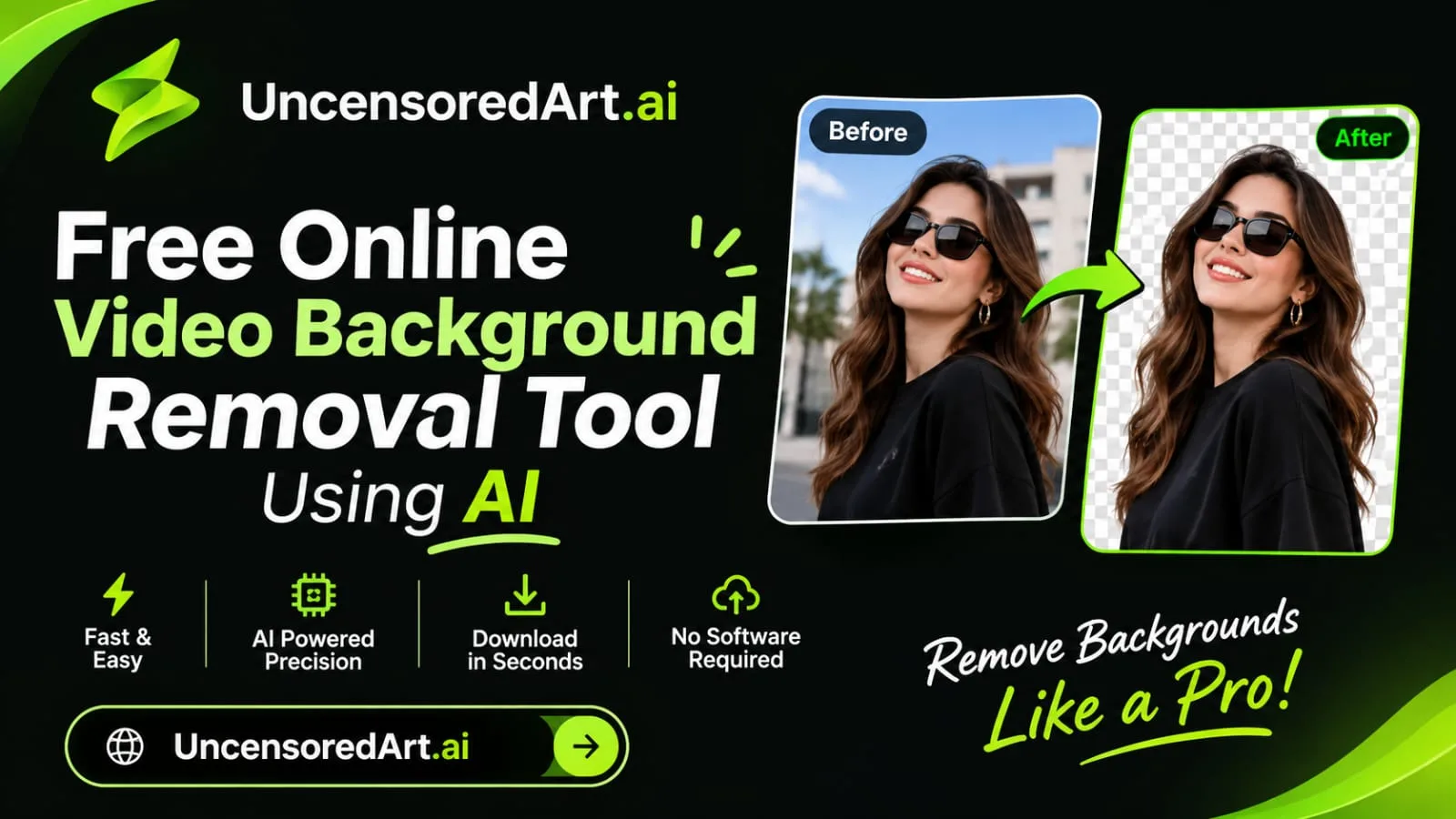
A free online video background removal tool uses artificial intelligence to remove unwanted backgrounds from video footage without requiring a physical green screen or advanced editing skills. It automatically detects people, objects, and other foreground elements, separating them from the original scene. Users can then create transparent backgrounds or replace existing scenes with customized visuals for professional and creative video projects.
What Is an AI Video Background Removal Tool?
An AI video background removal tool is an online video editing solution that uses artificial intelligence and computer vision to separate the main subject from the background in video footage.
Traditional background removal often requires green-screen recording, manual masking, and frame-by-frame editing. AI-powered technology simplifies this process by automatically identifying the foreground subject and distinguishing it from the surrounding environment.
For example, a content creator can record a video in a bedroom and use an AI background remover to replace the room with a professional office, studio, or customized visual environment.
These tools are useful for video creators, social media influencers, marketers, educators, businesses, and digital artists who want to produce visually appealing videos without complicated editing workflows.
How Does an AI Video Background Remover Work?
AI video background removal combines machine learning, computer vision, and video segmentation technology to identify and separate subjects from their surroundings.
The process generally involves the following steps:
- Video Upload: Users upload a video file that needs background removal.
- Subject Detection: AI analyzes the video frames to identify people, objects, and other important foreground elements.
- Background Segmentation: The system separates the main subject from the surrounding background.
- Frame Processing: AI processes individual frames while attempting to maintain consistent subject outlines and movement.
- Background Removal: The original background is removed, creating a transparent or isolated subject layer when supported.
- Background Replacement: Users can add a new image, video, solid color, or customized background.
- Final Video Export: The edited footage is processed and prepared for download in a supported format.
Advanced AI systems can also identify complex edges, follow subject movement, and preserve details such as hair, clothing, and body outlines.
Step-by-Step Explanation: How to Remove a Video Background Online
Removing a video background with AI does not necessarily require professional editing experience. Most online tools follow a simple process.
Step 1: Select Your Video
Choose the video you want to edit from your computer or mobile device. For better results, use footage with good lighting and a clearly visible subject.
Step 2: Upload Your Video
Open an online AI video background removal tool and upload your selected file. Check the supported formats, video duration, and file-size requirements.
Step 3: Let AI Detect the Subject
After uploading, the AI system analyzes the footage and identifies the main subject. It automatically separates the foreground from the original background.
Step 4: Remove the Original Background
Start the background removal process. The AI processes the video frames and attempts to preserve the main subject while removing the surrounding scene.
Step 5: Add a New Background
Choose a replacement background that matches your project. You can use a solid color, professional studio setting, custom image, or another video background if supported.
Step 6: Preview and Adjust Your Video
Review the edited footage to check subject edges, movement, lighting, and background alignment. Make adjustments if necessary.
Step 7: Export the Final Video
Once the result looks suitable, export or download the edited video in an available format and resolution.
Key Benefits of Using a Free AI Video Background Removal Tool
AI-powered background removal offers several advantages for video editing and digital content creation.
1. No Green Screen Required: Users can remove video backgrounds without setting up a physical green screen, making video production more convenient.
2. Saves Editing Time: AI automates subject detection and background separation, reducing the need for manual masking and frame-by-frame editing.
3. Beginner-Friendly Workflow: Simple upload-and-edit processes allow beginners to work with video backgrounds without advanced editing knowledge.
4. Creative Background Customization: Users can replace original backgrounds with different environments, colors, images, and visual effects.
5. Supports Social Media Content: Creators can prepare videos for Instagram Reels, TikTok, YouTube Shorts, and other digital platforms.
6. Professional Video Presentation: Removing distracting backgrounds can help create cleaner videos for business presentations, product demonstrations, and promotional campaigns.
7. Cost-Effective Video Editing: Free online tools provide an accessible starting point for users who want to experiment with AI-powered background editing.
Limitations and Challenges of AI Video Background Removal
Although AI background removal technology makes video editing easier, it has some limitations.
- Complex Backgrounds: Busy environments with overlapping objects can make accurate subject separation difficult.
- Hair and Fine Details: Small details such as loose hair strands, transparent objects, and thin edges may not always be preserved accurately.
- Fast Movement: Rapid subject movement can sometimes create blurred edges or inconsistent background removal between frames.
- Lighting Conditions: Poor lighting and low contrast between the subject and background may affect detection accuracy.
- Video Quality: Low-resolution or heavily compressed footage may produce less accurate results.
- Free Plan Restrictions: Some platforms limit video duration, file size, processing credits, export quality, or access to premium features.
- Processing Requirements: Longer videos and high-resolution footage may require additional processing time and computing resources.
For better results, use well-lit footage, keep the main subject clearly visible, and review the entire edited video before publishing.
Real-World Applications of AI Video Background Removal
AI video background removal is useful across different creative and professional industries.
1. YouTube Video Creation
YouTubers can remove distracting backgrounds and create customized scenes for tutorials, reaction videos, educational content, and entertainment videos.
2. Social Media Content Creation
Influencers and digital creators can replace ordinary video backgrounds with attractive visual environments for Instagram Reels, TikTok, and YouTube Shorts.
3. Online Education and Tutorials
Teachers and trainers can remove distracting backgrounds while recording lessons, online courses, and instructional videos.
4. Business Presentations
Businesses can create professional-looking video presentations by replacing home or office backgrounds with customized branded environments.
5. Product Marketing Videos
Marketing teams can isolate products and subjects to create promotional videos, advertisements, and product demonstrations.
6. Gaming and Live Streaming
Streamers and gaming creators can use background removal to create cleaner camera overlays and customized streaming environments, depending on their software setup.
7. Digital Advertising
Businesses can produce visually consistent advertising content by placing presenters and products against different branded backgrounds.
Frequently Asked Questions (FAQs)
1. What is a free online video background removal tool?
A free online video background removal tool uses artificial intelligence to identify the main subject in a video and separate it from the original background without requiring manual editing.
2. Can I remove a video background without a green screen?
Yes. AI-powered background removal tools can detect and isolate subjects from ordinary video footage without requiring a physical green screen.
3. Can AI replace a video background with another image?
Yes. Many AI video editing tools allow users to remove the original background and replace it with a custom image, solid color, or another visual environment.
4. Does AI video background removal work for moving subjects?
Yes. AI video segmentation technology can track moving subjects across video frames. However, fast movements and complex backgrounds may affect the accuracy of the final result.
5. Can I remove video backgrounds online without installing software?
Yes. Browser-based tools allow users to upload footage, process backgrounds, preview results, and export edited videos without installing traditional desktop editing applications.
6. Is AI video background removal suitable for beginners?
Yes. Most online tools provide simple interfaces that make background removal accessible to beginners, content creators, and users without professional video editing experience.
Related Articles
Explore these related guides to learn more about AI-powered video editing and content creation:
- How AI Video Editing Tools Are Transforming Content Creation
- Free AI Video Upscaler for HD and 4K Video Enhancement
- How to Create Professional Videos with AI Technology
- AI Video Generator for Social Media Content Creation
- The Growing Role of AI in Video Production
- Free AI Background Changer for Photos and Images
- AI Video Creator Tools for Modern Businesses
Explore AI-Powered Creative Tools with UncensoredArt.ai
Artificial intelligence is transforming digital creativity by making image editing, video creation, audio generation, and other creative processes more accessible. Users can now explore new ways to develop visual content and experiment with different creative ideas using AI-powered technologies.
UncensoredArt.ai is an AI-powered creative platform that brings multiple digital creation capabilities together in one workspace. It offers AI image generation, video creation, audio generation, image editing, and 3D content creation for digital artists, content creators, marketers, designers, and businesses.
Whether you are developing social media videos, exploring creative visual concepts, editing digital images, or working on multimedia projects, UncensoredArt.ai provides a creative environment to explore AI-assisted workflows.
Discover new possibilities in digital content creation with UncensoredArt.ai and explore how AI-powered tools can support your creative projects.