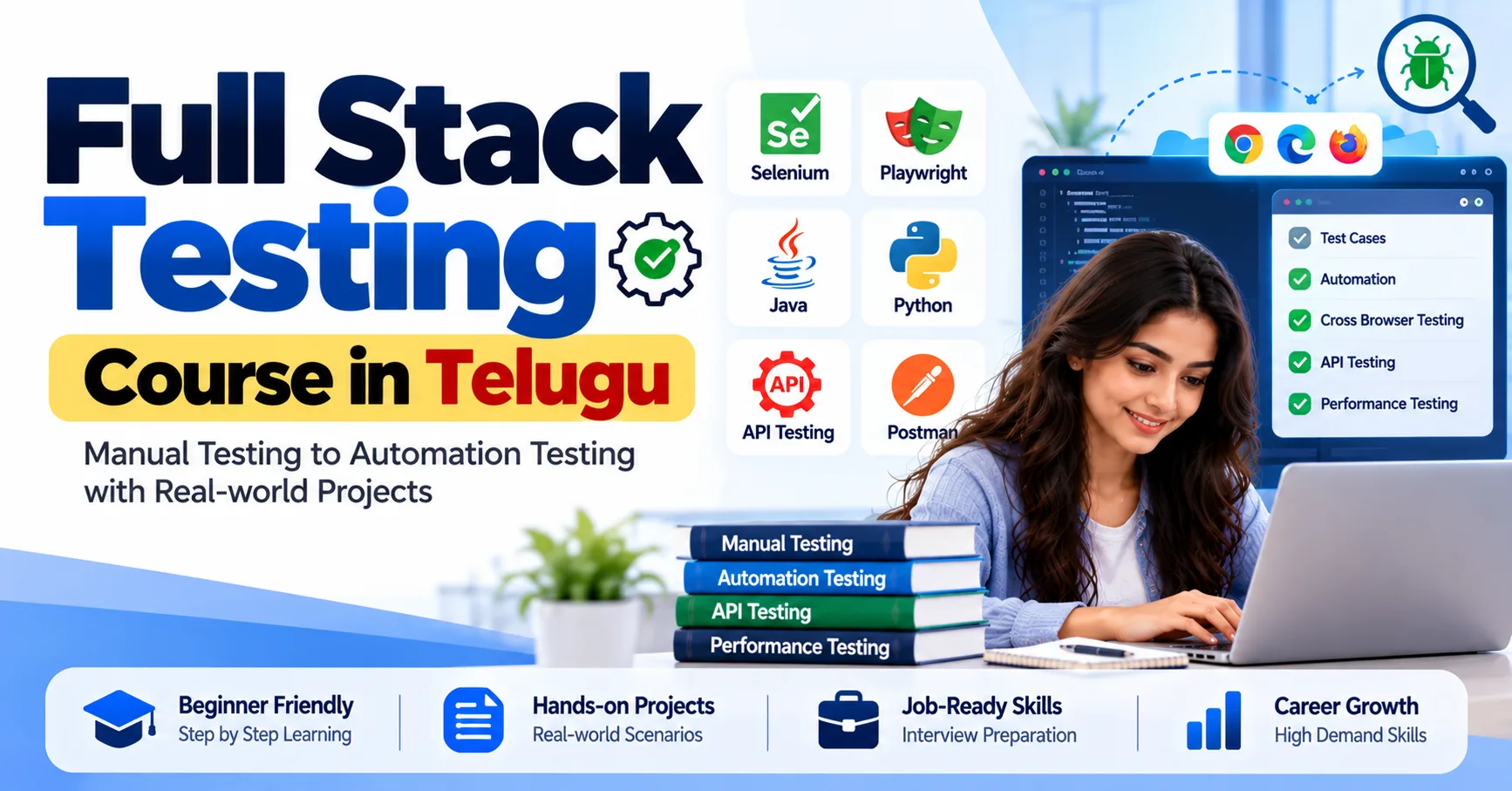
Software testing has evolved beyond manually checking whether an application works as expected. Modern development teams use automation frameworks, API testing platforms, performance testing tools, and continuous integration systems to identify defects faster and deliver reliable software. For beginners who want to understand these technologies through practical learning, the Full Stack Testing Course in Telugu can be a useful starting point for exploring different areas of software quality assurance.
Why Are Modern Testing Tools Important?
Applications today are built with multiple components, including user interfaces, databases, APIs, and cloud-based services. Testing only the visible screens may not reveal problems occurring in the background.
Modern testing tools help teams examine different parts of an application. They can automate repetitive checks, validate data exchanges, measure application performance, and support testing throughout the development process.
For example, consider an online shopping application. A tester may need to verify user registration, product searches, shopping cart calculations, payment requests, and order confirmation. Different testing tools can help validate each part of this workflow.
1. Selenium for Browser Automation
<bold>Selenium</bold> is a widely used open-source framework for automating web browsers. Testers use it to simulate user actions such as clicking buttons, entering information, navigating pages, and validating displayed results.
Common Selenium capabilities include:
- Automating repetitive browser-based test cases.
- Testing web applications across supported browsers.
- Working with programming languages such as Java, Python, and C#.
- Integrating automated tests with testing and CI tools.
Practical example: A tester can create a Selenium script that opens a login page, enters valid credentials, clicks the login button, and checks whether the dashboard appears.
Selenium is particularly useful when teams need browser automation across different environments.
2. Playwright for Modern Web Application Testing
Playwright is a browser automation framework designed for reliable end-to-end testing. It supports Chromium, Firefox, and WebKit browsers and provides features that help testers interact with modern web applications.
Important features include:
- Automatic waiting for elements and actions.
- Browser-based end-to-end testing.
- Support for JavaScript, TypeScript, Python, Java, and .NET.
- Screenshots, video recording, and debugging support.
- Parallel test execution.
Where it helps: Suppose a website displays search results after a user enters a keyword. Playwright can automate the search, wait for the results, and verify that the expected products are displayed.
Selenium and Playwright both support browser automation, but their APIs, workflows, and capabilities differ. Understanding both helps testers choose an appropriate tool for a project's requirements.
3. Postman for API Testing
An application often depends on APIs to exchange information between its frontend and backend. Even when the user interface looks correct, an API may return incorrect data or unexpected error responses.
Postman helps testers send API requests and inspect server responses without depending entirely on the application's user interface.
With Postman, testers can:
- Send GET, POST, PUT, and DELETE requests.
- Check response status codes.
- Validate response data and headers.
- Test authentication and request parameters.
- Organise API requests into collections.
- Automate API checks using test scripts.
Example: When a user signs in, the application may send an authentication request to a server. A tester can use Postman to verify whether the API returns the expected response for valid and invalid credentials.
4. REST Assured for Java API Automation
REST Assured is a Java library used to test REST APIs. It allows automation testers to write API test cases using Java and validate server responses.
Its common applications include:
- Sending HTTP requests.
- Checking response status codes.
- Validating JSON and XML responses.
- Testing request and response structures.
- Integrating API tests with Java testing frameworks.
For example, a tester can write a Java test to verify whether a product API returns the correct product name, price, and availability.
Postman is useful for exploring and testing APIs through its interface, while REST Assured is particularly suitable for building automated API test suites in Java.
5. JMeter for Performance Testing
An application may work correctly when one person uses it but become slow when hundreds or thousands of users access it simultaneously. Performance testing helps identify such issues.
Apache JMeter is an open-source tool used for load and performance testing. It helps teams understand how applications and services behave under different workloads.
Testers can use JMeter to:
- Simulate multiple virtual users.
- Measure response times.
- Identify performance bottlenecks.
- Examine throughput and error rates.
- Test supported web and API services.
Example: Before an online admission portal opens for registrations, a testing team can use JMeter to simulate many users accessing the portal at the same time.
This helps identify potential performance issues before real users experience them.
6. Jira for Bug Tracking and Test Management
Finding a defect is only one part of the testing process. Teams also need to document it, assign responsibility, track its status, and confirm that it has been fixed.
Jira is commonly used for issue tracking and project management. Software testing teams use it to manage bugs and coordinate work with developers.
A typical bug report includes:
- A clear defect title.
- Steps to reproduce the issue.
- Expected and actual results.
- Screenshots or supporting evidence.
- Severity and priority.
- Current status and assigned owner.
For example, if a payment button does not respond after clicking, a tester can create a Jira issue with reproduction steps and attach a screenshot.
7. Git and GitHub for Version Control
Automation testing projects often involve multiple testers and developers working on the same codebase. Version control helps teams manage code changes and collaborate without losing previous work.
Git is a distributed version control system, while GitHub is a platform that hosts Git repositories and supports collaboration.
Test automation teams use these technologies to:
- Store automation scripts.
- Track code changes.
- Create branches for new features.
- Review code through pull requests.
- Collaborate with other team members.
- Maintain project history.
Learning basic Git commands and understanding repository workflows can make it easier to work on real testing projects.
8. Jenkins for Continuous Integration
In modern software development, testing is not limited to the final stage of a project. Teams often run automated tests whenever developers update application code.
Jenkins is an automation server that can help teams build continuous integration and continuous delivery pipelines.
A testing pipeline may follow this sequence:
- A developer pushes code changes to a repository.
- Jenkins detects the update.
- The application is built.
- Automated test scripts are executed.
- Test reports are generated.
- The team reviews failures and fixes issues.
Jenkins can integrate with tools such as Git, Selenium, and various test frameworks. This reduces the need to run every test manually after each code update.
9. Docker for Consistent Testing Environments
Software can behave differently across development, testing, and production environments. Docker helps teams package applications and their dependencies into containers.
For testing teams, Docker can be useful for:
- Creating consistent testing environments.
- Running applications with required dependencies.
- Supporting isolated test execution.
- Simplifying environment setup.
- Integrating test environments into automated pipelines.
For example, a team can use Docker containers to run an application and its supporting services in a consistent environment before executing automated tests.
How These Tools Work Together in a Testing Project
Consider a real-world web application testing workflow. Different tools can support different stages of the process.
Testing activityExample toolBrowser automationSelenium, PlaywrightAPI validationPostman, REST AssuredPerformance testingJMeterBug trackingJiraVersion controlGit, GitHubContinuous integrationJenkinsEnvironment managementDockerThese tools are not all interchangeable, and a project does not necessarily require every tool. The technology stack depends on the application, team skills, project requirements, and testing strategy.
Skills to Develop Alongside Testing Tools
Learning tool names alone is not enough to become an effective software tester. A strong foundation in testing concepts helps you understand when and why to use each technology.
Focus on developing these skills:
- Manual testing fundamentals and test case preparation.
- Functional, regression, and integration testing.
- Programming basics with Java or Python.
- Web application and API testing.
- Automation framework concepts.
- SQL fundamentals for database validation.
- Bug reporting and defect lifecycle management.
- Basic CI/CD and version control knowledge.
Practising these concepts with sample applications can help you understand how testing works in actual development environments.
Conclusion
Modern software testing combines manual testing knowledge with automation, API validation, performance analysis, collaboration, and continuous integration. Tools such as Selenium, Playwright, Postman, REST Assured, JMeter, Jira, Jenkins, Git, and Docker support different stages of the quality assurance process.
Instead of trying to master every tool at once, begin with testing fundamentals and gradually practise the technologies relevant to your career goals. Building small projects and documenting your testing results can help you develop practical skills and prepare for software testing opportunities.