

Mobile operating systems have completely changed how commercial enterprises interact with their customers and manage frontline operations. From interactive check-in terminals at modern airports and self-checkout counters in retail stores to specialized delivery tablets carried by logistics drivers, smart devices have become standard tools across everyday business infrastructure. However, consumer-grade mobile devices are designed by default for open exploration, personal entertainment, and social communication. Deploying these open devices directly into a corporate environment without restricting their user interfaces introduces severe operational risks, privacy vulnerabilities, and unexpected technical maintenance costs.
When employees or public consumers are given unlimited access to standard device interfaces, they can intentionally or accidentally alter network configurations, download unapproved applications, or browse non-work-related websites. These distractions and configuration errors increase corporate support tickets and expose organizational networks to potential malware infections and data breaches. To prevent these vulnerabilities, forward-thinking enterprise IT departments rely on specialized locking strategies to transform flexible mobile operating systems into single-purpose or multi-purpose digital tools.
Understanding the Operational Mechanics of Device Isolation
The fundamental goal of converting a standard mobile hardware platform into a locked endpoint is to control the exact range of actions a user can execute. Instead of granting full access to system settings, file storage directories, navigation panels, and public app stores, the device interface is constrained to present only pre-approved software tools. This isolated operating state suppresses standard system gestures and hardware key combinations, preventing unauthorized users from exiting the assigned work environment.
Behind the scenes, device locking mechanisms function by taking advantage of elevated system privileges granted to remote administration tools. During initial provisioning, the administrative layer communicates directly with core operating system services to disable non-essential system UI components. Elements such as the top status indicator bar, volume slider popups, task switchers, and home navigation buttons are hidden or rendered unresponsive to end-user input.
- Disabling physical power and volume buttons prevents manual device resets or setting tampering.
- Hiding status bars and notification drawers prevents users from altering network connections or Bluetooth settings.
- Automatically launching designated business applications upon device reboot ensures zero downtime.
- Isolating system storage prevents unauthorized file transfers over USB cables or external drives.
- Suppressing system popups and error messages guarantees an uninterrupted user experience.
If an application crashes or experiences a temporary software glitch while running in a restricted state, internal monitoring services immediately intervene. Rather than returning the device to an open desktop interface or showing an error screen, the system automatically terminates the frozen process and launches the authorized application back into the foreground instantly. This automatic self-healing capability ensures that remote or unattended kiosks remain functional without requiring manual intervention from physical IT support staff.
Strategic Business Advantages of Hardware Lockdown Policies
Transitioning from an open device policy to a strictly controlled enterprise endpoint strategy provides immediate operational, financial, and security benefits. For business owners and operational managers, restricting endpoint functionality removes digital distractions and ensures that corporate hardware is utilized exclusively for its intended business processes.
From a cybersecurity perspective, isolating mobile software components drastically reduces the attack surface of enterprise networks. Unrestricted mobile browsers and open app stores are primary vectors through which phishing attempts, ransomware, and unauthorized tracking software enter corporate systems. Restricting access strictly to verified enterprise applications completely eliminates these common infection vectors, keeping corporate databases and local hardware secure.
Financial advantages also extend beyond initial hardware purchase costs. When devices are left open, accidental settings modifications by users often force IT teams to perform manual troubleshooting, software rollbacks, or complete factory resets. Locking down interface controls virtually eliminates user-driven configuration errors, leading to significantly lower ongoing IT maintenance expenses and extended hardware lifespans.
In public-facing scenarios—such as customer survey stands, self-service ticketing portals, or interactive digital billboards—a controlled interface protects company brand integrity. Customers interacting with a business kiosk expect a clean, professional, and reliable interaction. Preventing users from accessing underlying software or closing sales interfaces ensures that public terminals consistently deliver a reliable user experience without embarrassing software glitches or exposed operating system desktops.
Architectural Formats: Single-Application vs Multi-Application Frameworks
When implementing endpoint locking policies, organizations must structure their user experience around one of two main structural frameworks: single-application mode or multi-application mode. Choosing the right framework depends entirely on who will interact with the hardware and what specific operational tasks need to be completed.
Single-application lockdown is designed for hardware dedicated to performing one continuous task without interruption. In this setup, a single software application occupies the entire screen continuously from the moment the device powers on. End users cannot exit the app, access settings, or switch tasks under any circumstances. This architecture is most effective in fixed public environments, such as interactive museum exhibits, digital menu displays, hospital check-in terminals, and automated payment stations.
Multi-application lockdown, by contrast, creates a controlled home launcher screen that displays a curated selection of multiple approved applications. While users can switch freely between these selected tools, they remain strictly barred from opening system settings, searching the web outside specified limits, or installing new software. This format is ideal for field technicians, warehouse inventory managers, and mobile sales teams who require access to a dedicated suite of tools—such as a barcode scanner, an enterprise messaging app, and a navigation map—without receiving an open, unmanaged tablet.
Both single and multi-app frameworks allow administrators to maintain absolute control over peripheral connections. Whether running one application or a small suite of tools, IT managers can precisely control screen brightness parameters, set automated display timeout rules, restrict Wi-Fi connectivity strictly to secure corporate SSIDs, and enforce custom branding graphics on launcher wallpapers.
Deployment Strategies via Enterprise Management Infrastructure
Manually configuring restricted profiles, disabling settings menus, and loading applications on individual devices one by one is an inefficient method that fails to scale for growing businesses. Enterprise deployments depend on central management architectures to automate provisioning, enforce policy updates, and monitor device health remotely across geographically distributed fleets.
Modern cloud-based management consoles streamline enrollment through automated zero-touch provisioning protocols. Hardware can be shipped directly from distributors straight to remote field offices or retail branches without needing prior manual setup by an IT technician. As soon as the end user unboxes the device and connects it to a local Wi-Fi or cellular network, the management software automatically downloads pre-configured security profiles, installs required enterprise apps, and locks the interface into its assigned mode seamlessly.
Once endpoints are live in the field, administrators maintain full remote operational control from a single centralized web console. If an enterprise application releases a critical software patch or a company security policy changes, updates are deployed silently over the air across the entire device network without interrupting daily business operations.
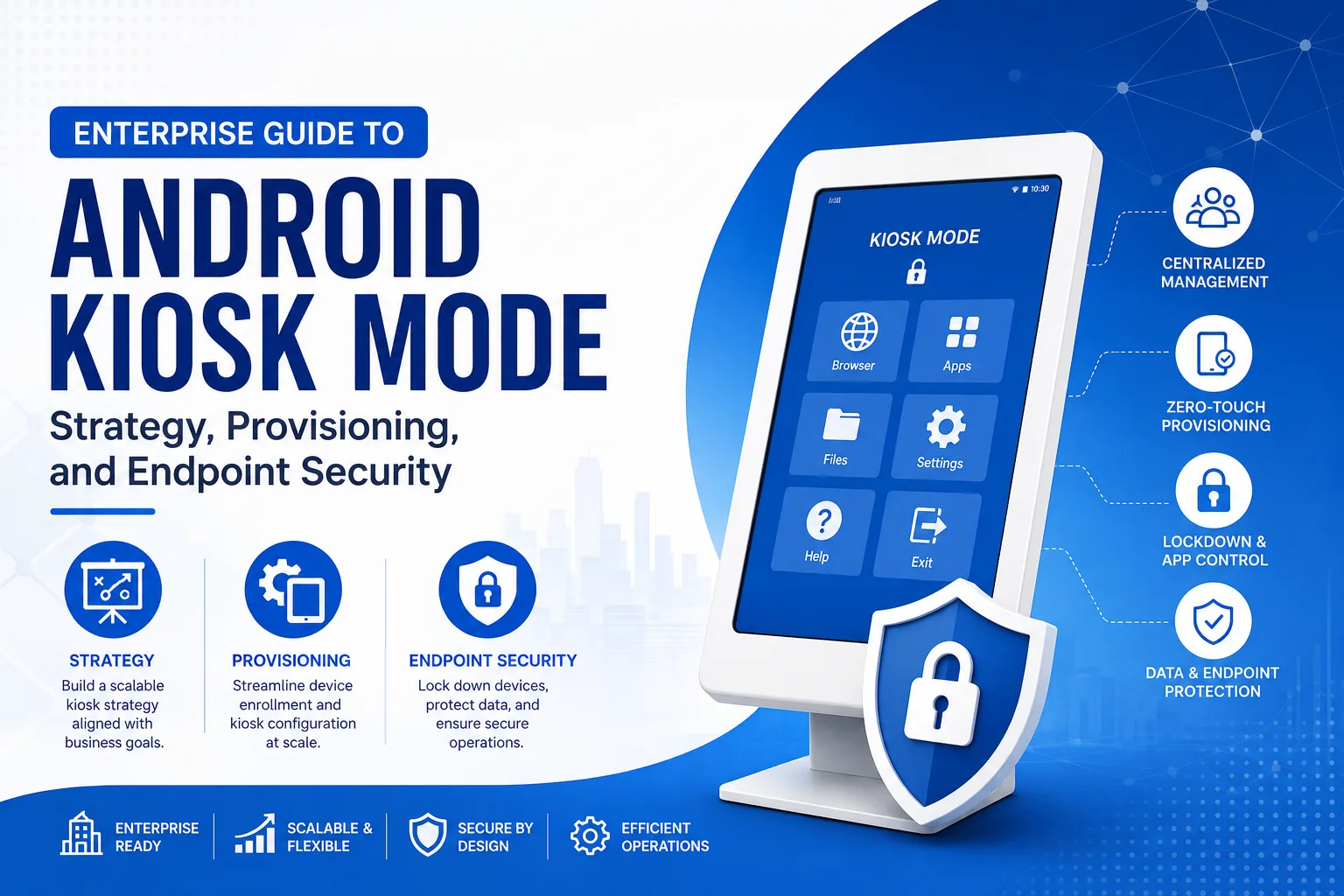
When managing large fleets of remote hardware, utilizing an effective solution for android kiosk mode gives system administrators the granular tools needed to lock down device hardware, control application permissions, and perform over-the-air updates reliably across various enterprise use cases.
Furthermore, remote management infrastructure provides crucial real-time telemetry and monitoring capabilities. IT support teams can remotely track battery health indicators, view current storage utilization, monitor signal strength, and evaluate real-time GPS locations for mobile assets. If a device experiences operational errors or is reported lost or stolen, administrators can remotely lock the screen, push custom contact messages, or execute a secure remote data wipe to prevent unauthorized access to sensitive company files.
Sector-Specific Operational Applications
Restricting mobile software platforms yields clear, measurable productivity improvements across virtually every commercial sector. In retail and restaurant operations, compact tablet kiosks streamline ordering processes, display digital menus, handle loyalty program registrations, and process electronic payments. Locking these terminals ensures that customer transactions remain smooth and secure while protecting internal payment networks from tampering.
In healthcare facilities and clinical laboratories, restricted mobile hardware enables medical personnel to update digital patient charts, access pharmacy databases, and collect vitals at the bedside. Restricting devices to HIPAA-compliant medical applications ensures that patient records remain strictly confidential and protected against unauthorized data transmission or exposure.
In logistics, fleet transport, and supply chain warehousing, ruggedized handheld units are deployed for inventory scanning, route optimization, and electronic proof-of-delivery sign-offs. Securing these devices ensures that long-haul drivers and warehouse staff stay focused on critical logistical workflows while maintaining continuous location tracking and reliable communication with central dispatch units.
Educational environments also utilize endpoint locking systems during computerized testing and daily classroom activities. By temporarily or permanently locking student tablets into dedicated assessment software, educators eliminate online distraction risks and prevent unauthorized internet searches, ensuring fair test conditions and focused learning during class hours.
Key Implementation Steps for Successful Enterprise Rollouts
Deploying locked hardware across an organization requires a systematic approach to prevent software conflicts, network connectivity issues, or end-user workflow disruptions. Taking time to carefully plan and test configurations ensures a smooth rollout.
- Conduct a comprehensive assessment of business requirements to determine whether single-app or multi-app mode best fits daily workflows.
- Select enterprise-grade management software capable of providing deep API integration, silent app installation, and robust remote desktop assistance.
- Audit business applications to ensure they operate smoothly without depending on standard system navigation buttons or open settings menus.
- Establish security baseline policies, including strong administrative passcodes, restricted USB access, and forced auto-reboot schedules.
- Perform pilot testing with a representative hardware sample in actual work environments to identify potential software conflicts or usability issues.
- Enroll and provision the complete device fleet using automated enrollment options like QR codes, NFC tags, or zero-touch provisioning.
- Establish continuous monitoring protocols using cloud dashboards to oversee device security compliance, system health, and software updates.
Thorough pilot testing before full-scale deployment is critical for long-term operational success. During pilot testing, IT administrators should verify how devices recover from unexpected power losses, evaluate how well apps perform during weak network conditions, and ensure that field technicians can easily access administrative exit menus using secure credentials.
Addressing Challenges in Controlled Endpoint Management
While dedicated device locking strategies significantly improve operational efficiency and device security, improper management setups can lead to unexpected technical hurdles. One common issue occurs when devices lose network connectivity and cannot access native settings menus to select a new Wi-Fi network. Administrators can prevent this issue by enabling a restricted Wi-Fi selector tool on the custom launcher screen, allowing users to connect to authorized networks without exposing main device settings.
Another operational challenge involves managing operating system updates. Automatic system upgrades pushed by device manufacturers can occasionally change system permissions, alter interface layouts, or create temporary incompatibilities with custom enterprise apps. To avoid these issues, IT teams should use central management tools to block automatic system updates until those updates have been thoroughly tested in a controlled environment.
Hardware power health also requires careful consideration, especially for kiosks plugged into wall outlets continuously. Extended charging without power management can degrade internal batteries over time or lead to thermal throttling. System administrators should configure automated power-saving schedules, dim display screens during non-business hours, and monitor battery statistics remotely to maintain hardware reliability over long operational lifespans.
Finally, organizations must establish clear administrative recovery protocols. If an app experiences a critical bug or requires physical maintenance, on-site personnel need a fast, secure method to access system management menus. Setting up secure multi-tap gestures paired with complex PIN codes allows authorized technicians to enter maintenance mode quickly without exposing management credentials to general users or public customers.
Long-Term Fleet Maintenance and Operational Growth
Maintaining a secure fleet of dedicated mobile endpoints requires proactive oversight, regular policy audits, and continuous software updates. As corporate goals evolve and new security threats emerge, IT administrative teams must regularly review baseline configurations to ensure endpoints remain fully optimized and secure.
Always apply the principle of least privilege when configuring user permissions on corporate endpoints. Keep application access strictly limited to the specific tools required for daily job responsibilities, and keep all system configurations, hardware ports, and communication channels restricted behind encrypted administrative passwords.
Additionally, maintain centralized logs and cloud performance reports to monitor overall fleet health. Proactively tracking battery degradation trends, app crash frequencies, and network usage metrics allows IT staff to address potential hardware or software issues before they cause operational downtime or disrupt customer service. By adopting structured provisioning strategies and leveraging powerful remote management tools, enterprises can transform standard mobile devices into secure, long-lasting operational assets that drive business productivity.


