
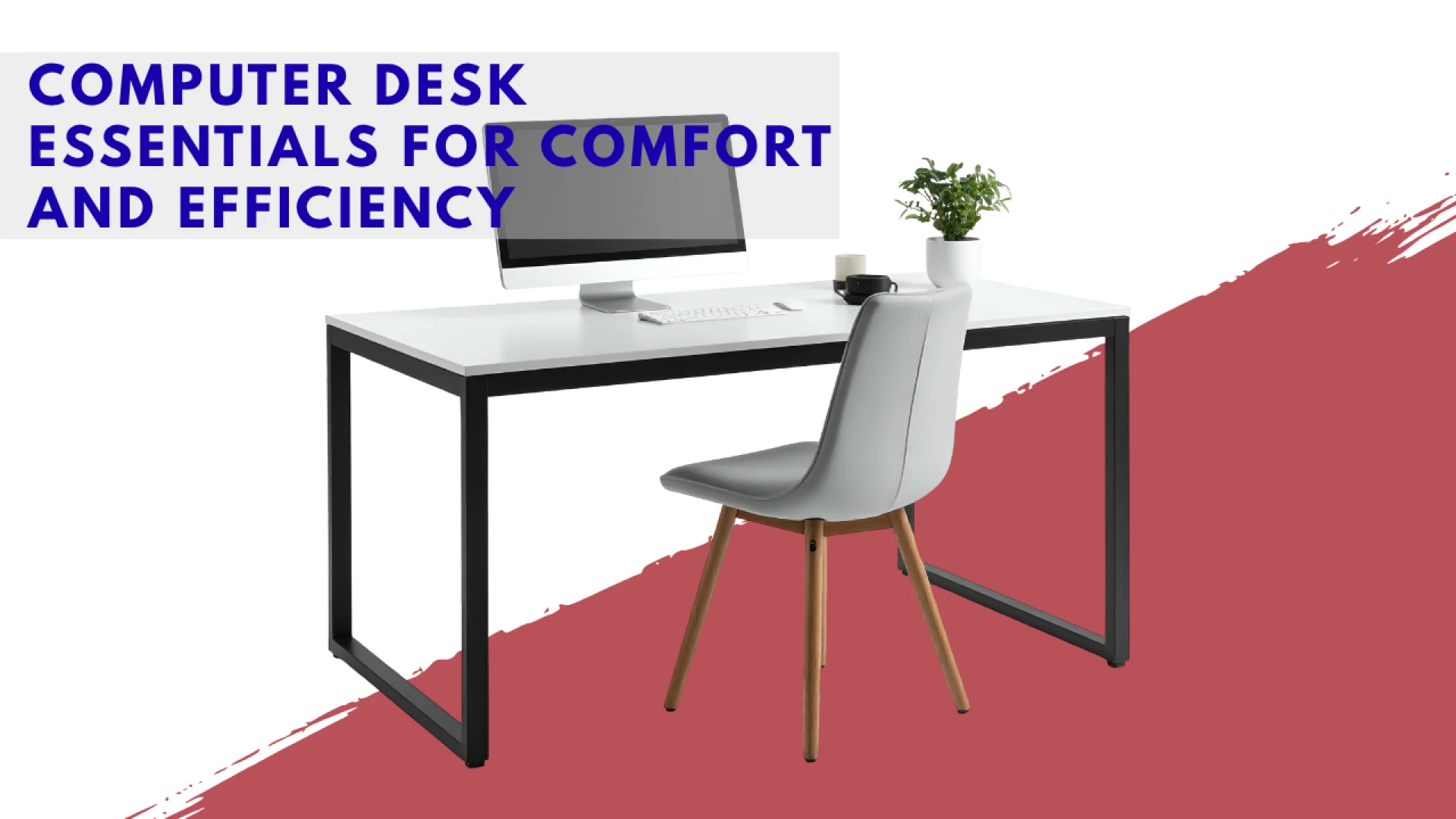
In today's fast-paced world, whether you are a digital nomad managing clients from a café in Chiang Mai, a corporate employee working remotely from a Bangkok condo, or a student preparing for exams, your workspace is your command center. The foundation of a productive and healthy work environment begins with the computer desk. Far more than just a surface to hold a monitor, the right desk setup is a critical investment in your ergonomic health, concentration, and long-term professional sustainability. A poorly chosen or organized desk can lead to chronic neck pain, eye strain, and significant reductions in work efficiency.
The focus must shift from simply accommodating your computer equipment to optimizing the entire area for the human body. This means selecting a desk that supports proper posture and investing in accessories that minimize strain and maximize workflow. Especially in Thailand, where space in urban dwellings can be limited, every element of the desk setup must be carefully considered for its contribution to both comfort and functional organization. Understanding the core essentials—from the desk itself to the ergonomic peripherals—is the first step toward building a workspace that truly supports your success.
Choosing the Right Desk: Size, Height, and Type
The desk itself is the cornerstone of your setup. Its dimensions, height capabilities, and construction determine how effectively you can maintain ergonomic principles and manage your space.
Prioritizing Ergonomic Height
Achieving the correct desk height is crucial for maintaining a neutral posture. The height should allow your elbows to rest at a 90-degree angle when your hands are on the keyboard.
- Fixed Desks: If opting for a traditional desk, ensure the height is correct for your seated position (usually 72–75 cm). If it's too high, use an adjustable office chair to elevate your body, and a footrest to support your feet.
- Adjustable Desks: The gold standard for modern workspaces is the sit-stand desk.
- Benefits: They allow seamless transition between sitting and standing, which reduces the negative health effects of prolonged static posture. This alternation of position is key to improving blood circulation and boosting energy levels.
- Investment Focus: When purchasing an adjustable desk in Thailand, prioritize dual-motor models for superior speed, stability, and lifting capacity, ensuring the desk remains stable even when at full standing height.
Size and Surface Area
The size of the desk must be proportionate to your equipment needs and the physical space available.
- Depth: Ensure the desk is deep enough to place your monitor at the proper viewing distance (about an arm’s length away) while still leaving space for your keyboard and writing materials. A minimum depth of 60–75 cm is typically recommended.
- Width: Choose a width that accommodates your monitors without feeling cramped. For a dual-monitor setup, a width of 140–160 cm is advisable. In smaller Thai condos, a corner desk can maximize usable surface area while minimizing the footprint.
Essential Ergonomic Peripherals
The accessories you place on and around your desk are what truly convert a simple table into an ergonomic workstation. These investments are vital for mitigating repetitive strain injuries.
The Ergonomic Chair
While not technically part of the desk, the chair is inextricably linked to the desk's function and posture support.
- Adjustability: A quality chair must have adjustable height, adjustable armrests, and adjustable lumbar support.
- Armrests: Adjust armrests to the same height as your desk surface to allow your forearms to rest comfortably, keeping your shoulders relaxed and preventing strain in the neck and upper back.
Keyboard and Mouse Positioning
These two items are responsible for repetitive strain injuries like carpal tunnel syndrome if not positioned correctly.
- Keyboard Tray: A separate, low-mounted keyboard tray can be highly beneficial, as it allows the keyboard to be placed below the desk surface, maintaining that crucial 90-degree elbow angle even when the desk height is fixed.
- Ergonomic Mouse/Vertical Mouse: Consider switching to an ergonomic mouse or a vertical mouse, which keeps your wrist in a more neutral "handshake" position, reducing the tension associated with pronation (turning the hand palm-down).
- Wrist Rests: Use gel-filled wrist or palm rests lightly. They are meant to rest your palms during breaks, not to support your wrists while actively typing.
Optimizing the Monitor and Viewing Experience
The monitor is the primary visual interface, and its positioning is key to preventing neck pain and eye strain.
Monitor Height and Distance
Correct monitor placement encourages a neutral, upright neck posture.
- Height: The top of your screen should be at or slightly below eye level. This prevents you from tilting your head back or hunching forward. Use monitor risers, stands, or even sturdy books to achieve this height if necessary.
- Distance: Position the monitor about an arm’s length away from your face.
- Monitor Arms: A fully articulating monitor arm offers the best solution, allowing you to easily adjust the height, tilt, and depth of the screen for dynamic changes throughout the day.
Managing Light and Glare
Controlling the light around your screen is vital for eye comfort, particularly in bright Thai environments.
- Glare Reduction: Position the monitor so that neither a window nor a direct overhead light source is reflected on the screen. Glare filters can also be used if repositioning is not possible.
- Ambient Lighting: Avoid working in a dark room with a bright screen. Use a bias light (a dim light source placed behind the monitor) or a good desk lamp to balance the brightness of the screen with the surrounding environment, reducing eye fatigue.
The Organized and Optimized Desk
Efficiency is often hampered by clutter. A well-organized desk setup streamlines workflow and reduces cognitive distraction.
Effective Cable Management
Tangled cables are unsightly, collect dust (a common issue in Thai apartments), and can hinder airflow or create trip hazards.
- Cable Trays/Spines: Use adhesive cable clips, Velcro ties, or under-desk cable trays to route and bundle wires neatly along the frame or beneath the desk surface.
- Power Strips: Mount power strips or surge protectors securely under the desk rather than leaving them on the floor, providing a centralized location for power management.
Minimizing Clutter and Maximizing Flow
Keep the working surface free of non-essential items to allow for clear focus and movement.
- Vertical Storage: Utilize vertical space with desk shelving units, pen holders, and document trays. Vertical storage keeps things accessible without infringing on the immediate workspace.
- Designated Zones: Create clear zones on your computer desk: a primary zone for the keyboard/mouse, a secondary zone for writing or notes, and a tertiary zone for essential storage (phone, water bottle, etc.).
Investing in Your Daily Comfort
A functional and comfortable computer desk setup is not a luxury; it is a necessity for anyone spending significant time working or studying, especially within the confines of urban life in Thailand. By strategically investing in ergonomic essentials—a stable, height-appropriate desk, a supportive chair, correctly positioned monitors, and intelligent cable management—you move beyond simple aesthetics. You create an optimized ecosystem that protects your musculoskeletal health, reduces daily fatigue, and ultimately allows you to sustain high levels of productivity and focus, turning your workspace into a powerful asset.
FAQs
What is the ideal height for a standing desk?
The ideal standing height is where your elbows are bent at a 90-degree angle, allowing your forearms to be parallel to the floor when your fingers rest on the keyboard. For most people, this means the desk surface will be between 95 cm and 120 cm from the floor, depending on the user's height.
Should I buy a new desk or a desktop converter?
A desktop converter (a unit that sits on top of a fixed desk) is a cost-effective alternative for adding sit-stand functionality. However, a full adjustable desk is generally more stable, offers a wider height range (crucial for short or very tall users), and provides a cleaner, more integrated look and feel. If you plan to stand frequently and have heavy equipment, the full desk is the better long-term investment.
How far away should my monitor be from my eyes?
Your monitor should be placed approximately an arm’s length away from your face. For most users, this is about 50 cm to 75 cm. This distance reduces eye strain by ensuring your eyes are focused at a comfortable depth.
Do I need a footrest if my chair is adjustable?
If your chair is properly adjusted so that your feet are flat on the floor and your thighs are parallel to the floor, you may not need a footrest. However, if you are short or if your desk height is fixed and forces you to raise your chair, a footrest is essential. It provides vital support, preventing pressure on the back of your knees and ensuring proper circulation to your legs.