

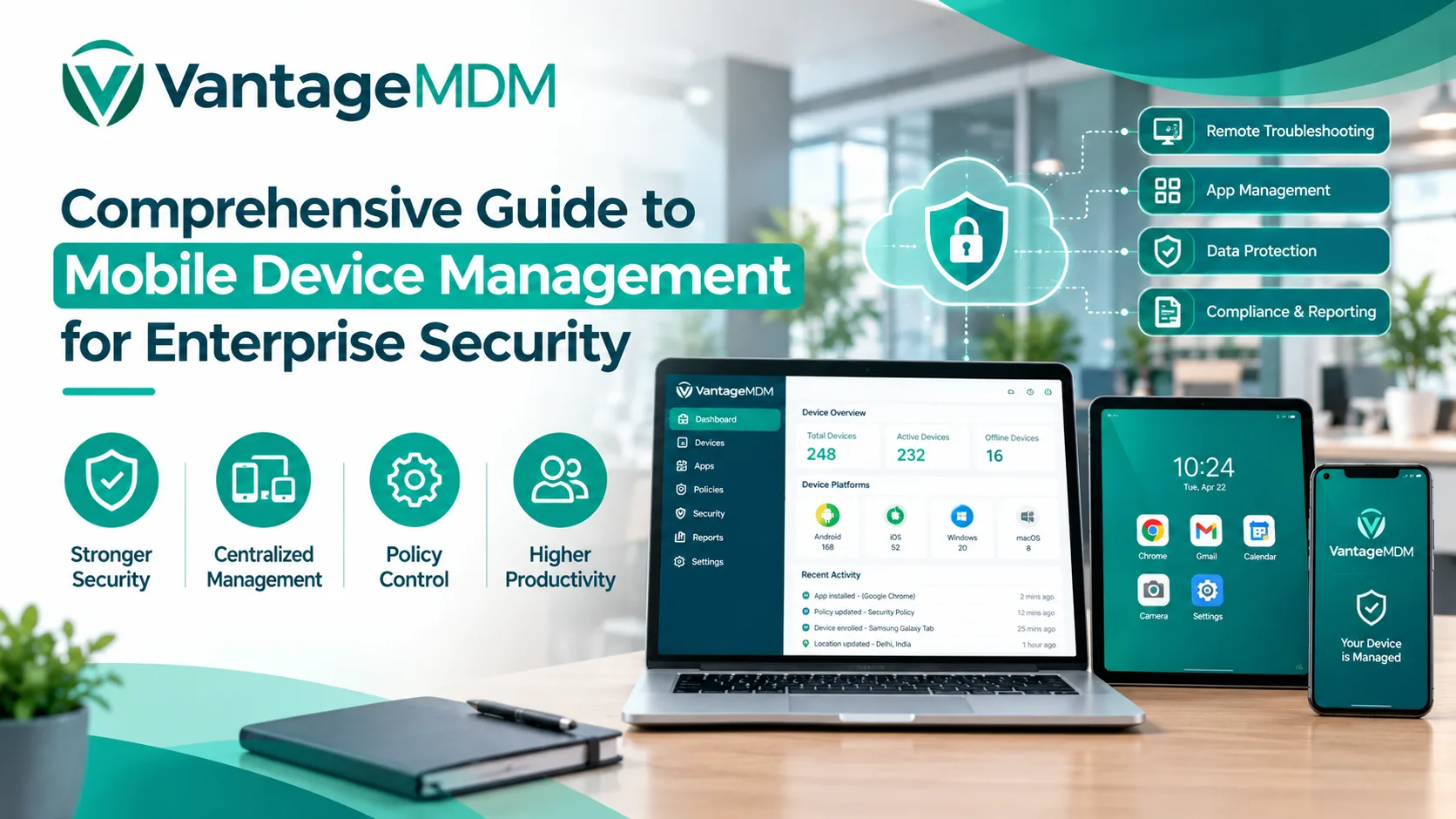
Managing mobile device fleets across diverse enterprise environments presents ongoing operational and technical security challenges. Distributed smartphones, ruggedized tablets, and specialized handhelds require constant administrative oversight to prevent unauthorized system configurations, mitigate corporate data leakage, and maintain optimal workforce productivity.
Implementing enterprise-grade mobile device management solutions—especially leveraging android kiosk mode—equips IT teams with centralized control over asset enrollment, software updates, data encryption, network compliance, and remote device troubleshooting.
Understanding Enterprise Mobile Endpoint Management
Enterprise endpoint management provides a unified administrative framework for provisioning, monitoring, and securing mobile assets throughout their operational lifecycles. Rather than manually configuring individual hardware units, system administrators execute policy changes, application deployments, and security patches over-the-air from a single cloud portal.
Modern endpoint control architecture relies on distinct operational frameworks depending on ownership:
- Company-Owned, Personally-Enabled (COPE) / Fully Managed: The enterprise retains complete operational ownership of the hardware. IT administrators enforce strict system restrictions, control installed application repositories, manage system settings, and monitor hardware telematics in real time.
- Bring Your Own Device (BYOD): Employees use personal hardware for work activities. Management platforms create an encrypted container—such as an Android Work Profile—isolating corporate databases, credentials, and work tools from personal applications, maintaining corporate security while respecting user privacy.
- Dedicated Single-Purpose Deployments: For public-facing or field-based hardware, IT teams enforce android kiosk mode to lock down the operating system entirely, ensuring the device runs only designated business software without exposing system menus.
The Role of Android Kiosk Mode in Fleet Lockdown
When mobile hardware is deployed in customer-facing environments or assigned to frontline operational staff, generic management policies are often insufficient. Unrestricted access to hardware settings, notification panels, or external web browsers creates severe data vulnerabilities and leads to workforce distraction.
Integrating android kiosk mode into your enterprise mobility management strategy transforms off-the-shelf mobile hardware into dedicated, tamper-proof tools:
Single-App Lockdown
In this operational configuration, the device automatically boots directly into one selected application and restricts the user from exiting or accessing any other interface. This setup completely suppresses standard operating system navigation buttons, top notification panels, status bar overlays, and hardware key functions. Single-app configurations are widely used in retail point-of-sale (POS) systems, interactive product catalogs, digital survey screens, and static digital signage displays.
Multi-App Controlled Workspaces
For employees who require multiple digital tools to perform daily tasks—such as warehouse workers, logistics drivers, or healthcare professionals—multi-app android kiosk mode provides a custom, secure home screen interface. Administrators curate a specific grid of approved work applications while blocking access to personal social media platforms, system settings menus, third-party software downloads, and unapproved web domains.
Key Capabilities of Enterprise Management Platforms
Modern device management solutions provide crucial administrative controls necessary for securing multi-OS hardware environments across various deployment sites.
Over-The-Air Provisioning and Zero-Touch Enrollment
Configuring hardware individually slows down deployment timelines. Modern platforms utilize zero-touch provisioning protocols, allowing new devices to connect to cloud management consoles automatically upon unboxing, receiving network configurations, security rules, and business applications without manual IT intervention.
Remote Application and Patch Distribution
Maintaining updated software versions across thousands of active endpoints requires automated management. Administrators can silently deploy proprietary business apps, approve public app updates via managed software repositories, and apply system security patches without interrupting frontline worker shifts.
Custom Web Lockdown and Browser Rules
When enterprise workflows rely on web-based software, applying android kiosk mode browser restrictions prevents security risks. Administrators enforce strict domain whitelisting, automatically block unauthorized web address entries, hide top URL navigation bars, and set auto-reset timers to erase cache files and personal search history between user sessions.
Automated Compliance and Conditional Access Policies
To protect internal network infrastructure, device management solutions enforce strict security compliance rules. Systems verify whether a connecting device meets specific security criteria—such as running active device-level encryption, enforcing passcodes, and running non-rooted software—before granting access to corporate servers and databases.
Remote Troubleshooting and Wipe Functions
When endpoints suffer technical issues in remote job sites, helpdesk teams utilize live display mirroring and remote control features to inspect device states and resolve issues. If an endpoint running android kiosk mode or standard policies is reported lost or stolen, administrators can instantly issue remote commands to lock the device or erase corporate data containers.
Key Industry Benefits Across Verticals
Implementing structured endpoint control delivers immediate operational and technical benefits across various sectors:
Retail and Hospitality
Deploying interactive self-checkout screens, digital ordering counters, and customer feedback terminals using android kiosk mode prevents customers from altering system preferences or tampering with hardware ports, ensuring 100% uptime and brand protection.
Supply Chain and Logistics
Delivery drivers and warehouse operators rely on rugged handheld terminals locked into specific barcode inventory scanners and electronic logging tools. Eliminating non-work applications ensures drivers stay focused on the road while protecting mobile devices from accidental settings modifications.
Healthcare and Clinical Operations
Hospitals utilize locked tablets for patient check-in kiosks and bedside care portals. Restricting user access guarantees that sensitive electronic health records remain confidential and compliant with data privacy regulations.
Best Practices for Enterprise Deployment
- Establish Clear Device Usage Policies: Define clear guidelines separating corporate data usage from personal device activities before rolling out hardware.
- Combine Software Lockdown with Physical Protection: When configuring public-facing devices using android kiosk mode, always install hardware into tamper-proof enclosures that conceal physical power buttons, USB ports, and home keys.
- Automate Update Windows: Schedule OS patches and application updates during off-peak hours to avoid disrupting operational workflows.
- Utilize Role-Based Access Controls (RBAC): Assign administrative permissions based on team functions, ensuring only authorized personnel can change security policies or trigger remote wipes.
Centralized endpoint oversight and robust lockdown controls allow organizations to scale mobile infrastructure safely, maintain data compliance, and provide field staff with reliable, business-ready digital tools.


