You fill in the form, upload your documents, and expect your new account to be ready by evening. Instead you get a message: "KYC pending," or "verification failed," or just silence.
In most cases the cause is small and avoidable. A spelling difference, a blurry photo, an old mobile number. This article covers the most common CKYC mistakes and how to avoid each one, so your account opens the first time.
First, a quick refresher on CKYC
KYC (Know Your Customer) is the identity check banks, lenders, insurers and investment platforms must do before they serve you. CKYC, the Central KYC Registry, is run by CERSAI and stores your verified KYC record in one place. Once your record exists, other institutions can fetch it, so you don't repeat the whole paperwork each time.
The catch is that the record is only as good as what went in. Mistakes at the start follow you everywhere.
Mistake 1: Your name is written differently on different documents
This is probably the most common problem.
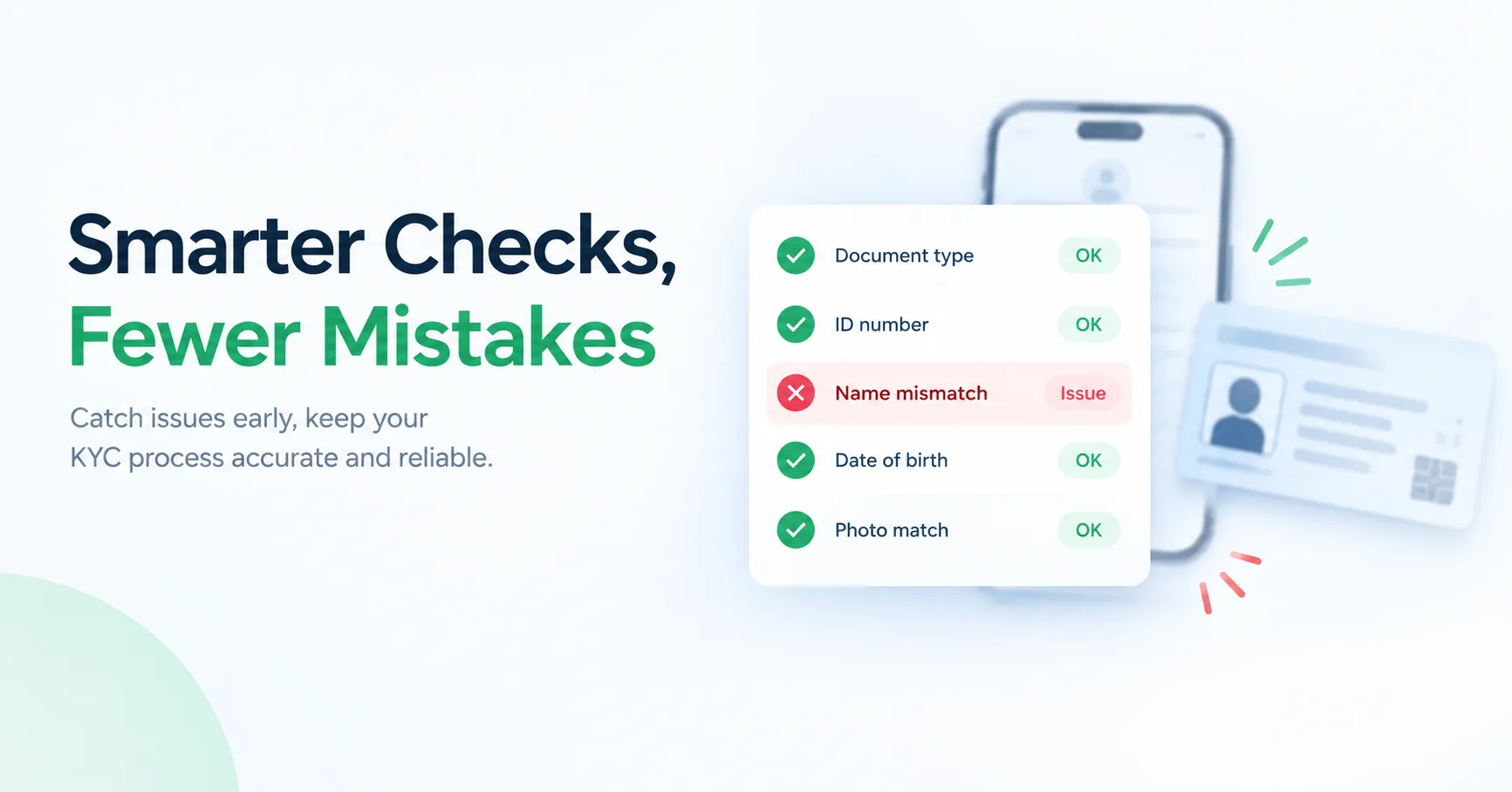
Your PAN might say "Rahul Kumar Sharma," your Aadhaar "Rahul K Sharma," and your bank form "Rahul Sharma." Humans see the same person. A verification system sees three different strings.
How to avoid it:
- Write your name exactly as it appears on your primary ID.
- Don't use initials in one place and full names in another.
- If your documents genuinely differ, fix the wrong one first. Updating your Aadhaar or PAN details can take time, so it's better to do it before applying.

Mistake 2: Date of birth or gender doesn't match
A single wrong digit in a birth date is enough to cause a mismatch. This often happens with older documents or forms filled in a hurry.
How to avoid it: Check the date of birth on every document you plan to use, and copy it character by character into the form. Read it twice before submitting.
Mistake 3: Blurry, cropped or dark document photos
If the reviewer, or the automated checker, can't read the text, the application stalls. Common culprits are shadows, glare from a phone flash, a thumb covering a corner, and photos taken at an angle.
How to avoid it:
- Place the document flat on a plain surface in good daylight.
- Make sure all four corners are visible.
- Check that every line of text is readable when you zoom in.
- Upload the file in the format and size the platform asks for.
Mistake 4: Using an expired or unclear document
Some documents have an expiry date, such as a passport or driving licence. An expired one can be rejected even if everything else is right. Old, faded or torn documents cause trouble too.
How to avoid it: Check the validity date before you start, and use the clearest, most recent document available.
Mistake 5: Your mobile number isn't linked or is out of date
Many KYC flows send a one-time password (OTP) to the mobile number linked to your Aadhaar or other records. If that number is old, switched off, or not linked, the OTP never arrives and the process fails.
How to avoid it: Before starting, confirm you still have access to the number registered with your documents. If you've changed numbers, update it first.
Mistake 6: Your address is outdated or doesn't match your proof
You've moved but your documents show the old address. Or you've typed an address that is slightly different from the one on your proof. Abbreviations, missing pin codes and different spellings of the same locality are all common triggers.
How to avoid it: Enter your address the way it appears on your address proof, and include the full pin code. If your current address is different, use a document that shows it.
Mistake 7: Leaving fields blank or ticking the wrong option
Mandatory fields skipped by accident, the wrong occupation category, the wrong account type: forms are often returned for these simple slips.
How to avoid it: Go through the form once, slowly, before pressing submit. If you aren't sure about a field, ask the bank rather than guessing.
Mistake 8: Not giving or completing consent
Your KYC record can only be fetched or shared with your consent. If you skip the consent step, close the page halfway, or the OTP times out, the process can stop and the application stays "pending."
How to avoid it: Do the whole flow in one sitting, with your phone nearby, and finish every step.
Mistake 9: Ignoring a CKYC update after something changes
Maybe you changed your name after marriage, moved cities, or got a new number. If your details in the registry are out of date, a fresh application can fail because the new documents don't match the old record.
How to avoid it: Whenever a major detail changes, update it with your bank or financial institution so it can be corrected in your KYC record. Keeping it current saves trouble later.
For businesses: the same mistakes happen at scale
If you run a lending, fintech or insurance business, these mistakes don't happen once. They happen across hundreds or thousands of customers, and each rejected application is a customer you may lose.
Teams usually reduce this by checking details at the point of entry, such as formats, mandatory fields and document clarity, before sending anything to the registry. Many also use a CKYC API to search and fetch existing records instead of asking customers for the same documents again. If your volume is small, even a simple pre-submission checklist helps.
A quick checklist before you apply
- Name matches across all documents
- Date of birth is correct everywhere
- Documents are valid, clear and fully visible
- Mobile number is active and linked
- Address matches your proof, with a full pin code
- All mandatory fields are filled
- Consent step is completed in one go
- Any recent changes have already been updated

The takeaway
Most KYC delays aren't about fraud or complicated rules. They come from small mismatches that take five minutes to prevent. Check your details, use clear documents, and keep your records up to date. A little care at the start means an account that opens in one go.