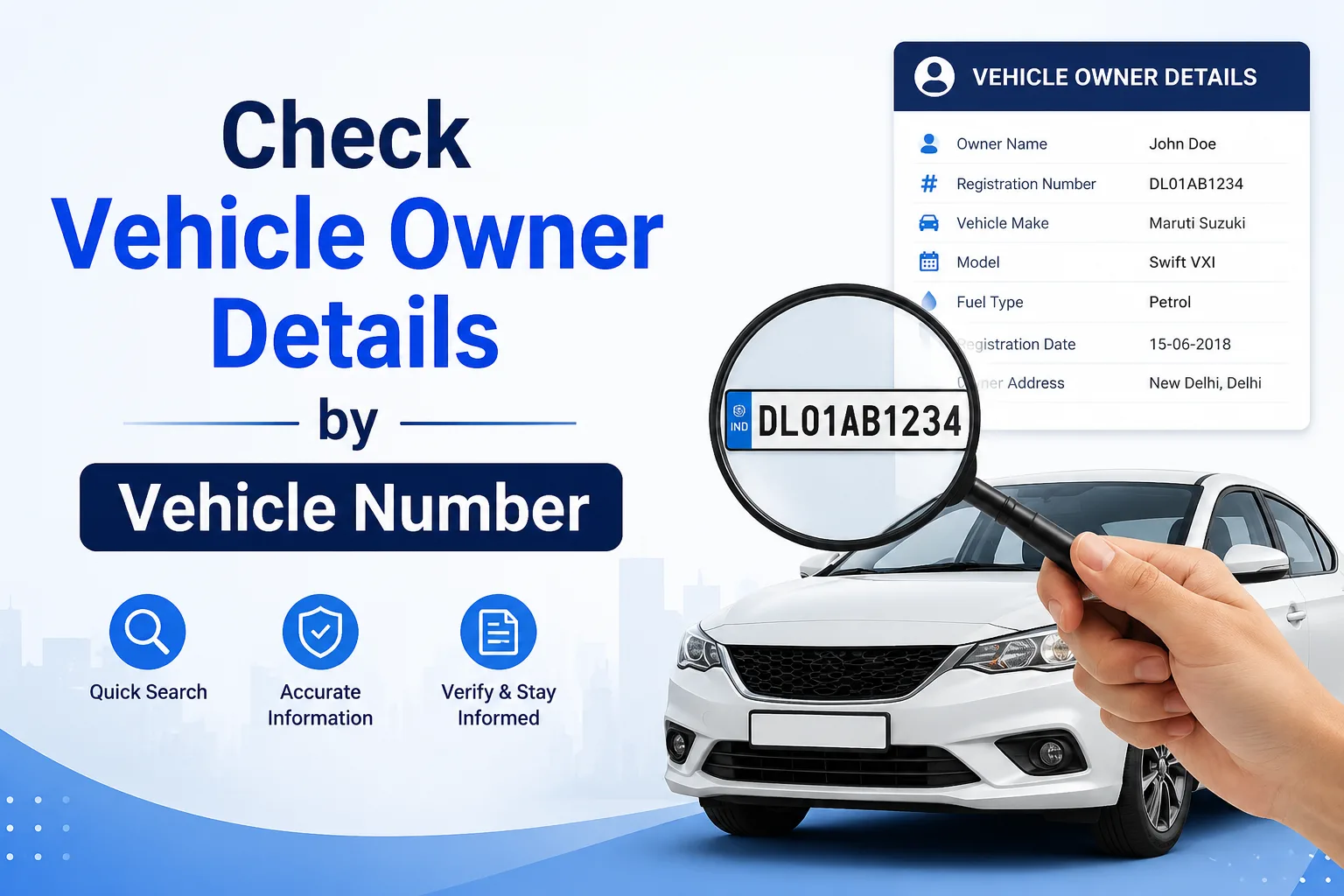
Buying a used vehicle or verifying information about a car or bike has become easier than ever. With the help of online platforms and official government services, you can check vehicle owner details by vehicle number in just a few minutes. Whether you want to confirm registration information, verify a second-hand vehicle, or check insurance status, knowing how to access vehicle details online can save you time and protect you from fraud.
In this guide, we'll explain how you can Check Vehicle Owner Details by Vehicle Number Online that what details are available.
Why Check Vehicle Owner Details?
There are several situations where checking vehicle information can be useful. For example:
- Buying a second-hand car or motorcycle.
- Verifying ownership before making a payment.
- Confirming vehicle registration details.
- Checking insurance validity and pollution certificate status.
- Reporting suspicious or abandoned vehicles.
- Avoiding fraud and fake documentation.
Having access to vehicle records helps buyers make informed decisions and ensures transparency.
What Information Can You Find?
When you search using a vehicle registration number, you may be able to view the following details:
- Registration number
- Vehicle owner name (partially masked for privacy)
- Vehicle class and type
- Manufacturer and model name
- Fuel type
- Registration date
- Engine and chassis details (limited information)
- Insurance validity
- Fitness certificate status
- Pollution Under Control (PUC) status
- Registration authority (RTO)
Personal information like complete addresses and contact numbers is protected and generally not available to the public.
How to Check Vehicle Owner Details Online
1. Through the Parivahan Portal
The Ministry of Road Transport and Highways provides an official platform where users can access vehicle-related information.
Steps:
- Visit the official Parivahan website.
- Click on "Know Your Vehicle Details."
- Enter the vehicle registration number.
- Complete the verification process.
- View available vehicle information.
This method is safe and provides accurate details directly from government records.
2. Using the mParivahan Mobile App
The mParivahan app is another convenient option for checking vehicle details.
Steps:
- Download the app from Google Play Store or Apple App Store.
- Open the application and sign in.
- Enter the vehicle number.
- Tap on Search.
- Instantly access registration and vehicle information.
The app is useful for both vehicle owners and buyers looking to verify information on the go.
3. Through Third-Party Vehicle Information Websites
Several websites offer vehicle information services by using publicly available data. These platforms may provide:
- Vehicle age
- Insurance details
- Brand and model information
- Registration location
However, it's always recommended to cross-check information with official government sources for accuracy.
Why Vehicle Verification Is Important Before Buying a Used Vehicle
Purchasing a second-hand vehicle without verifying ownership can lead to legal and financial complications. Vehicle number verification helps you:
Confirm Ownership
Ensure that the seller is the legitimate owner of the vehicle.
Avoid Fraud
Fake registration certificates and manipulated documents are common scams. Cross-checking vehicle details reduces the risk.
Check Insurance Status
Knowing whether the insurance policy is active helps you avoid unexpected expenses.
Verify Vehicle Age
A vehicle's manufacturing year and registration date provide a clear idea of its age and market value.
Identify Blacklisted Vehicles
Some stolen or disputed vehicles may have legal issues. Verification helps prevent future complications.
Is It Legal to Check Vehicle Details Online?
Yes. Accessing vehicle information through official portals and authorized applications is completely legal. Government platforms are designed to provide public information while maintaining the privacy of vehicle owners.
However, using the information for illegal purposes or attempting to access private data without authorization is prohibited.
Tips for Safe Vehicle Transactions
Before purchasing a used car or bike, keep these tips in mind:
- Always verify the vehicle number online.
- Match the registration details with the RC document.
- Check insurance and PUC validity.
- Inspect the chassis and engine numbers.
- Ask for service history records.
- Complete ownership transfer through official channels.
- Avoid cash transactions without proper documentation.
Taking these precautions can help you avoid scams and make a safer purchase.
Final Thoughts
Checking vehicle owner details by vehicle number online is a simple yet essential step for anyone buying or verifying a vehicle. With services like the Parivahan portal and mParivahan app, you can quickly access important information such as registration details, vehicle model, fuel type, insurance status, and more.
Whether you're purchasing a used vehicle or simply confirming ownership information, online verification provides an extra layer of security and peace of mind. Always rely on official sources and complete all transactions legally to ensure a smooth and hassle-free experience.