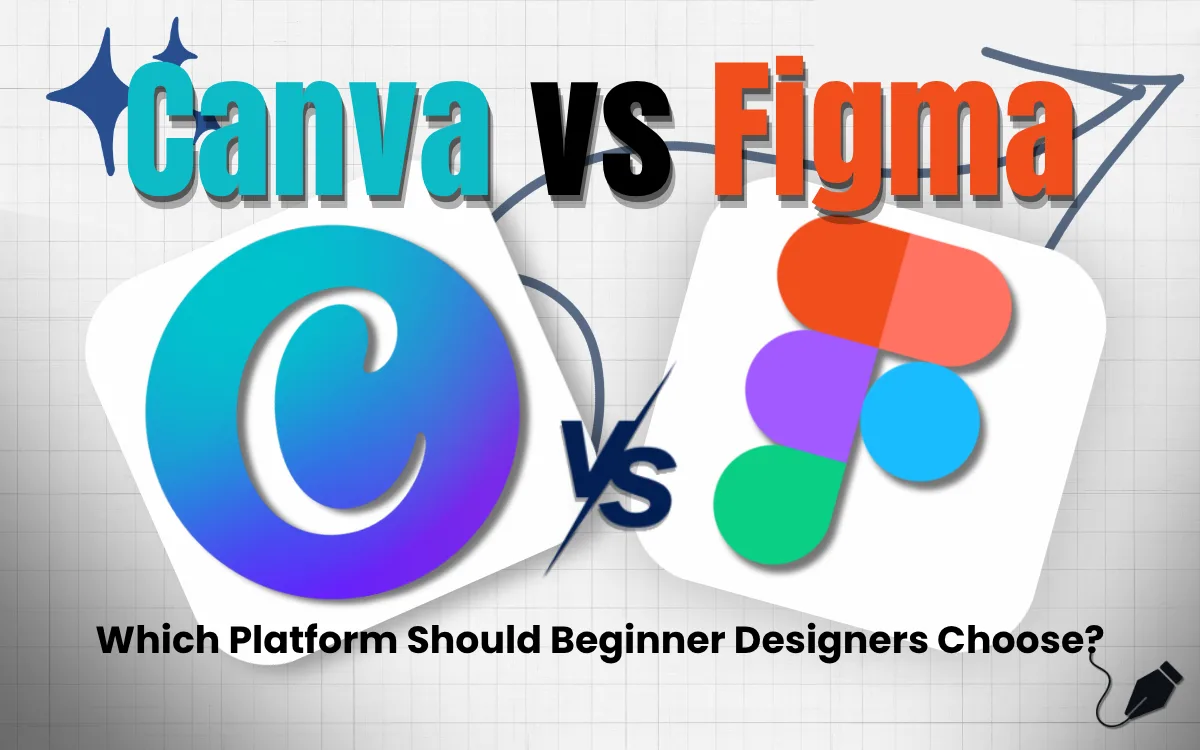
If you have ever tried to create a social media post, a presentation, or a website mockup for your business, you have probably come across two names again and again: Canva and Figma.
Both are popular, both are powerful, and both get recommended constantly online — which makes choosing between them genuinely confusing if you are not a designer yourself. The truth is, Canva and Figma are not really direct competitors. They are built for different jobs, different skill levels, and different outcomes.
This guide breaks down exactly what each tool does best, so you can stop guessing and pick the right one for your business.
What Is Canva?
Canva is a drag-and-drop design tool built for speed and accessibility. It comes with thousands of ready-made templates for social media posts, presentations, flyers, resumes, business cards, and more. You don't need any design training to use it — you pick a template, swap out the text and images, and you have a finished design in minutes.
Canva is popular with small business owners, marketers, content creators, and anyone who needs to produce quick, good-looking visual content without hiring a designer for every single piece.
What Is Figma?
Figma is a professional design and prototyping tool built primarily for UI/UX designers and product teams. It is used to design websites, mobile apps, and complex digital interfaces from scratch, with precise control over every pixel, spacing, and interaction.
Figma also supports real-time collaboration, meaning multiple designers and developers can work on the same file simultaneously — which has made it the industry standard for product design teams worldwide.
Canva vs Figma: Key Differences
Ease of Use Canva wins decisively here. Its interface is built for non-designers, with minimal learning curve. Figma has a steeper learning curve and is genuinely built with trained designers in mind — using it well takes time and practice.
Purpose Canva is built for marketing and content creation — social posts, ads, presentations, print materials. Figma is built for product and interface design — websites, apps, and design systems.
Templates vs Custom Design Canva thrives on templates you can customise quickly. Figma is closer to a blank canvas with professional-grade tools, better suited for designs built entirely from scratch with precise specifications.
Collaboration Both tools support collaboration, but Figma's real-time, multiplayer editing was specifically built for design and development teams working together on complex projects — something Canva supports but was not originally designed around.
Pricing Canva offers a generous free plan and an affordable Pro tier aimed at individuals and small teams. Figma's free plan is also solid for individuals, but its paid tiers are generally priced for professional teams and organisations with more complex design needs.
When Should Your Business Use Canva?
Canva is the right choice if you need to:
- Create Instagram, Facebook, or LinkedIn posts quickly and consistently
- Design presentations, pitch decks, or internal documents
- Produce marketing flyers, brochures, or print materials
- Maintain brand consistency across your marketing team without hiring a full-time designer
- Move fast without needing deep design expertise
For most small and mid-size businesses, especially those focused on marketing and social media content, Canva covers 90% of day-to-day design needs.
When Should Your Business Use Figma?
Figma becomes essential when you need to:
- Design a website or app interface before development begins
- Build and maintain a design system with consistent components across a product
- Collaborate closely with developers who need precise specifications
- Create interactive prototypes to test user experience before building
- Work with a dedicated design team on complex, evolving digital products
If your business is building or redesigning a website or app, Figma (or a designer who uses it) is generally the better investment.
Can You Use Both?
Absolutely — and many growing businesses do. A common workflow looks like this: Figma is used to design the actual website or app interface with precision, while Canva is used by the marketing team to create the ongoing social media content, ads, and promotional materials that drive traffic to that website.
They serve different stages of your business's digital presence, and using both strategically is often more efficient than trying to force one tool to do the other's job.
How Startup Rabbit Helps Businesses Choose the Right Tools and Strategy
At Startup Rabbit, we work with businesses across Navi Mumbai to build complete digital marketing and design strategies — not just isolated pieces. Whether you need ongoing social media content, a professionally designed website, or both, we help you understand which tools and processes actually fit your business goals and budget.
We don't push a one-size-fits-all approach. Some clients need a fast, template-driven content engine. Others need a fully custom-designed digital product. We help you figure out which one you actually need before recommending a solution.
Frequently Asked Questions: Canva vs Figma
Q: Is Canva or Figma better for beginners? A: Canva is significantly easier for beginners. It requires no design training and uses a simple drag-and-drop interface with ready-made templates, while Figma has a steeper learning curve suited to trained designers.
Q: Can I design a website using Canva instead of Figma? A: Canva does offer a basic website builder, but it lacks the precision, interactivity, and developer handoff capabilities that Figma provides. For anything beyond a very simple site, Figma is the more professional choice.
Q: Is Figma free to use? A: Yes, Figma offers a free plan suitable for individuals and small projects. Paid plans unlock additional collaboration features, version history, and team management tools needed by larger design teams.
Q: Which tool should a small business owner learn first? A: If you are managing your own social media and marketing content, start with Canva. It will cover the majority of your day-to-day design needs without requiring significant time investment to learn.
Q: Does Startup Rabbit help with both marketing design and website design? A: Yes. We support businesses with both ongoing marketing content creation and full website design and development. Reach out here to discuss what your business specifically needs.