
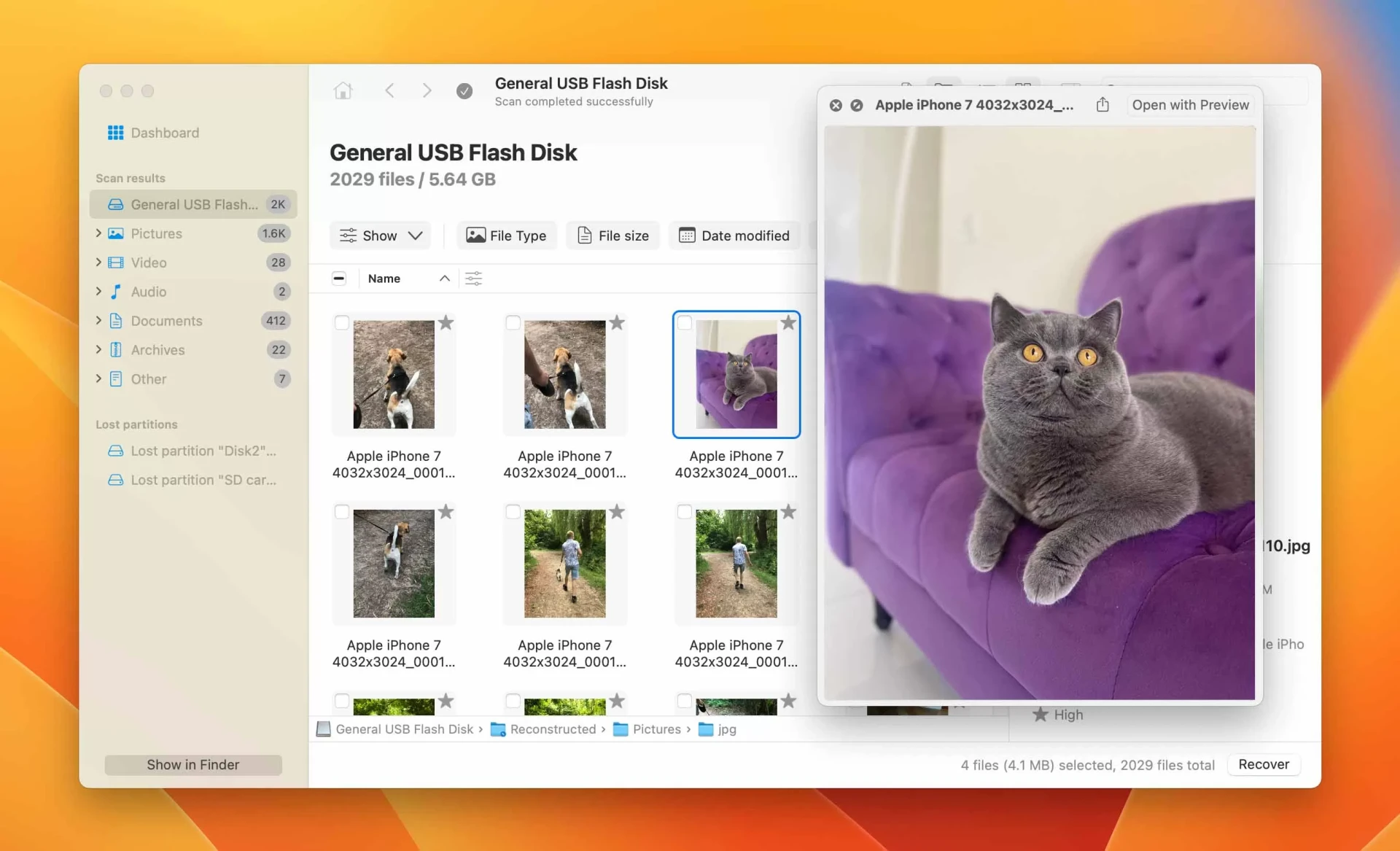
Losing photos on a Mac can feel unsettling, especially when those files hold personal or professional value. Accidental deletion, formatting mistakes, or system issues are common causes. In many situations, Mac data recovery software can help retrieve lost images by scanning storage locations and identifying data that has not yet been permanently overwritten. Understanding how this process works can set realistic expectations and reduce stress during recovery.
How Photo Loss Happens on Mac Computers
Photo loss usually occurs in ordinary ways rather than dramatic system failures. Files may be deleted unintentionally, removed during storage cleanup, or lost after an operating system update, which is often when Mac data recovery software becomes relevant. External drives and memory cards can also contribute to the problem if they are disconnected incorrectly. When a photo is deleted, it often remains on the drive temporarily, even though it no longer appears in folders. This window of time creates the opportunity for recovery.
How Recovery Tools Approach Photo Retrieval
Mac data recovery software works by examining the storage structure of a drive rather than relying on visible file listings. It looks for traces of image data that still exist on the disk. When found, these fragments can often be reconstructed into usable photos. The process does not reverse time but instead identifies data that the system has not yet reused. Acting quickly increases the chance that photo data remains intact and accessible.
Factors That Affect Photo Recovery Success
Recovery success depends on several conditions, especially on what has happened since the photos were lost. Continued use of the device may overwrite deleted data, making recovery less likely. Storage type also matters, as solid-state drives handle deleted data differently than traditional hard drives. File size, image format, and where the photos were stored all influence whether recovery is possible. These variables explain why some images return easily while others do not.
When Recovery Is More Likely to Work
Photo recovery tends to be more effective when action is taken early. If the Mac or storage device has not been heavily used after deletion, the original data may still be present. External drives, cameras, and removable media often offer better recovery chances because they are less likely to overwrite data automatically. In these cases, using Mac data recovery software soon after the loss can help locate photos before they are replaced by new information.
Limits and Realistic Expectations
While recovery tools can be helpful, they are not guaranteed to restore every photo. Some files may return partially damaged or with missing details. In other cases, the data may be overwritten beyond recognition. Mac data recovery software is best viewed as a practical option rather than a perfect solution. Knowing its limitations helps users approach the process with patience and informed expectations.
Making Informed Decisions About Photo Recovery
Recovering photos on a Mac is often possible, but results vary depending on timing and circumstances. Understanding how photo loss occurs and how recovery tools work allows users to respond calmly and effectively. While not every image can be restored, thoughtful action and realistic goals can make the recovery process more manageable and worthwhile. For users seeking professional assistance, Stellar Data Recovery Inc. is located at 10301 Northwest Freeway, Suite 314, Houston, Texas, USA, 77092, and can be reached via [email protected] or by phone at (877) 778-6087.