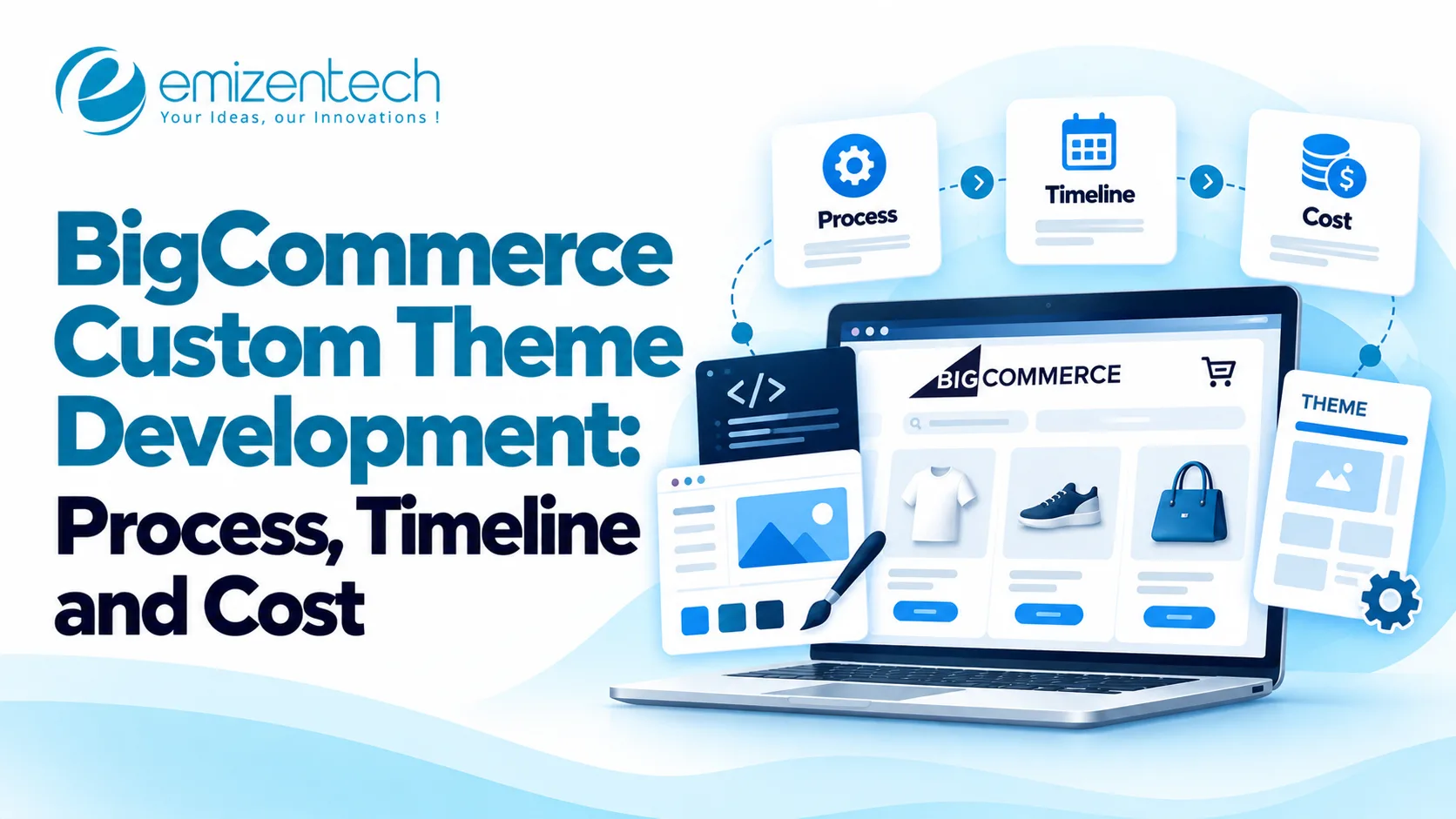
BigCommerce custom theme development gives businesses the ability to build a storefront that truly represents their brand and meets customer needs. It goes beyond looking good. A built theme helps shoppers find products quickly understand what they are buying and complete purchases with confidence. This builds trust in the brand. Supports better sales performance.
What Is BigCommerce Custom Theme Development?
BigCommerce custom theme development is process starts with understanding the business goals, the target audience and what the online store needs to do. From there developers use the Stencil theme framework to create a design that works across all devices and includes everything needed for a smooth shopping experience.
Custom Theme vs. Pre-Built BigCommerce Theme
There are two paths: using a pre-built theme and customizing it or building a custom theme from the ground up. Pre-built themes are faster and cheaper. They work well if a business just wants to change colors add images or adjust a layouts.. If a company has unique product types, complex navigation or special features a custom theme is often the better choice.
Custom themes allow control over how the store looks and works. You can design custom homepages, product pages and category pages. You can add filters, better search functions and a shopping cart that makes it easier to check out. You can also connect to tools like email marketing platforms, inventory systems and review services.
Businesses can evaluate their budget, design preferences, and functional needs to determine the right approach, BigCommerce development supports both existing theme customization and tailored storefront creation, helping businesses build an online store that aligns with their current requirements and future growth plans.
When Does Your Store Need a Custom Theme?
A custom theme might be needed if an existing one can't do what you want. Companies with product groups, unique product pages more advanced ways to find products or special tools might benefit from a custom website.
If your needs are just to change colors, fonts, banners and simple layouts changing an existing theme might be cheaper.
What Features Can You Include in a Custom BigCommerce Theme?
The things you add should help customers and the business. Focus on changes that make shopping easier take away problems. Help sell more not just add things that don't have a clear reason.
Custom Homepage and Product Page Layouts
Make pages that show groups, deals what products do and what people say. Custom product pages can show pictures, details, prices, options. If they are available in a way that helps people decide.
Mobile-Responsive Store Design
Your website should work on phones, tablets and computers. Responsive designs, easy to read text, touch- ways to move around and pictures that work well on phones help customers use the site easily on any device.
Advanced Product Filtering and Navigation
Custom ways to find products can help customers find what they need by category, brand, size, price or other details. For stores with a lot of products, good filtering and searching helps people find items faster.
Custom Cart and Checkout Experience
Changes to the cart can make product details how much shipping is and total costs easier to understand. How the checkout works depends on what BigCommerce allows and what needs to be done so what is possible should be checked before starting.
Third-Party App and API Integrations
A custom theme can link the website to tools for searching, reviews, marketing, inventory and other business tools. How hard each link is depends on if there is an API, what data is needed and if things work together.
SEO-Friendly Structure and Performance Optimization
A good theme should have headings, good titles, links that show where pages are and good links inside. Optimized pictures and careful use of scripts can help the website load faster and be better for users.
BigCommerce Custom Theme Development Process
A good theme project follows a plan from starting with what the business needs to finishing and checking the website. A clear plan helps keep costs in check avoid work and make sure the final look helps the business.
Step 1: Define Business Requirements and Design Goals
Start by finding out who the customers are, how the products are organized what the brand says, what the goals are for sales. What is needed. Write down the features and tell the must-haves from the nice-to-haves.
This helps set a budget and stops extra changes during the work.
Step 2: Create Wireframes and UI/UX Designs
Designers make sketches to plan the page layout, how to move around and what information is first. Then they make designs that show colors, text, pictures and how things work.
Check the homepage, category pages, product pages and how it looks on phones before you say yes to the designs.
Step 3: Select a Theme Framework or Starter Theme
Choose a starting point based on what the design needs and what the technical rules are. BigCommerces Stencil system supports changing the look of the website and a good start theme can help save time compared to building everything from the start.
Step 4: Develop Custom Templates and Storefront Components
Developers make the designs they approved using pages, styles and parts that can be used again. This stage may include custom ways to move around product pages, promotions and category pages.
The goal is to make a shopping experience that feels the same without adding too much code or making it hard to fix later.
Step 5: Integrate Required Features and Third-Party Tools
Add the features that are needed and test how they work with the website. Check product data, how to search, inventory, tracking and other important things.
Step 6: Test Performance, Responsiveness, and Functionality
Test the website on browsers and phone sizes. Check how to move product options, how the cart works, checkout, how it is easy to use how fast the pages load and if the website is easy for search engines to find. Fix the problems before you put it live.
Step 7: Deploy the Theme and Monitor Performance
Put the approved theme on the website using a careful plan. Watch for errors how fast the website is, what customers do and how well it sells after it is up. Have a way to put it back the way it was if something bad happens.
How Long Does BigCommerce Custom Theme Development Take?
The time it takes depends on how complicated the design's how many pages there are, what needs to be connected and how fast the content is ready and approved. The following times are estimates for planning.
Project scopeEstimated timelineBasic theme customization1–3 weeksModerately customized theme3–6 weeksFully custom theme development6–12+ weeksBasic changes usually mean putting on the brand and small layout changes. Medium projects may have custom product and category pages while fully custom ones need a lot design, work, connections and testing.
These times are guesses. Delays from waiting for approvals, complicated connections and changes to what's needed can make it take longer.
How Much Does BigCommerce Custom Theme Development Cost?
The cost of making a custom theme depends on how hours it takes how complicated the design is, how hard the work is and how much testing is needed. The following amounts give a starting point for money, not prices.
Project scopeEstimated cost (USD)Basic theme customization$1,000–$3,000Mid-level custom theme$3,000–$8,000Fully custom theme$8,000–$20,000+Basic changes may include the brand, text, colors and small layout changes. Mid-level projects usually include custom pages and extra features. Fully custom ones may need a lot of design, advanced connections and more testing.
These numbers are guesses. Actual prices can be very different depending on the company what is needed the theme and the tech requirements. They may also not include help, paid apps and fees for other services.
Factors That Affect Custom BigCommerce Theme Development Costs
Several things decide how much the project will cost. Knowing these helps you choose what to do and avoid paying for things that don't help your business.
- Design complexity: Special layouts, animations and advanced ways to move around usually take more work to design and build.
- Number of templates: Changing product, category, landing and content pages adds more work.
- Integrations: Linking to systems may need API work moving data and more checking.
- SEO and performance requirements: Rendering, structured data, accessibility, and performance optimization add implementation and validation work.
- Maintenance requirements: Making sure the website is easy to find and loads fast adds work to do and check.
Best Practices for Building a High-Performing BigCommerce Theme
A custom website should be easy to use, load and be easy to fix. Following these ways helps companies avoid problems with design and tech.
Prioritize Mobile Usability and Conversion-Focused Design
Make it easy to move keep product details easy to read and make sure buttons that tell people to buy are clear. Test the shopping steps on phones instead of assuming a desktop plan will work.
Optimize Images, Scripts, and Page Loading
Compress product pictures use the sizes and remove any scripts that are not needed. Check third-party tools because too many can slow down the site and make it not work well.
Maintain SEO Elements During Customization
Keep URLs, titles, tags and links. Test the links and the data after you make the changes to make sure the new theme doesn't cause problems with how the website's found.
Keep Components Reusable and Maintainable
Use the designs and parts where possible. This makes future changes easier. Saves work when new pages or features are added.
Should You Customize an Existing Theme or Build One From Scratch?
The right way depends on your money what you need and what you want for the future.
FactorExisting theme customizationFully custom themeInitial costGenerally lowerGenerally higherDevelopment timeUsually shorterUsually longerDesign flexibilityLimited by the starting theme and implementationGreater control over the designTechnical complexityOften lowerCan be significantly higherBest suited forStandard storefront requirementsSpecialized shopping experiencesFor many companies changing an existing theme is the better choice. Making a new one is better when the old ones don't fit what is needed for the look or the work.
How BigCommerce Development Services Can Help
Professional BigCommerce development services can help businesses plan how the storefront will be structured create designs add special features and check how well the site works before it goes live. Experienced teams can also spot issues early which helps avoid expensive changes later in the project.
EmizenTech offers eCommerce development skills for businesses that want to change their storefronts and create shopping experiences. When picking a service provider look at how experience they have with BigCommerce check the kinds of projects they have done before see how they test things how they communicate and what support they offer after the project is done.
Conclusion
BigCommerce custom theme development lets businesses have control over how their storefront looks, works and feels for customers. The best way to go depends on what the business needs how money they have and how quickly they need everything done.
Before starting decide what features are important check if an existing theme can work and make time for testing and keeping things up to date. With a plan and a good way to get things done businesses can create a storefront that makes customers happy and helps the business grow over time. EmizenTech can help businesses that want BigCommerce storefront customization and development help.
FAQs
1. How much does BigCommerce custom theme development cost?
Basic changes might cost between one thousand dollars and three thousand dollars while medium projects might cost between three thousand dollars and eight thousand dollars. Fully custom themes can cost between eight thousand dollars and twenty thousand dollars or more depending on how complicated the project's
2. How long does it take to build a custom BigCommerce theme?
Basic changes might take one to three weeks detailed changes might take three to six weeks and full custom work might take six to twelve weeks or even longer.
3. Can you change an existing BigCommerce theme?
Yes. You can change the way things look the colors, the text styles, the pages and the features that work. Changing an existing theme can be cheaper than making one from scratch.
4. Is custom BigCommerce theme development worth the money?
It can be if a special storefront meets needs for how things work how the brand looks or what features are needed. Businesses should think about the benefits they expect, versus the costs of building and keeping things running.
5. Does a custom BigCommerce theme affect search engine optimization?
Yes. The way the theme is set up can change how fast pages load, how well it works on phones the information that helps search engines find the site the way data is organized and how easy it is for search engines to look at the site. Keeping SEO parts and checking the site before it launches helps reduce risks.