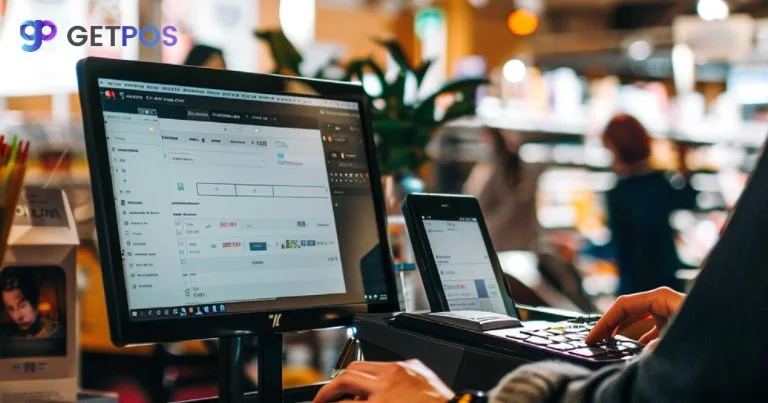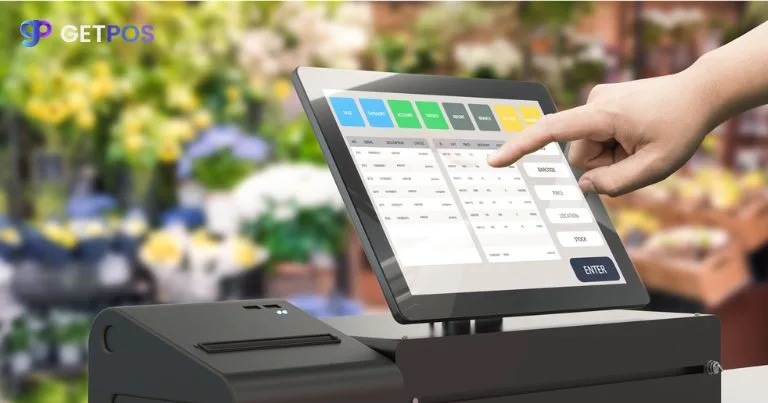
A POS (Point of Sale) system for retail is no longer just a billing machine. Modern retail POS solutions manage inventory, sales, customers, analytics, omnichannel selling, and even employee performance—all in one platform.
Whether you run a small boutique or a large retail chain, choosing the right POS system can directly impact your sales efficiency, customer experience, and business growth.
In this guide, you’ll learn the best POS systems for retail, their key features, benefits, and how to choose the right one for your business.
What is a Retail POS System?
A retail POS system is a combination of hardware and software that helps businesses process sales transactions and manage day-to-day operations.
It typically includes:
- Billing and checkout system
- Barcode scanner
- Inventory management
- Payment processing
- Sales reporting
- Customer data tracking
Modern POS platforms also support online + offline (omnichannel) retail integration, making them essential for today’s businesses.
Best POS Systems for Retail Businesses
Here are some of the most popular and widely used POS systems in the retail industry.
1. GETPOS – Cloud-Based Retail POS for Structured Operations
GETPOS is a cloud-based retail POS system designed to support billing, inventory tracking, and multi-outlet retail operations.
Key Features:
- Cloud-based billing and reporting
- Inventory and stock management
- GST-compliant invoicing
- Multi-store management capabilities
- Real-time sales tracking
Best For:
Small to mid-sized retail businesses that need structured billing, inventory control, and cloud-based access across locations.
2. Square POS – Best for Small Retail Businesses
Square, Inc. is widely used by small and medium retailers due to its simplicity and fast setup.
Key Features:
- Free POS software plan
- Mobile and tablet support
- Basic inventory tracking
- Integrated payment processing
- Simple reporting tools
Best For:
- Small shops
- Startups
- Mobile retail setups
3. Shopify POS – Best for Omnichannel Retail
Shopify POS is designed for businesses operating both online and offline.
Key Features:
- Unified online + in-store inventory
- Customer profile tracking
- Multi-channel sales dashboard
- Seamless eCommerce integration
Best For:
Retailers with an online store or those planning omnichannel expansion.
4. Lightspeed Retail POS – Best for Advanced Inventory Management
Lightspeed is built for retail businesses that require detailed inventory and analytics control.
Key Features:
- Advanced inventory management
- Supplier and purchase order tracking
- Multi-store support
- Deep analytics and reporting
Best For:
Large retail stores and multi-location businesses.
5. Clover POS – Best for Hardware + Software Flexibility
Clover offers integrated hardware and software POS solutions.
Key Features:
- Dedicated POS hardware systems
- App marketplace for customization
- Employee management tools
- Secure payment processing
Best For:
Retail businesses needing a physical POS setup with customization options.
6. Oracle NetSuite POS – Best for Enterprise Retail
Oracle NetSuite is an enterprise-grade POS and ERP system.
Key Features:
- ERP + POS integration
- Global inventory management
- Advanced financial reporting
- Multi-country support
Best For:
Large retail chains and enterprise-level operations.
Key Features of a Good Retail POS System
When choosing a POS system, ensure it includes:
1. Inventory Management
Real-time stock tracking and alerts.
2. Multi-Payment Support
Cash, cards, UPI, and digital wallets.
3. Sales Analytics
Insights into trends, performance, and peak sales.
4. Customer Management
Purchase history and loyalty programs.
5. Omnichannel Capability
Sync online and offline sales.
6. Security & Compliance
Secure transactions and data protection.
Benefits of Using a Retail POS System
Faster Checkout Process
Reduces waiting time and improves customer experience.
Better Inventory Control
Helps prevent stock mismatches and shortages.
Improved Sales Insights
Enables data-driven decisions.
Enhanced Customer Experience
Supports personalized offers and loyalty programs.
Business Scalability
Makes expansion across locations easier.
How to Choose the Right POS System for Retail
1. Business Size
- Small retail → Simple cloud-based POS
- Medium retail → Omnichannel POS
- Large enterprise → ERP-integrated POS
2. Required Features
Look for billing, inventory, CRM, and reporting tools.
3. Ease of Use
A simple interface improves staff efficiency and training time.
4. Cost Structure
Consider setup cost, subscription fees, and transaction charges.
5. Scalability
Ensure the system can grow with your business.
6. Support & Reliability
Reliable customer support is essential for retail operations.
Common Mistakes to Avoid
- Choosing only based on price
- Ignoring future scalability
- Overlooking integration options
- Not testing usability
- Forgetting offline functionality
Final Thoughts
The best POS system for retail depends on your business size, workflow, and long-term growth plans. Solutions like Square, Shopify, Lightspeed, GETPOS, Clover, and Oracle NetSuite each serve different retail needs.
A well-chosen POS system improves speed, accuracy, customer experience, and scalability—making it a critical investment for any retail business.