

Introduction
Running a small business is both exciting and challenging. One of the biggest game-changers today is selling online — and doing it right means choosing the best E-Commerce Platform to support your journey. But with so many options out there, how do you pick the one that fits your needs, budget, and growth goals?
That’s exactly what this guide will help you with — exploring the best e-commerce platforms for small businesses, comparing their features, and helping you make a smart choice.
How to Choose the Right E-Commerce Platform
Before we dive into the best platforms, let’s talk about what matters when choosing one.
Ease of Use
Small business owners often wear many hats — and you probably don’t want to spend all your time wrestling with tech. A user-friendly platform makes setup and daily management easy.
Cost and Pricing
Budget matters! Look beyond monthly fees to transaction costs, app add-ons, and payment processing charges.
Customization and Scalability
Your store should reflect your brand — and grow with you. Make sure the platform offers customization and room to expand.
Payment Gateways and Shipping
Flexible payment options and easy shipping setup can help convert visitors into customers.
Support and Community
Great support — whether via chat, email, or community forums — can save time and stress.
Top E-Commerce Platforms for Small Businesses
Here are some of the most popular and trusted e-commerce platforms that small businesses love:
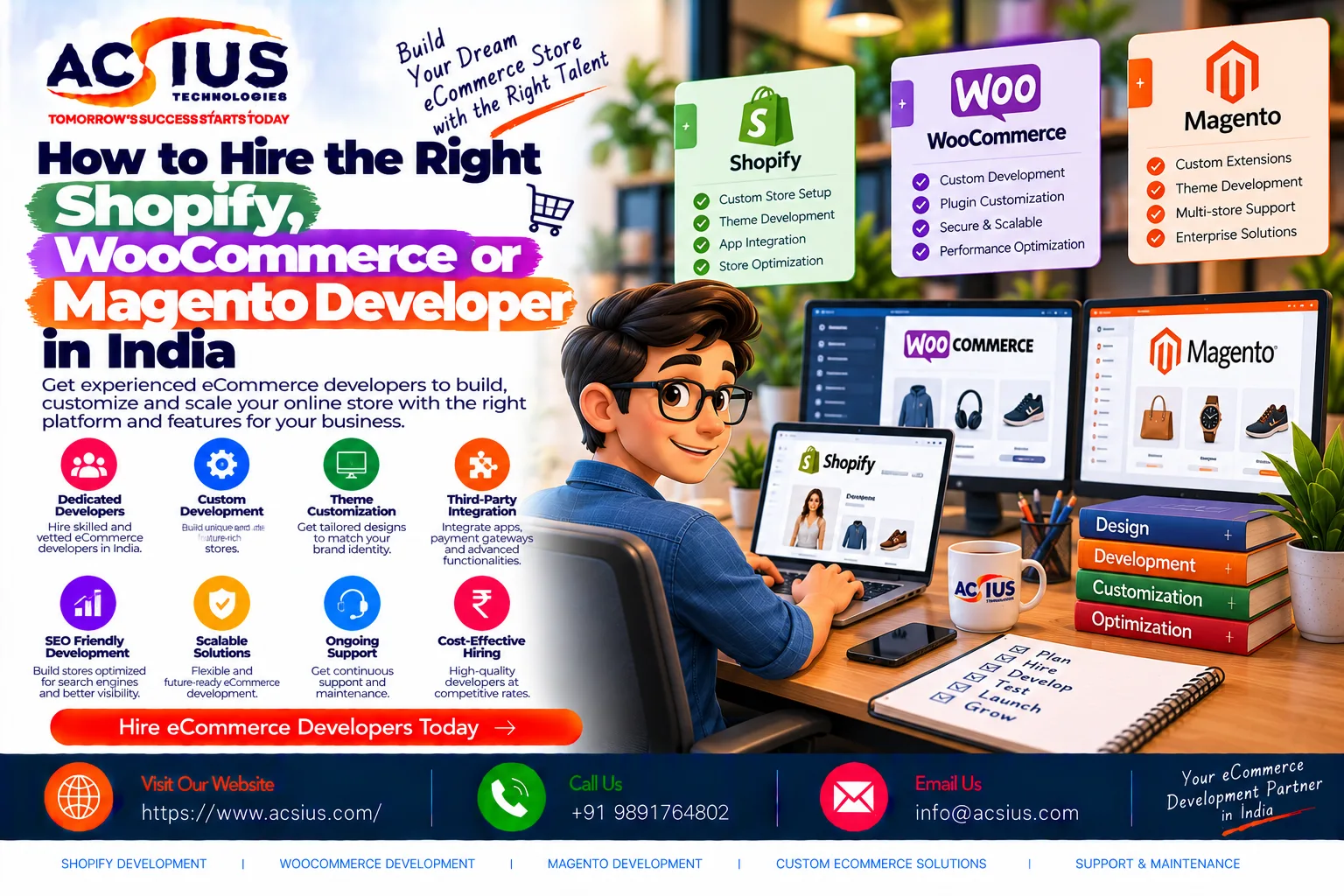
Shopify
Key Features
- Intuitive drag-and-drop store builder
- Built-in hosting and security
- App marketplace for extra functions
Pros
- Super easy to use
- Fast setup
- Excellent support
Cons
- Monthly fees add up
- Transaction fees unless using Shopify Payments
Best For
Entrepreneurs who want a simple, powerful solution without technical headaches.
WooCommerce
Key Features
- WordPress-powered e-commerce plugin
- Highly customizable
- Massive plugin ecosystem
Pros
- Low startup costs
- Full control over your store
- Great for SEO
Cons
- Requires WordPress experience
- You handle hosting and maintenance
Best For
Bloggers, creatives, and WordPress users who want flexibility.
BigCommerce
Key Features
- Built-in sales tools
- No extra transaction fees
- Multi-channel selling (Amazon, eBay, social)
Pros
- Powerful features out of the box
- Scales easily as you grow
Cons
- Learning curve for beginners
- Higher base cost than some builders
Best For
Growing businesses ready to sell across many channels.
Wix eCommerce
Key Features
- Beautiful templates and easy design
- Drag-and-drop editor
- Built-in marketing tools
Pros
- Very beginner-friendly
- Affordable pricing
Cons
- Less scalable for large catalogs
Best For
Small shops with visual products like art, fashion, or crafts.
Squarespace
Key Features
- Sleek, modern templates
- All-in-one platform (hosting + store)
- Built-in blogging and SEO tools
Pros
- Gorgeous design focus
- Simple to manage
Cons
- Fewer e-commerce features than others
Best For
Creative brands prioritizing aesthetics.
Square Online
Key Features
- Free plan available
- Syncs with Square POS
- Easy social selling
Pros
- Excellent for omnichannel sellers
- Works well with physical stores
Cons
- Limited advanced features
Best For
Brick-and-mortar sellers going online.
Ecwid
Key Features
- Add shop to any website
- Multi-channel selling
- Simple store setup
Pros
- Works with existing sites
- Affordable plans
Cons
- Limited compared to full store builders
Best For
Existing websites or small catalogs.
Magento Open Source
Key Features
- Enterprise-level control
- Highly customizable
- Strong performance
Pros
- Unlimited scalability
- Developer freedom
Cons
- Requires technical skills
- Hosting and maintenance extra
Best For
Tech-savvy small businesses planning big growth.
Comparing the Platforms
Pricing Comparison
Pricing varies widely — from free open-source options to premium hosted plans. Consider long-term costs like apps and payment fees too.
Feature Highlights
Shopify shines for ease, WooCommerce for flexibility, and BigCommerce for multi-channel selling.
Beginners vs Growing Businesses
Beginners might prefer Shopify or Wix, while scaling brands might lean toward BigCommerce or WooCommerce.
Tips for Getting the Most from Your E-Commerce Platform
- Use built-in marketing tools like email campaigns and abandoned cart recovery.
- Optimize product pages with strong, searchable keywords.
- Test checkout flow for a smooth customer experience.
- Monitor analytics to track performance and improve.
Future Trends in E-Commerce for Small Businesses
As technology evolves, small business e-commerce is heading toward:
- Mobile-first shopping
- AI-powered personalization
- Voice search optimization
- Augmented reality product previews
Stay aware — your customers are evolving, and your platform should too.
Conclusion
There’s no one-size-fits-all answer for the best e-commerce platform. What matters most is choosing the one that aligns with your business’s size, goals, and budget. Whether you’re just launching or plotting big growth, the platforms above offer a range of features that make selling online easier — and more profitable.
FAQs
1. What e-commerce platform is best for beginners?
Shopify and Wix are among the easiest options for first-time sellers.
2. Can I switch platforms later?
Yes — but migration takes planning and effort.
3. Do I need to know how to code?
Most platforms don’t require coding skills, though some flexibility helps.
4. Are transaction fees standard?
Many platforms charge transaction fees — check pricing before choosing.
5. How do I grow my online store?
Use SEO, email marketing, social selling, and analytics to expand reach.