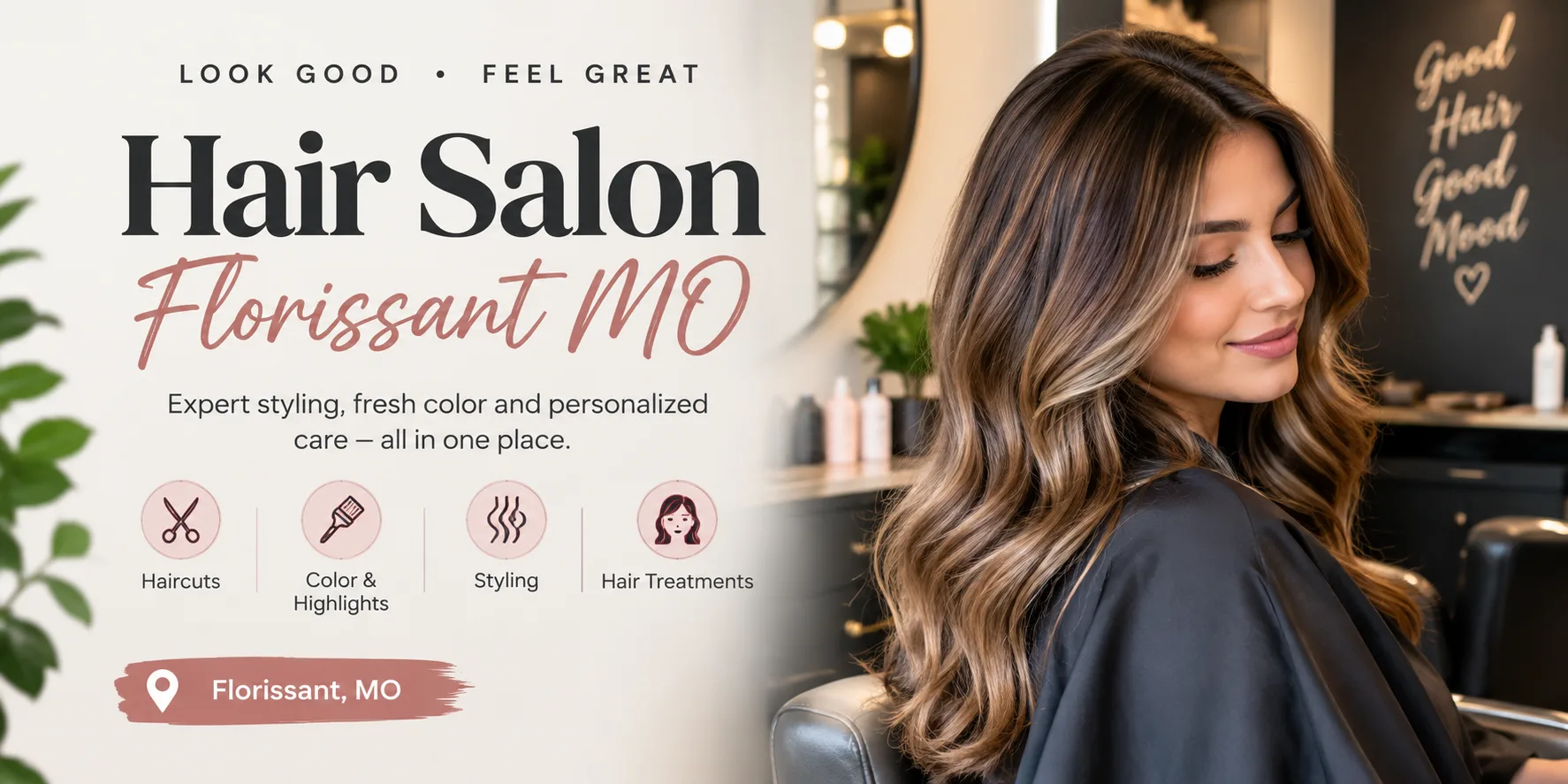
Every salon has a camera roll full of before-and-after photos. They work well as a carousel, but short video is what social feeds now reward, and stylists rarely have time to film a full transformation. The good news is that you no longer need to: the photos you already took can become the video.
The practical fix is to let an AI video model connect the two photos. Use the "before" shot as the first frame and the "after" shot as the last frame, then describe a simple motion such as a slow turn of the head or a soft light sweep. The model fills in the transition, and the client's face stays consistent because both ends are pinned to real photos.
A few habits keep results professional. Ask for consent before using a client's image, and say so in your booking terms so nobody is surprised. Shoot both photos in the same chair and lighting so the change is about the hair or the nails, not the room. Keep clips short; five to ten seconds is plenty for a reel, and a shorter clip is more likely to be watched to the end.
Plan the sequence before you render. For a colour correction, the before photo shows the old tone, the prompt asks for a gentle light sweep across the hair, and the after photo lands on the finished result. For a nail set, a slow push-in on the hand works well, because the camera movement draws attention to the detail that clients care about. Avoid prompts that ask for dramatic effects; subtle motion looks like a real transformation, while exaggerated motion looks like a filter.
Think about where the clip will live. A vertical version suits Instagram Reels, TikTok and Stories, while a square crop is better for a salon page or a booking site. Add a short caption naming the service, the stylist and the approximate time it took, because viewers love knowing what a result involves. Posting on the same days each week builds an audience that expects your content.
Measure what happens. Compare how many people watch a transformation clip with how many view the same pair of photos as a carousel, and note which posts lead to booking enquiries. Many small studios find that two short clips a week is enough to see a difference, and the process becomes a routine that takes less than half an hour.
I tried this with Wan 3, a browser-based AI video maker powered by Wan 3.0. Start and end frames are a built-in option, a single render can last half a minute, and it can produce vertical versions for phone feeds. The cost of each render is shown before it starts and failed renders refund their credits, which matters for a small business watching every expense. New accounts can begin for free without a card.
A salon posting two of these a week builds a portfolio of moving proof that photos alone cannot match.