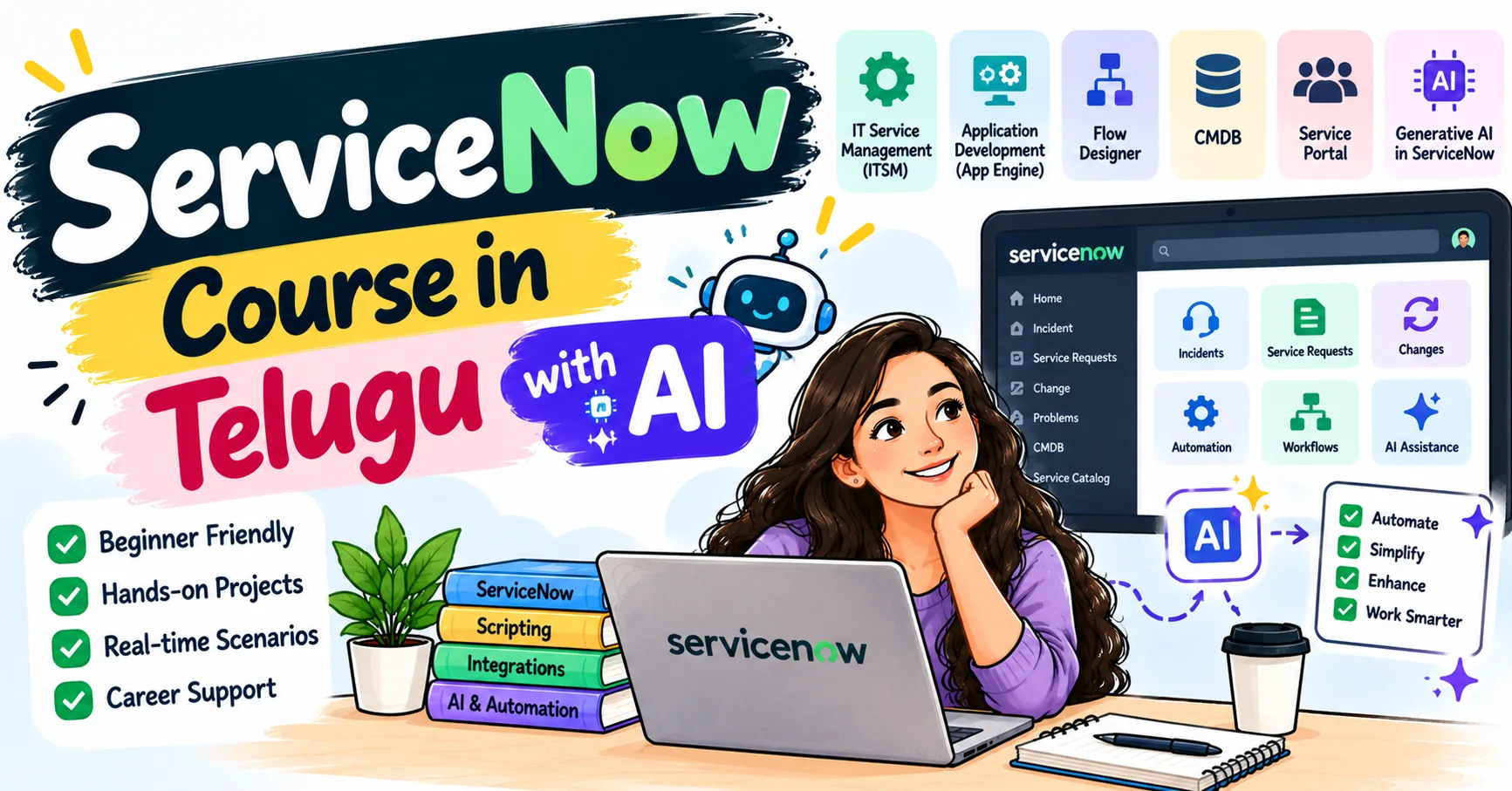
The demand for professionals who can simplify IT operations, automate workflows, and improve business processes is growing across industries. For beginners who want to explore this career path, learning through a structured ServiceNow Course in Telugu with AI can help make technical concepts easier to understand while building a foundation in ServiceNow and emerging AI technologies.
What Is ServiceNow and Why Does It Matter?
ServiceNow is a cloud-based platform that helps organizations manage digital workflows. Businesses use it to handle IT service requests, incidents, changes, employee services, and other operational activities.
For example, when an employee cannot access a company application, they may submit an incident through an IT service portal. The IT team can track the issue, assign it to the appropriate person, communicate updates, and document the resolution through a structured workflow.
ServiceNow helps bring these activities into one platform. It can reduce repetitive manual work, improve visibility, and support consistent processes.
As businesses continue to adopt cloud platforms and workflow automation, understanding ServiceNow can open opportunities in IT service management, administration, development, and automation.
What Does It Mean to Be an Industry-Ready ServiceNow Professional?
Being industry-ready means having more than theoretical knowledge. Professionals should understand how the platform works, solve practical problems, communicate with teams, and apply their knowledge to business requirements.
An industry-ready learner should aim to develop five important capabilities:
- Platform knowledge:Understand the ServiceNow interface, applications, tables, records, and forms.
- IT service management fundamentals: Learn incident, problem, change, and request management.
- Technical skills: Develop familiarity with JavaScript, business rules, client scripts, and platform configuration.
- Automation knowledge: Understand how workflows and Flow Designer can simplify repetitive tasks.
- Problem-solving skills:Identify business requirements and translate them into practical solutions.
These capabilities provide a foundation for working on real-world tasks instead of relying entirely on memorized definitions.
Essential ServiceNow Skills Beginners Should Learn
1. Understand the ServiceNow Interface
Start by exploring the platform interface, application navigator, lists, forms, and records. Learn how information is organized and how users interact with different applications.
Understanding these basics makes it easier to navigate the platform and complete administrative tasks.
2. Learn IT Service Management
IT Service Management, commonly called ITSM, focuses on delivering and supporting IT services.
Beginners should understand the differences between incidents, problems, changes, and service requests. For example, an incident addresses an unexpected disruption, while problem management investigates underlying causes that may lead to repeated incidents.
These concepts help learners understand why organizations use ServiceNow and how the platform supports daily IT operations.
3. Explore Tables and Data Management
ServiceNow organizes information using tables, records, and fields. Learning how these elements work is essential for administration and development.
Practice creating records, understanding field types, exploring relationships, and applying appropriate access controls. These skills are useful when configuring applications and maintaining reliable data.
4. Develop JavaScript Fundamentals
JavaScript is an important technical skill for many ServiceNow development tasks.
Beginners should learn variables, functions, conditions, loops, objects, and basic debugging. They can then explore how JavaScript is used in client scripts, business rules, and other supported scripting features.
Strong programming fundamentals make it easier to understand platform logic and troubleshoot issues.
5. Learn Workflow Automation
Organizations often spend considerable time on repetitive activities, such as assigning requests, sending notifications, and routing approvals.
ServiceNow provides tools such as Flow Designer to help automate these processes. Learners should practise creating simple flows, defining triggers, setting conditions, and configuring actions.
The goal is to understand how automation supports business processes while preserving appropriate approval and control mechanisms.
How Artificial Intelligence Is Changing ServiceNow
Artificial intelligence is influencing how organizations manage support requests, access information, and automate workflows. Depending on the products, licences, configuration, and organizational policies in use, AI-enabled capabilities can support several activities.
Faster information retrieval: AI assistants may help users find relevant information from approved knowledge sources.
Support for service teams: AI-powered features can assist with summarizing records, suggesting responses, or organizing information.
Workflow assistance: AI capabilities can complement automation by helping teams process information and identify appropriate next steps.
Knowledge management: AI tools may help users discover relevant articles and make internal information easier to access.
However, AI does not replace the need to understand the platform. Professionals still need to verify generated information, protect sensitive data, follow organizational policies, and understand how workflows operate.
For beginners, a practical approach is to learn ServiceNow fundamentals first and then explore AI capabilities that are relevant to their chosen role.
A Practical Learning Roadmap for Beginners
A structured roadmap helps learners avoid jumping between unrelated topics.
Step 1: Build a Foundation
Understand cloud applications, IT support concepts, basic databases, and the purpose of ITSM. No advanced programming knowledge is required to begin exploring the platform, although technical skills become increasingly important for development roles.
Step 2: Explore the Platform
Use an authorized ServiceNow learning environment to explore the interface, tables, forms, lists, and application modules. Follow official documentation and guided exercises.
Step 3: Practise Administration
Learn user and group management, roles, access controls, notifications, and basic platform configuration. Practise each concept in a suitable training environment.
Step 4: Develop Technical Skills
Study JavaScript and explore client scripts, business rules, and server-side scripting. Understand when each feature is appropriate and how changes can affect existing functionality.
Step 5: Build Small Projects
Apply your knowledge through practical exercises. Start with simple tasks and gradually introduce more complex requirements.
Step 6: Prepare for Interviews
Review core concepts, practise explaining technical decisions, and learn to discuss project challenges. Prepare examples that demonstrate how you identified a problem, implemented a solution, and tested the result.
Project Ideas to Build Practical Experience
Projects help learners demonstrate their knowledge and identify areas that require improvement.
Project 1: IT Incident Management Workflow
Create a practice workflow that records incidents, categorizes issues, assigns them to appropriate groups, and tracks their status. Test different scenarios to understand how the process behaves.
Project 2: Employee Service Request Portal
Build a basic employee request process with suitable fields, approval steps, and notifications. Focus on usability and accurate request tracking.
Project 3: Automated Approval Process
Create a workflow for a sample business request that requires approval before completion. Define the conditions, approval stages, and actions that follow each decision.
Project 4: Knowledge Base Support
Create sample knowledge articles for common technical issues. Explore how users can search for information and how support teams can maintain useful documentation.
Use sample data and authorized environments for these projects. Document the requirements, configuration steps, testing process, and results so that you can explain your work during interviews.
Career Opportunities After Learning ServiceNow
ServiceNow knowledge can support several career paths, depending on a candidate's skills, experience, and the requirements of individual employers.
- ServiceNow Administrator:Maintains users, roles, configurations, and platform operations.
- ServiceNow Developer:Builds and customizes applications, scripts, and workflows.
- ITSM Analyst: Helps improve service management processes and requirements.
- ServiceNow Consultant: Works with stakeholders to understand business needs and recommend platform solutions.
- Workflow Automation Specialist:Focuses on designing and improving automated business processes.
Beginners should review job descriptions to understand which technical skills, certifications, and experience levels employers expect. Entry-level opportunities may require foundational knowledge, while advanced roles generally require stronger practical experience.
Certifications can help demonstrate knowledge, but they do not guarantee employment. Practical projects, communication skills, and the ability to explain your work remain important.
Common Mistakes Beginners Should Avoid
One common mistake is memorizing interview questions without understanding the concepts. This approach makes it difficult to solve unfamiliar problems.
Another mistake is learning too many tools simultaneously without practising the fundamentals. Focus on a manageable learning path and gradually expand your knowledge.
Beginners should also avoid making untested configuration changes, overlooking access controls, or using AI-generated scripts without understanding them. Testing, documentation, and responsible handling of data are essential professional habits.
Finally, do not assume that completing a course alone makes you job-ready. Consistent practice and the ability to apply knowledge are what help turn learning into practical skills.
Frequently Asked Questions
Is ServiceNow suitable for beginners?
Yes. Beginners can start with the platform interface and ITSM fundamentals before progressing to administration, scripting, and development. The learning path depends on the role they want to pursue.
Do I need coding knowledge to learn ServiceNow?
Not necessarily to begin. Many foundational administration tasks involve platform configuration. However, JavaScript is valuable for development roles and more advanced customization.
How can AI help ServiceNow professionals?
Depending on the available features and organizational setup, AI can assist with information retrieval, record summarization, support activities, and workflow-related tasks. Professionals must still verify outputs and follow security policies.
How can I demonstrate my ServiceNow skills to employers?
Build practical projects, document your approach, explain your decisions, and prepare to demonstrate how your solutions address specific requirements. Relevant certifications may also support your professional profile.
Is a ServiceNow certification necessary?
Certification requirements vary by employer and role. Review current certification pathways and job descriptions before deciding which credential to pursue.
Conclusion