

Introduction
AI agent development services, chatbot platforms, and RPA tools all promise to automate work. Vendors use the terms loosely, sometimes interchangeably, which makes the buying decision harder than it needs to be.
The confusion is expensive. Teams buy RPA when they need an agent. They build a chatbot when they need RPA. They deploy all three without understanding where one stops and another starts.
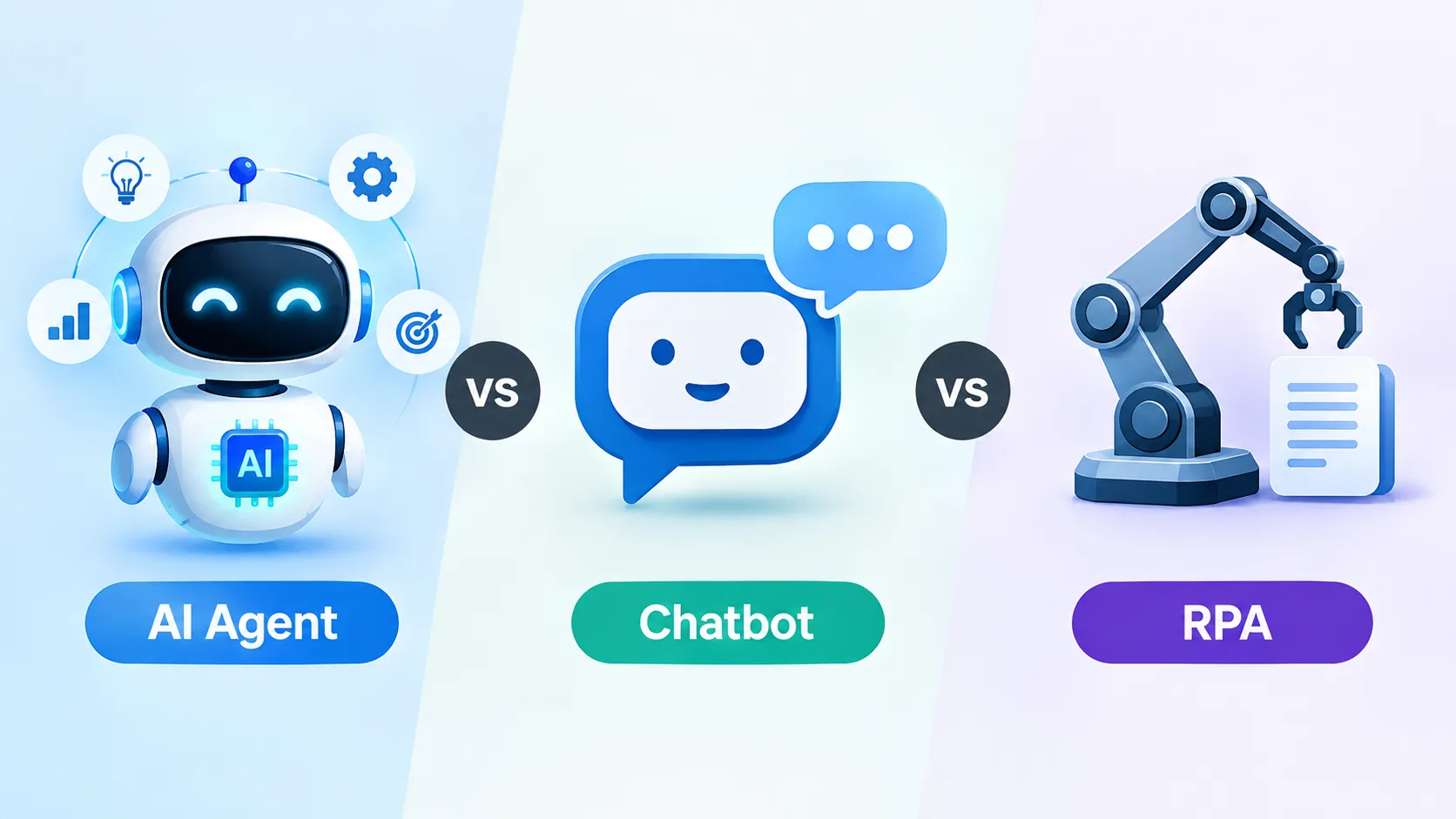
These are three different tools that solve three different problems. This piece defines each one, shows where they fit, where they overlap, and how to pick the right one for a given workflow.
What Each One Actually Is
RPA: scripted task automation
Robotic process automation follows rules. You script a sequence of steps: open this application, click this button, copy this field, paste it there. The bot replays that sequence every time, the same way.
RPA works on structured, repetitive tasks. Data entry between systems without an API. Invoice processing where the format never changes. Extracting values from a fixed PDF into an ERP.
RPA does not understand context. If the format changes, the bot breaks. Common tools: UiPath, Automation Anywhere, Microsoft Power Automate.
AI chatbot: conversational retrieval
A chatbot handles natural language input and returns a response. It matches a question to an answer in a knowledge base, or generates one using an LLM.
Chatbots work for answering questions. FAQ deflection on a website. Internal help desks. Product recommendations based on simple conversation.
A chatbot cannot take action. It can tell a customer the return policy. It cannot process the return.
AI agent: autonomous task completion
An AI agent receives a goal, plans the steps, uses tools (APIs, databases, email), executes, handles errors, and delivers a result. If a step fails, it retries or adapts. If confidence is low, it escalates.
The difference is agency. A chatbot responds. An agent acts.
An agent might read a support ticket, pull the customer's order, check the shipping tracker, apply the refund policy, issue the credit, and email the customer. That workflow touched four systems and required three decisions. No chatbot or RPA bot could handle it without human help.
A generative AI development company building agents connects the LLM to scoped tools and defines guardrails around when the agent acts independently vs. when it escalates.
Where They Overlap and Where They Do Not
RPA and agents both execute workflows across systems. The difference is handling variation. RPA follows a script. An agent reasons through the steps and handles cases the script did not predict.
Chatbots and agents both use language models. But a chatbot's output is text. An agent's output is action.
RPA and chatbots rarely overlap. One moves data. The other handles conversations.
When to combine them
Some workflows use all three. A chatbot collects information. An RPA bot enters it into a legacy system with no API. An agent monitors the result, decides on follow-up, and handles exceptions.
The risk is building a Rube Goldberg machine. If one agent with proper tool access can handle the full workflow, the three-layer stack adds complexity without adding value.
How to Decide Which One You Need
Three questions cut through vendor noise.
Is the task rule-based and repetitive with no variation? RPA. If the input, steps, and output are always the same, a scripted bot is cheaper and more reliable. Do not use AI where if-then logic works.
Is the task conversational with no system actions required? Chatbot. If the user needs an answer and nothing else, a chatbot grounded in a good knowledge base is the right fit.
Does the task require reasoning, multi-system actions, or edge-case handling? AI agent. If the workflow crosses systems, requires judgment, or varies too much for a script, you need AI agent development services.
Real-world decision examples
A finance team processes 200 invoices a day from a single vendor in a fixed PDF format into SAP. This is RPA.
An e-commerce company wants to answer "Where is my order?" on their website. This is a chatbot with a tracking API lookup.
A logistics company wants to read inbound supplier emails, classify intent, check shipment status, draft a response, and escalate exceptions. This is an agent.
What to Look for in an AI Agent Development Company
If you need an agent, the build-versus-hire question follows.
Building in-house works if you have AI engineering talent and the workflow is core to your product. Most teams lack at least one of these.
Hiring an AI agent development company gets you past integration and evaluation faster. When you hire AI agent developers with domain experience, they already have the tool layer patterns and escalation logic for your category.
Many teams hire AI developers in India for the build and keep prompt design and business logic in-house. The split works when the vendor documents every tool call and decision rule.
An AI agent consultant can map which workflows are agent-shaped vs. which are better served by a chatbot or RPA bot. Getting this classification right saves months. AI agent development solutions are not always the answer. Sometimes a well-scoped RPA bot or a grounded chatbot is the right call.
Conclusion
RPA automates scripts. Chatbots automate conversations. AI agents automate decisions and actions. Picking the wrong one costs time and money. Picking the right one starts with understanding what the workflow actually requires: fixed rules, conversational answers, or multi-step reasoning with system access.
Map your top five automation candidates. Score each on whether the task is rule-based, conversational, or requires reasoning across systems. Match the tool to the task.
Not sure which automation fits your workflow? Talk to our team for a scoped assessment of your top automation candidates.
Frequently Asked Questions
1. What is the main difference between an AI agent and a chatbot?
A chatbot retrieves or generates text answers. An AI agent takes actions across systems: reading data, making decisions, calling APIs, and completing multi-step workflows without human input at each step.
2. Can an AI agent replace RPA?
In many cases, yes. Agents can handle the same data-movement tasks as RPA while also handling exceptions that would break a scripted bot. However, for simple, fixed-format tasks, RPA is cheaper and more predictable.
3. When should I use RPA instead of an AI agent?
When the task is fully rule-based, the input format never changes, and no judgment is required. Invoice data entry from a fixed template, scheduled report generation, and system-to-system data sync are classic RPA use cases.
4. Do AI agents use LLMs?
Most modern agents use LLMs for reasoning and planning. The LLM decides what to do next. Tools (APIs, databases) do the actual work.
5. Can I combine chatbots, RPA, and AI agents?
Yes, when the workflow genuinely requires it. Avoid stacking tools when one would suffice.
6. How much does an AI agent cost compared to RPA?
RPA licenses are cheaper upfront. Agent builds require more engineering but handle wider case coverage. Total cost depends on how much human time each option still requires (pricing varies by vendor and scope
7. How do I evaluate an AI agent development company?
Ask for shipped agent case studies with measurable outcomes, their evaluation methodology, escalation design, and how they handle model version changes. Vague answers on any of these are a red flag.
8. What industries benefit most from AI agents over chatbots?
Industries with complex, multi-system workflows: financial services, healthcare, logistics, and enterprise SaaS support. If the resolution requires action across systems, not just an answer, agents outperform chatbots.
9. Are chatbots still useful in 2026?
Yes. For Q&A, FAQ deflection, and knowledge base retrieval, a grounded chatbot is fast, cheap, and effective. Not every problem needs an agent.
10. How long does it take to deploy each option?
RPA bots can be configured in days to weeks for simple tasks. Chatbots typically take 2 to 6 weeks depending on knowledge base size. AI agents take 6 to 12 weeks for a scoped pilot, and longer for a full production rollout.


