Every website owner wants a site that works for everyone, including people who use screen readers, keyboard navigation, or voice controls. That is where accessibility checker tools free of cost come in. They give small businesses, freelancers, and growing teams a way to find barriers on their pages without spending a rupee. But free does not always mean complete, so it helps to understand what you actually get before you rely on one.
Why Website Accessibility Matters Today
A website that cannot be used by everyone quietly turns away customers. Millions of people live with visual, hearing, motor, or cognitive differences, and they browse the same pages you build. Beyond the human side, accessibility supports legal readiness, better search visibility, and a stronger brand reputation. Search engines favor clean structure, descriptive text, and logical navigation, which are the same things accessibility guidelines ask for. Fixing barriers is good ethics and good marketing at once.
What a Web Accessibility Checker Actually Does
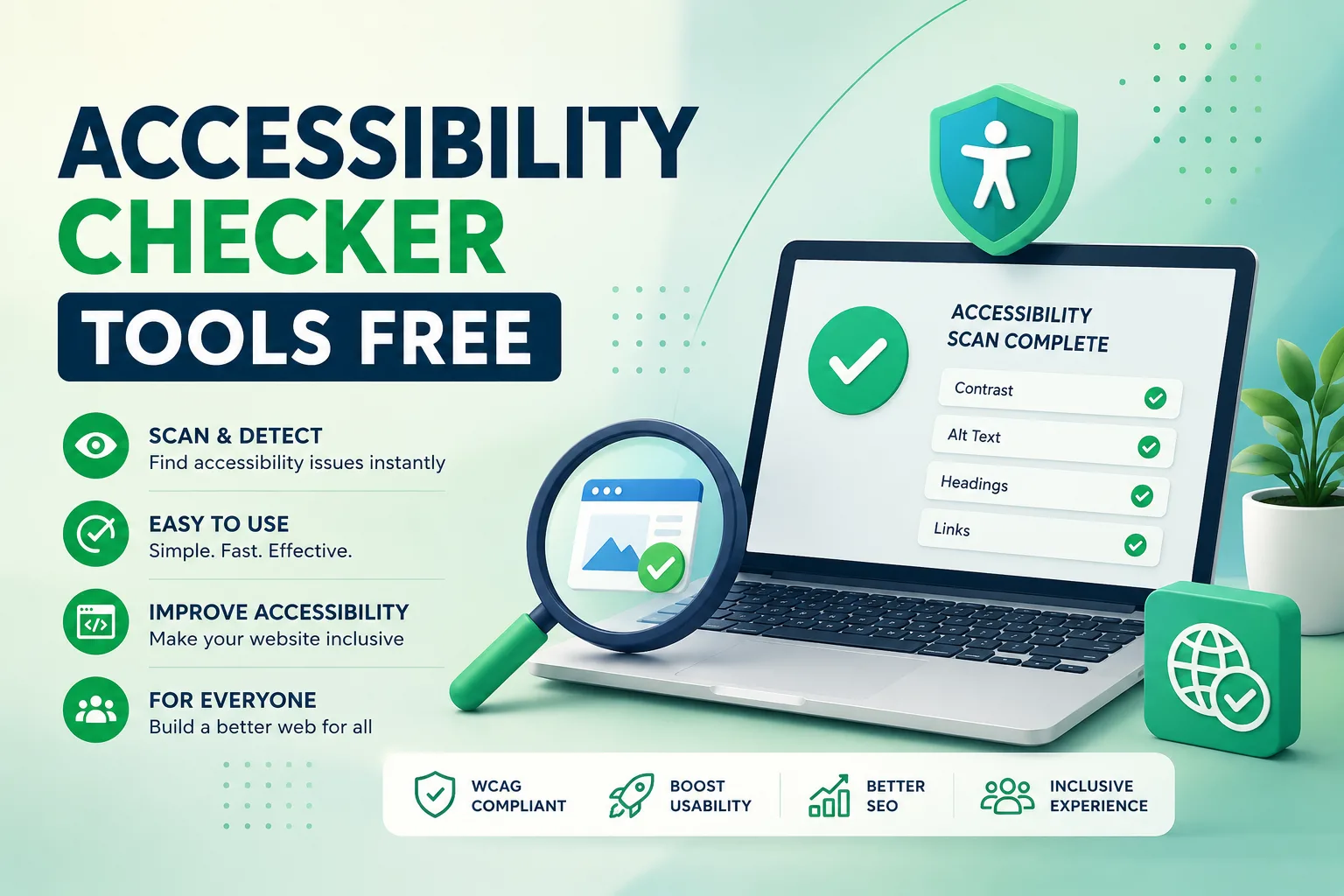
A web accessibility checker scans your page and compares its code and content against recognized standards, mainly the Web Content Accessibility Guidelines. It looks for missing image descriptions, weak color contrast, unlabeled form fields, broken heading order, and links that make no sense out of context. The result is a report that points to the exact element needing attention, so developers and content editors can act quickly instead of guessing.
Key Features to Look For
Not every scanner is built the same way. When you evaluate a website accessibility checker, focus on practical capabilities.
Clear issue reporting matters first. A good report explains what is wrong, why it matters, and how to fix it in plain language. Coverage of current guidelines comes next, since outdated rules produce outdated advice. Look also for the ability to scan multiple pages, because a single homepage check tells you very little about a full site. Easy sharing of results helps designers, writers, and developers work from the same list. Finally, a simple interface keeps the tool in regular use, which beats a powerful tool nobody opens.
Benefits of Using Free Scanning Options
Free tools lower the barrier to starting. You can audit a landing page before launch, test a new template, or spot quick wins in minutes. They build awareness inside a team, because seeing a real list of problems makes the topic concrete. They also suit startups and nonprofits watching every budget line. For many sites, an initial scan reveals the most common and most fixable problems, giving you momentum without any financial commitment.
Limitations You Should Know About
Honesty about weaknesses will save you from false confidence. Automated accessibility scanning tools can only detect a portion of real world issues. They cannot judge whether alternative text is truly meaningful, whether a keyboard path feels logical, or whether a video caption is accurate. Many free versions also cap the number of pages, restrict report exports, or skip ongoing monitoring. Some produce false alarms that waste developer time. Treat any automated result as a strong starting point, then add manual testing with real assistive technology for a full picture.
How to Choose the Right Approach
Start by defining your goal. If you only need a quick health check, a basic scan is enough. If you manage a large or frequently updated site, you will want repeated scanning, clear prioritization, and reports you can hand to stakeholders. Think about who will use the results. Content teams need simple guidance, while developers need technical detail. Choose a solution that speaks to both. Then build a routine: scan after every major update, fix high impact problems first, and retest to confirm progress.
Practical Steps to Improve Your Score
Begin with the basics. Add meaningful descriptions to images, make sure text contrasts well with its background, and label every form field. Keep headings in a logical order and write link text that explains its destination. Ensure every action can be completed with a keyboard alone. Small corrections like these often remove the largest share of barriers and improve the experience for every visitor, not only those with disabilities.
Start Scanning Your Website with Tranistics
Accessibility is not a one time project, it is an ongoing commitment to your audience. If you are ready to find and fix barriers on your website, try the Tranistics Data Technologies accessibility-checker-tool today. It helps you scan pages, understand issues in simple language, and move toward a more inclusive site with confidence. Do not wait for a complaint or a lost customer to take action. Run your first scan now, see where your website stands, and start building a better experience for every visitor.
Tranistics Data Technologies Private Limited is dedicated to delivering practical digital solutions that help businesses grow responsibly and reach every user. Visit us, explore the accessibility-checker-tool, and take the first step toward a fully accessible website.