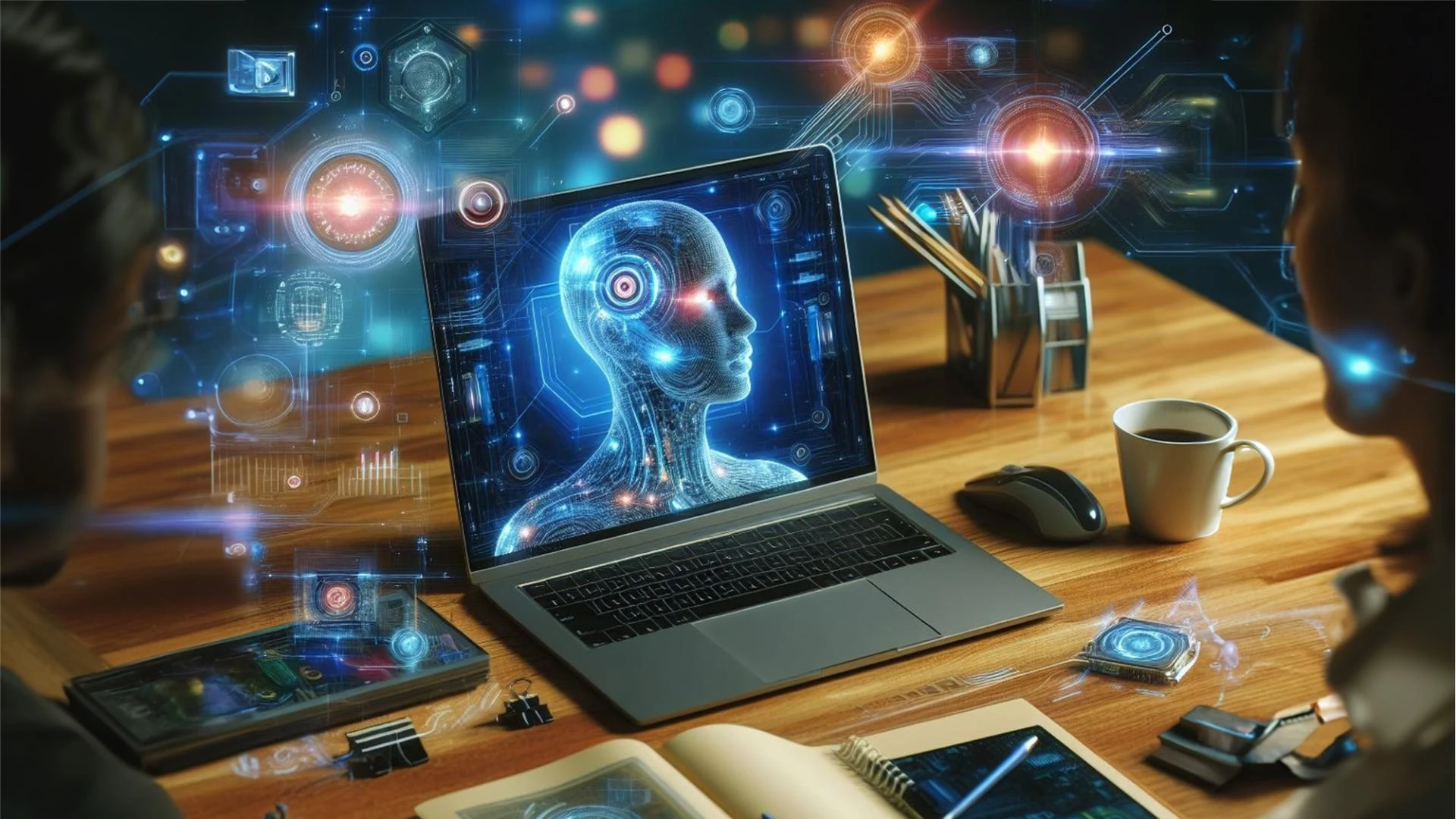
AI computers now shape how people study, work, and create every single day. An industry report showed that more than 60 percent of new personal computers shipped with built-in AI hardware.
This growth shows a clear shift in user needs. People want faster systems that think and react locally. An AI computer with advanced NPU performance meets this demand with ease. The NPU handles smart tasks directly on the device.
This reduces cloud use and saves time. It also protects data and boosts speed. Students, professionals, and creators all benefit from this change. An Aura computer fits naturally into this space by supporting AI-driven tasks without adding complexity.
Today, you will learn eight key uses of an AI computer with a strong NPU. Each use explains how technical features turn into real-world benefits in simple terms.
1. Faster Everyday Work Tasks With Local AI Processing
An AI computer improves daily work by using its NPU for intelligent processing. The NPU focuses on AI workloads while the CPU manages core tasks. This separation improves system balance and speed.
- Faster app launch times.
- Smooth task switching
- Reduced system lag
The NPU handles background AI tasks like prediction and optimization. This prevents overload on the main processor. File searches feel instant. Documents open without delay. The system stays stable even during long sessions. An Aura computer supports this workflow by running AI tasks quietly in the background. As a result, users finish work faster and feel less tired.
2. Smarter Video Calls Using Real-Time AI Enhancement
Video calls rely on audio and visual clarity. An AI computer improves by using its NPU. The NPU processes video frames and audio signals in real time.
- Noise reduction during calls.
- Automatic lighting correction.
- Face tracking for clear focus.
AI-Driven Audio and Visual Processing
The NPU applies machine learning models locally. It removes echo and background sounds. It sharpens facial details even in low light. This improves online classes and team meetings. Students hear lessons clearly. Teams communicate without distraction. The experience feels natural and steady throughout the call.
3. Advanced Photo and Video Editing With AI Acceleration
Creative tasks demand power and precision. An AI computer supports editing using its NPU for image and video processing.
- AI-based image enhancement.
- Smart object detection
- Faster rendering times
The NPU runs models that analyze pixels and frames. It improves sharpness and color balance instantly. Video edits preview smoothly without stutter. Creators save time and stay focused on ideas. An Aura computer helps manage these tasks efficiently and keeps the system responsive during heavy creative work.
4. Stronger Device Security Through On-Device AI
Security improves when AI runs locally. An AI computer uses its NPU for biometric and behavior-based protection.
- Fast face recognition
- Continuous threat detection
- Local data processing
Real-Time Protection With Minimal Power Use
The NPU processes security checks without sending data online. This reduces risk and improves speed. Device access feels instant and safe. The system detects unusual patterns early. Users trust their device more during daily use. This level of protection feels simple yet powerful.
5. Smooth Multitasking Powered by Intelligent Resource Management
Many users run several apps at once. An AI computer handles multitasking using smart resource control. The NPU manages AI features like predictions and suggestions. This frees the CPU for main tasks. Apps stay responsive even when many run together. An Aura computer supports this balance well. Users switch tasks smoothly without frustration.
- Balanced CPU and NPU usage.
- Stable system performance.
- Faster response times.
6. More Natural AI Assistants With Low Latency Response
AI assistants work best when they respond fast. An AI computer uses its NPU to process commands locally.
- Voice recognition accuracy
- Context-based suggestions
- Instant responses
Local AI Models Improve Interaction
The NPU runs language and voice models on the device. This reduces delay and improves accuracy. Commands feel natural and direct. Users get help without waiting. Daily tasks feel easier and more connected. The assistant becomes a reliable tool rather than a distraction.
7. Longer Battery Life Through Efficient AI Workloads
Battery life improves when AI runs efficiently. An AI computer uses its NPU to save power. The NPU consumes less power than the CPU. It handles AI tasks with high efficiency. This helps the battery last longer during work or study. An Aura computer supports long sessions without frequent charging. Users stay productive on the move.
- Lower CPU workload
- Reduced cloud dependence
- Optimized energy use
8. Personalized Computing Experience Using Adaptive AI
An AI computer adapts to user habits over time. The NPU supports learning models that adjust system behavior. The NPU analyzes usage patterns locally. It adjusts system responses based on habits. The device feels more personal and responsive each day. Users feel understood and supported. This creates a strong connection between the user and the device.
- Smart performance tuning.
- Personalized settings
- Predictive task support.
Conclusion
An AI computer with advanced NPU performance brings real value to everyday life. It improves speed, security, creativity, and battery life. Each use shows how technical features turn into simple benefits. The experience feels smooth and reliable.
An Aura computer fits naturally into this future by supporting local AI tasks without complexity. As AI continues to grow, these uses will become essential. Choosing the right AI computer helps users stay ready, confident, and productive in the years ahead.