IT teams carry a heavy load every day. Systems grow fast. Data keeps moving. Users expect everything to work without delay. This pressure often creates stress and confusion. Many teams still manage complex setups that slow them down.
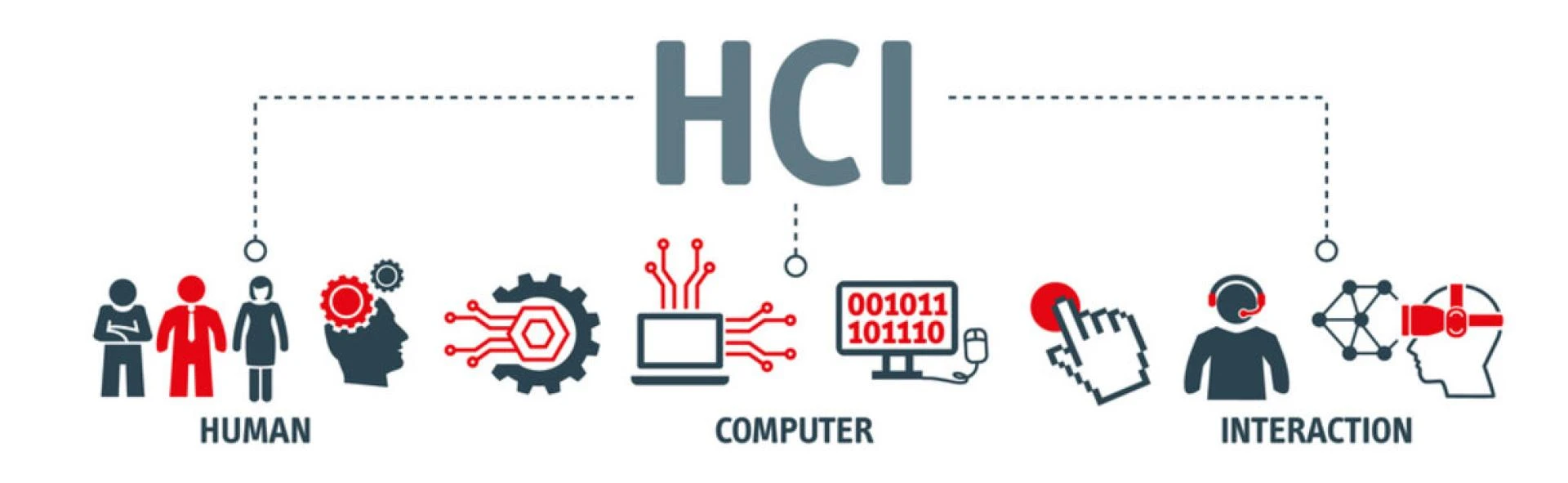
This is where HCI solutions bring real change. Hyper-converged infrastructure brings computer storage and networking together. It creates a simple and unified system, so teams do not have to juggle many tools anymore. They can control everything from one place. It helps teams focus on real work instead of fixing constant issues.
Let us explore how HCI solutions make operational management easier and smoother for IT teams.
1. Simplifies Infrastructure Management
Managing traditional infrastructure feels like handling too many moving parts. Each system needs its own setup. Each tool needs separate attention. This takes time and creates errors.
HCI solution removes this mess by combining all core components into one platform. IT teams no longer switch between systems. They manage everything from a single interface. This brings clarity and saves effort.
One Control Panel for Everything
A unified dashboard changes how teams work. It gives clear visibility across all resources. Teams can track performance and fix issues without delay.
This control panel also reduces confusion. New team members learn faster. Daily tasks become easier. Teams spend less time on routine checks and more time on planning.
2. Speeds Up Deployment Process
Setting up new infrastructure often feels slow and tiring. Teams need to configure hardware, install software and test systems. This can take days or even weeks.
HCI speeds up this entire process. It uses pre-built modules that are ready to use. Teams can deploy new systems within hours. This helps businesses move faster.
Quick Setup with Pre Configured Systems
Pre configured nodes remove the need for manual setup. Teams just plug in and start working. This reduces errors and saves time.
Fast deployment also supports business growth. When demand rises teams can scale quickly. They do not feel stuck or delayed.
3. Improves Resource Utilization
Many IT setups waste resources. Some servers stay idle while others feel overloaded. This imbalance creates poor performance and higher costs.
HCI solves this issue by pooling resources together. It distributes workloads smartly. Every part of the system works efficiently.
Smart Allocation of Workloads
HCI uses intelligent systems to balance workloads. It shifts tasks based on demand. This keeps performance stable.
Better resource use also reduces waste. Teams get more value from existing hardware. They avoid unnecessary spending.
- Balanced workload improves speed
- Less idle hardware reduces cost
- Better performance boosts user experience
4. Enhances Data Protection and Recovery
Data loss creates panic for any IT team. Traditional backup systems often feel slow and complex. Recovery takes time and causes downtime.
HCI builds data protection into the system. Backup and recovery work as part of daily operations. Teams feel more secure and confident.
Built In Backup and Recovery Tools
HCI solutions offer automatic backups. Data gets saved at regular intervals without manual effort. This ensures safety at all times.
Recovery also becomes quick and simple. Teams can restore systems within minutes. This reduces downtime and protects business continuity.
5. Reduces Operational Costs
Managing multiple systems increases expenses. Teams spend money on hardware maintenance software licenses and energy usage. Costs keep rising without clear control.
HCI brings everything together. This reduces the need for extra hardware and tools. It creates a more cost effective environment.
Lower Spending with Consolidation
When systems combine into one platform costs drop naturally. Teams need fewer servers and less space. Power usage also decreases.
Savings also come from reduced maintenance. Teams handle fewer systems so they spend less time and effort on upkeep.
- Fewer devices reduce maintenance cost
- Lower energy use saves money
- Simplified setup cuts licensing expenses
6. Boosts Team Productivity
IT teams often feel stuck with repetitive tasks. They spend hours fixing issues and managing updates. This limits their ability to focus on important work.
HCI changes this routine. It automates many daily tasks. Teams gain more time and energy for strategic projects.
Automation Reduces Manual Work
Automation handles tasks like updates monitoring and resource allocation. Teams do not need to manage these manually.
This improves productivity and morale. Teams feel less stressed. They can focus on innovation and growth.
7. Supports Easy Scalability
Growth brings new challenges. Traditional systems struggle to keep up. Adding new resources takes time and effort.
HCI makes scaling simple. Teams can add new nodes without disrupting the system. Growth becomes smooth and stress free.
Expand Without Disruption
Scaling with HCI feels seamless. Teams just add new units to the system. Everything integrates automatically.
This flexibility supports future needs. Businesses can grow without worrying about infrastructure limits.
- Quick scaling supports demand changes
- No downtime during expansion
- Easy integration keeps systems stable
Conclusion
HCI solutions bring real relief to IT teams. They remove complexity and replace it with clarity. Daily operations become smooth and manageable. Teams work with confidence instead of stress. They deploy faster, manage better and recover quickly.
Costs stay under control while productivity grows. This balance helps businesses move forward without fear. HCI does not just improve systems. It transforms how teams work and feel every day.