
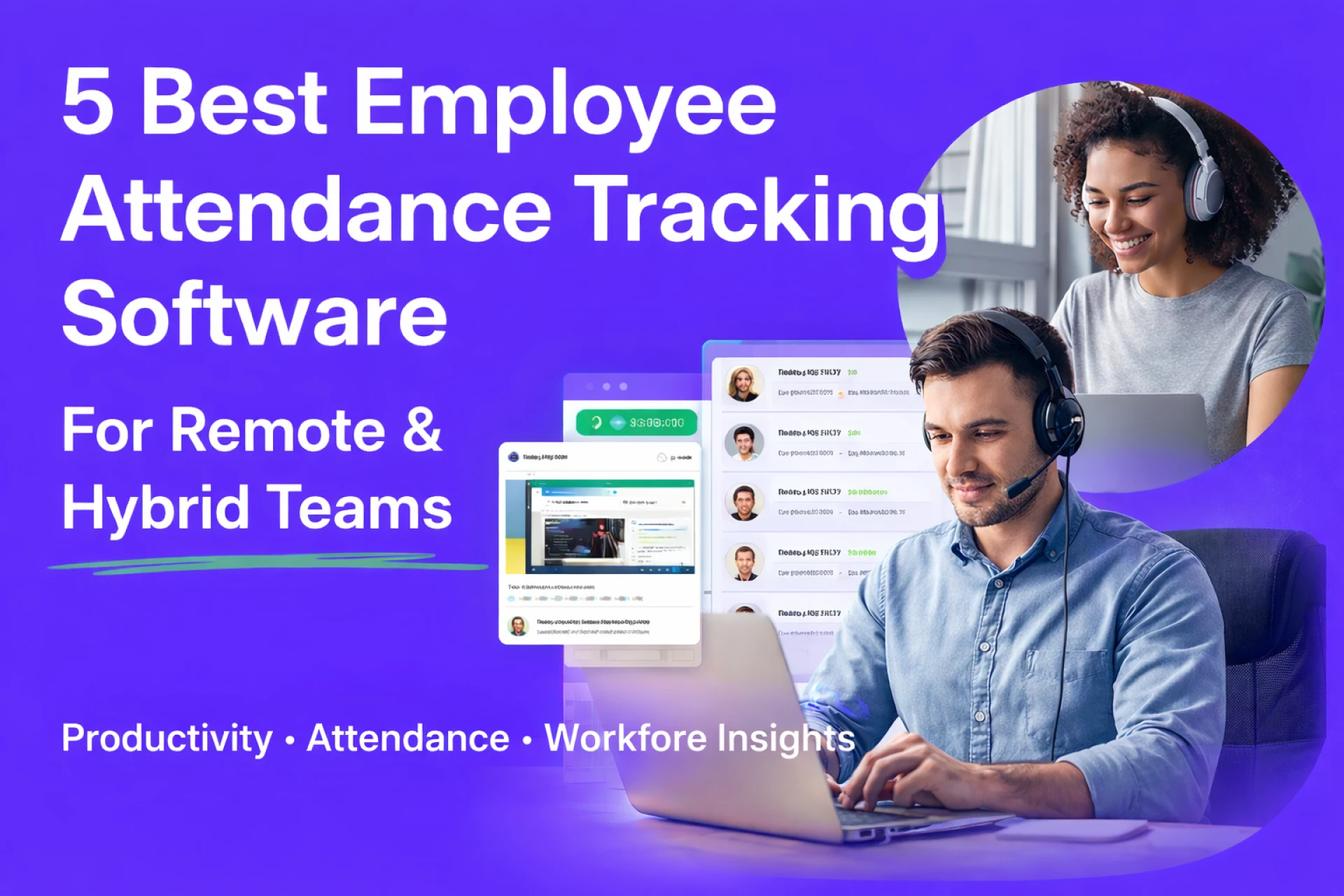
Remote and hybrid work has changed how companies manage teams. When employees work from different locations, it becomes harder for managers to know who is working, how much time they spend on tasks, and whether projects are progressing on schedule.
Manual timesheets and spreadsheets are no longer reliable. They often lead to inaccurate data, payroll disputes, and productivity issues.
That’s why many businesses are now adopting employee attendance tracking software. These tools automatically track work hours, attendance, and activity, helping companies maintain transparency and accountability without micromanaging employees.
In this article, we’ll explore five powerful tools that help remote and hybrid teams track attendance and improve productivity.
Why Remote Teams Need Attendance Tracking Tools
Managing a distributed team comes with unique challenges. Managers cannot physically see when employees start working, take breaks, or finish tasks.
Without proper systems in place, businesses often face:
- Inaccurate work hour reporting
- Reduced accountability
- Payroll calculation errors
- Difficulty managing project timelines
Attendance tracking tools solve these problems by automating time tracking and providing real-time insights into employee activity.
Some advanced tools also include employee screenshot monitoring for productivity, which helps managers understand how teams are spending their work hours.
1. Workstatus
Workstatus is a powerful workforce management platform designed for remote and hybrid teams. It helps businesses track attendance, monitor productivity, and manage teams from a single dashboard.
Many companies choose Workstatus because it combines time tracking, attendance monitoring, and performance insights in one simple platform.
Key features include:
- Automatic time and attendance tracking
- Real-time productivity reports
- Screenshot monitoring and activity tracking
- Automated timesheets and payroll integration
- Project and task tracking
With built-in employee attendance tracking software capabilities, managers can easily see when employees start work, how long they stay active, and where time is being spent.
For companies managing distributed teams, Workstatus offers detailed insights that help improve productivity and reduce time theft.
2. Hubstaff
Hubstaff is another popular tool used by remote teams to track work hours and employee productivity.
The platform offers time tracking, activity monitoring, and detailed reports that help managers understand team performance.
Key features:
- Automatic time tracking
- GPS location tracking for field teams
- Project budgeting tools
- Productivity reports
Hubstaff works well for businesses that want simple time tracking with basic monitoring features.
3. Time Doctor
Time Doctor is widely used by companies that want deeper visibility into employee productivity.
The tool tracks time spent on tasks and provides reports on apps and websites employees use during work hours.
Features include:
- Time tracking and attendance monitoring
- Website and app usage reports
- Distraction alerts
- Productivity analytics
It also supports employee screenshot monitoring for productivity, helping managers ensure work hours are being used efficiently.
4. Clockify
Clockify is a user-friendly time tracking platform suitable for small businesses and startups.
The tool helps teams log hours, track attendance, and manage projects through a simple interface.
Key features:
- Manual and automatic time tracking
- Attendance reports
- Team dashboards
- Project time tracking
Clockify is ideal for teams that need basic attendance tracking without complex monitoring tools.
5. Toggl Track
Toggl Track is known for its simplicity and clean design. It focuses mainly on time tracking and reporting.
Many freelancers and small teams use Toggl to monitor how time is spent on projects.
Key features:
- One-click time tracking
- Detailed reports
- Project and task tracking
- Integrations with other tools
While Toggl does not offer heavy monitoring features, it works well for teams focused on productivity insights.
How to Choose the Right Attendance Tracking Tool
Not every tool is built the same. When selecting a solution, companies should look for features that support remote team management.
Important factors to consider include:
- Automated attendance tracking
- Productivity insights
- Real-time reports
- Project tracking
- Easy integration with existing tools
The right tool should help managers gain visibility while still maintaining employee trust.
Final Thoughts
Remote and hybrid teams require better visibility into work hours and productivity. Relying on spreadsheets or manual tracking can create confusion and inefficiencies.
Modern attendance platforms automate tracking, improve transparency, and help teams stay accountable.
Among the available options, Workstatus stands out as a complete solution for businesses that want both attendance tracking and productivity insights in one place.
If your organization manages remote employees or distributed teams, implementing the right tracking system can significantly improve efficiency, accountability, and overall performance.