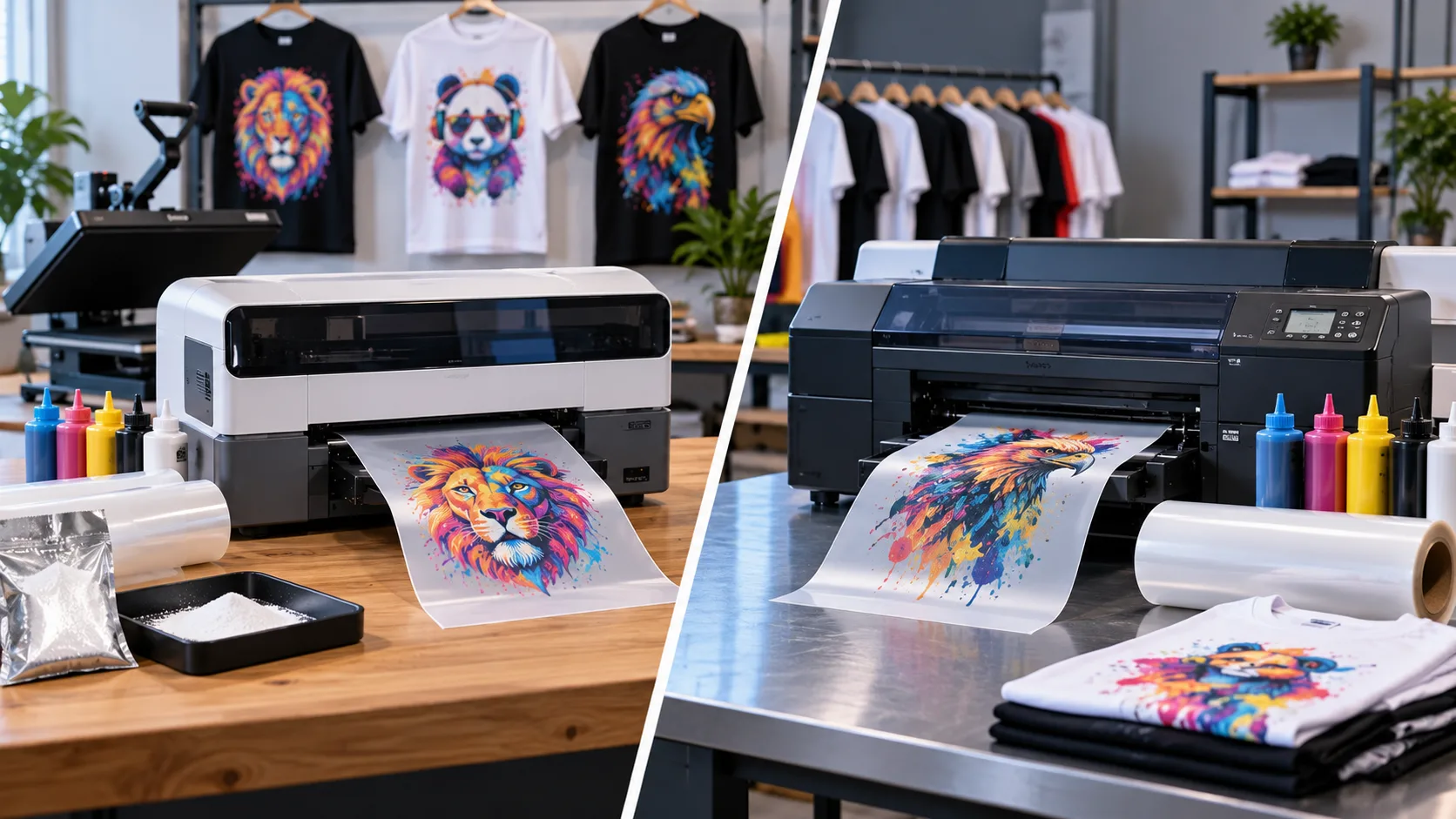
xTool vs Epson DTF Printers
Direct-to-film printing has become a popular way to create custom T-shirts, hoodies, uniforms, bags, and promotional apparel. Both xTool DTF Printers and Epson-based DTF systems can produce colorful transfers, but they may suit different business requirements.
Before purchasing, consider your expected production volume, available workspace, budget, maintenance requirements, and the type of apparel you plan to produce.
What Is an xTool DTF Printer?
An xtool dtf printer is designed around a streamlined workflow for creating DTF transfers. The xtool apparel printer can be useful for small businesses, creators, custom apparel shops, and people who want to produce personalized garments.
A major benefit is the ability to create detailed designs without requiring screen-printing screens or separate color setups.
For businesses starting with DTF printing, the xtool dtf ecosystem can provide a relatively straightforward way to enter the market.
What About Epson DTF Printers?
Epson has a long history in professional printing technology and offers dedicated direct-to-film solutions for commercial applications. Epson's DTF systems are generally positioned toward businesses that need consistent production and an established professional printing workflow.
Depending on the model, Epson equipment can offer features designed for higher-volume production and commercial print environments.
The exact capabilities and pricing vary considerably between Epson models, so comparing specific machines rather than the brands alone is important.
Print Quality Comparison
Both technologies can produce detailed, colorful transfers when properly configured.
Print quality depends on several factors, including:
- Printer resolution
- Ink quality
- Transfer film
- Powder
- RIP software
- Heat-press settings
- Artwork preparation
- Printer maintenance
For detailed graphics, photographs, logos, and colorful artwork, both xTool and Epson systems can produce professional-looking results when operated correctly.
Cost Comparison
Printer price is only part of the total investment. You should also calculate consumables, maintenance, blank garments, powder, film, electricity, and replacement components.
ExpensexTool DTF SetupEpson DTF SetupPrinterApproximately $2,000–$5,000+Approximately $7,000–$20,000+Heat Press$300–$800$300–$800DTF Film$80–$200+$80–$200+DTF Ink$35–$60+ per color$50–$100+ per colorPowder$50–$150+$50–$150+MaintenanceRegularRegularThese are approximate planning ranges, not fixed retail prices. Actual prices depend on the model, bundle, region, supplier, and current promotions.
Ink and Maintenance
Ink and maintenance can significantly affect your long-term printing costs.
When using xtool dtf ink, follow the manufacturer's recommendations for storage, replacement, and printer maintenance. Using compatible supplies helps maintain consistent output.
Regular maintenance is equally important. Components such as xtool filters should be checked and replaced according to the recommended maintenance schedule.
Epson systems also require regular maintenance and appropriate consumables. Before purchasing either system, calculate the expected monthly ink consumption rather than comparing only the initial printer price.
Summary:
xTool and Epson DTF printers are designed for different types of users and printing businesses. xTool focuses on an accessible, streamlined DTF workflow, while Epson has a strong presence in professional printing equipment. Understanding printer costs, ink, maintenance, production requirements, and print quality can help you choose the right setup.