
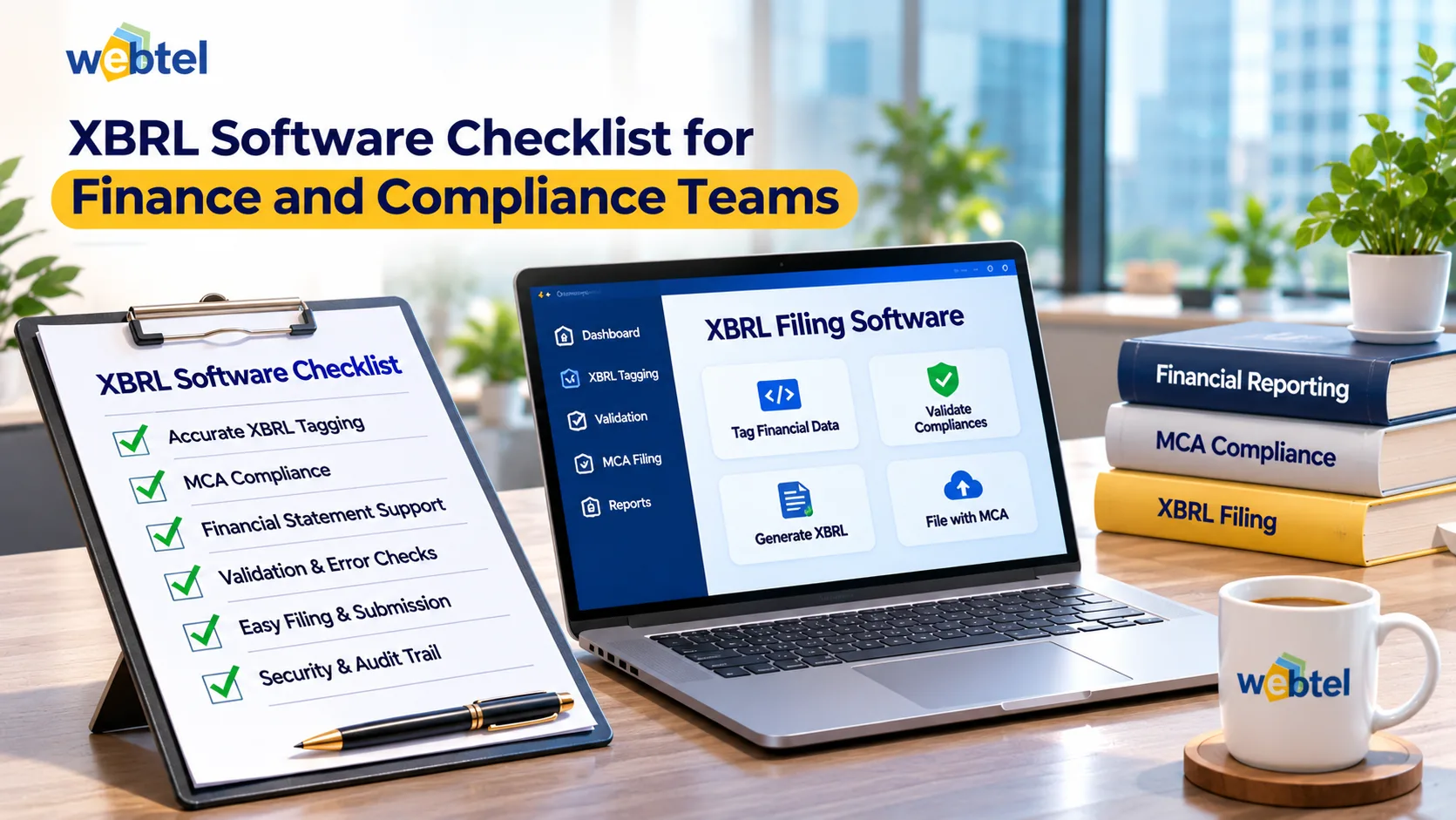
Choosing XBRL software involves more than checking whether a product can generate an instance document. Finance and compliance teams need to consider how the software handles financial data, supports taxonomy mapping and helps users review filing outputs. A solution that does not fit the company's reporting process can create extra work, even if it offers a wide range of features.
A practical XBRL software checklist should cover both software capabilities and the support available when internal teams need assistance. Companies should assess their reporting requirements first, then compare solutions against the tasks employees perform during each filing cycle.
Identify What the Team Needs to Prepare
Before comparing products, finance teams should understand the type of XBRL work the company handles. The requirements may depend on the applicable taxonomy, financial reporting framework, supporting documents and internal review process.
A company preparing recurring financial statements may need software for handling figures, notes and other disclosures. Its compliance team may also need tools to check the generated instance document and identify technical errors.
Start by clarifying a few points:
- Which financial statements and supporting documents need to be included?
- Which taxonomy and reporting requirements apply?
- Where is the financial information currently maintained?
- How many employees will prepare, review or approve the report?
- Does the company have employees with XBRL preparation experience?
- Is external preparation or review support required?
These questions help teams distinguish essential requirements from features that may have little practical value.
Seven Areas to Check Before Selecting XBRL Software
1. Applicable Taxonomy Support
The software should support the taxonomy relevant to the company's filing requirements. Users also need a clear way to associate financial information with the appropriate taxonomy elements.
This is important because similar-looking financial statement headings may represent different accounting concepts. The selected tag should reflect the meaning of the reported information, not just its wording.
2. Financial Data Import and Export
Check whether the solution supports the file formats used by the finance team. Import facilities for supported Excel, Word and XML files can reduce repeated data entry and make existing financial information easier to work with.
During evaluation, test how imported data appears in the software. Compare a sample of figures with the original documents to confirm that the information has transferred correctly.
3. On-Document Tagging
Financial reporting involves more than the primary financial statements. Notes to accounts, auditors' reports and directors' reports may also form part of the preparation work.
On-document tagging can help employees associate disclosures in these documents with the relevant taxonomy elements. Teams should check whether the software supports the report sections they actually need to prepare.
4. Previous-Year Data Handling
Access to previous-year information can make recurring reporting work easier. It may provide a starting point for preparing similar sections in the current reporting period.
However, carried-forward information must be checked. Changes in financial figures, disclosures or reporting requirements can make earlier data unsuitable for direct reuse.
5. Validation and Error Identification
Validation tools help identify technical issues in the generated XBRL file. Look at whether error messages are understandable and whether users can locate the sections that need correction.
Teams should also understand the limits of automated validation. A technically valid file may still contain an incorrectly classified disclosure. Financial review remains necessary.
6. Instance Document Generation
The software should generate the required XBRL instance document from the prepared information. Employees should be able to review the output and understand how corrections made during preparation affect the final document.
A useful evaluation exercise is to prepare a sample report from start to finish. This allows the team to assess the complete process instead of relying only on a product demonstration.
7. Technical Support and Training
Software selection should account for the people who will use the system. Finance and compliance employees may need initial training, technical guidance and help resolving issues during reporting periods.
Ask about the availability and scope of support before purchasing. Also consider whether the software is manageable for employees who prepare XBRL reports only occasionally.
Compare Software Through a Practical Test
A feature list does not reveal how easily employees can complete their work. A practical test can help the company identify differences between shortlisted solutions.
For example, the finance team can use the same sample financial statement to test two products. Each product can be assessed on data import, taxonomy mapping, supporting document handling, validation and instance document generation.
The team can record its observations using a simple comparison:
Evaluation areaWhat to assessData handlingAccuracy and ease of importing existing informationTaxonomy mappingClarity of tag selection and mappingDocument supportAbility to handle required statements and disclosuresValidationClarity of errors and correction processOutputEase of generating and reviewing the instance documentUsabilityHow comfortably employees can complete routine tasksSupportAvailability of training and technical assistanceUsing the same sample documents and evaluation criteria makes the comparison more consistent. It also helps identify problems before the company commits to a solution.
Decide Whether the Team Needs External XBRL Support
Software does not replace the experience required to interpret financial information and select appropriate taxonomy elements. Companies with experienced internal teams may prefer to manage preparation themselves. Others may need additional support because they have limited XBRL expertise or insufficient capacity during filing periods.
An external service provider can assist with defined preparation and review activities. Webtel's XBRL outsourcing service covers IND-AS and non-IND-AS XBRL filings and includes a preparer-checker process.
Before engaging an external provider, clarify the scope of work. Discuss document requirements, responsibility for resolving queries, expected timelines and the review process. The company should also establish who will approve the final information.
Outsourcing can provide additional preparation capacity, but the company remains responsible for the accuracy of the financial information it reports.
Include Cost in the Final Evaluation
The software price should be assessed against the capabilities and support the company actually needs. Finance teams should consider the features included, user requirements, training, technical assistance and the effort involved in adopting the solution.
A lower initial price may not include every required feature. On the other hand, a more expensive product may offer capabilities that the company does not use.
Compare the total offering with the company's reporting needs. The aim is to select a solution that provides the necessary functionality without adding avoidable costs or complexity.
Use the Checklist to Make a Better Selection
The right XBRL solution should fit the company's reporting requirements and the way its finance and compliance teams work. Taxonomy support, document handling, data import, validation and technical assistance all deserve attention during evaluation.
Testing shortlisted products with actual sample documents can reveal practical differences that a feature list may not show. Companies should also decide whether internal employees can manage preparation and review or whether external assistance is required.
A careful evaluation helps teams select software that supports their filing process and remains useful across reporting periods.