
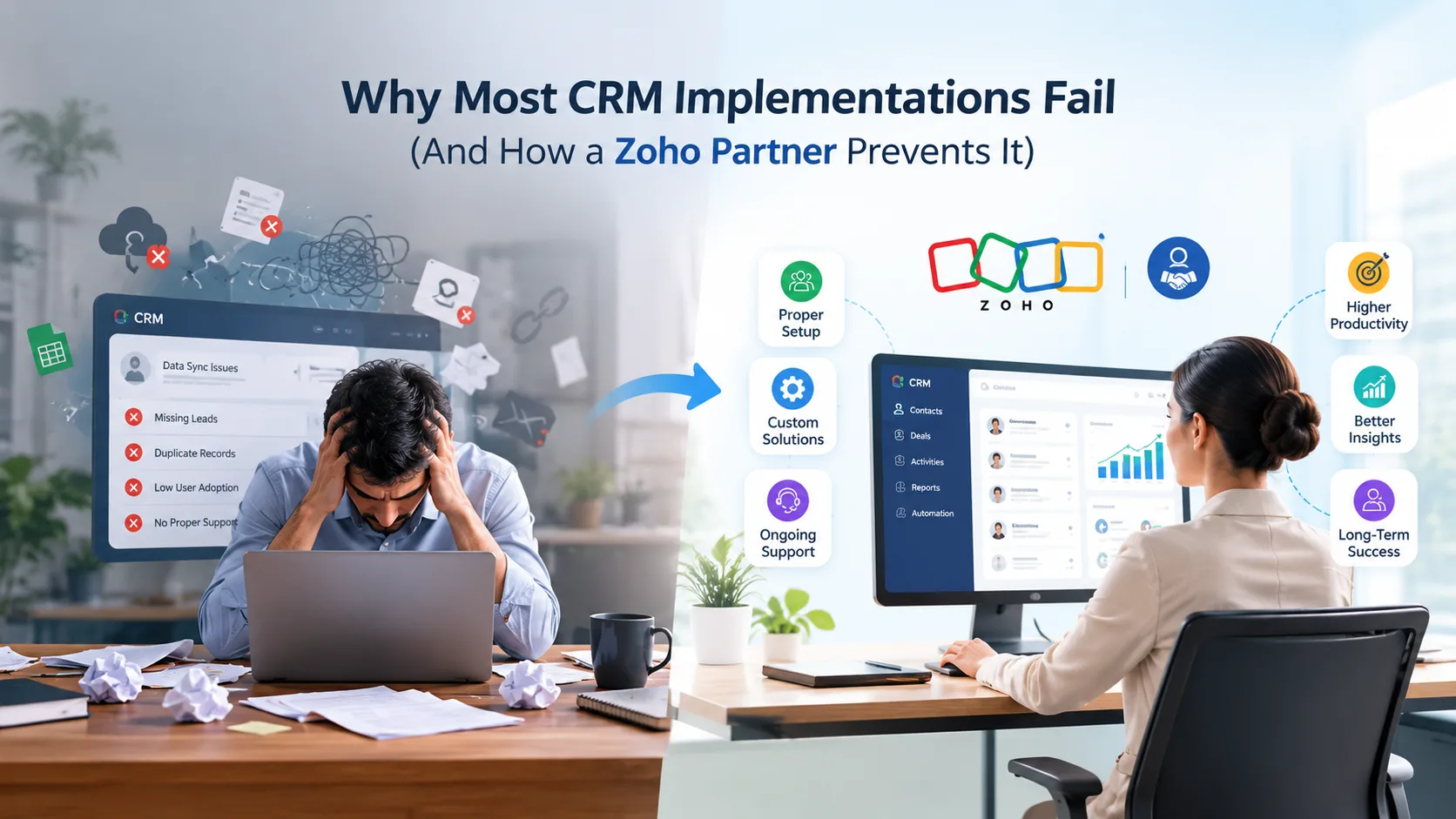
CRM software promises a lot: cleaner pipelines, better forecasting, less admin, more closed deals. Yet a large share of CRM rollouts never deliver on that promise. Teams revert to spreadsheets within a year, adoption stalls, and the "single source of truth" becomes just another underused tool. The problem is rarely the software itself — it's how the implementation is planned and executed.
Zoho CRM is a good example of this gap. On paper, it's a genuinely capable platform — automated sales pipelines, Zia AI for lead scoring and forecasting, Blueprint for guided sales processes, and native connections to Zoho Books, Zoho Desk, and Zoho Analytics as part of the broader Zoho One suite. But capability alone doesn't guarantee adoption. Here's a breakdown of where Zoho CRM implementations typically go wrong, and how working with an experienced Zoho partner changes the outcome.
1. No Clear Process Before the Build
Many businesses buy a CRM and start configuring fields and pipelines immediately — without first mapping how their sales, service, or operations teams actually work. The result is a system that mirrors nobody's real process, so staff work around it instead of through it.
How a partner prevents this: A proper implementation starts with discovery and process mapping before a single module is touched. A certified Zoho partner documents the existing sales or service workflow, identifies gaps, and only then designs the CRM structure in Zoho CRM — pipelines, stages, Blueprint workflows, and Workflow Rules for automation — around how the business actually operates.
2. Poor Data Migration
Migrating years of customer records, deals, and history from spreadsheets or a legacy system is one of the riskiest parts of any CRM project. Duplicate records, broken formatting, and missing fields are common when migration is rushed or handled without a clear mapping plan.
How a partner prevents this: Experienced partners run a structured migration process — auditing, cleaning, and de-duplicating data before it's imported into Zoho CRM using Zoho's native import tools or the Data Migration API, then validating it post-migration so nothing is lost or corrupted.
3. Under-Customisation or Over-Customisation
Some businesses accept default settings that don't fit their industry. Others go the opposite direction and customise every field, layout, and automation until the system becomes too complex for staff to use confidently. Both extremes cause the same result: low adoption.
How a partner prevents this: A Zoho partner tailors Zoho CRM using custom modules, layouts, and validation rules to match business-specific requirements — and where a truly bespoke process is needed, builds it as a custom app in Zoho Creator rather than forcing it into the CRM. Enough customisation to reflect real workflows, without overengineering the system into something unusable.
4. Weak or Missing Staff Training
A CRM is only as good as the people using it. When training is a single onboarding call or a shared help document, most staff never learn the features that actually save them time — automation, reporting, task reminders — and adoption quietly drops off.
How a partner prevents this: Structured, role-specific training (sales team vs. service team vs. management reporting) ensures each user understands the parts of Zoho CRM relevant to their job — from basic record management through to using Zia AI insights, Zoho Analytics dashboards, and workflow automation — not just a generic product tour.
5. No Integration with Existing Tools
If Zoho CRM doesn't talk to accounting software, email, or support tools, staff end up duplicating data entry across multiple systems — which defeats the purpose of centralising customer data in the first place.
How a partner prevents this: Partners connect Zoho CRM with the rest of the Zoho ecosystem — Zoho Books for invoicing, Zoho Desk for support tickets, Zoho Campaigns for marketing — as well as third-party platforms like Xero, via Zoho Flow, the Zoho API, or webhooks, so data flows automatically between systems instead of being re-entered manually.
6. No Ongoing Support After Go-Live
Many implementations treat "go-live" as the finish line. But business processes evolve, new staff join, and small configuration issues surface over time. Without ongoing support, these small issues compound until the system feels broken.
How a partner prevents this: A managed services arrangement with a Zoho partner means continuous monitoring, troubleshooting, and refinement across Zoho CRM and the wider Zoho One suite — keeping the system aligned with the business as it grows, adds users, or adopts new Zoho apps.
The Bottom Line
CRM failure is rarely about the platform — it's about implementation discipline. Process mapping, clean data migration, right-sized customisation, real training, integration, and ongoing support are what separate a CRM that gets used from one that gets abandoned.
Businesses that partner with a certified Zoho implementation specialist — rather than attempting a DIY setup — are far more likely to see the CRM become a genuine driver of sales and service performance, not just another software subscription.
Melbourne-based Flexbox Digital is one such example — a certified Zoho Partner working with businesses across Melbourne and Sydney on CRM implementation, data migration, integrations, and ongoing support, helping teams avoid exactly the pitfalls outlined above.