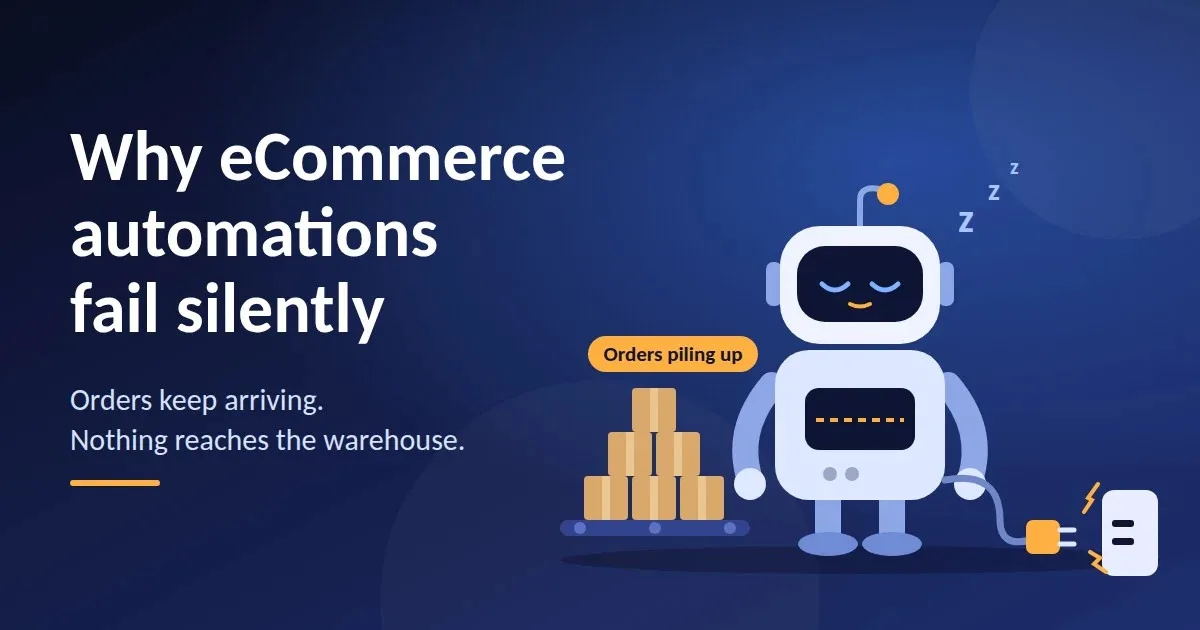
Most store owners picture an automation failure as something loud: an error banner, a broken checkout, an angry email from a customer. The failures that really hurt are quiet. Orders keep coming in, the storefront looks perfectly healthy, and somewhere between the shop and the warehouse a workflow has simply stopped doing its job.
Imagine a small online store that sends every paid order to its warehouse through an automated connection. One Tuesday night the receiving system goes down for a short maintenance window. By Friday, customers are still placing orders, the sales dashboard looks great, and the warehouse team is wondering why the week has been so calm. Nothing crashed and nothing showed an error. The automation just stopped, and nobody was told.
How a quiet failure actually happens
This is not just a hypothetical. WooCommerce, one of the most widely used store platforms, automatically disables a webhook after more than five consecutive delivery failures. Its documentation counts any response that is not a 2xx, 301 or 302 status code as a failure. That means a short outage on the receiving side can be enough to switch an order integration off, and unless you have your own alerting in place, it stays off until someone notices and turns it back on.
The real danger is the silence. A broken checkout gets reported within minutes. A stopped workflow can go unnoticed for days, and every order that passed through in the meantime may need to be fixed by hand.
Four safeguards worth building first
You do not need a huge engineering project to protect yourself. These four habits catch most silent failures:
- A heartbeat check. If no order events arrive within the window you would normally expect, send an alert. Silence should be treated as a warning sign, not as good news.
- Idempotency keys. Systems sometimes deliver the same event twice. Giving every event a unique key means stock is not deducted twice and an order is not shipped twice.
- Payload validation. After a plugin or app update, a field can quietly change its name, and suddenly your workflow is passing blank addresses or wrong product codes downstream. Reject and queue malformed data instead of letting it through.
- A scheduled reconciliation. Once a day, compare what the store says with what the warehouse says. If the two do not match, you find out from a report and not from a customer.
None of these replaces the automation itself. They are the smoke detectors that tell you when it has stopped working.
Start with the promise you make to customers
If you are unsure where to begin, begin with shipping. In the United States, the FTC's Mail, Internet, or Telephone Order Merchandise Rule says a seller must ship within the time it advertises, or within 30 days when no time is stated. If a seller cannot meet that date, it has to tell the customer about the delay, give a revised shipping date, and explain the customer's right to cancel for a full and prompt refund. The notice can go out by email. (This is general guidance rather than legal advice, so check the details for your own business.)
A person checking backorders by hand once a day will eventually miss that window during a busy week. A workflow that compares open orders with live stock, sends the notice automatically, and logs what was sent will not. It is a strong first candidate because the cost of getting it wrong is easy to see.
For a wider look at the stages every workflow goes through, and the workflows most stores automate first, this guide to how eCommerce automation works is a handy reference to keep nearby.
The takeaway
Good automation is not about removing people from the process. It is about making sure that when something breaks, a person finds out quickly. Before you add your next workflow, ask one simple question: if this stopped working tonight, how long would it take us to notice?
If the honest answer is "days", build the alert first and the automation second.