
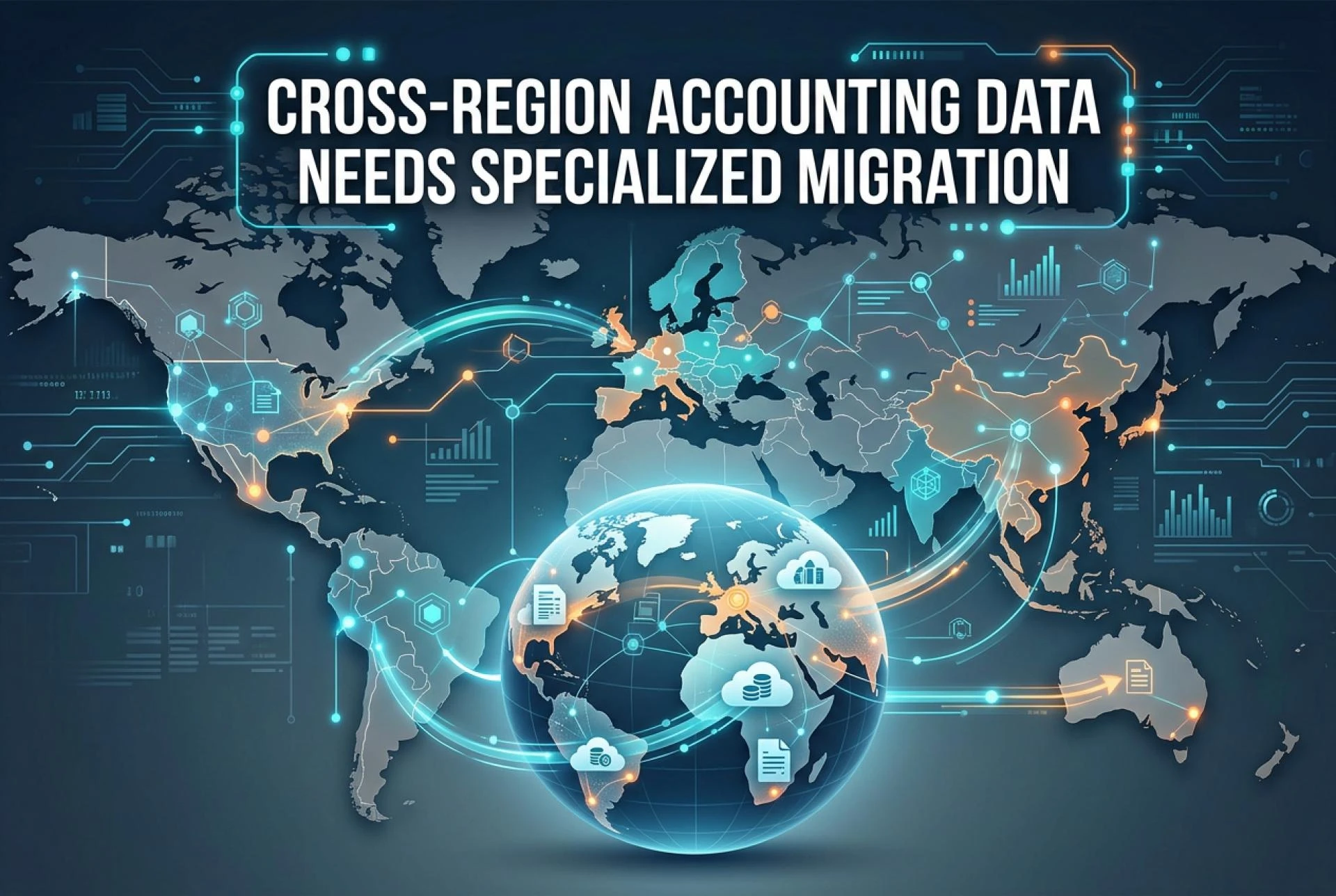
Accounting software does not carry a passport. A QuickBooks Desktop file built in Toronto looks structurally similar to one built in Chicago or Sydney. Open either in the same software, and the transaction list looks the same. The tax codes are different, the compliance obligations are different, and the regulatory framework the firm works under is entirely different — but the file itself is just a file.
That similarity is part of why accounting firms attempting a QuickBooks to Xero conversion across borders frequently underestimate what a cross-region migration actually requires. The data does not know it crossed a border. The migration tool does.
A generic conversion tool moves data. A specialized QuickBooks to Xero migration solution moves data with the compliance context that makes it usable and defensible — in the right tax framework, stored in the right jurisdiction, validated against the right standards. The difference between those two outcomes is what this article is about.
What "Cross-Region" Actually Means for Accounting Data
Cross-region does not just mean international. An accounting firm with offices in Toronto and Calgary serves clients under different provincial privacy rules. A firm in Vancouver managing clients with US operations may be handling data subject to both Canadian and US tax authority requirements simultaneously. A US firm with Australian subsidiary clients faces three different regulatory environments in a single file.
The cross-region problem compounds at every layer of the migration:
Tax codes and structures — GST/HST in Canada, state sales tax in the US, and GST in Australia are all "sales tax" in the abstract but differ in rate structure, exemption logic, and how they need to be configured in Xero post-migration. A tool that migrates tax codes without understanding jurisdiction-specific frameworks produces a converted file that requires significant manual remediation before the client can process their first transaction.
Records retention requirements — Canada's Income Tax Act sets a six-year minimum retention window under Section 230. The IRS in the US recommends a seven-year default for practical purposes. The Australian Taxation Office requires a five-year minimum under the Tax Administration Act. An accounting firm managing cross-border clients needs a migration tool whose output supports the right retention framework per client, not a one-size rule applied uniformly.
Data residency obligations — Where the file actually gets processed during conversion is a compliance question, not a preference. PIPEDA requires that Canadian accounting firms transmit client data only to processors that provide comparable privacy protection. That means knowing — in writing — whether your migration vendor processes Canadian files in Canadian infrastructure.
The Compliance Gap Generic Tools Cannot Bridge
The free tools in this space — the Xero Conversion Toolbox, Jet Convert, basic CSV import workflows — are built for file conversion. They are not built for compliance. That distinction matters more as the migration gets more complex.
Tax Framework Mapping
Generic tools migrate the tax codes that exist in the QuickBooks Desktop file. They do not verify whether those codes are correctly configured for the destination jurisdiction's requirements in Xero.
Consider a US client with economic nexus in six states following the 2018 South Dakota v. Wayfair Supreme Court ruling. Their QBD file contains sales tax codes that reflect obligations in Illinois, California, Texas, and three other states. A generic conversion migrates those codes as-is. The rates may be outdated. The nexus thresholds may have changed. Post-migration, the client bills under incorrect tax codes until someone notices — which usually happens when a state audit inquiry arrives.
A specialized QuickBooks to Xero migration service flags this as a post-migration configuration task. It does not resolve the tax nexus question — that is the accountant's job — but it surfaces the issue explicitly rather than silently migrating stale codes.
Data Residency for Canadian Files
PIPEDA holds Canadian accounting firms accountable for the personal information they transmit to third-party processors. The law does not make an exception for migration vendors. An accounting firm in British Columbia that uploads a client file to a migration platform processing data in US servers has a PIPEDA exposure it may not know about until it matters.
WOW BookSwitch processes Canadian client data exclusively in AWS Canada regions. The data does not cross the border during conversion. This geographic separation is built into the platform's architecture. Firms in Alberta, BC, and Quebec face parallel obligations under provincial legislation (Alberta PIPA, BC PIPA, Quebec Law 25). All of those obligations require geographic specificity, not a general "secure cloud" commitment.
For a firm migrating Canadian and US files simultaneously — a common scenario for firms with cross-border clients — WOW BookSwitch routes each file to the appropriate regional infrastructure. Canadian data stays in AWS Canada. US data processes in AWS US regions. Same migration service, correct routing per file.
Retention Framework Alignment
Canada, the US, and Australia each have different records retention requirements that apply to the QuickBooks Desktop source file after migration. The file itself is not migrated to Xero — transaction history transfers, but the QBD source file remains the authoritative record for the pre-migration period.
Getting this wrong has real consequences. A Canadian accounting firm that advises a client to delete the QBD file after migration has exposed that client to a CRA assessment gap. The six-year rule under Section 230 of the Income Tax Act is not optional and does not expire because the software changed.
What Specialized Migration Looks Like in Practice
Scenario: Canadian Firm, Multi-Jurisdiction Clients
A Toronto-based accounting firm managing 80 QuickBooks Desktop client files has a portfolio spread across Canadian provinces, three US-based subsidiary clients, and two clients with Australian operations. They are migrating to Xero before QBD 2024's September 2027 support cutoff.
A generic tool converts all 80 files through the same process. A specialized QuickBooks to Xero migration service routes each file based on data geography: Canadian files process in AWS Canada regions satisfying PIPEDA and provincial obligations; US client files process in AWS US regions; post-migration documentation identifies the applicable retention framework per client.
The firm's compliance record for each migration is documented. If any client faces a regulatory inquiry about their data handling during the migration period, the firm has the evidence to respond.
Scenario: Cross-Border Multi-Currency Client
A Vancouver firm has a client operating in Canada with a US subsidiary. The QuickBooks Desktop file contains CAD and USD transactions, realized and unrealized foreign exchange gains and losses, and bank accounts in both currencies.
Generic tools fail here in two distinct ways: they mishandle the exchange rate differential between QBD's internal foreign currency representation and Xero's multi-currency data model, and they apply a single data residency routing to a file that spans two jurisdictions.
WOW BookSwitch handles multi-currency conversions with full foreign exchange accuracy — every transaction's functional currency equivalent carries through correctly. The firm confirms data residency in writing before submission.
Is Xero Better Than QuickBooks Online for Cross-Region Firms?
It depends on the firm's geography and client mix. Xero was built cloud-native with multi-currency and multi-jurisdiction support embedded from the start. QuickBooks Online evolved from a desktop product and carries structural constraints from that lineage.
For firms managing clients across Canada, the US, and Australia, Xero's architecture handles multi-entity, multi-currency, multi-jurisdiction complexity more cleanly. The xero vs quickbooks online comparison matters less than the question of what platform actually supports the compliance workflow each firm runs.
Does Xero offer a desktop version? No. Xero is entirely cloud-based, accessible through any browser. That is by design — it is what enables real-time collaboration and automatic updates across multiple geographic regions from a single platform.
The Case for Specialized Migration Tools
Moving accounting data across regions is not a technical problem with a technical solution. It is a compliance problem that requires a tool built for compliance. Generic conversion tools are built for file transformation. Specialized QuickBooks Desktop to Xero migration services are built for the full context: tax framework integrity, data residency routing, retention documentation, and validation that confirms the output is accurate before the firm goes live.
WOW BookSwitch handles QuickBooks Desktop to Xero conversion at $399 USD per conversion, with a one-to-three business day turnaround, AI post-conversion validation against trial balance, balance sheet, and profit and loss, and trained accountant review with correcting entries applied where discrepancies are found. The 95% accuracy guarantee applies across markets. Volume pricing at 15% off kicks in at 30 or more files.
Generic tools are free. The remediation work they create is not.
Ready to migrate from QuickBooks to Xero the right way? Visit: wowbookswitch.com
Frequently Asked Questions
1. Can I transfer QuickBooks data to Xero if I have clients in multiple countries?
Yes. A specialized migration service handles multi-jurisdiction files and routes data to the appropriate regional infrastructure. WOW BookSwitch processes Canadian data in AWS Canada regions and US data in AWS US regions.
2. Does data residency matter when migrating QuickBooks Desktop to Xero?
Yes, particularly for Canadian firms. PIPEDA holds accounting firms accountable for where client data is processed during conversion. A migration vendor that cannot confirm Canadian data stays in Canadian infrastructure does not satisfy this obligation.
3. Does a generic conversion tool handle cross-border tax codes correctly?
Generic tools migrate the codes that exist in the QBD file. They do not verify whether those codes are correctly configured for the destination jurisdiction's Xero setup. Post-migration tax configuration is a required follow-up step regardless of which tool you use.
4. How long do I need to retain the QuickBooks Desktop source file after migrating to Xero?
It depends on jurisdiction. Canada requires a minimum of six years under Section 230 of the Income Tax Act. The IRS practical default for US firms is seven years. The Australian Tax Office requires five years under the Tax Administration Act. Check state and provincial requirements for clients in specific jurisdictions.
5. Is Xero better than QuickBooks Online for firms with cross-region clients?
Xero's cloud-native architecture handles multi-currency and multi-jurisdiction complexity more cleanly than QuickBooks Online for most firms operating across Canada, the US, and Australia.
6. What is the cost of a QuickBooks Desktop to Xero conversion with WOW BookSwitch?
$399 USD per conversion. Extended history beyond the base scope is available at $100 USD per additional year. A 15% volume discount applies at 30 or more files.
7. Does WOW BookSwitch support multi-currency cross-region migrations?
Yes. WOW BookSwitch handles full multi-currency conversions, including realized and unrealized foreign exchange gains and losses, for clients with cross-border transactions.
8. What is PIPEDA and why does it affect my migration choice?
PIPEDA is Canada's federal private-sector privacy law. It requires Canadian accounting firms to ensure that third-party processors handling client data provide comparable privacy protection. This means confirming data residency — where the migration vendor processes your files — before uploading.
9. Can Xero import QuickBooks data directly across regions?
Xero's built-in Conversion Toolbox accepts CSV imports but is not designed for multi-currency, multi-jurisdiction, or complex file structures. A professional migration service works with the QBD file directly and handles the compliance context the toolbox cannot.
10. Does WOW BookSwitch serve firms in Canada, the US, and Australia?
Yes. Canada is the primary market; the US and Australia are secondary markets. The migration service, pricing, and validation process are consistent across markets. Compliance guidance reflects the applicable jurisdiction's requirements for each file.
Related Hashtags:
#QBDMigrationToXero #QuickBooksToXeroConversion #QuickBooksDesktopToXeroConversion #MigrateFromQuickBooksToXero #QuickBooksToXeroMigration #CrossRegionMigration #PIPEDA #DataResidency #XeroVsQuickBooks #WOWBookSwitch