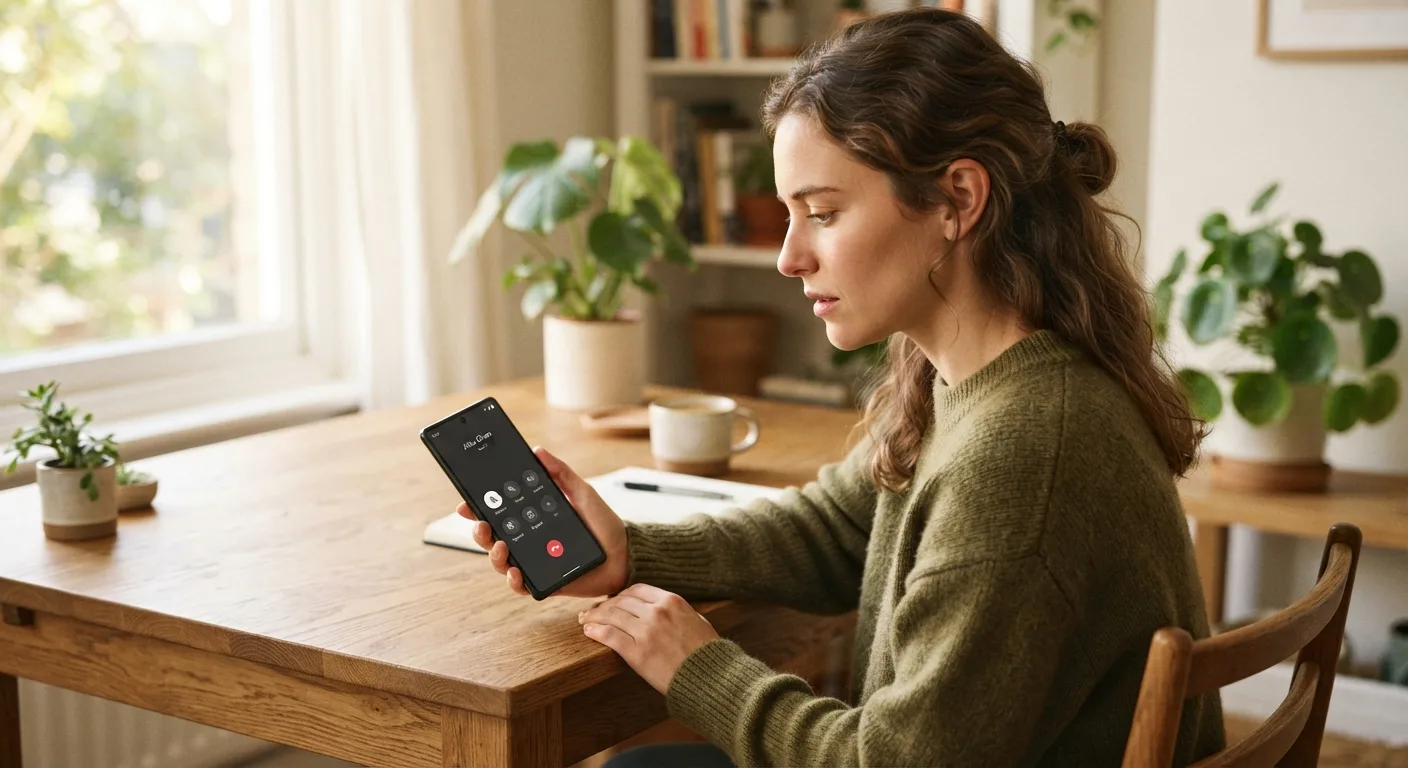
Smartphones have changed the way people communicate. From personal conversations and business discussions to family calls, phone communication remains an important part of everyday life. Many Android users have relied on call recording applications to save important conversations for future reference.
However, recording phone calls on Android devices has become more complicated over the years. Changes in Android permissions, Google Play policies, and privacy protections have affected how third-party call recording applications work.
Some applications no longer provide the same recording experience they once offered. Others may work only on particular devices or under specific conditions.
Understanding these changes can help Android users make better decisions when choosing call recording tools and protecting their privacy.
Why Android Call Recording Apps Face More Restrictions
Android has introduced several changes to improve user privacy and protect sensitive information. These changes affect applications that request access to phone calls, microphones, contacts, and other personal data.
Call recording applications often require special permissions to capture audio during phone conversations. However, Android and Google Play have placed restrictions on how third-party applications can access these functions.
Google Play's policies also limit the use of Accessibility APIs for remote call audio recording. Developers must follow the platform's disclosure, permission, and privacy requirements.
As a result, some traditional call recording applications may no longer work as expected.
Common Reasons Call Recording Apps Stop Working
There is no single reason why every call recording application experiences problems. Several technical and policy-related factors can affect their performance.
1. Android Version Compatibility
One common reason is compatibility with different Android versions.
An application designed for an older operating system may not work correctly after a device receives a major software update.
Android updates can change permissions, restrict background activities, and introduce additional privacy protections.
Before installing a call recording application, users should check its supported Android versions and device requirements.
2. Google Play Store Restrictions
Google Play has introduced policies that limit how applications access sensitive phone information.
For example, its Accessibility API policy prohibits using that API for remote call audio recording. Applications must also follow applicable disclosure and consent requirements when using sensitive permissions.
These restrictions have affected developers who previously relied on certain Android functions to provide call recording features.
Users can review the official Google Play Developer Policy to understand the relevant requirements.
3. Device Manufacturer Limitations
Not every Android smartphone provides the same call recording options.
Some manufacturers include built-in recording features in their phone applications, while others may disable them or make them unavailable in certain regions.
The availability of call recording can depend on the phone model, operating system, manufacturer, and local requirements.
Therefore, an application that works on one Android phone may not provide the same functionality on another.
4. Microphone and Permission Problems
Call recording applications may require microphone or other permissions to perform their intended functions.
If permissions are disabled, changed, or restricted by the operating system, the application may stop working properly.
Users should review application permissions and official troubleshooting instructions rather than granting unnecessary access to sensitive information.
Are Built-In Android Call Recording Features Still Available?
Yes, some Android devices continue to support built-in call recording features.
However, availability varies between manufacturers, phone models, supported regions, and software versions.
For example, certain phone applications provide a recording option during an active call, while other devices may not offer it.
Some built-in recording systems also notify participants when a call is being recorded.
Users should check their phone manufacturer's official documentation to understand which options are supported on their devices.
It is also important to remember that recording a conversation may require the consent of one or all participants, depending on local laws.
What Should Users Consider Before Choosing a Call Recording App?
Selecting a call recording application requires more attention than simply checking its features.
Users should consider several important factors before installing any software.
Check Compatibility First
Always confirm whether an application supports your Android version and smartphone model.
Reading recent user reviews and checking the developer's documentation can help you understand potential limitations.
Review Privacy and Security Policies
Call recordings can contain sensitive personal or business information.
Choose applications that clearly explain how recordings are stored, accessed, and protected.
Avoid unknown applications that request unnecessary permissions or make unrealistic promises about recording capabilities.
Understand Consent Requirements
Recording phone conversations without appropriate authorization can create legal and privacy problems.
Before recording, understand the requirements that apply in your location and inform participants when required.
Responsible recording helps protect everyone involved in a conversation.
Alternatives When Third-Party Call Recording Apps Do Not Work
If a third-party application does not work on your Android device, there are other options worth considering.
Use built-in recording features: If your phone manufacturer supports call recording in your region, the built-in phone application may be a suitable option.
Check official updates: Sometimes, application developers release updates to improve compatibility with supported devices.
Use approved business communication tools: Organizations can explore communication platforms with documented recording and consent features for legitimate business purposes.
Keep written records: For important conversations, written summaries, meeting notes, and follow-up emails can provide useful documentation without requiring audio recording.
These alternatives can help users manage important information while respecting privacy and platform restrictions.
How TheOneSpy Fits Into Modern Phone Monitoring
As smartphone technology continues to evolve, users are looking for reliable ways to understand device activity and manage digital safety.
TheOneSpy offers monitoring solutions with different features for supported devices and plans. Its platform provides tools related to call activity, device usage, location information, and selected application activities.
However, users should check current device compatibility and feature availability before selecting a plan. Call recording capabilities should not be assumed to work on every Android version or device.
For a deeper explanation of Android call recording limitations, users can also read Call Recording Apps on Android Won't Work Anymore.
The article explains why Android restrictions affect traditional recording applications and discusses the factors users should understand before choosing a recording solution.
Final Thoughts
Android call recording has become more complicated because of changing operating system requirements, privacy protections, and Google Play policies.
Although some built-in recording options remain available, third-party applications may face limitations depending on the device, Android version, and applicable permissions.
Users should always check compatibility, understand recording laws, and choose applications that follow appropriate privacy practices.
Technology should make communication easier without compromising personal privacy. By understanding Android restrictions and selecting suitable tools, users can make informed decisions about managing their phone conversations.