I scroll through tech news most mornings, and for a long time I treated every headline the same way: skim, nod, move on. Then I noticed that a gadget launch and a browser security fix sit side by side in the same feed, and only one of them can affect me this week. Feeds do not tell you which is which. This article shows four kinds of tech news, two real recent examples, and a short filter you can reuse.
What Is Tech News, and What Does It Expect From You?
Tech news is reporting on technology products, platforms, companies and the rules around them. Most of it is informational: it tells you something happened. A small share is practical, because it tells you something you need to do or change.
Why Most Tech Headlines Never Need a Response
Feeds rank stories by freshness, so everything looks equally urgent. A funding story, a product launch and a security patch all arrive with the same bold headline. Nothing in the layout says which one is asking for your time.
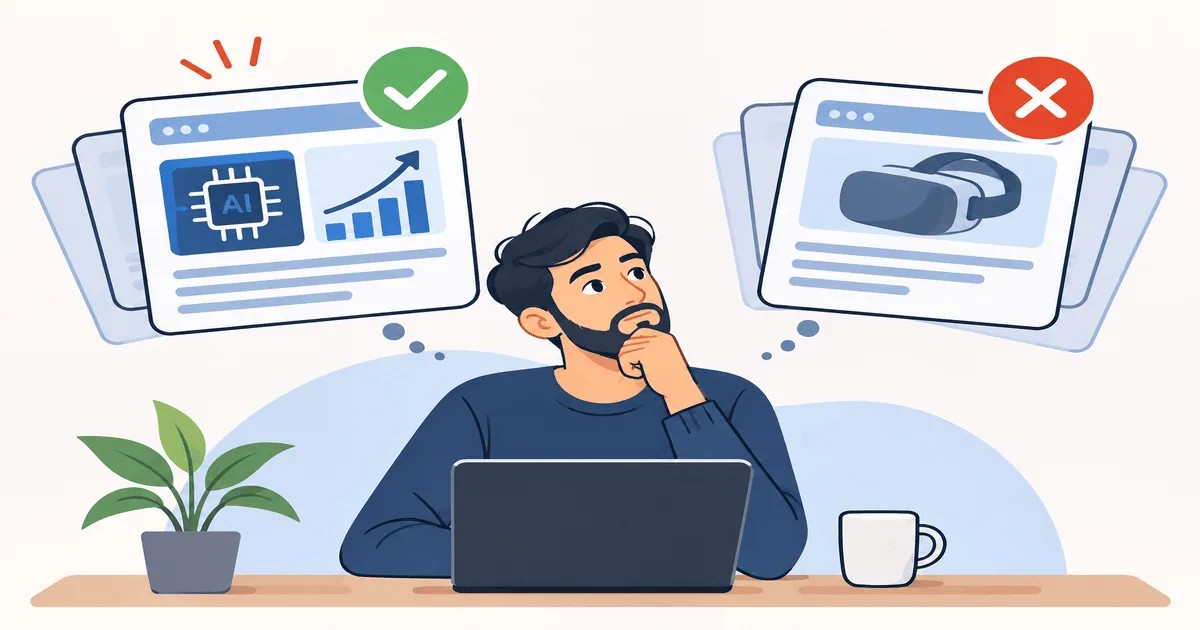
Four Kinds of Tech News: Act, Adjust, Wait, Watch
- Act: something you should do soon, like installing a security update.
- Adjust: a rule or setting changes how you use a service.
- Wait: a launch or feature that may not reach you yet.
- Watch: industry moves, like funding talks, that may matter later or never.
Act: How to Read a Security Patch Story
Wow News covered a critical Chrome zero-day patch on 11 November 2026. A zero-day is a flaw that attackers can use before a fix exists. That is why these stories are the clearest "act" headlines.
Two patterns show up in Chrome patch coverage. Google usually limits vulnerability details until most users have installed the update. And although Chrome updates itself, the rollout can take days or weeks, so a manual check is worth doing. Go to Chrome, then Help, then About Google Chrome, and click Relaunch once the installation finishes.
Other browsers built on Chrome's engine are separate. Edge, Brave, Opera and Vivaldi ship their own patches, so watch for those too.
Adjust: When Rules or Settings Change
India's caller name display is a different kind of story. A Department of Telecommunications circular dated 13 October 2026 told operators to introduce Calling Name Presentation (CNAP) on 4G and newer networks from 1 November 2026. Registered caller names are shown for unsaved domestic numbers. Subscribers who use Calling Line Identification Restriction will not have their names displayed.
Nothing needs installing, but how you judge unknown calls changes. My own view is that a registered name is a useful clue, not proof a call is genuine. Wow News ran an explainer on the rollout before it started.
Wait and Watch: Launches and Funding Headlines
Funding stories show why "watch" exists. Sarvam AI was reported to be in early talks to raise $250 million to $300 million at a $3 billion valuation, with the amount and valuation subject to change and no confirmation from the company. A later report said Cognizant was in talks to invest, at a valuation of $3.5 billion to $4 billion. Same story, different number within weeks. Wow News also covered the funding push.
Launches work the same way. "Announced" and "available in India" are separate facts, so I wait for the second one.
A Three-Question Filter for Your Daily Feed
- Does the headline name a product or service I use?
- Does it say what I should do, and by when?
- Does it rely on words like "in talks", "reportedly" or "plans to"?
Yes to the first two means act or adjust. Yes to the third means watch, and recheck when the deal or launch is confirmed.
Common Mistakes
- Treating every alert as urgent. You stop noticing the ones that count.
- Updating through a link instead of the app's own settings. I always use the menu, because fake update prompts are a common trick.
- Reading "launch" as "available here". Check regional availability first.
- Treating reported figures as final. The Sarvam numbers moved within weeks.
Key Takeaways
- Sort headlines by what they ask of you, not by how recent they are.
- Security patches and rule changes deserve same-day attention.
- Hedged wording is a signal to wait for confirmation.
Conclusion
I now check the same day when a headline names something I use. The Chrome check takes under a minute. For caller names, I only changed how I treat unknown calls. Funding and launch stories I read for context and look at again once something is confirmed. That alone cut down how much of my feed I feel I have to keep up with.
FAQs
What counts as tech news that needs action?
Stories about security patches, forced updates, or rule changes that affect services you use.
What is a zero-day?
A security flaw that attackers can exploit before the maker has released a fix.
Do I need to update Chrome manually?
Chrome updates itself, but rollout can take days, so a manual check through Help and About Google Chrome is quicker.
Does CNAP work on 2G and 3G networks?
The DoT directive covers 4G and newer networks, and any 2G or 3G rollout is to be considered separately.
How can I tell if a funding story is reliable?
Check whether it says "in talks" or "reportedly", whether the company confirmed it, and whether later reports changed the numbers.