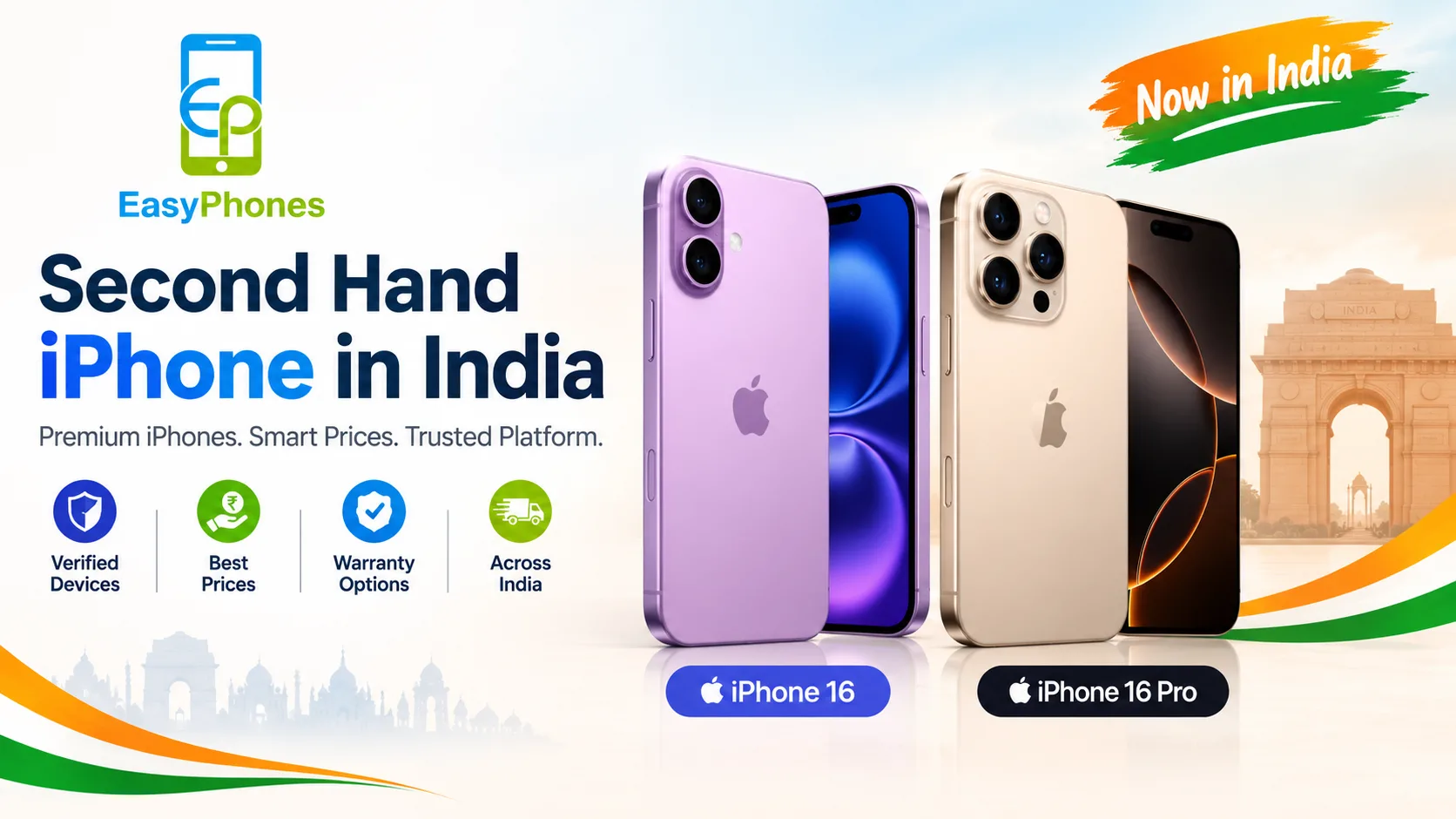
Buying a second hand iPhone in India can be a smart way to enjoy Apple's premium design, camera quality, and smooth performance without paying the full price of a new device. However, a low price does not always mean a good deal. Battery wear, hidden hardware damage, iCloud locks, and unclear ownership can turn an affordable purchase into an expensive mistake. Trusted sellers such as Easy Phones Udaipur can help buyers explore Apple devices while making informed purchasing decisions. Before browsing a second hand iPhone in India, use this practical checklist to evaluate the device's condition, authenticity, performance, and overall value.
Why Should You Check a Second Hand iPhone Before Buying?
A pre-owned iPhone can offer excellent value, but its condition depends on how the previous owner used and maintained it. Two phones of the same model may differ significantly in battery health, repair history, storage capacity, and remaining software support.
The safest approach is to inspect the phone in person whenever possible, verify its identity, test its essential features, and request a proper invoice or purchase record. If you are buying online, check the seller's return policy, warranty terms, and device-condition disclosures before paying.
1. Check the iPhone's IMEI Number and Authenticity
The International Mobile Equipment Identity (IMEI) is a unique identifier that helps you verify a phone's identity.
How to Verify the IMEI
- Open Settings > General > About and locate the IMEI number.
- Dial *#06# to display the IMEI, where supported.
- Compare the number with the device's packaging or purchase documents, if available.
- Ask for a valid invoice or other proof of ownership.
You can also check the serial number through Apple's official coverage website to review available coverage information. Remember that a valid serial number alone does not prove that the phone is genuine, free from defects, or legally owned.
Practical tip: Avoid devices with inconsistent identification details, suspicious ownership claims, or an unexplained activation lock.
2. Inspect Battery Health and Charging Performance
Battery condition is one of the most important factors when buying a used iPhone. As lithium-ion batteries age, their capacity decreases, potentially reducing daily usage time and peak performance.
What Battery Health Should You Look For?
Go to Settings > Battery > Battery Health & Charging. Depending on the iPhone model and iOS version, you may see Maximum Capacity and Peak Performance Capability.
- 90% or above: Generally a promising starting point, depending on the phone's age and condition.
- 85–89%: Often acceptable if the price reflects the remaining battery life.
- Below 80%: Budget for a possible battery replacement and check for service recommendations.
These ranges are practical guidelines, not guarantees of battery quality. Test charging, look for unexpected shutdowns, and inspect the charging port. Also review any available parts and service history because battery percentage alone cannot establish whether the battery is original.
3. Examine the Display, Body, and Build Quality
Physical damage can indicate previous drops, repairs, or exposure to moisture. A phone may look clean in photographs but still have screen defects or a damaged frame.
Screen and Body Inspection Checklist
- Check for scratches, cracks, dead pixels, discoloration, flickering, and uneven brightness.
- Test touch responsiveness across the entire screen, including the edges.
- Inspect the frame, back glass, camera lenses, buttons, and charging port.
- Test Face ID or Touch ID, depending on the model.
- Check for signs of screen lifting or unusual gaps around the body.
Open a white background and a dark image to spot display irregularities. If the phone has been repaired, ask which parts were replaced and whether any parts or service warnings appear in Settings.
4. Test the Camera, Speakers, Microphone, and Connectivity
A second hand iPhone should perform its essential functions reliably, not just turn on.
Use the following quick test before completing your purchase:
- Camera: Take photos and videos with all available rear cameras and the front camera. Check focus, clarity, flash, and stabilization where supported.
- Speakers: Play audio at different volume levels and listen for distortion.
- Microphone: Record a voice memo and play it back.
- Connectivity: Test Wi-Fi, Bluetooth, and mobile network connectivity with your SIM.
- Calls: Make a test call to check voice quality and proximity-sensor behavior.
- Buttons: Test the volume controls, side button, mute switch or Action button, depending on the model.
If possible, test GPS, wireless charging on compatible models, and other features important to your daily routine.
5. Check iCloud, Activation Lock, and Find My
This is a crucial step when purchasing a used Apple device. An iPhone connected to someone else's Apple Account may become unusable if Activation Lock remains enabled.
Ask the seller to sign out of their Apple Account and erase the device properly. Then begin the setup process yourself and confirm that the phone does not request the previous owner's credentials.
Do not pay for a phone that remains linked to another person's account. If the seller cannot remove the lock, walk away rather than relying on promises that it can be fixed later.
Also check whether the phone is managed by a company or school. Unexpected Remote Management screens during setup may indicate that the device is enrolled in an organisation's management system.
6. Verify the Model, Storage, and Repair History
Before deciding whether the price is reasonable, confirm the exact iPhone model, storage capacity, and condition.
Match the Specifications to Your Needs
Check Settings > General > About for model information and capacity. Compare these details with the seller's listing and invoice. Inspect the available storage and confirm that the device supports the features you need.
Ask about previous repairs, liquid exposure, and replaced components. On supported models and iOS versions, the Parts and Service History section may provide information about certain repairs. Its availability and displayed details vary, so the absence of a warning does not guarantee that the phone has never been repaired.
Check Apple's current iOS compatibility information before buying an older model. A phone that no longer receives major software updates may have a shorter useful lifespan.
7. Compare the Price, Warranty, and Seller Reliability
A good deal balances price with condition, reliability, and after-sales support. Compare similar models with the same storage, battery condition, and cosmetic grade rather than choosing the cheapest listing automatically.
Questions to Ask Before Making Payment
- Is a GST invoice or other valid purchase document available?
- Does the phone come with a seller warranty or return period?
- What does the warranty cover, and what exclusions apply?
- Are accessories included, and are they genuine or compatible third-party products?
- Has the phone been tested and graded for its condition?
For additional peace of mind, buyers can explore options from Easy Phones Udaipur and compare available devices before choosing one. For example, those considering a newer model can review Refurbished Apple iPhones 16 to compare pricing and available product details.
Remember that refurbished and second-hand are not necessarily identical categories. Refurbished phones may undergo inspection or repairs, but the exact process, warranty, and included services depend on the seller. Always verify these details rather than assuming every refurbished device meets the same standard.
8. Understand Payment Safety and Return Policies
Even a technically sound phone can be a poor purchase if the seller offers no recourse for undisclosed defects.
Prefer traceable payment methods and request written proof of the transaction. When buying from an online store, read the return and replacement policy, check delivery inspection requirements, and document the phone's condition when it arrives.
For in-person purchases, complete your inspection before paying. Never share OTPs, banking credentials, or Apple Account passwords with a seller. Avoid pressure tactics that demand immediate payment without allowing adequate testing.
Quick Takeaways: Second Hand iPhone Buying Checklist
Before purchasing, confirm that:
- The IMEI and model details are consistent.
- Battery health and charging performance are acceptable.
- The display, cameras, speakers, and buttons work correctly.
- Face ID or Touch ID functions as expected.
- Activation Lock is removed and the device can be set up independently.
- Repair history, ownership documents, price, and warranty terms have been reviewed.
- The seller's return policy and payment process are clear.
Conclusion
Buying a second hand iPhone in India can be a worthwhile investment when you focus on verified condition, battery health, genuine ownership, and transparent pricing. Never judge a device by its appearance or discount alone; test its features, check Activation Lock, and review the seller's terms before making payment.
Easy Phones Udaipur is a useful starting point for exploring available Apple devices and comparing options based on your budget and requirements. If you are considering a higher-end model, you can also explore Refurbished Apple iPhones 16 Pro and review the specifications, price, and applicable purchase conditions. A careful inspection and informed comparison can help you choose an iPhone that offers better value and dependable everyday performance.
Frequently Asked Questions (FAQs)
1. Is buying a second hand iPhone in India safe?
Yes, provided you verify the phone's identity, ownership, battery condition, Activation Lock status, and essential features. Buying from a seller with clear policies can reduce risk.
2. What battery health is good for a used iPhone?
Battery health of 85% or higher is often a reasonable starting point, although actual battery performance and the phone's price should also guide your decision.
3. How can I check whether a used iPhone is genuine?
Review the model and serial number in Settings, compare the IMEI with available records, and inspect the device carefully. Serial-number verification alone is not conclusive proof of authenticity.
4. Should I buy a refurbished iPhone or a second-hand iPhone?
A refurbished iPhone may have undergone inspection or repairs, while a second-hand phone may be sold in its existing condition. Compare the seller's testing process, warranty, return policy, and final price.
5. What should I avoid when buying a used iPhone?
Avoid phones with Activation Lock, suspicious ownership details, unexplained identification mismatches, major unreported defects, or sellers who refuse reasonable testing and documentation.