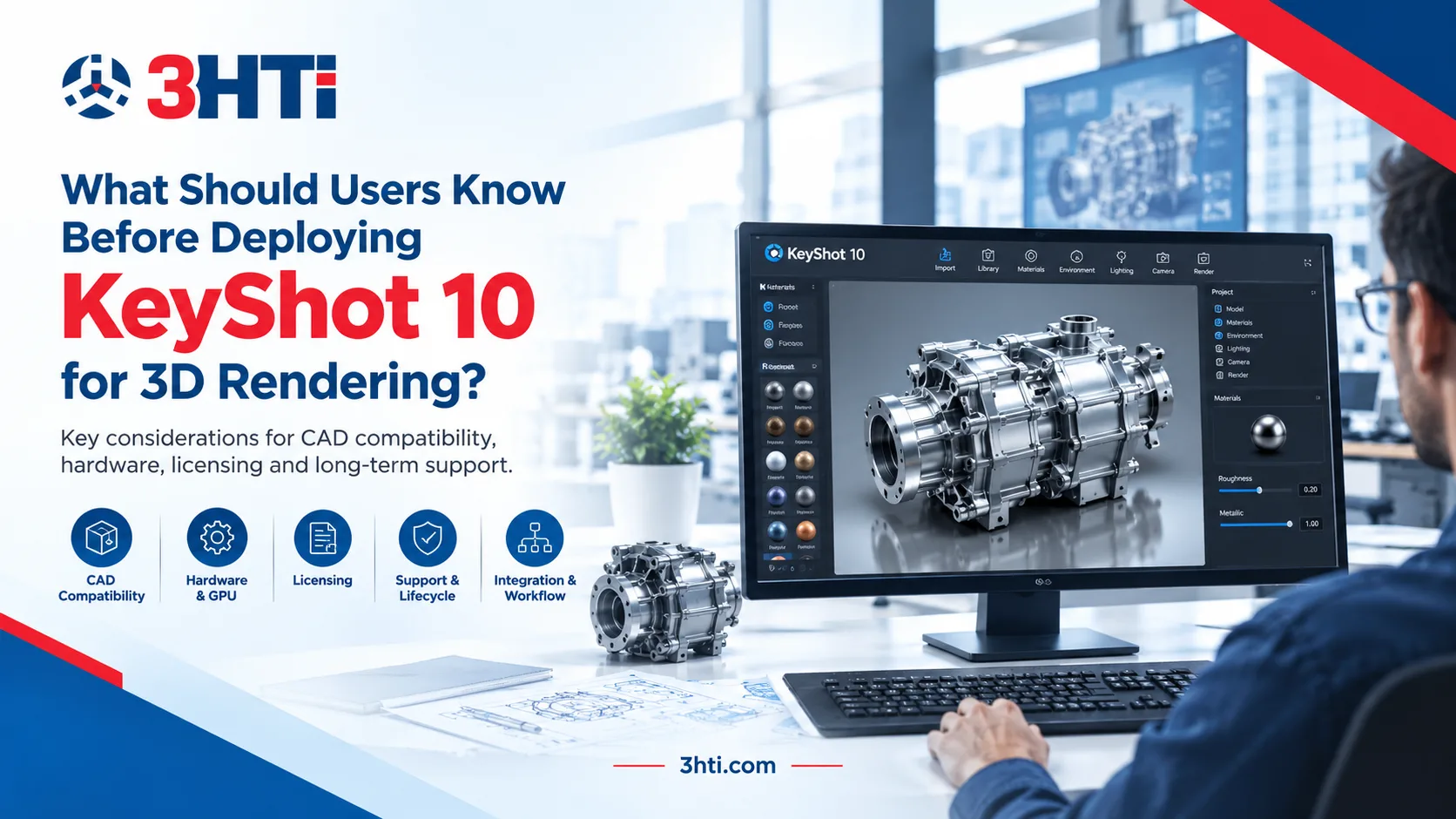
KeyShot 10 remains relevant when an engineering organization has an established visualization workflow built around the software, existing project files, or legacy CAD integrations. However, deployment decisions in 2026 require more than evaluating rendering features. KeyShot 10 reached end of life on January 1, 2026, meaning downloads, license reactivation, and technical support are no longer provided by KeyShot.
For organizations evaluating KeyShot 10 alongside CAD environments such as Creo, the important questions are therefore compatibility, workstation requirements, existing project dependencies, licensing, and the operational risks of deploying an unsupported release.
This guide explains what engineering and product teams should verify before deploying KeyShot 10 and when working with a KeyShot software reseller can help assess the appropriate deployment path.
Key Takeaways
- KeyShot 10 introduced advanced animation, Smart Export, improved materials, lighting controls, and rendering enhancements.
- KeyShot 10.2 supported several CAD formats, including Creo 8.0 and earlier.
- CAD compatibility must be checked against the exact CAD release being used, not simply the CAD platform name.
- Hardware, GPU configuration, drivers, licensing, and network access can all affect deployment.
- KeyShot 10 is now end-of-life, so new enterprise deployments should evaluate a currently supported KeyShot release rather than treating version 10 as a current production platform.
What Did KeyShot 10 Introduce?
KeyShot 10 expanded the visualization workflow beyond basic photorealistic rendering. Its feature set included advanced keyframe animation, environment and camera animation, Smart Export, RealCloth 2.0, improved caustics, firefly removal, and additional lighting and geometry controls.
Smart Export was particularly relevant for product teams working across visualization and downstream experiences. KeyShot 10 supported exports such as 3MF for full-color 3D printing and GLB/glTF and USD-based formats for web, mobile, and augmented-reality applications.
For engineering organizations, however, feature availability is only one part of the deployment decision.
How Important Is CAD Compatibility?
CAD compatibility should be one of the first technical checks before deploying KeyShot 10.
KeyShot 10.2 documentation lists support for multiple engineering formats, including STEP, IGES, Parasolid, JT, SolidWorks, CATIA, NX, and Creo. For Creo specifically, KeyShot 10.2 supported Creo 8.0 and earlier files, with Windows-only support for that direct Creo format import.
This matters when organizations use CAD software Creo across multiple engineering teams. A company may have several Creo releases operating simultaneously, and compatibility cannot be assumed simply because the software is called Creo.
KeyShot's own support documentation notes that CAD import errors can occur when the CAD software version is incompatible with the KeyShot version being used.
Before deployment, teams should therefore document:
- CAD application and exact version
- File formats used in production
- Direct-import requirements
- Available CAD plugins
- Whether assemblies, materials, metadata, and geometry are transferred as expected
- Whether visualization workflows require a newer KeyShot release
This validation is especially important for organizations using external 3D CAD modeling services or multiple engineering sites.
What Should Teams Check About Workstations?
Rendering performance depends heavily on the hardware configuration and the way KeyShot is being used.
For enterprise deployment, IT teams should evaluate CPU capacity, RAM, GPU capability, VRAM, operating system compatibility, and graphics drivers rather than specifying a generic workstation configuration.
KeyShot's current documentation demonstrates why hardware requirements need to be version-specific: supported releases have defined CPU, RAM, GPU, operating-system, and driver requirements, and GPU rendering has its own hardware considerations.
The same principle applies to older KeyShot deployments. A workstation that runs an application successfully is not necessarily an optimized production workstation for large assemblies, high-resolution renders, animation, or multiple simultaneous visualization tasks.
A practical deployment test should use representative engineering assemblies rather than a small demonstration model.
What About KeyShot 10 Licensing?
Licensing is now a critical issue for KeyShot 10.
KeyShot states that version 10 reached end of life on January 1, 2026. At that point, product downloads were removed, license servers became unavailable for reactivation, and technical assistance ended. Existing installations may continue to function, but organizations cannot treat KeyShot 10 as a normally supported software release.
KeyShot's activation documentation also specifically states that KeyShot 10 and earlier have reached end of life and that the standard activation process no longer works for those versions.
This creates an important distinction:
Running an existing KeyShot 10 installation is different from deploying KeyShot 10 as a new enterprise-standard platform.
Organizations with legacy installations should document license status, installation media, dependencies, workstation images, project-file requirements, and business continuity procedures.
Should Companies Still Deploy KeyShot 10?
For a new production deployment in 2026, the version's lifecycle status should be a major consideration.
KeyShot's lifecycle roadmap lists KeyShot 10 as end-of-life while newer KeyShot Studio releases remain within supported lifecycle periods.
Therefore, a company evaluating KeyShot 10 should first determine whether the requirement is:
- maintaining an existing legacy workflow;
- opening or rendering historical project files;
- reproducing an established visualization process; or
- selecting a new enterprise visualization platform.
The last scenario warrants evaluation of a currently supported release rather than assuming that KeyShot 10 is still an appropriate baseline.
A KeyShot software reseller can also help organizations assess licensing, deployment requirements, CAD compatibility, upgrade considerations, and the appropriate product configuration for their environment.
How Does KeyShot Fit Into a Broader CAD Workflow?
Rendering software should not be evaluated independently from the product-development ecosystem.
For example, an engineering team may create geometry in Creo, manage product information through PLM, use CAD design services for specialized modeling work, and then move approved models into KeyShot for visualization and communication.
That workflow creates dependencies between CAD versions, file formats, plugins, materials, assemblies, rendering workstations, and downstream deliverables.
3HTi's Creo CAD software resources can be relevant when organizations need to evaluate how their CAD environment connects with visualization workflows. Similarly, 3HTi's CAD services can support organizations that need additional CAD design and engineering expertise.
Conclusion
KeyShot 10 introduced meaningful visualization capabilities, including advanced animation, Smart Export, improved materials, and rendering enhancements. However, in 2026, the primary deployment consideration is no longer simply what KeyShot 10 can do. Its end-of-life status, licensing limitations, CAD compatibility, workstation requirements, and long-term support implications must be considered before putting it into an enterprise production workflow.
Organizations maintaining legacy KeyShot 10 environments should document their dependencies and validate business continuity. Companies selecting visualization software for new deployments should compare their requirements against currently supported KeyShot releases and their broader CAD and engineering technology stack.
FAQs
Is KeyShot 10 still supported?
No. KeyShot 10 reached the end of life on January 1, 2026. KeyShot states that downloads, license-server reactivation, and technical assistance are unavailable after the EOL date.
Does KeyShot 10 support Creo?
KeyShot 10.2 supports Creo 8.0 and earlier files according to its documented supported-file-format list. Compatibility should be checked against the exact Creo version and workflow being used.
Can an existing KeyShot 10 installation continue running?
An existing installation may continue to function, but KeyShot states that after EOL it will not provide technical support, product downloads, or license reactivation through its license servers.
What should enterprises evaluate before deploying KeyShot?
Evaluate CAD compatibility, operating systems, CPU and GPU resources, VRAM, graphics drivers, licensing, file formats, plugins, project requirements, and the software's lifecycle status.
Can a KeyShot software reseller help with deployment planning?
A qualified reseller can be involved in evaluating licensing and product requirements and can help organizations assess deployment and upgrade considerations in relation to their engineering workflow.