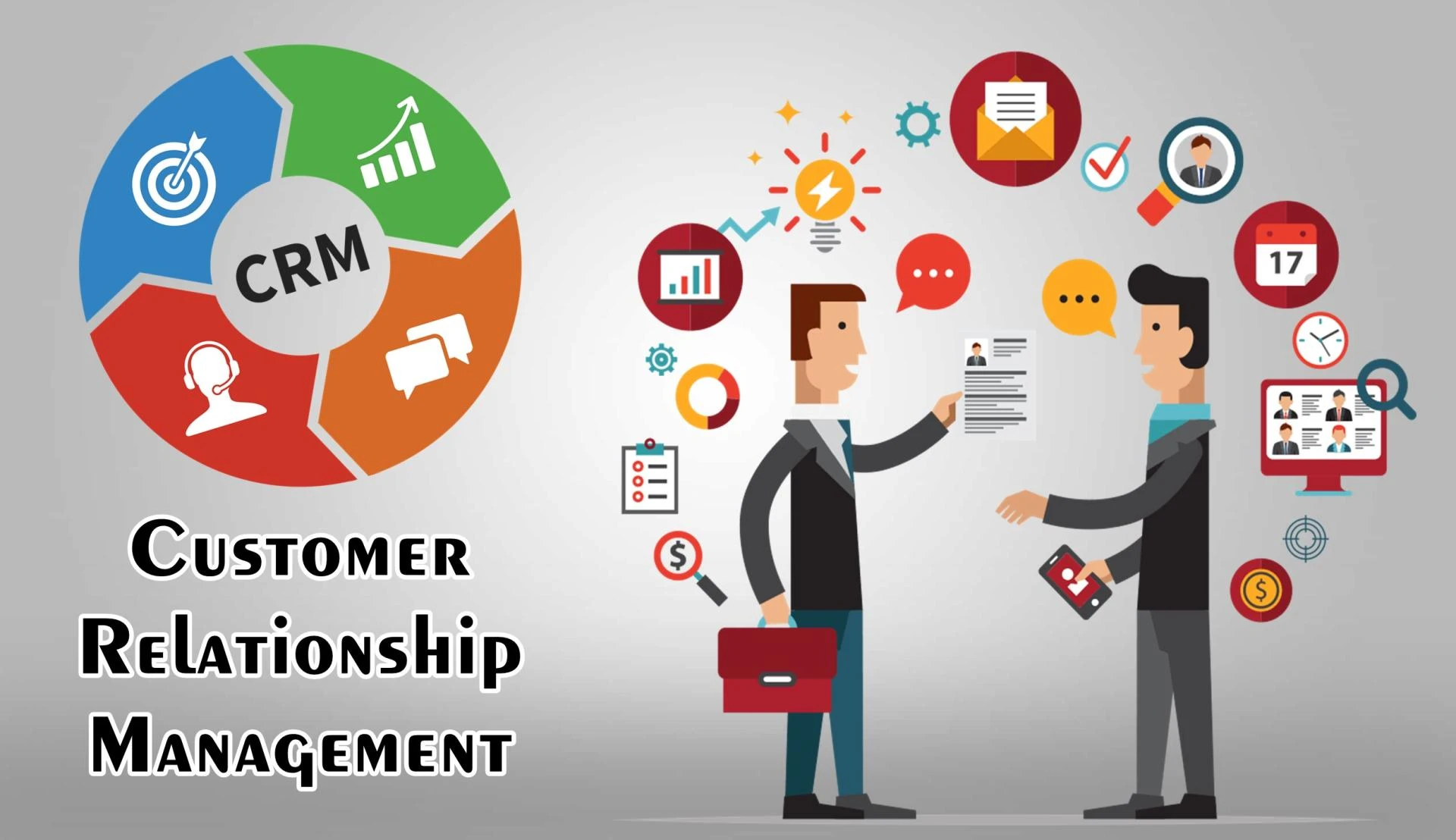
Running a business without a clear understanding of your customers is like navigating a maze blindfolded. Every interaction, every inquiry, and every sales opportunity can get lost if not tracked properly. That’s why understanding what is customer relationship management software is essential for modern businesses. This tool is more than just a digital contact book; it’s a central system designed to manage relationships, automate workflows, and provide insights that help you make smarter decisions.
By implementing a CRM system, you can organize customer data, track interactions, and ensure your team delivers consistent experiences. Whether your business is small or enterprise-level, this software can streamline operations, improve customer satisfaction, and boost sales.
Understanding CRM: Definition & Core Concept
At its heart, customer relationship management software is a platform that consolidates all your customer information into one place. This includes contact details, purchase history, communication records, and even social media interactions. By centralizing this data, businesses can monitor customer journeys, identify opportunities, and nurture relationships more effectively.
CRM is not just about software; it’s a business strategy. It enables companies to prioritize customers, understand their needs, and deliver personalized experiences. Over the years, CRM systems have evolved from simple contact management tools into comprehensive platforms integrating sales, marketing, and customer service. This evolution ensures that businesses can manage interactions across multiple channels, gaining valuable insights that drive growth.
Why You Need Customer Relationship Management Software
Without a proper CRM system, businesses often struggle with disorganized data, missed leads, and inconsistent customer interactions. Here’s why adopting customer relationship management software is a game-changer:
1. Improved Customer Experience
A CRM helps you provide personalized experiences by storing detailed customer information. When your team knows customer preferences, previous purchases, and communication history, they can tailor services to individual needs.
2. Increased Sales Efficiency
CRM software streamlines sales processes by automating follow-ups, tracking opportunities, and prioritizing leads. This ensures your sales team focuses on the most promising prospects, improving conversion rates.
3. Data-Driven Insights
With analytics and reporting features, CRMs give you insights into customer behavior, campaign performance, and sales trends. These insights allow you to make informed decisions and plan strategies that maximize revenue.
4. Enhanced Team Collaboration
CRM systems centralize information, enabling your marketing, sales, and customer service teams to collaborate seamlessly. Everyone has access to the same data, reducing miscommunication and ensuring a unified approach.
Core Features & Functionalities You Should Expect
When choosing a CRM, it’s important to understand the features that will drive your business forward:
1. Contact & Lead Management
Keep all customer information in one place, track leads, and monitor interactions across channels.
2. Sales Pipeline Management
Visualize your sales process, track opportunities, and identify bottlenecks in real time.
3. Marketing Automation
Automate campaigns, segment audiences, and deliver personalized messages to increase engagement.
4. Customer Service & Ticketing
Manage support requests efficiently and provide faster resolutions, improving customer satisfaction.
5. Analytics & Reporting
Generate detailed reports and dashboards to monitor performance and make data-driven decisions.
6. Integration & Mobile Access
Integrate CRM with other business tools and access customer data on-the-go via mobile devices.
7. AI & Advanced Features
Predictive lead scoring, automated recommendations, and customer behavior insights can take your CRM to the next level.
Types of CRM Software
Different businesses have different needs, and CRM software comes in various types:
1. Operational CRM
Focuses on automating customer-facing processes like sales, marketing, and service.
2. Analytical CRM
Provides insights and analytics to understand customer behavior and improve decision-making.
3. Collaborative CRM
Facilitates communication between departments and shares customer information across teams.
4. Industry-Specific CRM
Tailored solutions for niches like real estate, healthcare, or retail, designed to meet unique business needs.
5. Cloud vs. On-Premise
Cloud CRMs offer accessibility and scalability, while on-premise CRMs provide control and customization options.
How CRM Software Works
CRM systems function as the backbone of customer management:
1. Data Collection & Centralization
Customer information from multiple sources—emails, social media, calls—is stored in a central hub.
2. Workflow Automation
Automated tasks, reminders, and triggers ensure that follow-ups and campaigns run smoothly without manual effort.
3. Segmentation & Personalization
Customers are segmented based on behavior, purchase history, and preferences, allowing for targeted marketing and communication.
4. Feedback Loops
CRM systems track interactions and outcomes, providing continuous insights to optimize strategies and improve services.
How to Choose the Right CRM
Selecting the right CRM can make a huge difference in your business outcomes. Consider these factors:
1. Identify Business Goals
Determine whether you need CRM for sales, marketing, or customer service to focus on the right features.
2. Scalability & Customization
Choose a system that grows with your business and allows customization for unique processes.
3. Ease of Use
A user-friendly interface ensures faster adoption and reduces training time.
4. Integration Capabilities
Your CRM should work seamlessly with your existing tools like email, accounting software, or e-commerce platforms.
5. Pricing & ROI
Evaluate subscription models, hidden costs, and the potential return on investment.
6. Support & Training
Reliable vendor support and training resources are essential for smooth implementation.
Implementation Best Practices
To ensure successful CRM adoption:
1. Plan & Set Goals
Define clear objectives and KPIs before implementation.
2. Clean Existing Data
Remove duplicates and outdated records for a smooth transition.
3. Start Small & Iterate
Begin with core features, gather feedback, and gradually expand.
4. Train Your Team
Effective training ensures users leverage the CRM efficiently.
5. Monitor Adoption & Measure ROI
Track usage and outcomes to optimize processes and justify investment.
Case Studies / Real-Life Examples
Small Business Growth
A local retailer increased repeat purchases by 35% after implementing CRM, using personalized email campaigns.
Sales Team Efficiency
A B2B company improved lead conversion by 50% by automating follow-ups and prioritizing high-value prospects.
Customer Service Excellence
A service provider reduced ticket resolution time by 40% through centralized customer support tracking.
FAQs
Q1: What is the difference between CRM software and CRM strategy?
CRM software is the tool, while CRM strategy is the plan for managing relationships effectively.
Q2: How much does CRM software cost?
Prices vary from free basic plans to premium enterprise solutions, often based on features and number of users.
Q3: Can small businesses benefit from CRM?
Absolutely. CRMs help small businesses organize customer data, automate tasks, and compete effectively.
Q4: What are common challenges in CRM adoption?
Challenges include poor data quality, lack of user training, and overcomplicated customization.
Q5: How long does it take to see ROI?
Typically, businesses start seeing measurable benefits within 3–12 months, depending on usage and goals.
Wrapping Up
Understanding what is customer relationship management software is the first step toward transforming your business operations. By centralizing customer data, automating workflows, and delivering actionable insights, CRM systems help you build stronger relationships, improve efficiency, and drive growth.
Whether you’re looking to increase sales, enhance customer service, or streamline marketing campaigns, implementing the right CRM is an investment in the future of your business. Take the time to assess your needs, choose the right solution, and train your team effectively to unlock the full potential of CRM.