
USB 2.0 and USB 3.0 are both widely used today, yet many users are unsure what actually separates them in practice. While the speed difference on paper is obvious, the real question is whether that difference matters for everyday devices and real usage scenarios.
This article compares USB 2.0 and USB 3.0 from a technical and practical perspective, focusing on design goals, capabilities, and typical use cases—helping you decide which standard actually fits your needs.
What Is USB 2.0?
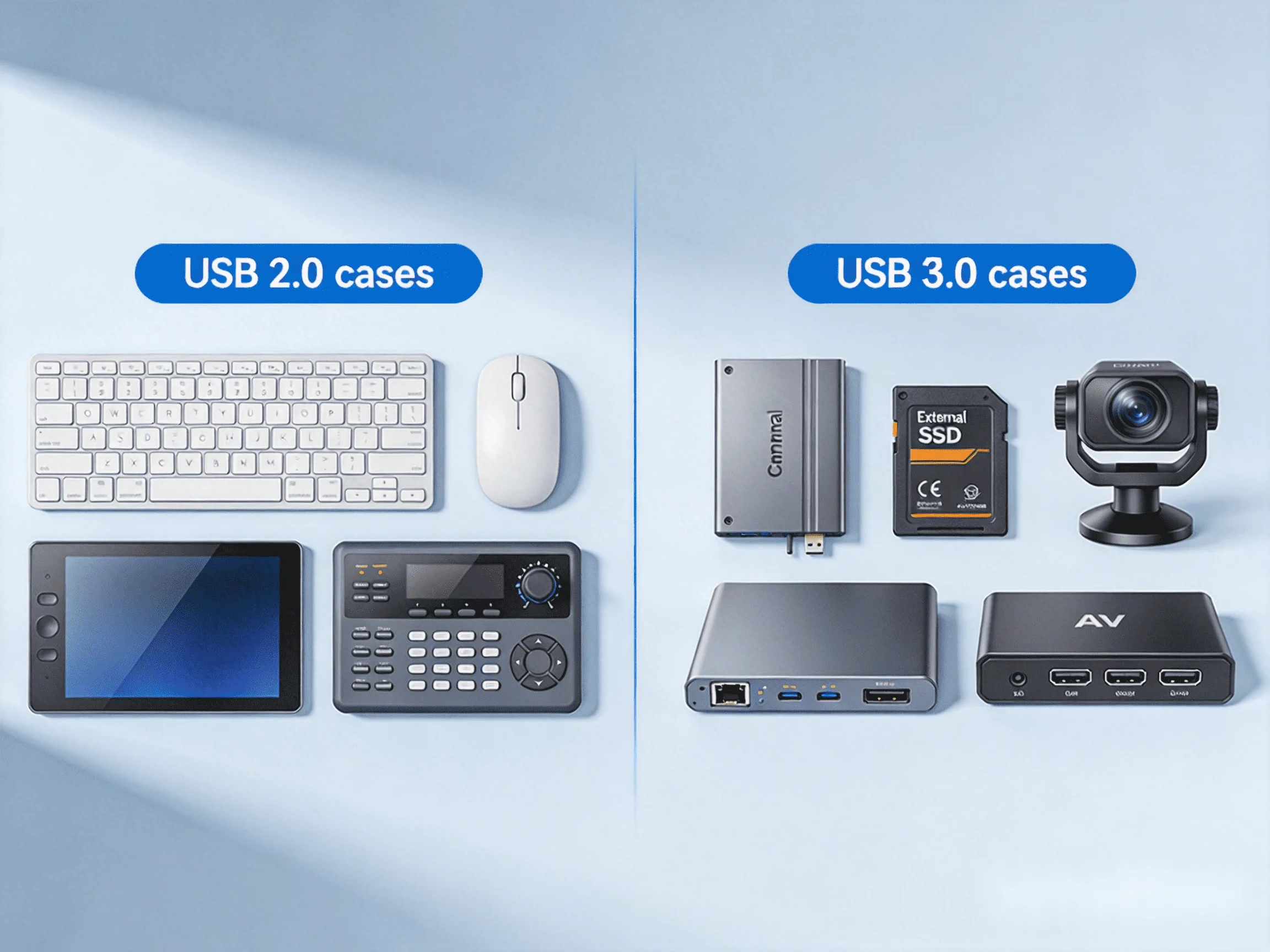
USB 2.0 was designed at a time when most peripherals focused on human interaction rather than bulk data transfer. With a maximum throughput of 480 Mbps, it was optimized for reliability, broad compatibility, and low complexity.
Typical applications include:
- Keyboards and mice
- Touchscreens
- Printers and scanners
- USB cameras (standard resolution)
- Control devices in AV systems
Even today, these device types dominate everyday USB usage. For them, responsiveness and compatibility matter far more than raw transfer speed, which explains why this standard remains deeply embedded across computers, displays, and professional equipment.
What Is USB 3.0?
USB 3.0—now formally known as USB 3.2 Gen 1—was introduced to address a different problem: the growing need to move large amounts of data quickly. By increasing available bandwidth to 5 Gbps, it enabled entirely new classes of USB devices.
This higher throughput is commonly used for:
- External SSDs and HDDs
- High-resolution USB cameras
- Video capture devices
- Fast data synchronization
This evolution did not replace earlier standards, but expanded USB’s role from peripheral connectivity into high-performance data transport.
What’s the Difference Between USB 2.0 and USB 3.0?
FeatureUSB 2.0USB 3.0Max Speed480 Mbps5 Gbps (10× faster)Typical Real-World Speed30–40 MB/s300–450 MB/sData Transfer ModeHalf-duplex (send or receive)Full-duplex (send and receive simultaneously)Signaling MethodSingle data laneDual data lanes (separate TX/RX)Typical DevicesKeyboard, mouse, printer, touchscreenExternal SSD, HD webcam, capture cardVideo SupportLimited (compressed video)Better for uncompressed / high-bitrate videoIndustrial / Control UseVery commonUsed when bandwidth is criticalConnector AppearanceUsually black or whiteUsually blue (visual identifier)Power Output (Standard Port)Up to 500 mA (2.5 W)Up to 900 mA (4.5 W)Power EfficiencyLower efficiencyImproved power managementCable ComplexitySimpleMore complexLatencyHigherLowerLong-Distance ExtensionVery stableMore challengingPower DeliveryLimitedHigher power supportCost of ExtensionLowerHigherBest ForReliability, compatibility, long distanceHigh speed, large data, performanceThe key difference is not simply “faster versus slower,” but what kind of devices each standard was designed to support.
Real-World Performance: Does USB 3.0 Always Feel Faster?
Many users expect immediate improvements when using a higher-speed USB port, but often notice no difference at all. This is because most common peripherals do not come close to saturating even lower-bandwidth connections.
Keyboards, mice, printers, and touch interfaces transmit minimal data. Even many webcams operate comfortably within lower throughput limits. For these devices, user experience is defined by latency and responsiveness, not maximum transfer speed.
Higher bandwidth only translates into noticeable gains when the device itself continuously moves large volumes of data, such as copying files from external drives or streaming high-resolution video.
Do You Really Need USB 3.0?
1. When USB 2.0 Is Enough
If your setup mainly involves user interaction, control, or basic peripheral connectivity, higher throughput offers little practical benefit. Devices such as keyboards, mice, touch panels, and standard USB peripherals simply do not demand more bandwidth.
In these scenarios, the lower-speed standard delivers the same user experience while maintaining broad compatibility and predictable behavior.
2. When USB 3.0 Is Worth It
Higher-speed connections become important when device performance depends directly on data throughput. External SSDs, high-resolution cameras, machine vision systems, and capture devices fall into this category.
For these use cases, additional bandwidth directly affects performance, workflow efficiency, and overall system capability.
USB Extenders: Implementing USB in More Complex Setups
In more complex environments—such as multi-device systems or situations where USB connectivity must extend beyond typical desktop use—specialized hardware solutions are often used to implement the capabilities of different USB standards.
For interaction-focused devices, solutions like EX-60-USB2 illustrate how lower-bandwidth USB can support keyboards, mice, and touch interfaces. It provides:
- Transmission of USB signals up to 60m (196ft) over a single Cat6/6a/7 cable
- Throughput up to 480 Mbps
- 4 USB device ports with abuilt-in USB hub for multiple peripherals
- Simple plug-and-play operation

For bandwidth-intensive devices, EX-100-USB3 demonstrates how higher-speed USB can be applied in advanced scenarios. It supports:
- USB signal extension up to 100 meters
- 4 USB 3.2 Gen 1 with data rates up to 5 Gbps
- Stable operation for data-heavy USB devices
- PoH+ support for higher-power endpoints
These examples are not required for most everyday setups, but they show how different USB standards are implemented when system requirements become more complex.

Conclusion
USB 2.0 and USB 3.0 were designed with different goals in mind, and neither is universally “better.” One excels at reliable peripheral interaction, while the other enables fast data movement for demanding devices.
The most effective choice depends on what the connected device actually needs—not on the version number printed next to the port.
About WyreStorm
WyreStorm delivers professional-grade AV over IP solutions, HDMI matrix systems, and advanced wireless presentation and conferencing systems for seamless collaboration.
Its portfolio also includes high‑performance HDMI Extender and KVM Extender products designed for reliable, scalable signal distribution.
Explore more innovative solutions at WyreStorm.com and elevate your next project today.