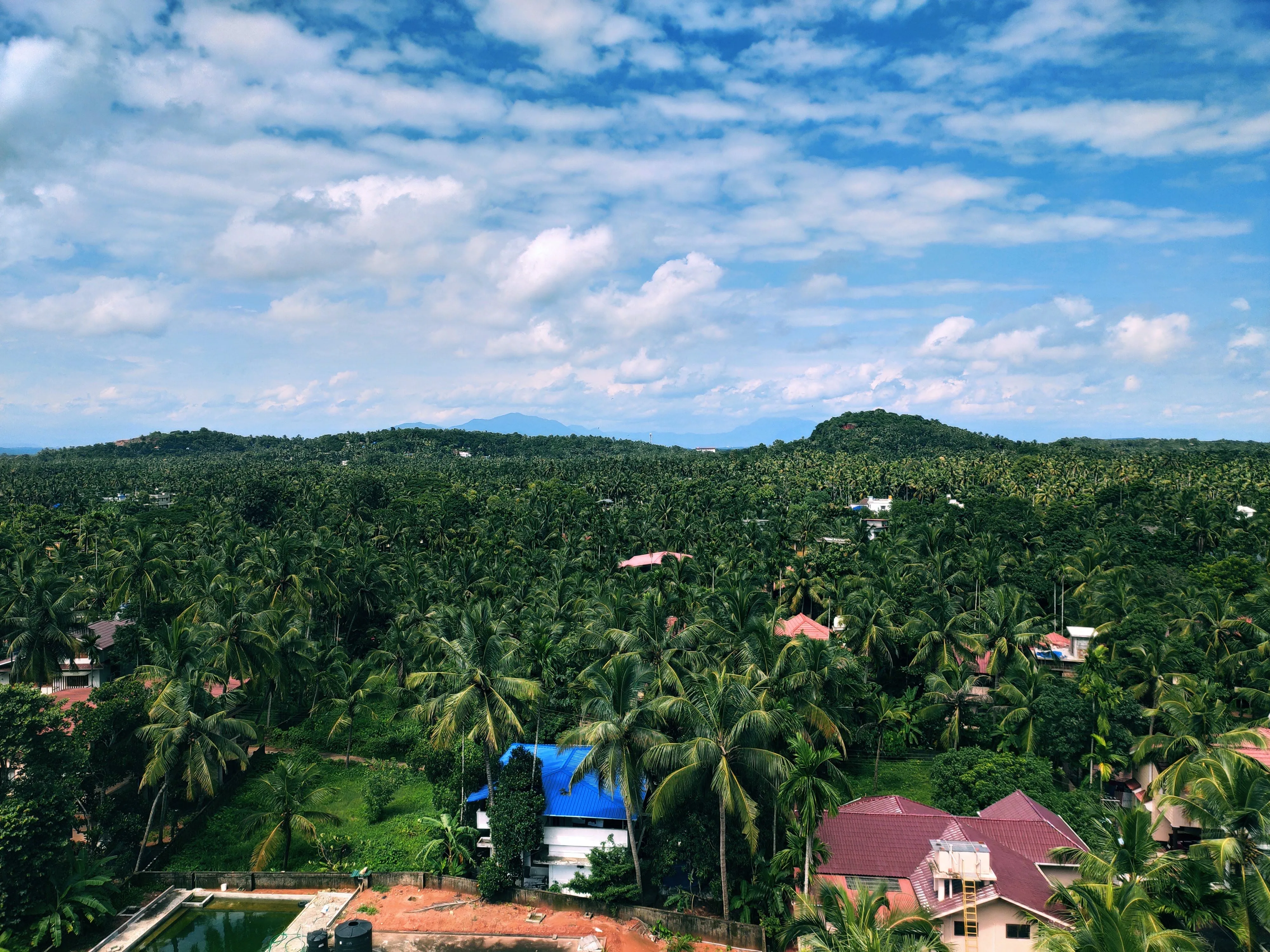

Have you ever taken a photo that looked too orange or too blue, even though the scene looked perfectly fine to your eyes? That’s where color temperature and white balance come in.
While our eyes automatically adjust to different lighting conditions, cameras don’t. They need help interpreting what “white” really looks like under various light sources. Understanding how color temperature and white balance work can completely change the way your photos look and feel.
What Is Colour Temperature?
Colour temperature refers to the color of light, measured in Kelvin (K). Every light source has a unique tone some are warm and golden, others are cool and bluish.
A candlelight glow, for example, has a color temperature around 1800K and gives off a deep, warm orange hue. Daylight at noon is roughly 5500K and appears neutral white. Shade, on the other hand, can reach 7500K or more, giving off a cool blue tint.
Lower Kelvin values create warmer tones, while higher Kelvin values produce cooler tones. That’s why indoor photos under yellow lights often look orange, while outdoor photos in the shade may appear bluish.
What Is White Balance?
White balance is the camera’s way of correcting the color tone in your image so that white looks truly white. It compensates for the color cast created by different light sources. When white balance is off, your photos may look unnatural skin tones can appear too orange, green, or pale.
Most modern cameras have auto white balance that works well in many situations, but it can get confused under mixed lighting. Manually adjusting your white balance gives you more control, especially in tricky lighting like stage events or indoor venues.
The Connection Between Color Temperature and White Balance
Color temperature describes the type of light in your scene, while white balance is how you adjust to it. By changing the white balance, you’re telling the camera how to interpret the light so your photo looks natural.
If your light is warm and yellowish, setting a cooler white balance helps neutralize it. If the lighting is cold and bluish, a warmer setting restores a natural look. Getting this right ensures your colors appear exactly as they do in real life.
Common White Balance Modes and When to Use Them
Most cameras offer simple white balance presets for different lighting environments.
- Auto White Balance (AWB): Works well for general use, but may struggle with mixed light.
- Daylight/Sunny: Best for outdoor shooting in natural sunlight.
- Cloudy: Adds warmth to counter the cool tones of an overcast day.
- Shade: Warms up images taken in shadowy or blue-tinted areas.
- Tungsten: Cools down the orange tint from indoor bulbs.
- Fluorescent: Adds a touch of warmth to balance greenish light.
- Custom/Kelvin: Allows full manual control, great for studio or professional setups.
Choosing the right mode before shooting helps you save editing time later and keeps your colors consistent.
Using White Balance Creatively
White balance doesn’t always have to be neutral. You can use it creatively to influence the mood of your photo. Setting a slightly warmer white balance can give a cozy, golden glow, perfect for portraits or evening events. A cooler tone can create a clean, modern, or calm look that works beautifully in product or architectural photography.
Experimenting with different settings is a great way to understand how color impacts the emotion of your image. Two photos of the same scene can look completely different depending on how the white balance is set.
Fixing White Balance in Post-Processing
Even if your camera settings weren’t perfect, you can still correct white balance during editing especially if you shoot in RAW format. Programs like Adobe Lightroom or Capture One allow you to adjust the temperature and tint easily.
You can drag the temperature slider to make the photo warmer or cooler and fine-tune the tint to fix unwanted green or magenta tones. Shooting in RAW gives you flexibility, ensuring you can recover natural color accuracy without losing quality.
Conclusion
Color temperature and white balance are essential to making your photos look natural and professional. They shape the atmosphere, the realism, and even the emotion in your images. Once you learn to control them, you’ll never have to worry about odd color casts again.
At Insight Pictures, we pay close attention to light and color in every frame. Whether it’s a corporate shoot, event, or lifestyle session in Dubai or Abu Dhabi, our photographers ensure that every image looks balanced, vibrant, and true to life.