
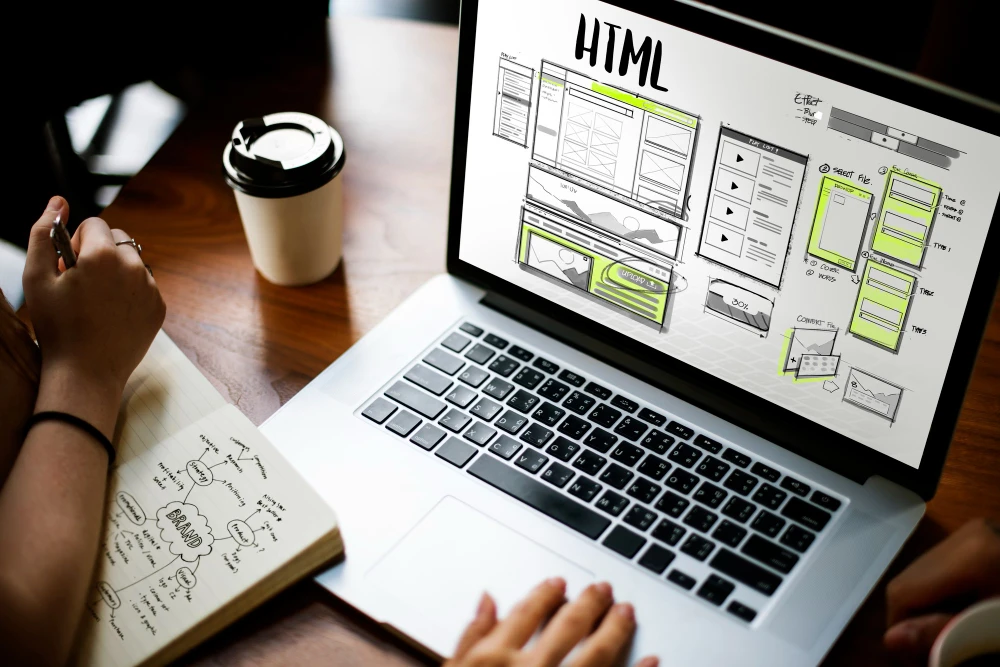
In the world of web design, two terms are constantly mentioned: UI (User Interface) and UX (User Experience). While they often go hand-in-hand, they are not the same thing—and understanding the difference is critical if you want to build a successful website.
So, what’s more important in web design: UI or UX? Let’s explore.
What is UI (User Interface)?
UI refers to the visual aspects of a website. It includes everything a user sees and interacts with directly. This involves the layout, colors, fonts, buttons, and other visual elements that shape how your site looks.
Key Components of UI:
- Visual layout and structure
- Color schemes and typography
- Buttons, icons, and design elements
- Responsive design across devices
- Interactive components (forms, sliders, menus)
UI focuses on aesthetics. A strong UI builds trust and makes a site look modern and professional. It's what gives users their first impression.
What is UX (User Experience)?
UX is about how a user feels when interacting with a website. It’s focused on usability, navigation, and the overall experience a user has when trying to accomplish something on your site.
Key Components of UX:
- Logical site navigation
- Page load speed
- User flow and journey
- Accessibility and readability
- Mobile usability
- Solving user problems efficiently
UX is about how easily and pleasantly users can get from point A to point B. A strong UX ensures that visitors find what they need without confusion or frustration.
UI and UX: Working Together
Think of UI as the packaging and presentation, while UX is the function and ease of use. A beautiful interface with poor usability won’t work, and a functional site with poor design won’t engage.
For example:
- A stylish homepage (UI) that hides the navigation menu will create a poor user experience (UX).
- A fast, easy-to-use layout (UX) without good visual appeal (UI) might fail to impress or retain users.
Great web design strikes a balance. You need both UI and UX working in harmony to deliver results.
Which One Matters More in Web Design?
This is a trick question. Neither is more important—they serve different but equally essential purposes.
Here’s why:
- If your website looks unprofessional (UI issue), users may not trust your business.
- If your website is hard to navigate or slow (UX issue), users will leave before taking action.
In short, a beautiful design brings users in, but a great experience keeps them there. Focusing on one without the other is a recipe for missed opportunities.
Why UI and UX Matter for Your Business
Whether you're launching a new website or updating an existing one, your design choices directly affect your results.
UI matters because:
- First impressions are visual.
- Good design builds credibility.
- Consistent branding improves recognition.
UX matters because:
- Smooth navigation leads to higher engagement.
- Positive experiences increase conversions.
- Usability reduces frustration and bounce rates.
Websites that succeed in today's market need to be both attractive and easy to use.
Common Signs of Poor UI or UX
If your website isn't performing well, chances are you're dealing with UI issues, UX issues, or both. Here's how to spot the difference:
- Outdated visual design – This is a UI problem. An old-looking site can make users question your credibility.
- Confusing layout or user flow – A UX issue. If visitors don’t know where to click or how to find things, they’ll leave.
- Inconsistent fonts, colors, or spacing – A UI issue. Visual inconsistency makes your site feel unprofessional.
- Key information is hard to find – A UX issue. Poor structure and navigation frustrate users.
- Long or complex forms that users abandon – A UX issue. Forms that feel like a chore lead to lost leads or sales.
- Text or buttons are hard to read on mobile – Both a UI and UX issue. Mobile readability is essential for usability and clarity.
- High bounce rate (users leave quickly) – This could be caused by either UI, UX, or both. Bad design or bad experience will drive people away.
Best Practices to Improve UI and UX
For Better UI:
- Keep design clean and uncluttered
- Use a consistent color scheme and typography
- Make sure elements are visually aligned and balanced
- Use high-quality visuals and avoid excessive text
For Better UX:
- Simplify navigation and structure
- Optimize load times
- Ensure mobile responsiveness
- Write clear, actionable content
- Test with real users and gather feedback
UI gets users through the door. UX invites them to stay.
Final Thoughts
UI and UX are not optional—they are essential.
If you’re building a website, ask yourself:
- Does it look professional and consistent? (UI)
- Is it easy to use and navigate? (UX)
A website with great UI but poor UX will lose users quickly. A website with excellent UX but outdated UI may never gain their trust in the first place. The best websites excel at both.
Frequently Asked Questions
What is the biggest difference between UI and UX?
UI focuses on how the website looks. UX focuses on how the website works.
Can I have good UI without good UX?
Yes, but it will lead to poor results. A visually appealing site that’s hard to use will frustrate users.
Which one should I prioritize first?
Start with UX. Build a strong structure, then layer on visual design through UI.
Does UI or UX affect SEO more?
UX has a more direct impact on SEO—especially site speed, mobile usability, and bounce rates. However, UI plays a role in user retention, which also matters for search rankings.
Conclusion:
If you're investing in web design, don’t choose between UI and UX. Invest in both. Together, they create websites that look good, feel good, and convert visitors into loyal customers.
Would you like this adapted to highlight ecommerce websites, or perhaps optimized for a specific audience like Toronto-based businesses? I can tailor the tone and examples to suit.