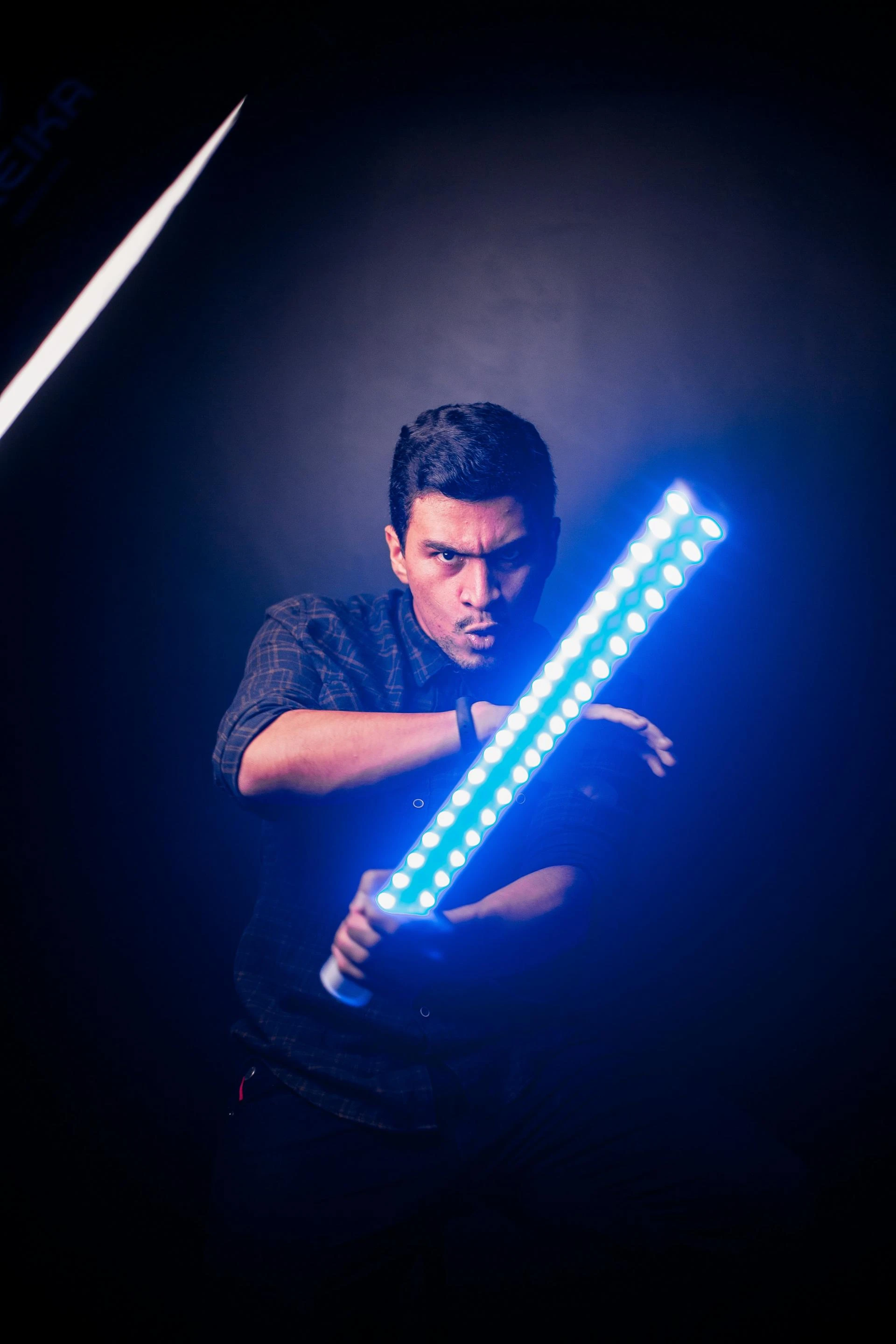
Custom lightsabers offer an immersive experience for enthusiasts, but like any electronic device, they can encounter issues over time. This comprehensive guide addresses common problems such as flickering blades, sound loss, and charging difficulties, providing practical solutions to keep your lightsaber in optimal condition.
1. Flickering Blade: Diagnosing the Cause
a. Low Battery Levels
A primary cause of blade flickering is insufficient battery power. As the battery depletes, the blade may dim or flicker, and eventually, the sound may cease. Regularly charging your lightsaber ensures consistent performance.
b. Loose Blade Connection
Improper seating of the blade can lead to intermittent connections, causing flickering. Ensure the blade is firmly inserted into the hilt, aligning with the connector pins. For Neopixel sabers, a secure connection is crucial for full functionality.
c. Mode Settings
Some lightsabers feature various blade modes (e.g., Ghostblade, Blaster). Accidentally activating these modes can result in unexpected flickering. Refer to your saber's manual to verify and adjust the settings accordingly.
2. Sound Loss: Identifying and Resolving Audio Issues
a. Battery Depletion
Soundboards require adequate power to function. A low battery can lead to partial or complete sound loss. Charging the saber for at least 4 hours can restore audio capabilities.
b. Loose Battery Contacts
Over time, battery contacts may loosen, disrupting the power supply to the soundboard. Gently adjusting the battery contacts can reestablish a stable connection.
c. Firmware Glitches
Occasionally, soundboards may experience glitches, especially after a complete battery drain. Resetting the board by removing and reinserting the battery can resolve these issues.
3. Charging Difficulties: Ensuring Proper Power Supply
a. Incompatible Chargers
Using chargers with incorrect voltage or amperage can prevent proper charging. Always use a 5V 1A charger as recommended by the manufacturer.
b. Battery Seating
A poorly seated battery can hinder charging. Ensure the battery is correctly positioned within the hilt, making full contact with the terminals.
c. Faulty Charging Ports
Inspect the charging port for debris or damage. Cleaning the port gently with a dry brush can improve connectivity. If damage is evident, consult a professional for repair.
4. Blade Not Lighting: Addressing Illumination Issues
a. Mode Misconfiguration
Accidentally switching to a mode that disables blade illumination can cause the blade to remain unlit. Review the saber's settings and switch back to the standard mode.
b. Blade Installation
For Neopixel sabers, improper blade installation can result in no illumination. Ensure the blade is inserted while the saber is powered off, pressing firmly to engage the connector pins.
c. Blade Defects
If the blade remains unlit despite proper installation and settings, it may be defective. Testing with a different blade can confirm this. Replacement blades are available through reputable suppliers.
5. Preventative Maintenance: Prolonging Saber Lifespan
- Regular Charging: Avoid complete battery depletion by charging after each use.
- Proper Storage: Store the saber in a cool, dry place to prevent moisture damage.
- Routine Inspections: Periodically check for loose components or signs of wear.
- Firmware Updates: Keep the soundboard firmware up to date to benefit from performance improvements.
6. Upgrading Components: Enhancing Performance
Upgrading certain components can improve reliability and functionality:
- Blades: Consider transitioning to pixel sabers for enhanced brightness and effects.
- Soundboards: Upgrading to advanced soundboards can offer better audio quality and customization options.
- Chassis: Installing a robust chassis can secure internal components, reducing the risk of damage.
- RGB Sabers: For those seeking color versatility, RGB sabers provide a range of color options.
These upgrades are available through PunkSabers, a trusted source for high-quality lightsaber components.
Conclusion
Addressing common lightsaber issues involves a combination of proper maintenance, timely troubleshooting, and thoughtful upgrades. By understanding the causes of problems like flickering blades, sound loss, and charging difficulties, enthusiasts can ensure their sabers remain in peak condition. Regular inspections, appropriate charging practices, and component upgrades contribute to a reliable and immersive lightsaber experience.