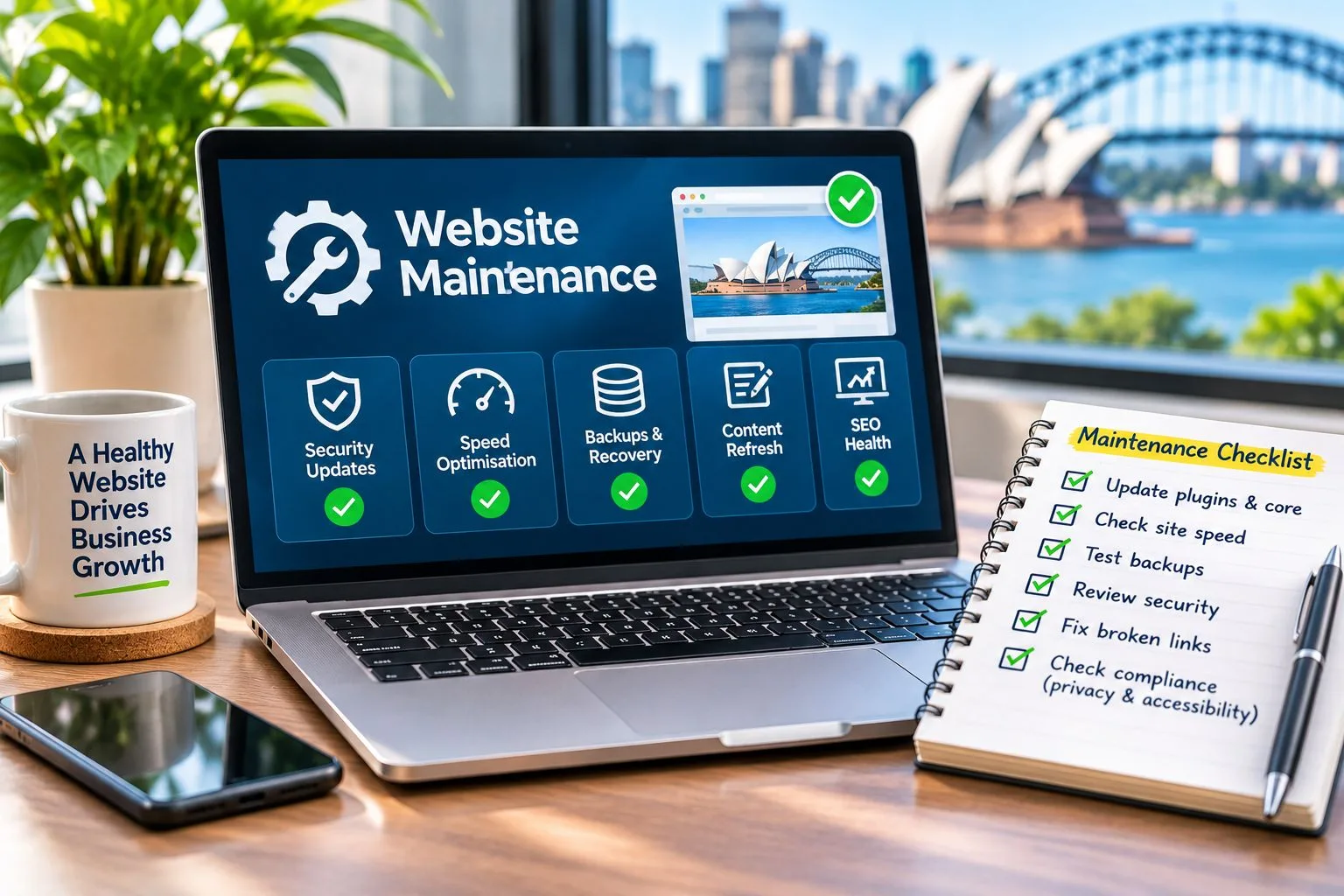
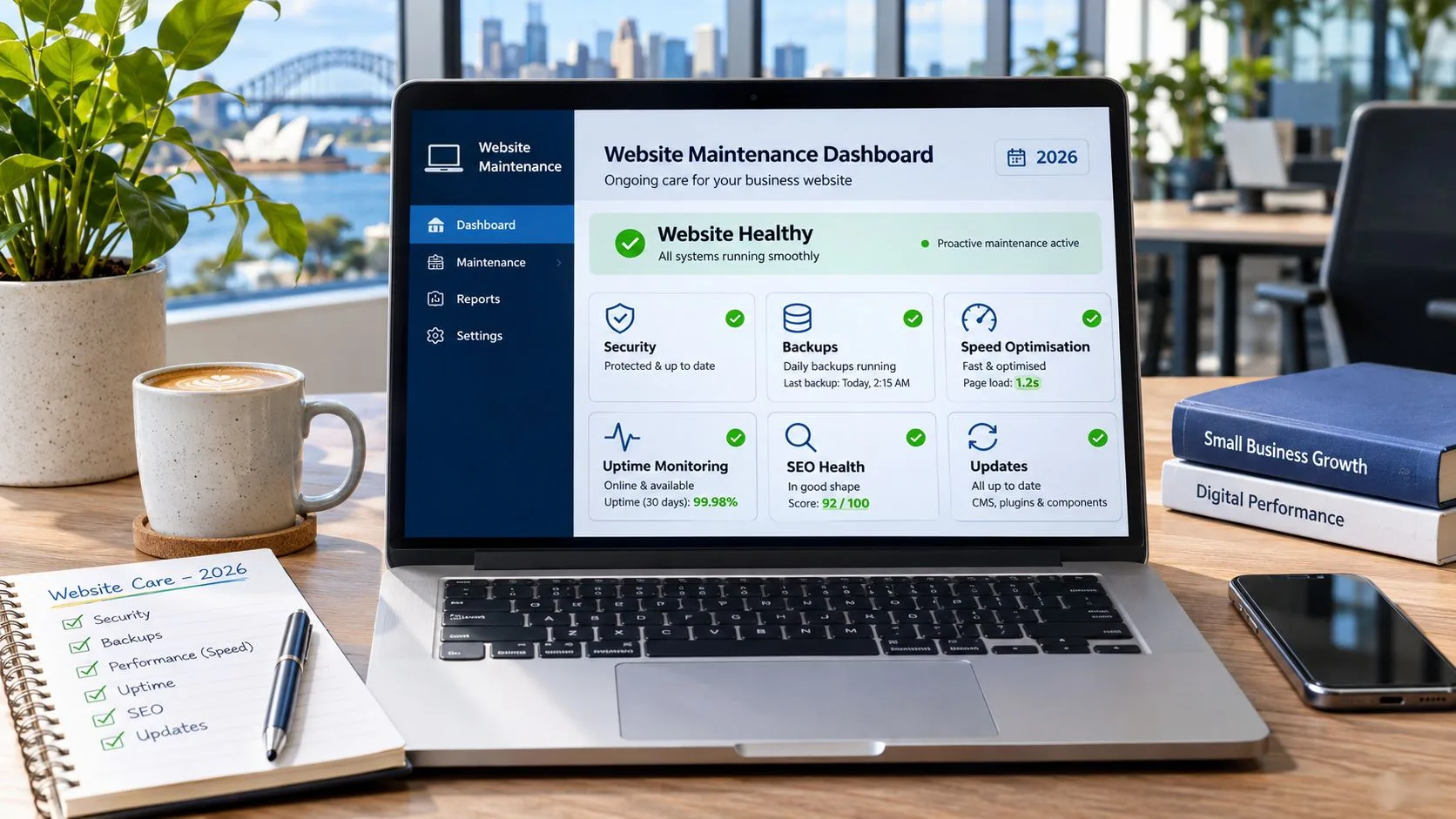
The Quiet Cost of Ignoring Website Maintenance
Your website never clocks off. While you’re packing up for the night, search-engine spiders crawl pages, customers browse on their phones, and automated bots probe for vulnerabilities. Skipping routine upkeep turns that round-the-clock asset into a round-the-clock liability. If you’re looking for ongoing website care you can rely on, it helps to understand what can go wrong—and why proactive maintenance is cheaper than reactive rescue work.
A Site Is a Living Asset
Code libraries update. Browsers change rendering engines. Privacy laws tighten. Hosting providers roll out new PHP versions. All of this happens whether you hit “update” or not. Treat the site as a living asset and you’ll avoid:
- Emergency downtime when a plugin conflicts with a core update
- SEO slides because page-load times creep past Google’s preferred thresholds
Brand damage if a simple form stops working during a peak sales weekend
Routine patches, speed tests, and backups sound mundane, yet they’re the difference between a site that sells while you sleep and one that silently leaks revenue.
Trouble Signs Most Owners Miss
A minor niggle in May can snowball into a full-blown issue by November. Watch for these early signals before they turn into costly firefights.
| Symptom | What It Often Indicates | Possible Impact |
|---|---|---|
| Two-second delay on first paint | Bloated images, outdated theme code | Higher bounce rates, lower ad ROI |
| Unusual admin login attempts | Botnet probing for known exploits | Data breach risk, forced password resets |
| Random 404 errors on blog posts | Broken permalinks after plugin updates | Lost backlinks, crawling issues |
| Contact form emails landing in spam | Missing SPF/DKIM or SMTP mis-config | Missed sales enquiries |
If any of these crop up more than once, consider a structured action plan rather than one-off patch jobs.
When DIY Maintenance Starts to Hurt
Plenty of owners manage a monthly plugin update over coffee. The headache appears later, when that quick click clashes with a custom theme or payment gateway. A tidy way to weigh the risks is to compare ad-hoc DIY with a scheduled plan.
| Approach | Up-Front Effort | Ongoing Risk | Hidden Cost |
|---|---|---|---|
| “Update when I remember” | Low | High—no test environment, no rollback pathway | Emergency developer bills during sales pushes |
| Scheduled checklist (manual) | Moderate | Medium—human error can creep in | Staff time that could be spent on marketing |
| Professional maintenance package | Low | Low—automation and staging tests catch issues | Predictable fee, fewer revenue-risking outages |
That predictable fee may feel like another line item, yet it protects every other line item that relies on the site humming along.
Why Routine Care Pays for Itself
Search engines reward speed and stability. Customers reward smooth checkouts. Even small improvements in either metric can outrun the cost of a monthly plan. If you’d like a deeper dive into real-world inclusions—performance checks, security hardening, uptime monitoring—our explainer on website maintenance packages maps out what tends to be covered and where optional add-ons fit.
Beyond numbers, there’s peace of mind. Knowing last night’s backup exists and security rules blocked three malicious login attempts before breakfast frees you to focus on sales calls, not server logs.
Keeping the Digital Front Door Secure
Australia’s mandatory data-breach reporting laws make prevention far cheaper than disclosure. The Australian Cyber Security Centre warns that small businesses remain prime targets for automated attacks. Their Small Business Cyber Security Guide stresses patching and backup hygiene as first-line defences—exactly the habits baked into a structured maintenance plan.
Patch windows, staging tests and off-site backups reduce the odds of ransomware lockouts, GDPR headaches, or midnight phone calls from unhappy customers who can’t check out.
Ready to take the next step? Visit our Learn more to find out more.
A Practical Way Forward
You don’t need to become a sysadmin to protect revenue. List your mission-critical plugins, check your last full-site backup date, and set a recurring reminder—weekly for security scans, monthly for performance reviews. If that sounds like one task too many, earmark part of the marketing budget for a maintenance partner. The cost rarely outruns the revenue lost from one weekend’s outage.
A stable, fast, compliant website isn’t a line item to postpone. It’s the foundation under every digital campaign you’ll run in 2026 and beyond. Treat it that way and the returns compound quietly, night after night.