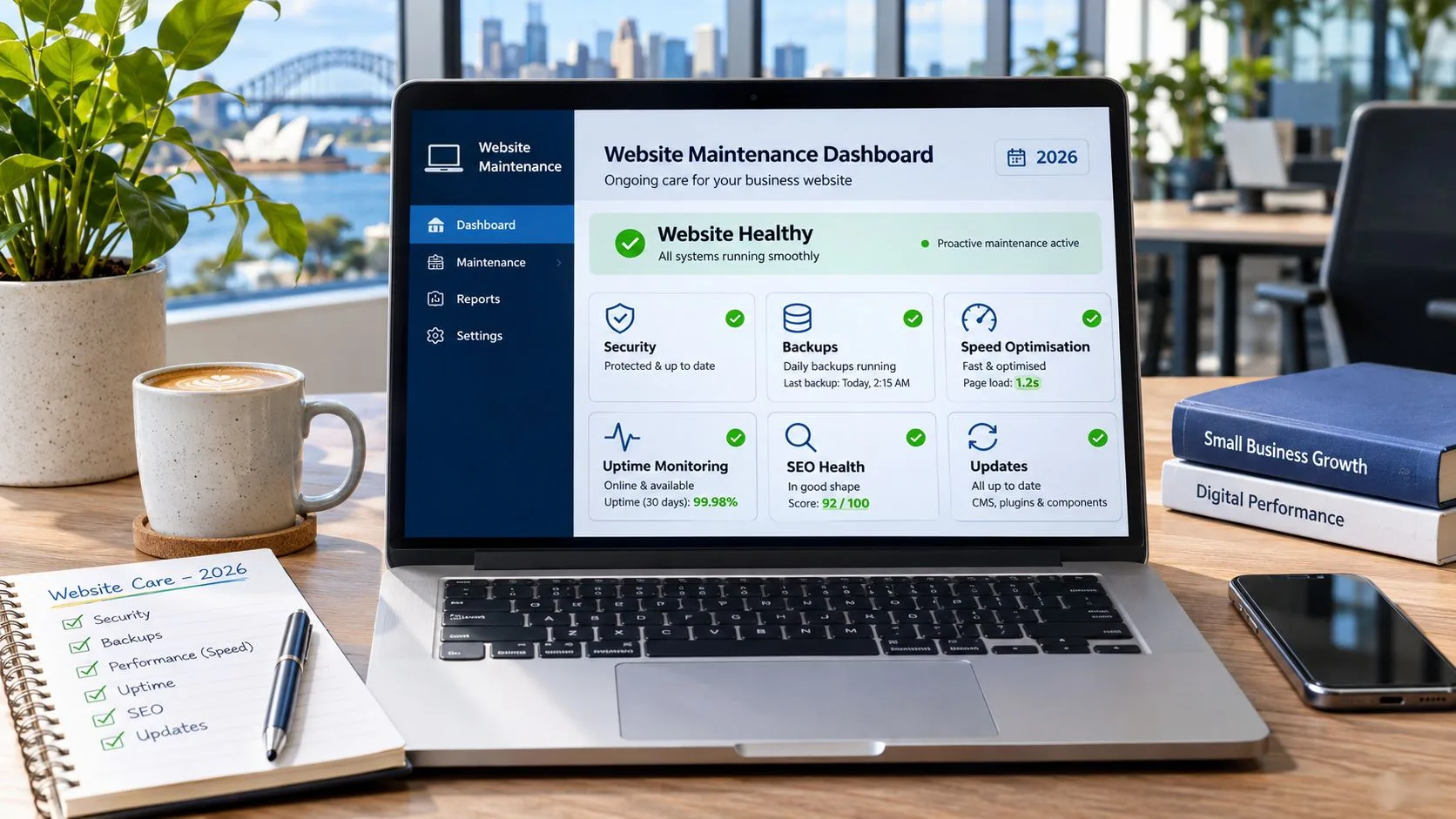

Keeping Your Website Fresh: Why Ongoing Maintenance Matters in 2026
Few assets shout “open for business” louder than a fast, secure website. Yet plenty of Australian businesses launch a shiny new site, tick the project as “done”, and move on. Six months later, plugins lag behind current versions, the homepage carousel chews bandwidth, and contact-form leads slip into spam. That slide from crisp to creaky happens quietly—until the day it costs real money.
Early in the life of any site, partnering with Aussie website design experts can feel like insurance you hope you never claim. In practice, proactive maintenance is less about emergencies and more about keeping small issues small.
The Silent Costs of “Set and Forget”
Neglect rarely announces itself. Instead, it chips away at performance in four common ways:
- Security loopholes appear as CMS cores and extensions age.
- Page speed slows as outdated themes load unused scripts.
- Broken links and missing images frustrate customers—and Google’s crawler.
Legal and accessibility standards tighten, leaving stale sites non-compliant.
For a service-based firm that relies on online enquiries, even a minor speed drop can slice conversion rates. Fixing the same fault reactively often means downtime during business hours, rushed labour, and a bruised customer experience.
Proactive vs Reactive: A Quick Comparison
| Approach | Typical Triggers | Business Impact | Long-Term Cost |
|---|---|---|---|
| Reactive (“break-fix”) | Site goes offline, hacked, or fails SEO checks | Sudden interruptions, reputation damage | High—urgent labour, potential penalties |
| Proactive (“maintenance plan”) | Scheduled updates, evergreen content reviews, performance monitoring | Stable uptime, gradual UX improvements | Predictable—spread over the year |
A maintenance plan rarely makes headlines, and that is its strength. Issues surface in scheduled reports rather than frantic phone calls.
Core Tasks That Keep a Site Fit
Security Patching and Monitoring
CMS platforms such as WordPress release security updates frequently. Applying those patches within days—sometimes hours—shields private data and SEO authority.
Speed Optimisation
Compressed images, lazy-loading scripts, and clean CSS files shave seconds from load times. Site-speed audits every quarter ensure yesterday’s quick site doesn’t become tomorrow’s slug.
Content and UX Refresh
Service pages evolve as businesses add qualifications, new locations, or fresh testimonials. Folding those updates into a monthly content calendar keeps messaging accurate and persuasive.
Backup and Disaster Recovery
Automated, off-site backups mean a hacked or corrupted site can be rolled back rapidly. Without a tested restore process, the only option may be a full rebuild.
For a deeper dive into structuring these tasks, our walkthrough of website maintenance packages breaks down what’s handled weekly, monthly, and quarterly.
Signs Your Site Needs Attention Now
- The homepage takes longer than three seconds to load on a 4G connection.
- You notice “mixed content” warnings after an SSL renewal.
- Plugins flag “update available” for more than a fortnight.
- Google Search Console emails a security alert or indexation error.
Contact-form tests land in junk mail instead of the inbox.
Spot any of these? Scheduling a maintenance review is cheaper than waiting for a full-blown outage.
How Maintenance Supports SEO and Conversions
Search engines reward speed, stability, and mobile usability. A well-maintained site sends consistent technical signals—clean sitemaps, healthy Core Web Vitals, reliable HTTPS—helping pages climb results without fresh keyword research each month.
Meanwhile, visitors enjoy fewer friction points, so marketing spend converts at a healthier rate. Maintenance isn’t a nice-to-have side project; it leverages every advertising dollar already committed.
Legal and Industry Standards Keep Shifting
Australia’s privacy and accessibility landscape has matured rapidly. The Privacy Act Review proposes stricter consent and data-handling requirements. At the same time, the Web Content Accessibility Guidelines (WCAG) 2.2 tighten expectations around keyboard navigation and colour contrast. Folding checks for these updates into routine maintenance avoids last-minute scrambles when legislation formally lands.
In security, guidance from the Australian Cyber Security Centre underscores multi-factor authentication and rapid patching as baseline hygiene for small businesses in 2026. A living maintenance schedule ensures those controls don’t drift out of date.
Ready to take the next step? Visit our Learn more to find out more.
Bringing It All Together
A thriving website is less a finished product and more a living platform—one that performs, converts, and complies because someone tends to it regularly. Whether you handle the to-do list in-house or lean on a specialist, the goal remains the same: stay one step ahead of the problems visitors never need to see.
Routine care costs a fraction of crisis repairs, and it quietly amplifies every marketing and branding effort already on the table. In an online market where speed and trust decide winners, steady maintenance is the not-so-secret edge.