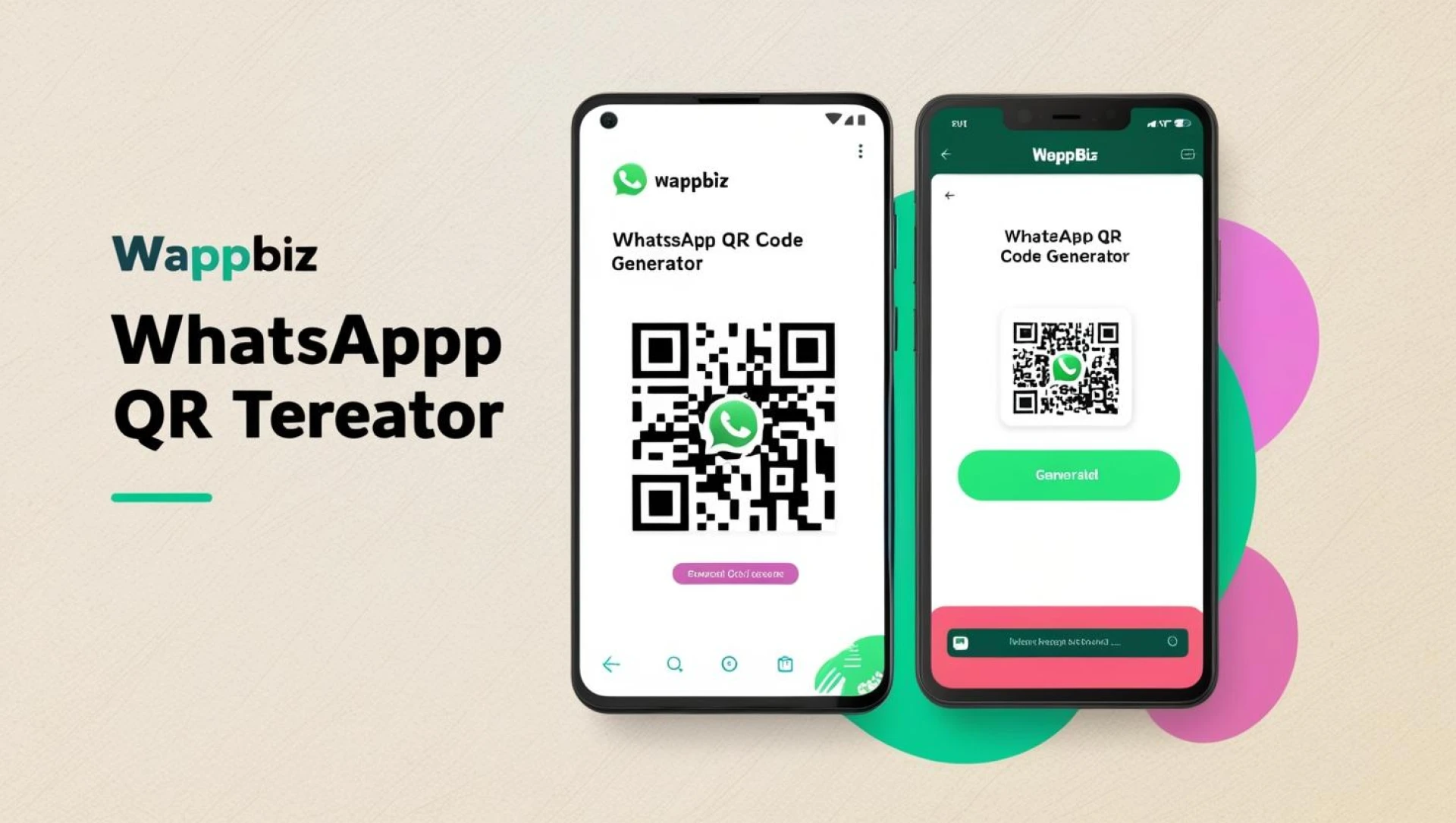
In today’s hyper-connected world, quick and seamless communication is more important than ever. The WhatsApp QR code generator has become a vital tool for individuals and businesses looking to simplify the process of connecting with others. Whether it’s for networking at events, enhancing customer service, or boosting marketing strategies, WhatsApp QR codes offer a fast, efficient way to share contact information and initiate conversations without the hassle of manual number entry. In this article, we’ll explore what WhatsApp QR codes are, how to generate them, and the many ways they can be used to enhance communication.
What is a WhatsApp QR Code?
A WhatsApp QR code is a unique scannable code that links directly to a WhatsApp contact or business profile. When someone scans this code with their smartphone, it instantly opens a chat window with the associated contact, enabling immediate communication. This feature eliminates the need to manually input phone numbers, making it ideal for both personal and professional interactions. It’s especially useful for businesses that want to improve customer engagement, streamline support services, and enhance marketing efforts.
Why WhatsApp QR Codes Are Essential for Modern Communication
WhatsApp QR codes are more than just digital contact cards—they are powerful tools that offer several benefits:
- Instant Contact Sharing: Quickly exchange contact information at networking events, conferences, and business meetings.
- Enhanced Customer Interaction: Businesses can connect with customers directly, providing faster responses and improved service.
- Effective Marketing Tool: QR codes can be embedded in promotional materials to encourage direct customer engagement, boosting conversions and lead generation.
How to Generate a WhatsApp QR Code for Free
Creating a WhatsApp QR code is easy and can be done using various methods. Here’s a step-by-step guide to help you generate one for free:
Using the WhatsApp Business App
- Open the WhatsApp Business app on your smartphone.
- Tap the three dots in the top-right corner to access the menu.
- Select “Business Tools” and then “QR Code”.
- Your unique QR code linked to your WhatsApp number will appear.
- Download the QR code to share digitally or print it for physical distribution.
Using WhatsApp Web
- Visit web.whatsapp.com on your desktop.
- Click the three dots in the upper-right corner and select “WhatsApp Web”.
- Choose “Create QR Code” to generate a code linked to your WhatsApp account.
- Download and use the QR code as needed.
Using Online QR Code Generators
For customized QR codes, online generators offer advanced features:
- Visit a reputable QR code generator website like QR Code Generator or QRStuff.
- Enter your WhatsApp number in the international format (e.g., https://wa.me/1234567890).
- Customize the QR code with logos, colors, and designs to align with your brand.
- Generate and download the QR code.
How Businesses Can Leverage WhatsApp QR Codes
Businesses can use WhatsApp QR codes to improve customer service, boost sales, and enhance marketing efforts:
Boosting Customer Support
Integrate QR codes with WhatsApp Business API to direct customers to support channels, enabling instant responses via chatbots or live agents.
Driving Sales Through WhatsApp Sales Funnels
Use QR codes to guide potential leads through your WhatsApp sales funnel, offering personalized product recommendations and exclusive deals.
Enhancing Digital Marketing Campaigns
Incorporate QR codes into email marketing campaigns, social media ads, and digital banners to encourage direct customer engagement and conversions.
Optimizing In-Store Experiences
Display QR codes in physical stores, allowing customers to scan and connect with sales representatives for product inquiries, special offers, or support.
How to Scan a WhatsApp QR Code
Scanning a WhatsApp QR code is quick and simple on both Android and iPhone devices:
For Android Users
- Open WhatsApp on your Android device.
- Tap the three dots in the top-right corner.
- Select “WhatsApp Web”.
- Tap the QR code icon to activate the scanner.
- Point your camera at the QR code to scan it.
- The chat window with the linked contact will open automatically.
For iPhone Users
- Open WhatsApp on your iPhone.
- Tap “Settings” at the bottom right corner.
- Select “WhatsApp Web/Desktop”.
- Tap the QR code scanner icon at the top.
- Point your camera at the QR code.
- After scanning, you’ll be connected to the WhatsApp contact or business profile.
4 Key Benefits of Using WhatsApp QR Codes
Effortless Contact Sharing
QR codes make it easy to add new contacts instantly without the need to manually enter phone numbers.
Improved Customer Engagement
Businesses can directly engage with customers, enhancing the effectiveness of WhatsApp marketing campaigns.
Increased Sales Conversions
By guiding prospects through your WhatsApp sales funnel, QR codes help convert leads into loyal customers.
Streamlined Customer Support
Integrate QR codes with WhatsApp Business API or WhatsApp chatbots for quick, automated customer support.
Conclusion
The WhatsApp QR code generator is more than just a tool—it’s a gateway to faster, more efficient communication in both personal and professional contexts. Whether you’re looking to network more effectively, enhance customer service, or drive marketing success, WhatsApp QR codes offer a simple, powerful solution.
By understanding how to generate and utilize WhatsApp QR codes effectively, you can improve your communication strategies, foster stronger relationships, and unlock new growth opportunities. Start creating your QR codes today and experience the convenience of instant connectivity.