By GlobalGuard | Protecting Businesses from Evolving Email Threats
Introduction
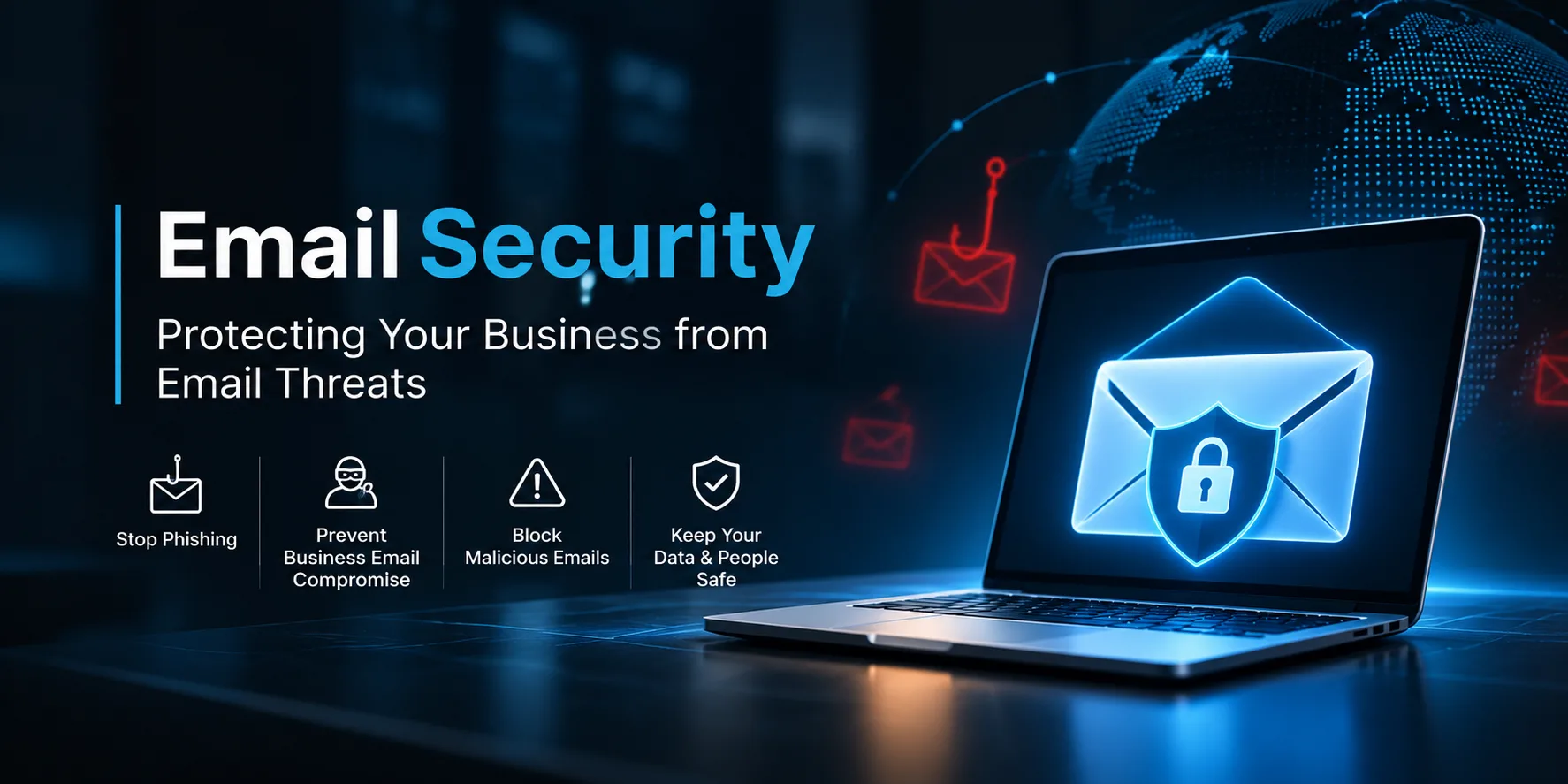
Most businesses rely on email security solutions to keep phishing attacks and malicious messages away from employees. But what happens when a dangerous email slips past these protections simply because it comes from a trusted sender or a familiar business service?
This is a growing concern for organizations that depend on email for everyday operations.
Cybercriminals understand that employees regularly receive messages about invoices, document approvals, payroll updates, surveys, and shared files. By copying the look and language of these routine business communications, attackers can make phishing emails difficult to recognize.
A recent Microsoft Threat Intelligence report highlights how attackers can misuse legitimate business-service sender domains and take advantage of security exceptions to deliver malicious emails.
The bigger lesson is simple: An email should not automatically be considered safe just because its sender or domain looks familiar. Advanced Email Security
When Familiar Business Emails Become a Security Risk
Think about the number of business-related emails employees receive every day. They may include document-signing requests, cloud storage notifications, payment reminders, collaboration updates, and account verification messages.
Because these emails are part of normal business activities, employees often respond without giving them much thought.
Attackers take advantage of this behaviour by creating messages that look like genuine business requests.
For example, an employee might receive an email asking them to:
- Review and sign an important business document.
- Approve an invoice or payment request.
- Complete an employee survey.
- Verify their business account.
- Open a shared document or file.
- Confirm a payroll update.
At first glance, these requests may seem completely normal. However, a malicious link could redirect the employee to a fake login page designed to steal their credentials.
The challenge is that modern phishing attacks do not always look suspicious. They often blend into everyday business communication, making it easier for employees to overlook warning signs.
How Attackers Exploit Trusted Emails
Cybercriminals use several techniques to make phishing emails appear genuine. A typical attack may happen in the following stages.
1. Creating a convincing business request
The attacker chooses a familiar situation, such as an invoice approval, document-signing request, or account verification notification.
2. Making the email look legitimate
The message may contain recognizable branding, professional language, familiar sender names, and subject lines that resemble genuine business communication.
3. Encouraging employees to act quickly
The email may create urgency by suggesting that a payment needs approval, an account requires verification, or an important document is waiting for review.
4. Directing employees to a malicious destination
A link or attachment takes the recipient to a fake website or malicious page. The page may look almost identical to a legitimate business platform.
5. Stealing credentials or accessing business accounts
If an employee enters their login details, attackers may capture those credentials and attempt to access the account.
Once an account is compromised, the consequences can extend beyond one employee. Attackers may impersonate the individual, send phishing emails to colleagues, access confidential information, or initiate fraudulent payment requests.
The Hidden Risk of Email Security Exceptions
One important area businesses should pay attention to is email security exceptions.
Organizations sometimes create allowlists to make sure important business emails are delivered without being mistakenly blocked. For example, an IT administrator may allow emails from a particular business service because employees regularly use it.
Although this can improve email delivery, poorly managed exceptions can also weaken security.
Attackers may exploit these gaps to make malicious messages appear more trustworthy or bypass certain email security checks.
Consider a simple example.
A company allows emails from a particular business-service domain to ensure that employees receive important document notifications. If the exception is too broad, suspicious messages associated with that trusted domain may receive less scrutiny than they should.
This does not mean every email from an allowlisted domain is malicious. However, trusting an entire domain without examining individual messages can create unnecessary security risks.
Organizations should regularly review:
- Email allowlists: Check which senders and domains are permitted.
- Domain-level exceptions: Avoid allowing an entire domain without a clear business requirement.
- User-created email rules: Look for unexpected forwarding or filtering rules.
- Sender authentication: Review SPF, DKIM, and DMARC results.
- Suspicious links and attachments: Inspect messages even when the sender appears familiar.
- Security bypass policies: Identify messages that are excluded from normal security checks.
An exception created to solve a routine email delivery problem should never become an easy way for attackers to reach employees.
Why Traditional Email Security Needs to Evolve
Phishing attacks are no longer limited to poorly written emails or suspicious-looking attachments. Attackers increasingly focus on exploiting human behaviour, trusted business relationships, and weaknesses in existing security controls.
They constantly change their techniques, including:
- Sender identities and display names.
- Malicious domains and website links.
- Email content and subject lines.
- Attachment formats.
- Fake login pages.
- Social engineering methods.
This makes it difficult for organizations to depend only on static security rules or known threat signatures.
For example, an email may come from a familiar business service but contain an unusual request or a suspicious link. Simply checking whether the sender is recognized may not be enough to identify the threat.
Businesses need advanced email threat protection that evaluates more than the sender's identity. It should also examine message behaviour, suspicious content, links, attachments, and other indicators of potential threats.
Warning Signs Employees Should Never Ignore
Even convincing phishing emails often contain small warning signs. Employees should take extra care when a message:
- Creates unexpected urgency around payments or account access.
- Requests passwords, login credentials, or authentication codes.
- Contains unfamiliar links or unexpected attachments.
- Asks for confidential information through an unusual process.
- Uses familiar company branding but redirects to an unfamiliar website.
- Requests changes to payment details or sensitive business instructions.
- Asks employees to bypass normal approval procedures.
One important practice is independent verification.
For example, if an employee receives an unexpected request to change a supplier's bank account details, they should confirm the request through a known and trusted phone number rather than replying directly to the email.
A few minutes of verification can help prevent significant financial and security problems.
How Businesses Can Strengthen Their Email Security
Preventing phishing requires more than asking employees to be careful. Organizations need strong technical controls, regular security reviews, and clear internal procedures.
Here are some practical steps businesses can take.
1. Review email security exceptions regularly
Remove unnecessary allowlist entries and overly broad domain-level exceptions. Every exception should have a clear business purpose and an appropriate review process.
2. Strengthen email authentication
Implement and properly configure SPF, DKIM, and DMARC to help identify unauthorized use of an organization's email domain. Authentication should be considered alongside other security checks.
3. Inspect links and attachments
Analyze URLs and attachments before employees interact with them. Suspicious destinations should be identified and blocked wherever possible.
4. Improve identity protection
Use multi-factor authentication (MFA) and prioritize phishing-resistant authentication methods to reduce the risk of stolen credentials being used to access business accounts.
5. Train employees with realistic examples
Regular awareness sessions should help employees recognize fake document requests, invoice scams, unexpected login notifications, and other common phishing techniques.
6. Monitor compromised accounts
Watch for unusual login activity, unexpected email forwarding rules, suspicious outbound messages, and other signs that an employee's account may have been compromised.
Combining these practices helps organizations build stronger protection against both familiar and emerging email threats.
Protect Your Business Beyond the Inbox with MailGuard
Cybercriminals do not always need sophisticated techniques to compromise a business. Sometimes, a familiar-looking email and one overlooked security exception are enough to put an organization at risk.
This is why modern email security must look beyond trusted sender names and familiar domains. Every message needs to be evaluated based on its content, behaviour, links, attachments, and potential security risks.
With MailGuard by GlobalGuard, organizations can strengthen their email security with an additional layer of protection against evolving email threats.
Rather than relying only on familiar sender identities or static rules, businesses need intelligent email security that helps identify suspicious messages before they become a problem.
Don't let a trusted-looking email become your next security incident.
Try MailGuard FREE for 14 days and take a stronger approach to protecting your organization's email communications.