
Introduction
Emails aren't just messages — they're contracts, client conversations, project records, and sometimes years of memories. Yet most people never think about backing up their IMAP-based email accounts (Gmail, Yahoo Mail, Outlook.com, Office 365, and more) until it's too late. A single accidental deletion, a hacked account, or a server-side sync error can wipe out years of important data in seconds. This is exactly why choosing a reliable backup solution like the Shoviv IMAP Backup Tool has become essential for individuals and businesses who simply can't afford to lose their email history.
Why IMAP Accounts Are More Vulnerable Than You Think
Unlike offline email storage, IMAP accounts sync directly with a server, meaning your emails technically "live" online. While this feels convenient, it also means:
- Accidental deletions sync across all connected devices instantly.
- Hackers or phishing attacks can compromise entire mailboxes.
- Service outages or account suspensions can lock you out without warning.
- There's no built-in "undo" for permanently deleted folders in many cases.
This is where the Shoviv IMAP Backup Tool steps in as a dependable safety net, letting users take full control of their own email data instead of depending entirely on the email provider.
How the Shoviv IMAP Backup Tool Solves the Problem
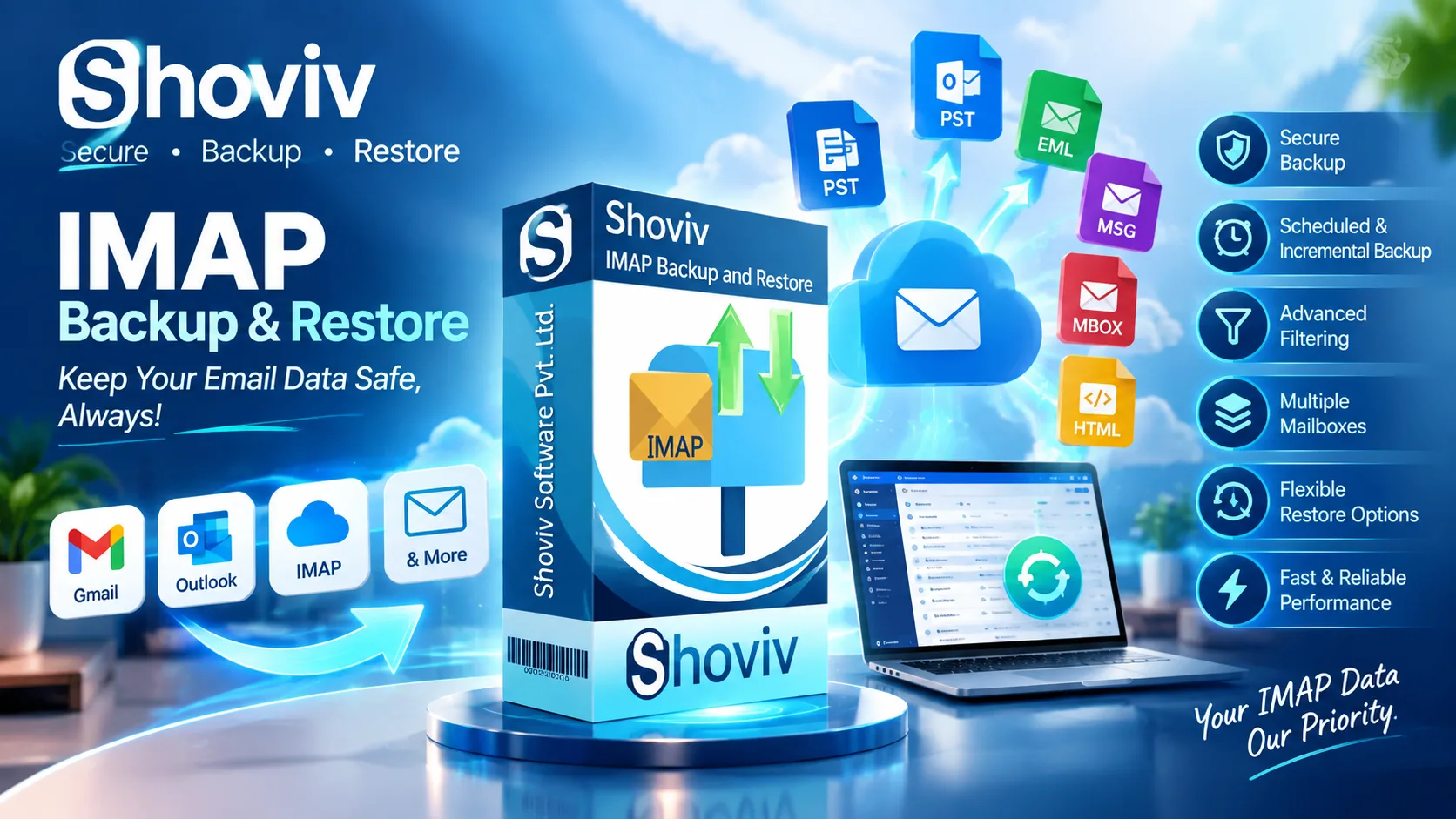
The Shoviv IMAP Backup Tool is specifically built to back up and restore emails from any IMAP-based account, including Gmail, Yahoo Mail, Outlook.com, and Office 365. It allows users to export their mailbox data into multiple local file formats such as PST, MBOX, MSG, and EML — giving you full flexibility over how and where you store your backup. Whether the goal is disaster recovery, regulatory compliance, or simply peace of mind, the Shoviv IMAP Backup Tool ensures your emails remain safe, portable, and accessible even if something goes wrong with your original account.
Key Features That Make It the Ultimate Backup Solution
What truly sets the Shoviv IMAP Backup Tool apart from basic backup methods is its combination of automation and control:
- Scheduled Backups – Set up automatic backup jobs at your preferred time and frequency, so you never have to remember to do it manually.
- Incremental Backup Technology – Only new or changed emails are backed up each time, saving storage space and processing time.
- Advanced Filtering – Backup specific folders or date ranges instead of your entire mailbox, giving you precise control over what gets saved.
- Restore Functionality – Easily restore backed-up PST, OST, MBOX, or other file formats back into any IMAP mailbox, complete with folder mapping.
- Multiple Concurrent Jobs – Run several backup and restore operations simultaneously, ideal for managing multiple accounts at once.
- PST File Splitting – Automatically split large PST files to avoid size-related restrictions.
Who Should Be Using This Tool?
Whether you're a freelancer relying on Gmail for client communication, a business using Office 365 for daily operations, or an IT administrator managing multiple employee mailboxes, the Shoviv IMAP Backup Tool is designed to fit every use case. Its simple, user-friendly dashboard means you don't need to be a tech expert to set up reliable, automated backups.
Final Thoughts
Losing years of emails isn't just inconvenient — it can be financially and professionally devastating. Instead of waiting for a data disaster to strike, take control today with the Shoviv IMAP Backup Tool. With features like scheduled backups, incremental technology, and flexible restore options, it offers one of the most complete and reliable ways to safeguard any IMAP-based email account — safely, efficiently, and without the stress of "what if."


