Quick Summary
Retail management software brings sales, inventory, purchasing, accounting, customer management, and reporting into one connected system. Instead of relying on spreadsheets or multiple disconnected tools, retailers can manage daily operations from a central platform. The right retail management software can improve inventory accuracy, speed up billing, simplify purchasing, support multi-store operations, and provide real-time business insights. Solutions such as GETPOS combine POS, inventory, accounting, purchasing, analytics, and other retail functions to help businesses manage operations more efficiently.
Introduction
Running a retail business involves much more than making sales. Retailers need to monitor stock, manage suppliers, process payments, track customers, reconcile accounts, and understand which products and stores are performing well. When these tasks are handled through separate systems, errors and delays can quickly add up.
Retail management software solves this problem by connecting key business processes in one platform. Modern solutions can combine point-of-sale (POS), inventory management, purchasing, accounting, customer management, analytics, and e-commerce. For growing retailers, this means better visibility, fewer manual tasks, and a more consistent way to manage stores across locations.
Key Takeaways
- Retail management software connects core retail operations in one system.
- Essential features include POS, inventory, purchasing, reporting, accounting, and customer management.
- Real-time inventory visibility helps reduce stockouts, overstocking, and inventory discrepancies.
- Multi-store retailers benefit from centralized data and store-level reporting.
- Omnichannel capabilities help connect physical stores with online sales channels.
- GETPOS offers an integrated retail operating system covering sales, inventory, purchasing, accounting, analytics, and more.
What Is Retail Management Software?
Retail management software is a business platform designed to manage and automate the everyday activities of a retail operation. It typically connects point-of-sale transactions with inventory, purchasing, customer information, accounting, and reporting.
Unlike basic billing software, a complete retail management system provides a broader view of the business. When a product is sold, for example, the transaction can update inventory and contribute to sales and financial reporting. This connected approach reduces duplicate data entry and gives managers more reliable information for decision-making.
For retailers looking for an integrated solution, a retail operating system can bring sales, stock, purchasing, accounting, customers, HR, and analytics together on one platform.
Key Features of Retail Management Software
1. Point of Sale and Billing
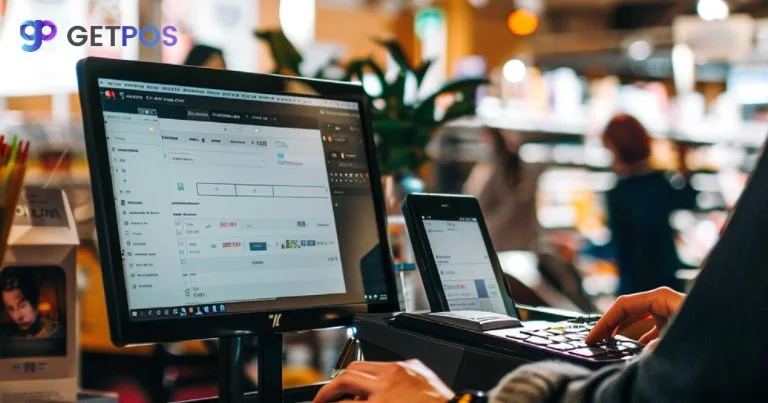
A modern retail POS system should make checkout fast and straightforward. Core capabilities may include barcode scanning, multiple payment methods, invoice generation, returns, discounts, and offline functionality.
A strong retail POS system can also connect sales with inventory and other business processes, helping retailers avoid maintaining separate records for every transaction.
2. Inventory Management
Inventory is one of the most important areas of retail management. Software can track stock levels across stores and warehouses, monitor product movement, and generate low-stock alerts.
Advanced inventory management may also support batch and serial tracking, expiry dates, stock ageing, and different inventory valuation methods. GETPOS, for example, supports batch-wise and serial-wise tracking, expiry monitoring, low-stock alerts, and FIFO, LIFO, and Moving Average valuation.
Retailers can explore dedicated inventory management software when accurate, real-time stock visibility is a priority.
3. Purchasing and Supplier Management
Retailers need to know what to purchase, when to reorder, and which suppliers are performing reliably. Retail management software can streamline purchase orders, goods receiving, supplier records, reorder levels, and purchase reporting.
This helps purchasing teams move away from manual spreadsheets and make procurement decisions using actual sales and inventory data.
4. Multi-Store Management
Managing multiple outlets becomes difficult when each location operates with separate systems or spreadsheets. Multi-store retail software provides centralized visibility while allowing individual stores to manage their daily activities.
Retailers can monitor sales, inventory, transfers, and performance from a central platform. GETPOS provides multi-store retail management software designed to help businesses manage outlets, stock transfers, and reporting from one system.
5. Customer and Loyalty Management
Customer management features help retailers maintain customer profiles, purchase histories, loyalty points, promotions, and engagement information.
These tools can support more personalized offers and help businesses understand buying patterns. For retailers competing on customer experience rather than price alone, this can become a valuable part of the overall retail strategy.
6. Analytics and Reporting
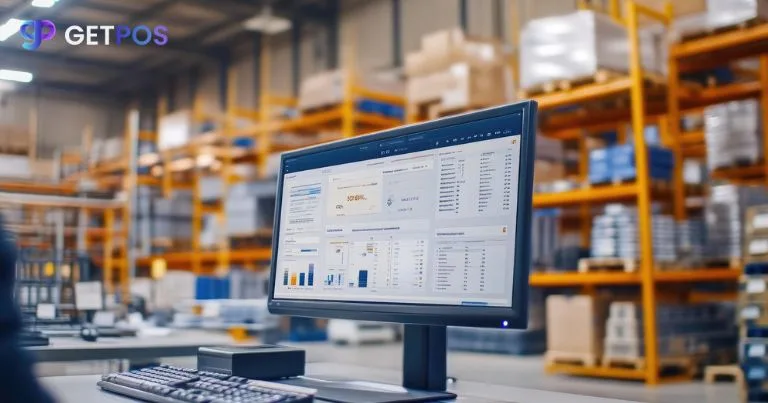
Retail data is useful only when managers can understand it. Retail analytics software can provide dashboards for sales, margins, product performance, store performance, and other key metrics.
GETPOS offers retail analytics software with dashboards and real-time business insights designed to help retailers make faster, data-driven decisions.
7. Omnichannel Retail
Customers may interact with a retailer through a physical store, website, marketplace, or mobile channel. Omnichannel retail software connects these touchpoints so businesses can manage products, orders, inventory, and customer experiences more consistently.
GETPOS's omnichannel retail software is designed to connect store, online, and other sales channels with centralized inventory and real-time synchronization.
Benefits of Retail Management Software
Better Inventory Control
Real-time stock information helps retailers identify low-stock products, slow-moving inventory, and discrepancies before they become larger problems. This can reduce unnecessary inventory investment while improving product availability.
Faster Daily Operations
Automating repetitive tasks such as billing, stock updates, purchasing workflows, and reporting allows employees to spend less time entering information manually.
Improved Business Visibility
Managers can see sales, inventory, profitability, and store performance without waiting for separate reports from different teams. This creates a clearer picture of what is happening across the business.
Easier Multi-Location Management
Centralized retail software makes it easier to standardize processes across outlets while still monitoring individual store performance. Stock can also be transferred between locations when demand changes.
More Accurate Decision-Making
Reliable data helps retailers make decisions based on actual performance rather than assumptions. Managers can identify high-performing products, evaluate sales trends, and plan purchasing more effectively.
How to Choose the Best Retail Management Software
The best retail management software depends on the size, industry, and operating model of the business. Before choosing a solution, consider:
- Core features: Does it cover POS, inventory, purchasing, accounting, customers, and reporting?
- Scalability: Can it support additional stores, users, products, or sales channels?
- Ease of use: Can employees learn the system without extensive training?
- Integration: Can it connect with e-commerce platforms, accounting systems, payment solutions, and other tools?
- Real-time data: Does information update quickly across stores and channels?
- Security and reliability: Are business and customer records protected?
- Pricing: Does the cost make sense for the current business and future growth?
GETPOS offers different plans for retail businesses, including a Business plan covering POS, sales, purchasing, inventory, accounting, and e-commerce, with higher-tier options adding CRM, HR, payroll, and BI analytics.
Conclusion
Retail management software has evolved from simple billing tools into connected platforms that can manage much of the retail business. The right system can bring POS, inventory, purchasing, accounting, customer management, analytics, and online sales together, giving retailers better control over daily operations.
For small retailers, the immediate value may be faster billing and accurate stock management. For growing and multi-store businesses, centralized data, automation, and real-time reporting become even more important. The best solution is ultimately the one that fits the retailer's workflow, scales with growth, and provides useful information without creating unnecessary complexity.
FAQs
What is retail management software?
Retail management software is a platform that helps businesses manage sales, inventory, purchasing, customers, accounting, reporting, and other retail operations from one system.
What is the difference between POS and retail management software?
A POS system primarily handles sales and checkout. Retail management software covers a wider range of operations, including POS, inventory, purchasing, accounting, customer management, analytics, and sometimes e-commerce and workforce management.
What are the most important features of retail management software?
The most important features generally include POS and billing, inventory management, purchasing, supplier management, reporting and analytics, customer management, accounting, and multi-store capabilities.
Is retail management software useful for small businesses?
Yes. Small retailers can use it to automate billing, track inventory, manage purchases, and monitor business performance. A scalable cloud-based system can also make it easier to add stores or sales channels as the business grows.
Can retail management software manage multiple stores?
Yes. Multi-store retail management systems can centralize sales, inventory, purchasing, transfers, and reporting while allowing individual outlets to continue handling daily operations.
How much does retail management software cost?
Pricing varies based on features, number of outlets, users, and integrations. For example, GETPOS currently lists retail plans starting at ₹2,500 per outlet per month for its Business plan, with additional features available in higher-tier plans.
Which retail management software is best?
The best solution depends on the retailer's needs, budget, number of locations, industry, and required integrations. Businesses should compare functionality, ease of use, scalability, support, and total cost before choosing a platform.