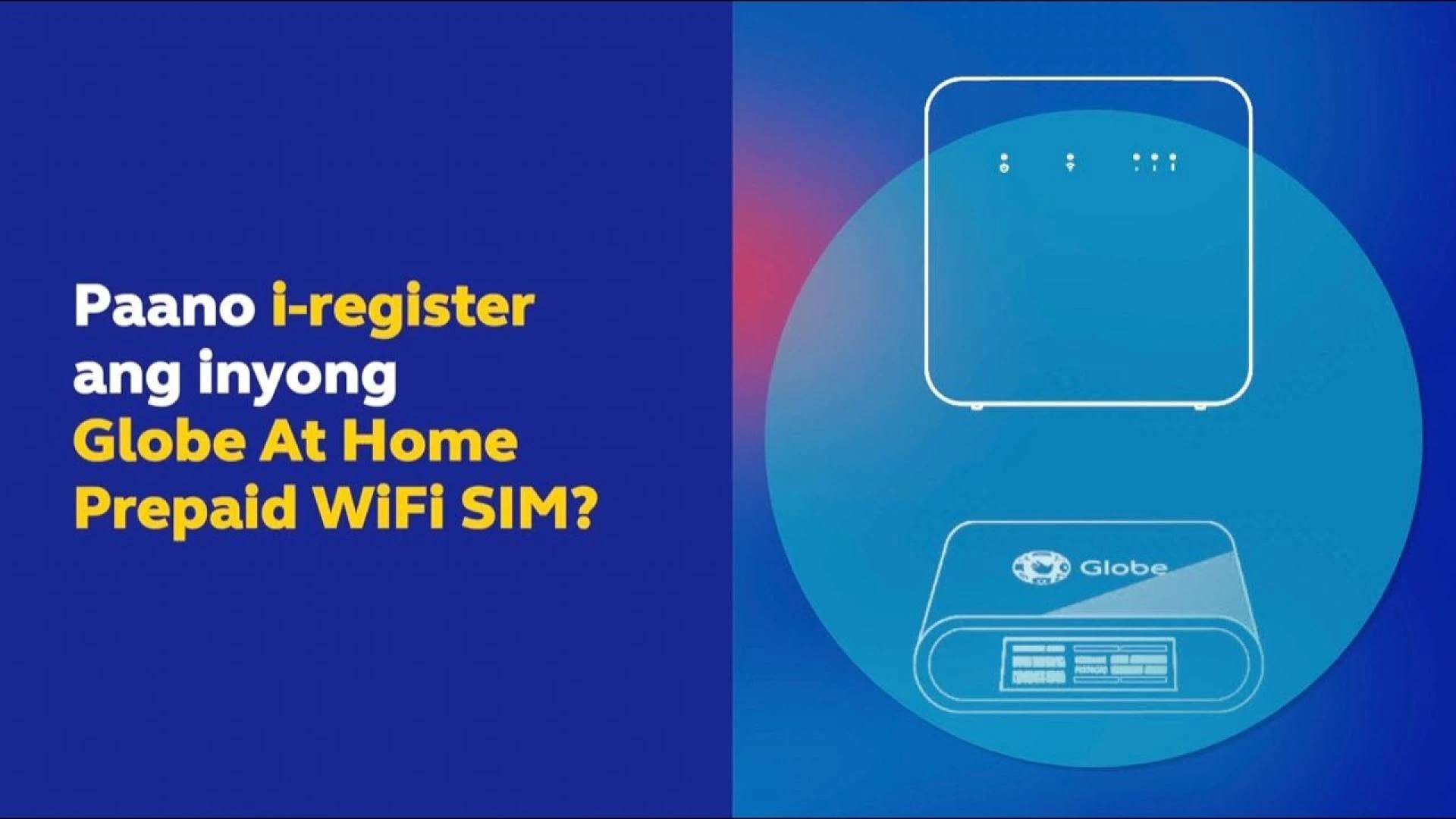
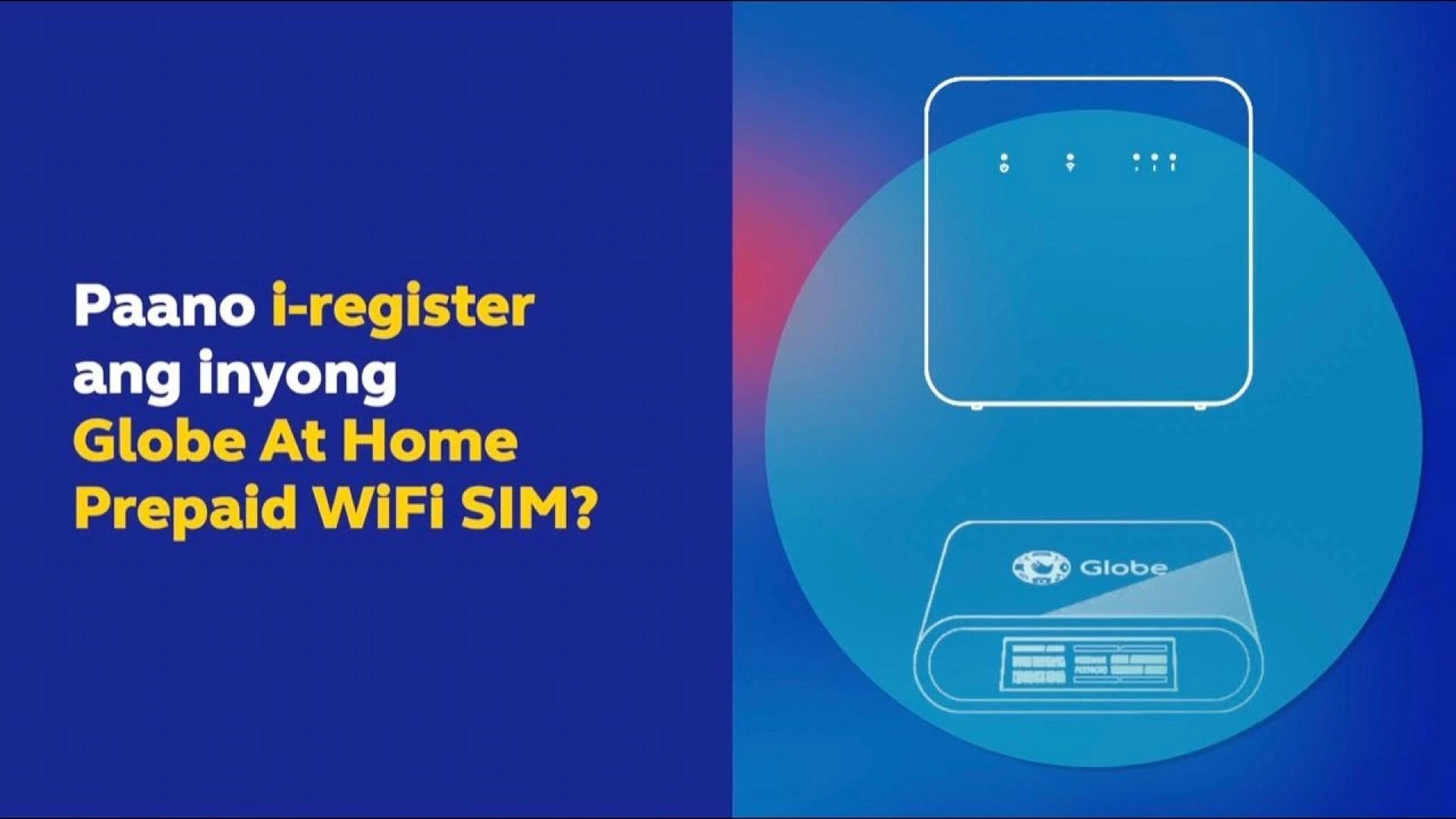
The SIM Card Registration Act (Republic Act No. 11934) in the Philippines has made it mandatory for all mobile users to register their SIM cards to enhance security and combat cybercrimes like scams, fraud, and spam messages. Whether you're a local resident, a tourist, or a business user, registering your SIM is essential to keep your mobile services active and avoid deactivation. This comprehensive guide walks you through the process, requirements, and tips for a hassle-free SIM registration experience in 2025.
Why SIM Registration is Important
The SIM Registration Act, signed into law on October 10, 2022, aims to:
- Enhance Security: Link mobile numbers to verified identities to reduce fraudulent activities.
- Combat Cybercrime: Help law enforcement trace SIMs used in scams, smishing, or illegal activities.
- Protect Users: Shield subscribers from unauthorized access and spam.
- Ensure Compliance: Unregistered SIMs face deactivation, cutting off access to calls, texts, and data.
For Globe, TM, Smart, DITO, and other telecom providers, registration is free and straightforward, with options to complete it online, via apps, or at physical stores.
Who Needs to Register?
The SIM Registration Act applies to:
- New SIM Users: Anyone purchasing a SIM after December 27, 2022, must register immediately to activate it.
- Existing SIM Users: Those with SIMs purchased before December 27, 2022, were required to register by July 25, 2023, to avoid deactivation.
- Foreign Nationals and Tourists: Must register within 30 days of SIM activation; tourist SIMs deactivate after 30 days unless extended.
- Minors: SIMs must be registered under a parent or guardian’s name with their valid ID.
- Corporate Users: Business SIMs are registered under the company name via an authorized representative.
Requirements for SIM Registration
To register your SIM, prepare the following:
- Personal Information:
- Full Name
- Date of Birth
- Gender
- Nationality
- Complete Address
- Valid Government-Issued ID (e.g., Passport, Driver’s License, National ID, SSS ID, Voter’s ID, Senior Citizen ID, etc.).
- Selfie Photo: A clear, high-quality selfie for identity verification.
- For Foreign Nationals:
- Passport (bio-page and visa stamp)
- Proof of address (e.g., hotel booking, barangay certificate)
- Return ticket (for tourists)
- For Minors: Parent or guardian’s valid ID and consent.
- For Corporate SIMs: Business registration documents and authorization proof.
Note: Ensure ID photos are clear, legible, and under 2MB (for Globe/TM) or 4MB (for others) in PNG, JPG, PDF, or HEIC format.
Step-by-Step Guide to Register Your SIM
You can register your SIM online, via a mobile app, or at a telecom store. Below is a general process, with a focus on Globe and TM users:
Option 1: Online Registration (Globe/TM)
- Visit the Official Portal: Go to the registration website for your provider, such as Globe SIM Registration for Globe and TM users.
- Enter Your Mobile Number: Input your 10-digit mobile number (e.g., 9171234567) and click “Register.”
- Receive OTP: A 6-digit One-Time Pin (OTP) will be sent via SMS. Enter it within 5 minutes.
- Fill Out the Form: Provide your personal details (name, birthdate, gender, address, nationality).
- Upload Documents:
- Select your ID type and upload a clear photo or scan.
- Take a high-quality selfie in good lighting.
- Review and Submit:
- Tick checkboxes to agree to the Privacy Notice and confirm accuracy.
- Click “Submit.”
- Save Reference Number: A reference number will appear on-screen as proof of registration. Save it for your records.
- Confirm Registration: You’ll receive an SMS confirmation from your provider within 24 hours.
Option 2: Via GlobeOne App
- Download the App: Install the GlobeOne App from the Google Play Store or Apple App Store.
- Log In or Create an Account: Use your Globe or TM mobile number.
- Access SIM Registration: Find the “Register Your SIM” option on the homepage or menu.
- Enter Details: Input your personal information and upload your ID and selfie.
- Verify OTP: Enter the 6-digit OTP sent to your number.
- Submit: Review your details and submit. Save the reference number.
Option 3: In-Store Registration
- Locate a Store: Visit a Globe, TM, or other telecom store near you.
- Bring Requirements: Provide your valid ID, selfie, and personal details.
- Complete the Process: A store representative will assist you. You’ll receive a confirmation SMS after verification.
Common Issues and Solutions
Here are some frequent problems and how to fix them:
- OTP Not Received: Ensure your SIM is inserted correctly and you have a strong signal. Try requesting another OTP or move to a 5G area.
- Selfie Upload Error: Image size must be under 2MB (Globe/TM). Take a low-resolution photo, screenshot, or use an image compressor.
- Invalid Information: Double-check your mobile number, ID number, and spelling. Ensure the ID is not expired.
- Website Downtime: High traffic may cause issues. Try again later or use the GlobeOne App.
- Form Submission Failure: Clear your browser’s cache and cookies or switch to a private Wi-Fi network.
For detailed troubleshooting, check out resources like Globe SIM Registration.
Benefits of Registering Your SIM
Registering your SIM offers more than just compliance:
- Security: Protects against scams and unauthorized use.
- Freebies: Globe and TM users may receive perks like 5GB free data (e.g., text FREEEZ50 to 8080 for TM).
- 5G Access: Unlock faster internet with LTE and 5G-ready SIMs.
- Promos: Enjoy unli calls, texts, and data packs via the GlobeOne App.
- Roaming: Stay connected abroad with roaming services.
FAQs
Q: Is SIM registration free?
A: Yes, registration is free for all providers, including Globe, TM, Smart, and DITO.
Q: What happens if I don’t register my SIM?
A: Unregistered SIMs are deactivated, losing access to calls, texts, and data. You may reactivate within 5 days post-deadline, but a new SIM may be required afterward.
Q: Can foreigners register with a foreign ID?
A: Yes, passports and other recognized IDs are accepted. Tourists must provide proof of address and a return ticket.
Q: How do I check if my SIM is registered?
A: For Globe/TM, text SIMREG to 8080 or check via the GlobeOne App. For Smart, dial *1202#.
Q: Can I register multiple SIMs?
A: Yes, but all must be under your legal name and ID.
Conclusion
Registering your SIM card in the Philippines is a simple yet crucial step to stay connected and compliant with the SIM Registration Act. By following the steps outlined above, you can ensure uninterrupted mobile services and enjoy added security and perks. Whether you’re using Globe, TM, or another provider, act now to avoid deactivation. For a seamless experience, visit Globe SIM Registration for detailed guides and support.
Stay connected, stay secure, and register your SIM today!
Disclaimer: This guide is for informational purposes only and is not affiliated with Globe or other telecom providers. Always use official portals or apps for registration.