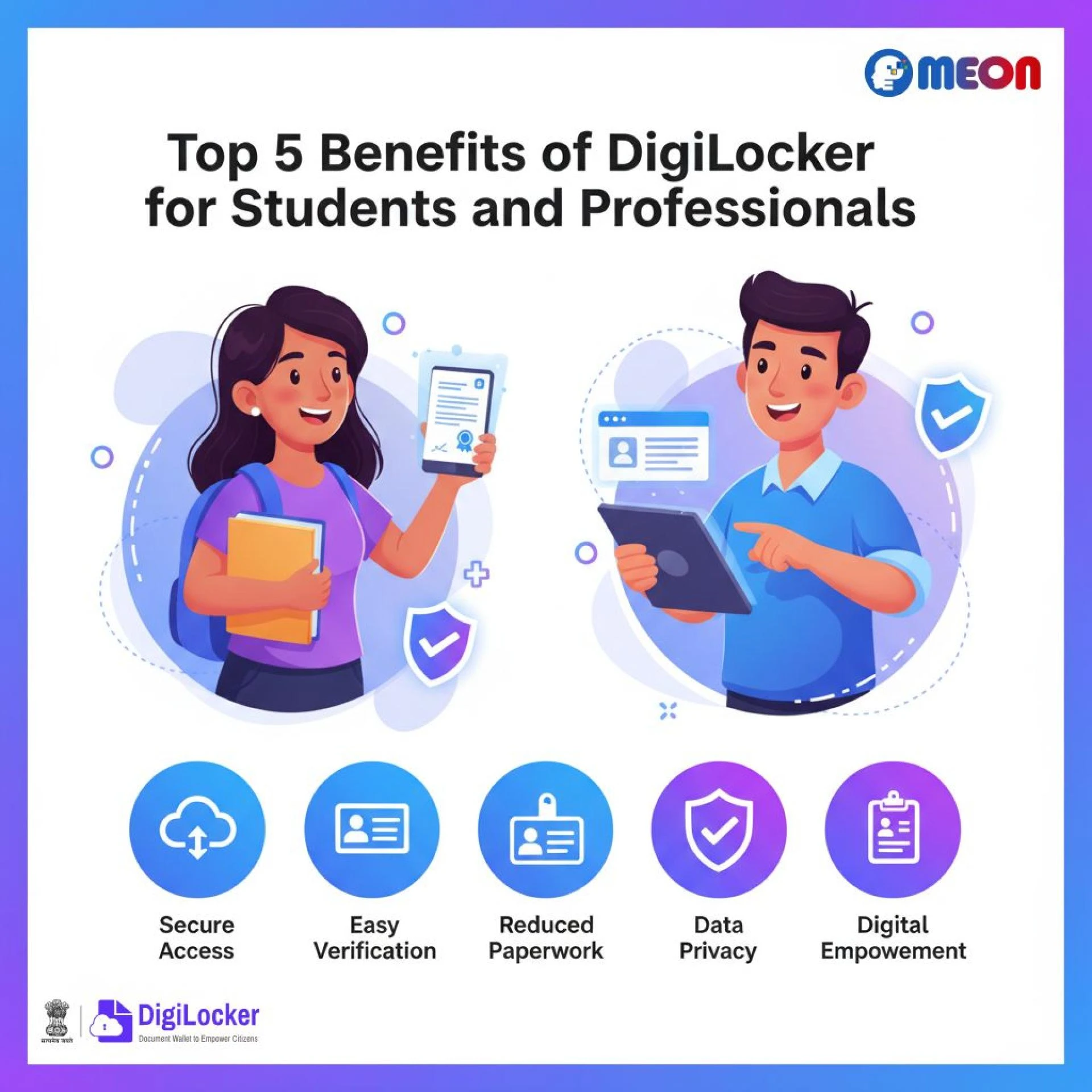
In today’s digital era, document verification and secure data access are essential for both individuals and enterprises. India’s DigiLocker platform has revolutionized how citizens store and share documents online, providing a secure and government-backed repository. For developers and organizations, understanding how to fetch docs on DigiLocker API is the key to integrating seamless document retrieval into their digital workflows.
At Meon Technologies Pvt Ltd, we specialize in providing advanced API solutions that make it easy for businesses to connect with DigiLocker, automate document verification, and enhance user onboarding experiences. In this article, we’ll explain how to fetch docs on DigiLocker API, its benefits, workflow, and how Meon’s expertise simplifies the integration process.
What is DigiLocker and Why It Matters
DigiLocker, launched by the Government of India under the Digital India initiative, is a secure cloud-based platform that allows citizens to store, access, and share authentic digital documents. It eliminates the need for physical copies of essential papers such as Aadhaar, PAN, driving license, mark sheets, and more.
When organizations need verified documents for KYC, admission, or employment purposes, using DigiLocker’s official API is the safest and most efficient route. Knowing how to fetch docs on DigiLocker API ensures accurate, real-time data retrieval with user consent.
Understanding the DigiLocker API
The DigiLocker API allows registered entities (issuers, requesters, or verifiers) to interact with the DigiLocker system programmatically. It provides endpoints for authentication, document fetching, and verification. By integrating this API, businesses can automate document collection directly from the DigiLocker repository.
Learning how to fetch docs on DigiLocker API involves understanding its three main components:
- Authentication – The user grants consent via OTP or Aadhaar-based authentication.
- Document Fetching – Once consent is granted, the API fetches the requested documents in XML or PDF format.
- Verification – The fetched document’s authenticity is verified through its digital signature or issuer metadata.
At Meon Technologies Pvt Ltd, we help organizations configure these steps efficiently, ensuring data security, API compliance, and smooth integration with your existing systems.
Why Businesses Need DigiLocker API Integration
Knowing how to fetch docs on DigiLocker API provides immense benefits for enterprises across sectors like fintech, education, insurance, and HR tech. Here’s why businesses prefer using it:
- Authentic Documents: All data comes directly from government issuers, eliminating fraud.
- Instant Verification: Retrieve verified documents in real-time for instant approval processes.
- Paperless Workflow: Reduces manual paperwork and speeds up onboarding.
- Compliance Ready: Meets regulatory and data privacy standards.
- Enhanced User Experience: Offers a seamless and trusted digital verification flow.
Meon Technologies Pvt Ltd ensures that clients can easily access these advantages without worrying about complex integration challenges.
Step-by-Step Process: How to Fetch Docs on DigiLocker API
Let’s understand the process in detail. The steps below outline how to fetch docs on DigiLocker API effectively using Meon’s ready-to-integrate solutions.
Step 1: Register as a Requester Organization
To begin, your organization must be registered as a “Requester” on the DigiLocker platform. Meon Technologies Pvt Ltd assists businesses in completing the necessary registration and onboarding procedures.
Step 2: Obtain API Credentials
Once registered, you’ll receive credentials (Client ID and Secret) to access the DigiLocker API. These credentials are used for secure communication between your system and DigiLocker’s servers.
Step 3: User Authentication
The user initiates authentication using their Aadhaar or mobile number. DigiLocker sends an OTP to verify identity and authorization. Upon successful login, your app gets access to the user’s digital locker.
Step 4: Fetching Documents
After consent, your application can make an API call to fetch the desired document. The API returns a JSON or XML payload containing document metadata and a secure URI to download the document file.
By integrating this, businesses can securely fetch files like driving licenses, PAN, mark sheets, or Aadhaar instantly.
Step 5: Document Verification
Fetched documents come with a unique URI and digital signature, ensuring authenticity. Meon Technologies Pvt Ltd helps implement automatic signature verification to confirm document integrity before usage.
Step 6: Integration and Storage
Once verified, the document data can be stored, displayed, or used within your system. Meon provides cloud-based and on-premises options for managing these digital records securely.
How Meon Technologies Simplifies DigiLocker Integration
At Meon Technologies Pvt Ltd, we understand that API integration can be complex, especially for teams unfamiliar with government systems. That’s why our DigiLocker integration solutions come with:
- Pre-built API Modules: Ready-to-use APIs for instant deployment.
- End-to-End Support: From registration to live testing and monitoring.
- Custom Workflow Integration: Adaptable to your existing KYC, onboarding, or verification processes.
- Security & Compliance: Fully aligned with data protection standards like ISO and GDPR.
- Scalability: Our system supports high API throughput for large-scale enterprises.
With Meon’s expertise, you don’t need to spend months figuring out how to fetch docs on DigiLocker API — our platform does it for you effortlessly.
Use Cases for DigiLocker API Integration
Here are some industries leveraging how to fetch docs on DigiLocker API effectively:
- Financial Services: Banks and fintech companies use it for instant KYC and account verification.
- Education: Universities and edtechs fetch mark sheets and certificates for admissions.
- Insurance: Streamlined claim verification and document validation.
- Government Agencies: Simplified citizen service delivery and e-governance workflows.
- HR and Recruitment: Fetch and verify ID and qualification documents during employee onboarding.
Meon Technologies Pvt Ltd offers domain-specific customization for each of these use cases, ensuring smooth integration and automation.
Benefits of Using Meon’s DigiLocker API
When businesses learn how to fetch docs on DigiLocker API, they often realize the importance of partnering with a trusted technology provider. Here’s why Meon stands out:
- Easy Implementation: Minimal coding required.
- High Uptime & Performance: Robust architecture for large-scale transactions.
- Secure Data Handling: End-to-end encryption and tokenized access.
- Custom Dashboards: Real-time monitoring of document retrievals.
- Dedicated Technical Support: 24×7 expert assistance.
Our focus is to deliver reliability, accuracy, and compliance—all through one simple API.
Best Practices for Using DigiLocker API
When implementing how to fetch docs on DigiLocker API, organizations should follow these best practices:
- Always use secure HTTPS connections for API calls.
- Implement OAuth 2.0 for user consent and secure access tokens.
- Validate document metadata and signatures before use.
- Store only necessary information to maintain data privacy compliance.
- Use rate-limiting and logging to monitor API usage.
Meon’s pre-configured system ensures all these standards are followed automatically, ensuring full compliance and peace of mind.
Conclusion
Integrating DigiLocker into your digital ecosystem is no longer a challenge when you understand how to fetch docs on DigiLocker API effectively. By partnering with Meon Technologies Pvt Ltd, you gain access to a powerful suite of verification APIs that make document fetching, verification, and management seamless and secure.
Whether you’re a startup looking to verify users faster or an enterprise automating document workflows, Meon helps you unlock the full potential of DigiLocker integration.
Choose Meon— where innovation meets compliance, and document verification becomes effortless.