Introduction
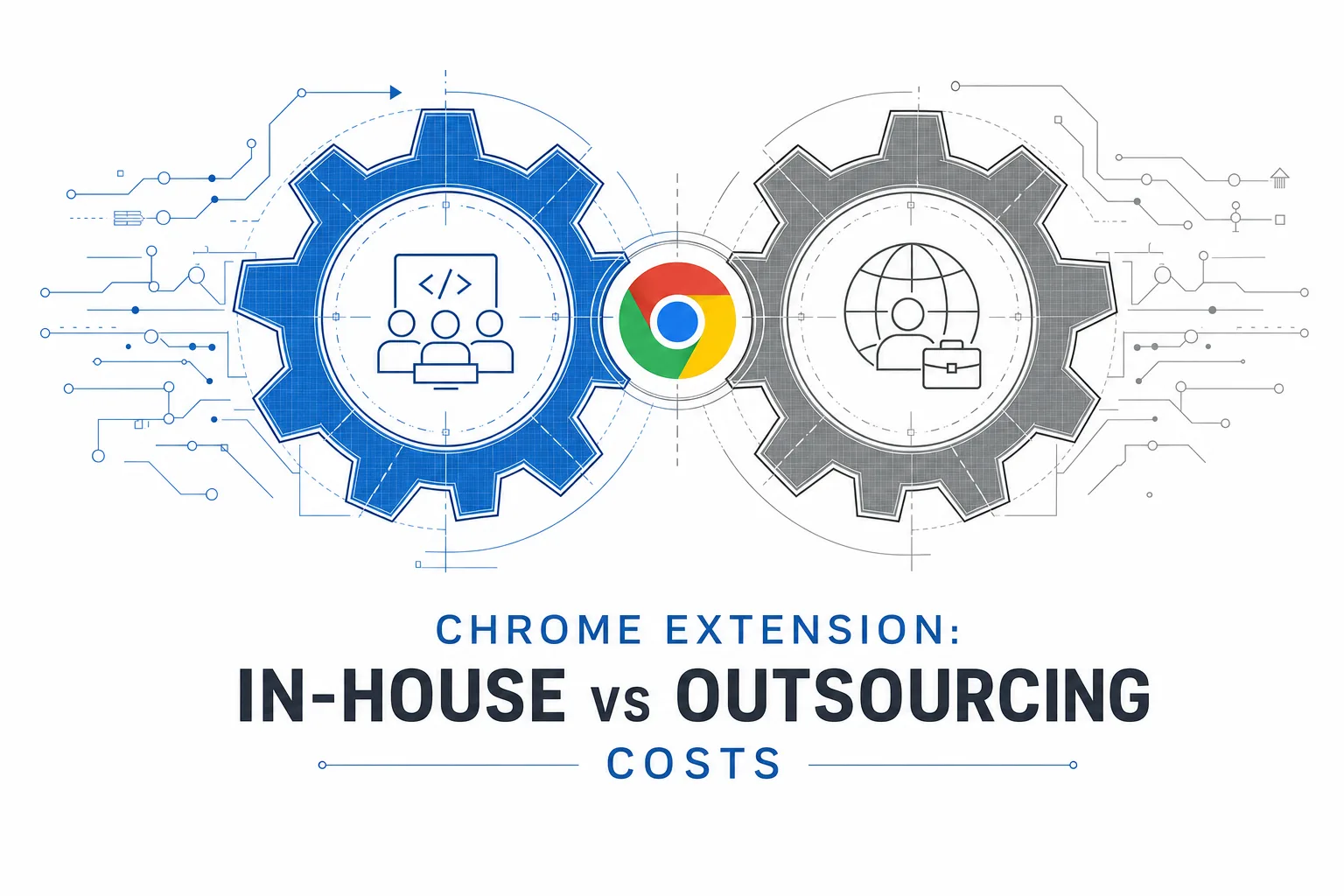
Chrome extension development outsourcing looks cheaper on paper. In-house looks safer on paper. Neither paper tells the whole story.
The development invoice is the number everyone fixates on. But development is only one line item in what you will actually spend over twelve to twenty-four months. Hiring costs, ramp-up time, Chrome update maintenance, Web Store compliance, opportunity cost of pulling engineers off your core product: these are the costs that make or break the decision.
This piece compares the total cost of ownership for both paths, using the kind of math that shows up in your P&L, not just the vendor's quote.
What "Total Cost of Ownership" Actually Means Here
TCO is every dollar and every hour you spend to get a Chrome extension from idea to production, and then keep it running. That includes direct costs (salaries, vendor invoices, infrastructure) and indirect costs (management time, hiring delays, context switching, learning curves).
Most teams compare the sticker price of an outsourced build against the salary of a developer they already employ. That comparison is wrong because it ignores what that developer would otherwise be building, and it ignores everything the outsourcing quote leaves out.
The True Cost of Building In-House
Hiring and ramp-up
Chrome extension development is not generic frontend work. Manifest V3, service workers, content security policies, and the Web Store review process are specific skills. If your team does not have them, someone needs to learn.
Hiring a developer with chrome extension development experience takes time. Technical recruiting cycles for mid-senior roles commonly run eight to twelve weeks in competitive markets. #NUMBERS (Timelines vary by region and seniority. Verify against your own recruiting data.) During that window, the project sits idle or gets picked up by someone learning on the job.
Ramp-up adds more time. A frontend developer who is new to extensions needs to learn the chrome extension development documentation on developer.chrome.com, understand the service worker lifecycle, figure out content script injection, and navigate Chrome's permission model. That is two to four weeks of reduced productivity before real output starts.
Opportunity cost
This is the cost most teams ignore. Your engineers have a backlog. Every sprint they spend on the extension is a sprint they do not spend on the product your customers pay for.
If a senior engineer costs your company $180,000 a year fully loaded, and they spend three months on the extension, the opportunity cost is roughly $45,000 in product work that did not happen. That is on top of whatever they produce for the extension. (Fully loaded costs vary by location, benefits, and overhead. Use your own figures.)
For companies where the extension supports the product rather than being the product, this cost is real and often larger than the outsourcing quote.
Ongoing maintenance burden
Chrome ships updates roughly every four weeks. Each update can change APIs, deprecate features, or tighten permission enforcement. Your in-house developer (or the person who inherited the codebase) needs to monitor these, test the extension against each release, and push patches.
If the developer who built the extension leaves, you carry the additional cost of knowledge transfer, or worse, reverse-engineering a codebase nobody else touched. The chrome extension development best practices that would have prevented this (documentation, typed code, tests) cost time upfront and get skipped under deadline pressure.
What you get for the spend
Control. Your team knows the codebase. Decisions happen in the same office (or at least the same timezone). Changes ship when you want them. Institutional knowledge stays inside the company. For extensions that are core to your product and will exist for years, this matters.
The True Cost of Chrome Extension Development Outsourcing
The quoted price
An outsourced build from a chrome extension development company typically covers development, basic QA, and sometimes the first Web Store submission. Mid-complexity extensions (sidebar UI, one or two API integrations, OAuth) commonly run $10,000 to $35,000 from an experienced vendor. Enterprise-grade builds with backend work run higher. #NUMBERS (These are directional ranges. Get itemized quotes for your specific scope.)
That number looks clean. The items below are what it usually does not include.
The unquoted costs
Vendor selection and management. Finding a credible chrome extension development company takes time. Reviewing portfolios, checking Web Store listings they have shipped, running technical interviews, negotiating contracts. Budget two to four weeks of your PM or engineering lead's time. That is real labor cost even though no invoice gets sent.
Specification work. Custom Chrome extension development services are priced against a spec. If your spec is vague, the vendor pads the estimate. If your spec is detailed, someone internal spent days writing it. Either way, you pay for clarity. This is not a bad thing, but it is a cost teams forget to count.
Communication overhead. Chrome extension development outsourcing, especially offshore, adds coordination cost. Timezone gaps mean asynchronous reviews, delayed answers, and the occasional 7am call. For well-run engagements this is manageable. For poorly scoped ones it compounds fast.
Post-launch maintenance. Most vendor quotes cover the build, not the year after. Maintenance retainers typically run 15 to 25 percent of the original build cost annually. Chrome updates, Web Store policy changes, and user-reported bugs all need someone on call. If that is not in the contract, it is your problem.
IP and transition risk. If you switch vendors or bring the extension in-house later, the transition costs real money. Codebase review, onboarding new engineers, untangling dependencies. Insist on code delivery through your own Git repository from day one. That is non-negotiable in any chrome extension development guide worth reading.
What you get for the spend
Speed and specialization. A team that has shipped extensions before does not need to learn Manifest V3, debug their first Web Store rejection, or figure out the service worker lifecycle from scratch. Chrome extension development with React and chrome extension development TypeScript setups are standard at any competent vendor. You pay for that experience instead of growing it internally.
A Side-by-Side Over Twelve Months
Consider a mid-complexity extension: a browser sidebar that connects a SaaS product to Gmail via content scripts, with OAuth and a small backend component.
In-house path. Hiring or reassigning a developer: eight to twelve weeks before serious coding starts. Three months of development. Ongoing maintenance at roughly 20 percent of an FTE's time. First-year total, including salary, benefits, recruiting, and opportunity cost: often $80,000 to $120,000 in fully loaded spend. You keep the knowledge and the codebase. (Illustrative. Use your own salary data and overhead multipliers.)
Outsourced path. Vendor selection: two to four weeks. Development: eight to twelve weeks. First-year total including the build, specification work, communication overhead, and a maintenance retainer: often $30,000 to $55,000. You get the extension faster but depend on a vendor for changes. #NUMBERS (Illustrative. Get itemized quotes.)
The in-house path costs more in year one. It starts costing less in year two and three if the extension has a long roadmap and the developer stays. The outsourced path costs less upfront but locks you into retainer fees or a second engagement for every major change.
Neither path is universally cheaper. The right one depends on whether the extension is a product you will own for years or a project you need shipped this quarter.
Where Each Path Breaks Down
In-house breaks down when the extension is a bounded project, not a product. Hiring a specialist for three months of work is expensive, and keeping them engaged afterward is harder. It also breaks down when the team lacks Manifest V3 experience and the timeline is tight. Learning the chrome extension development framework on a deadline produces bad code and missed launches.
Outsourcing breaks down when the spec is unclear and the team expects the vendor to fill in the product thinking. It also breaks down when the engagement ends and nobody internal can maintain the code. A chrome extension development company builds what you spec. If the spec is wrong, the extension is wrong, and the revision costs extra.
How to Decide
Three questions that usually settle it.
Is this extension your product or a supporting feature? Core product: lean toward in-house, or a dedicated team model if you need to scale faster. Supporting feature with a defined scope: outsourcing is usually the better TCO bet.
Does your team already have chrome extension development experience? If yes, in-house is faster and the ramp-up cost disappears. If no, outsourcing avoids the learning curve and ships sooner. Check whether your team knows the chrome extension development documentation and can explain Manifest V3 service workers without Googling.
What is your timeline? Tight deadline with no internal capacity: outsource. Flexible timeline with engineers who want to learn: in-house can work if you accept the slower start. Custom Google Chrome plugin development either way needs a clear spec before anyone writes code.
Ready to compare your options?
Send a two-paragraph brief describing your extension scope and current team capacity. Book a 30-minute call with MetaDesign Solution. Leave with a TCO estimate for both paths and a recommendation on which model fits your situation.
Frequently Asked Questions
1. Is it always cheaper to outsource Chrome extension development? Not always. Outsourcing has lower upfront cost, but retainers, vendor transitions, and communication overhead add up. In-house is cheaper over two to three years if the developer stays and the extension has an active roadmap.
2. How much does an in-house Chrome extension developer cost per year? Fully loaded cost (salary, benefits, equipment, overhead) for a mid-senior developer in the US runs $140,000 to $200,000 depending on market and seniority. #NUMBERS (Use your own comp data.)
3. What hidden costs come with chrome extension development outsourcing? Vendor selection time, spec writing, communication overhead, maintenance retainers, and potential transition costs if you switch vendors or bring the work in-house.
4. How do I reduce the risk of outsourcing? Tight spec, code in your Git from day one,
written IP assignment, named developers in the contract, and a maintenance retainer negotiated before the build starts.
5. Can I start outsourced and move in-house later? Yes, if the codebase is clean,
documented, and typed. Chrome extension development TypeScript setups make transitions much easier. Budget for an onboarding period of two to four weeks for the new in-house engineer.
6. What chrome extension development framework should either team use? Chrome extension development with React for any extension with a real UI. TypeScript across the codebase. Vite or webpack for bundling. This applies whether the team is internal or external.
7. How do Chrome updates affect TCO? Chrome updates every four weeks. Each update can break extensions. In-house, that is ongoing developer time. Outsourced, that is a retainer fee. Either way, budget 15 to 25 percent of the build cost annually for maintenance.
8. Should the vendor or my team own the Chrome Web Store account? Your team. Account ownership is extension ownership. The vendor can submit on your behalf, but the account must be in your company name.
9. What happens if my outsourced vendor shuts down or goes dark? If you own the code (in your Git, with documentation), another vendor or in-house team can pick it up. If you do not, you are rebuilding from scratch. IP ownership terms in the contract are your insurance.
10. Is a dedicated team model in-house or outsourced? It is a hybrid. You direct the work like an in-house team, but the engineers are employed by a vendor, usually offshore. TCO sits between the two paths: lower than a full in-house hire, higher than a one-time project engagement, with better knowledge retention than a pure outsourced build.