
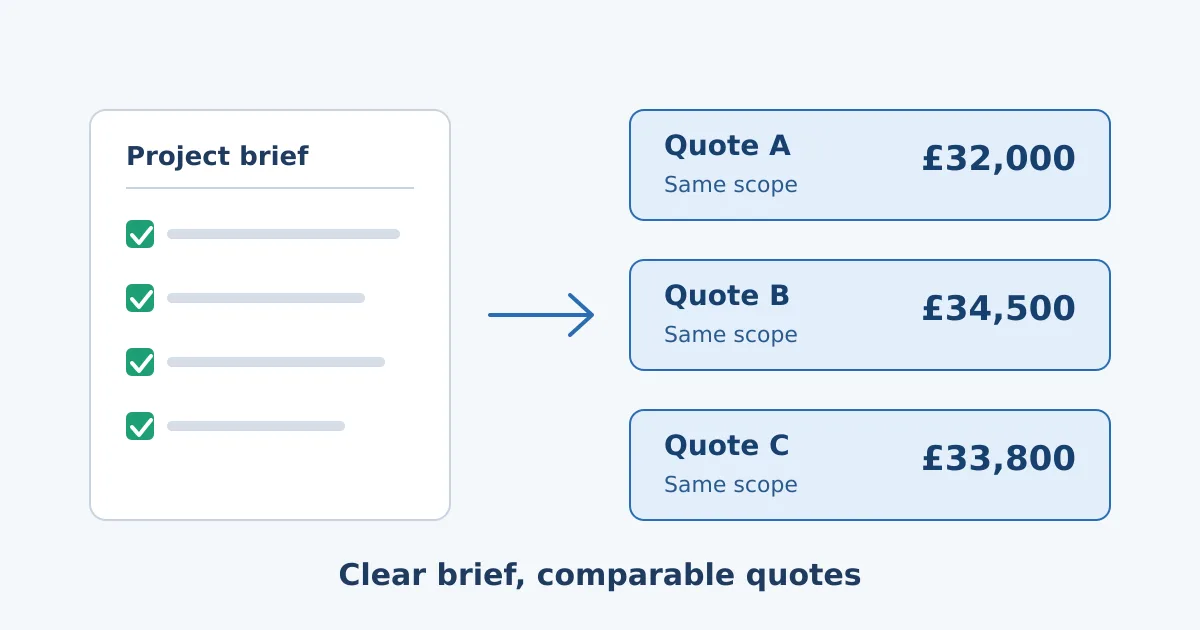
Ask five development teams to quote on the same idea, and you may get five wildly different prices. The reason is rarely that some teams are cheaper or greedier than others. It’s usually that the brief was vague, so each team filled the gaps with its own assumptions. As a software development agency in London, we’ve reviewed hundreds of briefs, and the best ones share a simple trait: they remove guesswork. A clear brief saves time, protects your budget and helps you compare quotes fairly.
In this guide, we’ll walk through exactly what to include in your brief, how much detail you need and the common mistakes that lead to inflated estimates and unpleasant surprises.
Why Your Brief Matters So Much
A developer can only price what they understand. If your brief says “we need an app for our customers,” the team has to guess the features, the platforms, the integrations and the level of polish. Some will guess high to protect themselves. Others will guess low to win the work, then raise the price later. A detailed brief reduces both risks and gives you quotes that actually mean something.
It also shows developers you’re serious. Good teams prefer well-prepared clients, and they’ll often respond with sharper questions and more thoughtful suggestions.
Start With the Problem, Not the Solution
Many briefs jump straight to features. A stronger approach is to describe the problem first.
- What is going wrong today? For example, “our team spends ten hours a week copying bookings between systems.”
- Who is affected? Staff, customers, suppliers or all three.
- What does success look like? A faster process, fewer errors, more sales or happier customers.
When developers understand the problem, they can suggest better solutions than the one you had in mind, and sometimes cheaper ones.
Describe Your Business and Users
Give a short overview of your company, what you do and who will use the software. Include:
- Your business type and size
- The main user groups, such as customers, staff and administrators
- What each group needs to achieve, in plain language
- Where they’ll use it, such as desktop, phone or tablet
Short user stories work well here. For example, “A customer should be able to book an appointment in under two minutes.”
List Your Must-Have Features
Separate what you need from what you’d like. A simple three-part list keeps the scope under control.
- Must have: The features the product can’t launch without
- Should have: Important but not essential for the first release
- Nice to have: Ideas for later versions
This approach lets developers quote for a focused first version and gives you the option to add more once the core product proves itself.
Mention Integrations and Existing Systems
Connections to other tools are one of the biggest hidden drivers of cost. List every system your software needs to work with, such as:
- Payment providers
- CRM or email marketing platforms
- Accounting software
- Booking or scheduling tools
- Existing databases or websites
- Third-party data sources
If you know the names of the tools, include them. If you’re unsure whether they offer an integration, say so and let the developers advise.
Share Design and Branding Expectations
Explain how polished you want the finished product to look. Include:
- Your logo, colours and brand guidelines, if you have them
- Examples of websites or apps you like, and why
- Whether you need full design work or already have designs ready
- Any accessibility requirements, such as compliance with recognised standards
Examples save pages of description and help the team understand your taste.
Be Clear About Technical Requirements
You don’t need to be technical, but share what you know.
- Preferred platforms or technologies, if any
- Hosting or security requirements
- Expected number of users and how much that may grow
- Data protection and compliance obligations, such as UK GDPR
- Whether the software must work offline or handle sensitive information
If you have no preferences, say that. A good team will recommend the right approach and explain why.
Set a Realistic Timeline
Tell developers when you need the product and why. Is there a hard deadline, such as a product launch, a seasonal peak or a regulatory change? Or is the date flexible? Be honest, because rushed timelines often raise costs, while flexible ones can reduce them.
If helpful, break the timeline into stages, such as design, development, testing and launch, with the dates that matter most.
Share Your Budget Range
Many clients hide their budget, hoping to get lower quotes. In practice, sharing a range usually leads to better proposals. It lets the team design a solution that fits your means and tell you honestly if your goals and budget don’t match. A range such as “between £30,000 and £45,000” is far more useful than silence.
Explain How Decisions Will Be Made
Projects stall when feedback is slow. Tell developers:
- Who will approve designs and features
- How quickly you can respond to questions
- How often you’d like updates
- Which communication tools you prefer
This helps the team plan their schedule and avoids delays that push up costs.
Define Success and Support Needs
Describe how you’ll measure whether the project worked, such as reduced admin time, more online bookings or fewer customer complaints. Also mention what happens after launch:
- Ongoing maintenance and bug fixes
- Hosting and security updates
- Training for your staff
- Future improvements and new features
Asking for support costs upfront prevents surprises later.
A Simple Brief Template
You can structure your document using these headings:
- Company overview
- The problem we want to solve
- Users and their goals
- Must-have, should-have and nice-to-have features
- Integrations and existing systems
- Design and branding notes
- Technical and compliance requirements
- Timeline and key dates
- Budget range
- Decision process and contacts
- Success measures and support needs
Two to five pages is usually plenty. Clarity matters more than length.
Common Mistakes to Avoid
- Writing only a one-line idea and expecting accurate pricing
- Listing features without explaining the problem behind them
- Leaving out integrations that later add significant cost
- Treating every feature as equally important
- Hiding the budget entirely
- Changing the scope after quotes are in without telling the team
- Sending the brief to too many agencies, which makes it hard to compare
How to Compare Quotes Once They Arrive
When the quotes come in, look beyond the final price.
- Check whether each team has understood the problem
- Compare what’s included, such as design, testing, project management and support
- Look for clear assumptions and exclusions
- Ask how they’ll handle changes in scope
- Review their relevant experience and past projects
- Pay attention to the questions they asked, since good questions show careful thinking
The cheapest quote isn’t always the best value, and the most expensive isn’t always the most thorough. The right team is the one that clearly understands your goals and explains its approach honestly.
A well-written brief takes a few hours to prepare, yet it can save weeks of confusion and thousands of pounds. Be clear about the problem, honest about your priorities and open about your budget, and you’ll attract quotes that are accurate, comparable and ready to turn into a successful project.
Frequently Asked Questions
1 How long should a software project brief be?
Two to five pages is usually enough. Include the problem, users, key features, integrations, timeline and budget, and keep the language simple.
2 Do I need technical knowledge to write a brief?
No. Focus on your business goals, users and processes. A good development team will handle the technical decisions and fill in the gaps with you.
3 Should I share my budget with developers?
Yes, a range is helpful. It lets teams propose realistic solutions and helps you avoid quotes that are far too high or too low for your goals.
4 Why do quotes vary so much between agencies?
Differences usually come from assumptions about scope, design quality, testing, integrations and support. A detailed brief reduces these gaps and makes quotes easier to compare.
5 Can I change the brief after I receive quotes?
You can, but tell all teams about the changes. Major shifts in scope will affect pricing and timelines, so it’s best to update everyone at the same time.