
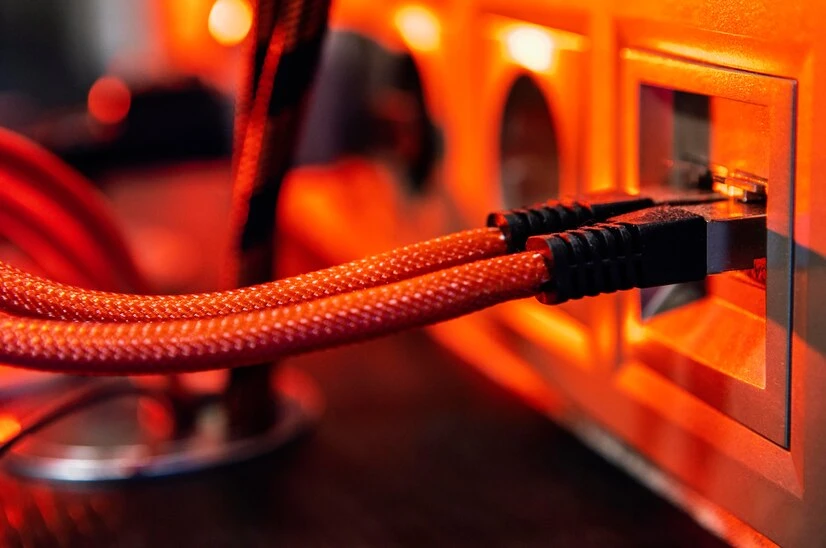
A reliable computer cable connection is essential for smooth internet access, effective communication, and efficient data transfer, whether at home or in the office. A poor connection can lead to frustrating disruptions in work, whether you're streaming, working remotely, or running a business. In Seattle, where the tech community is thriving, ensuring that your computer cable connection is up to standard is vital.
This guide will explain the best practices for establishing a reliable computer cable connection in your Seattle home or office.
Tips to Set Up a Reliable Computer Cable Connection in Seattle Homes and Offices
1. Choose the Right Cable for Your Needs
Selecting the appropriate cables is the first step in setting up a reliable computer cable connection in Seattle. Different types of cables exist, including Ethernet cables, fiber optics, and coaxial cables. Ethernet cables (such as Cat5e or Cat6) are the most commonly used for most home and office setups.
- Cat5e cables are cost-effective and ideal for basic networking.
- Cat6 cables offer higher speeds and bandwidth, making them perfect for offices with multiple users or heavy data usage.
- Fiber optic cables are the top choice for high-speed connections over long distances, ideal for businesses with large-scale network requirements.
Make sure to choose cables based on your network's speed requirements and future growth.
2. Plan the Cable Layout Before Installation
Proper planning is crucial before running cables through your home or office. First, map out where your routers, computers, and other devices are located. Consider how many rooms or areas need a connection and the distance between the router and the devices.
- Keep cables organized: Plan to minimize clutter using cable management tools like clips, raceways, or cable ties.
- Avoid unnecessary bends: Cables should not be bent excessively, which can degrade the signal. Route the cables to minimize tight turns and interference.
Having a clear plan will ensure that your setup is efficient and professional-looking. A well-planned layout will also make maintenance and troubleshooting easier down the line.
3. Use Quality Connectors and Accessories
The quality of connectors, adapters, and switches can make or break your cable connection. If you’re using Ethernet cables, make sure the connectors (RJ45 connectors) are of high quality and securely attached. For fiber optic cables, using certified connectors will prevent signal loss.
- Invest in good-quality patch panels for organizing cables, especially in business environments. These panels help manage large numbers of wires and keep them neat.
- Use network switches that support gigabit speeds to ensure a fast connection, especially if many devices are connected.
Choosing reliable accessories can help ensure your network operates smoothly and remains stable.
4. Ensure Proper Cable Placement and Avoid Interference
A common mistake when setting up computer cables is improper placement. Cables should be kept away from electrical wires, appliances, or devices that cause interference, like microwaves, fluorescent lights, or routers.
- Maintain distance: Keep power and network cables at least 6 inches apart to avoid interference.
- Use shielded cables: Opt for shielded Ethernet cables (STP) in high-interference areas to reduce noise.
Proper placement ensures a more reliable connection, especially in busy environments like offices.
5. Install Your Network Devices Properly
The placement of your router is key to a strong connection. Place it centrally, away from thick walls or obstructions. Elevate it on a shelf or mount it to improve signal distribution. Avoid corners and position it near the center for even coverage. Ensure your modem is set up correctly to provide a stable connection. Proper placement ensures the best signal for your devices.
6. Test the Connection After Installation
After connecting all cables, it’s essential to test the connection. Use speed testing tools to check performance. If the connection is slow, try the following:
- Check for loose connections.
- Use a cable tester to find broken wires.
- Verify your router settings for optimal speed.
Regular testing helps identify issues early and ensures a reliable connection over time.
7. Consider Professional Installation and Maintenance
If setting up a reliable computer cable connection seems daunting or you want to ensure everything is installed to industry standards, consider hiring professionals. A company like Connect and Protect LLC can provide expert installation services for both residential and commercial settings.
- Expert network assessment: Professionals can assess your space and provide a layout to ensure optimal signal strength.
- Ongoing maintenance: Keeping your network in good working order requires regular checks, especially in commercial environments.
Investing in professional services can save you time and ensure your network remains robust in the long term. Plus, it can give you peace of mind knowing that experts handle installation and ongoing maintenance.
Findings
Setting up a reliable computer cable connection in your Seattle home or office doesn’t have to be complicated. You can create a fast and reliable network that meets your needs by choosing the right cables, properly planning your layout, using quality connectors, and ensuring your devices are set up correctly. If you're unsure about your skills or want a professionally installed system, Connect and Protect LLC is here to assist with your computer cable connection needs in Seattle. Their experienced team provides expert installation and maintenance services, ensuring a smooth and uninterrupted experience for your home or office network.