
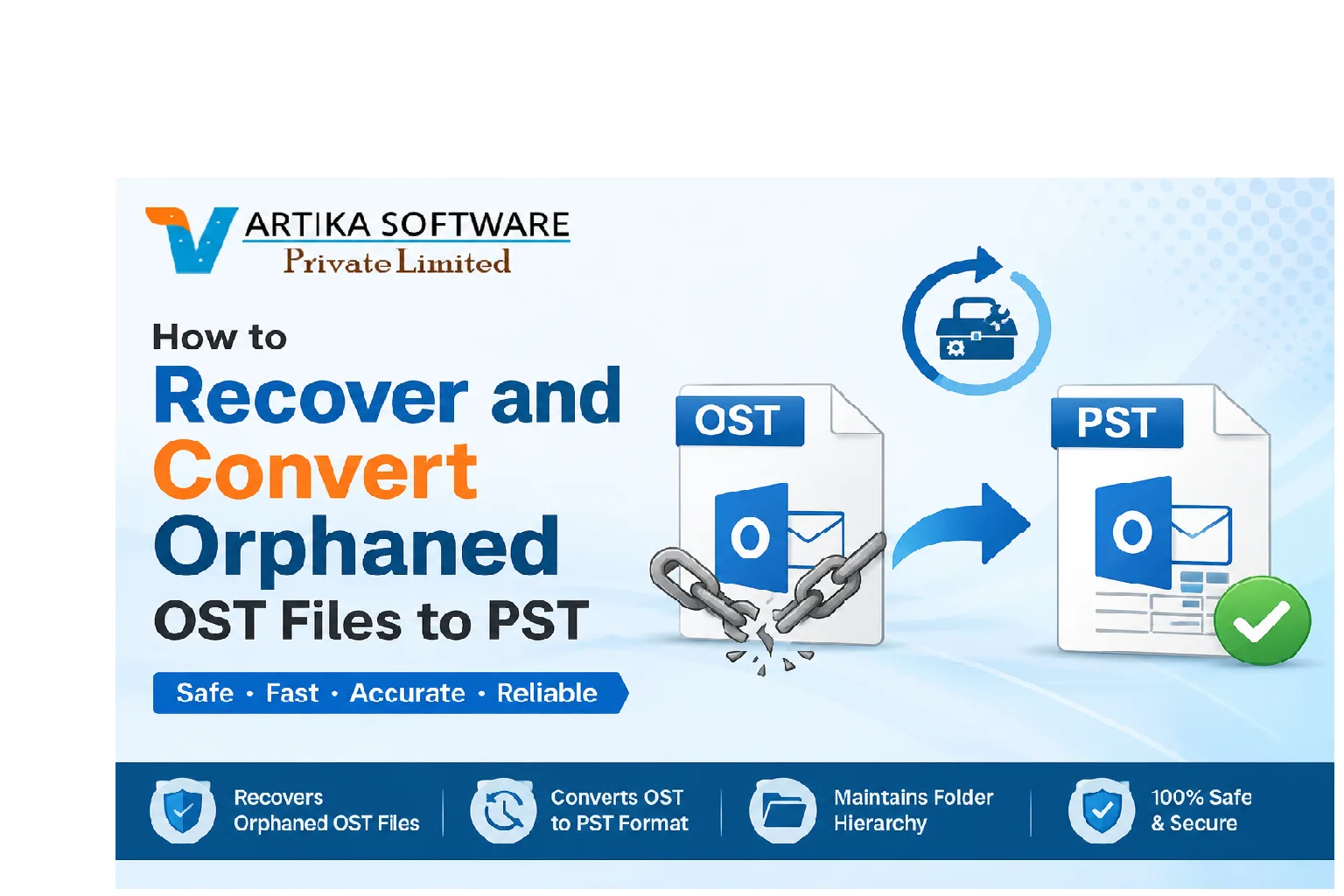
Imagine waking up one day to find that your emails, contacts, and calendar events have vanished into thin air. This nightmare scenario often stems from orphaned OST files. If you’ve ever faced this issue, you're not alone. Many users struggle with the complexities of OST files when their Outlook profiles are disrupted or inaccessible.
OST (Offline Storage Table) files play a crucial role in Microsoft Outlook by storing copies of emails and other data for offline use. However, these files can become orphaned due to various reasons, leading to lost information and frustration. But fear not! The process of recovering and converting those orphaned OST files back into usable PST (Personal Storage Table) format is more manageable than it seems.
In this guide, we'll explore what causes these issues, how to identify orphaned OST files on your system, and effective tools for conversion. By the end of this article, you'll be well-equipped to tackle any obstacles related to convert orphaned OST files to PST format while keeping your data safe and sound.
What are OST Files and Why Do They Become Orphaned?
OST files, or Offline Storage Tables, serve as local copies of your mailbox data in Microsoft Outlook. They allow users to access emails, calendar events, and contacts without needing a constant internet connection. This functionality is particularly useful for those who travel frequently or work remotely.
However, these files can become orphaned when the associated Outlook profile is removed or corrupted. Common scenarios include when a user switches computers or if an email account gets deleted from the server.
When you lose access to your primary Outlook profile while retaining the OST file, it becomes disconnected from its source. This disconnection renders the data trapped in limbo, making it inaccessible through normal means and necessitating specialized recovery methods to convert it back into usable formats like PST.
Common Reasons for OST File Corruption
OST files can become corrupted for several reasons, often leading to data accessibility issues. One common cause is abrupt system shutdowns. If your computer crashes while the OST file is in use, it can result in corruption.
Another frequent issue arises from network problems. An unstable connection during synchronization with the Exchange server may disrupt the process and corrupt the file.
Virus attacks also pose a significant threat. Malicious software can damage or alter your OST files without you even realizing it, making recovery difficult.
Improper handling of Outlook settings contributes to corruption as well. Changing configurations or using outdated versions of Outlook might lead to compatibility issues that affect your OST files' integrity. Each of these factors plays a crucial role in compromising your valuable email data.
How to Identify and Locate Orphaned OST Files
Identifying and locating orphaned OST files can be a straightforward process with the right approach. Start by searching your computer for files with the .ost extension. Use Windows Explorer, typing "*.ost" in the search bar.
Once you find these files, check their last modified date to determine if they've been actively used. An old timestamp might indicate an orphaned file that is no longer linked to any active account.
Another method involves checking your email client settings. If you notice accounts that are no longer configured or have been removed, there’s a good chance associated OST files exist without active profiles.
Using built-in tools like Outlook's "Account Settings" can also help identify disassociated data files. Keep an eye on unusual behavior from your email application; frequent crashes or error messages may point toward problematic OST files lurking in your system.
Converting Orphaned OST Files to PST Format
Converting orphaned OST files to PST format is essential for data recovery. By doing this, you can regain access to valuable emails and important information that might otherwise be lost.
The process typically involves specialized software designed to handle OST files. These tools scan the orphaned file, extract relevant data, and convert it into a usable PST format.
Once converted, users can import the PST files back into Outlook seamlessly. This allows easy management of emails and contacts without losing any critical content.
Make sure to choose reliable conversion tools that offer user-friendly interfaces and good customer support. Always check for reviews before proceeding with any software.
Taking care during the conversion ensures that your data remains intact throughout the process.
Tools and Methods for Recovering and Converting OST Files
When it comes to recovering and converting orphaned OST files, various tools can make the process smoother. One popular choice is dedicated software designed specifically for this purpose. These programs often offer user-friendly interfaces that streamline recovery efforts.
Another option is using Microsoft Outlook itself. By creating a new profile, users can sometimes re-link an orphaned OST file to a new account. This method may not always work but is worth trying before opting for third-party solutions.
For those who prefer manual methods to export data from the OST file can be done by accessing it through Outlook and saving emails as separate files or importing them into another format.
Regardless of the approach taken, ensuring you choose reliable tools will significantly impact your success in managing these problematic files effectively.
Best Practices for Preventing OST File Corruption
Preventing OST file corruption starts with regular maintenance. Regularly compacting your mailbox can help manage its size and reduce the risk of errors.
Next, avoid sudden shutdowns or interruptions when using Outlook. Always close the application properly to ensure all processes finish smoothly.
Keeping your software updated is crucial. Updates often include security patches and bug fixes that protect against potential issues.
Utilizing antivirus software adds layer of protection. Regular scans can detect malicious threats before they affect your files.
Consider backing up your data frequently. Having a routine backup ensures you have access to a recent version in case something goes wrong. This simple practice can save time and stress later on.
Conclusion: The Importance of Regular Maintenance and Backups
Regular maintenance and backups are crucial for ensuring the integrity of your email data. Orphaned OST files can lead to significant disruptions if not addressed promptly. When these files become inaccessible, they can hinder productivity and result in lost information.
Implementing routine checks on your mail system will help you identify potential issues before they escalate. Regularly backing up important data protects against unexpected file corruption or loss.
Using reliable tools and maintaining best practices creates a robust environment for your emails. It’s about safeguarding what matters most—your communications, contacts, and essential documents. Taking proactive steps today will save time and trouble tomorrow, giving you peace of mind that your digital correspondence is secure and easily recoverable when needed.