When you’re working long hours at your desk, neck pain can sneak up on you before you even realize what’s happening. A stiff neck isn’t just uncomfortable; it can affect your mood, your focus, and your productivity. The good news? Choosing the right office chair can make a world of difference.
Whether you’re shopping online or browsing office chairs in Dubai, understanding what truly supports your neck (and your whole body) will help you pick a seat that keeps discomfort at bay. This guide breaks down exactly what to look for, what to avoid, and how a smart chair choice can actually protect your posture.
Why Your Chair Matters for Neck Comfort
Neck pain often starts with how you sit. When you’re leaning forward, slouching, or craning your head toward a screen, you’re putting extra strain on your neck and upper back. Over time, that adds up.
Even the best chair won’t fix poor posture on its own, but a supportive ergonomic chair can set you up for success. The right design encourages proper alignment from your head all the way down to your hips, and that reduces tension around your neck.
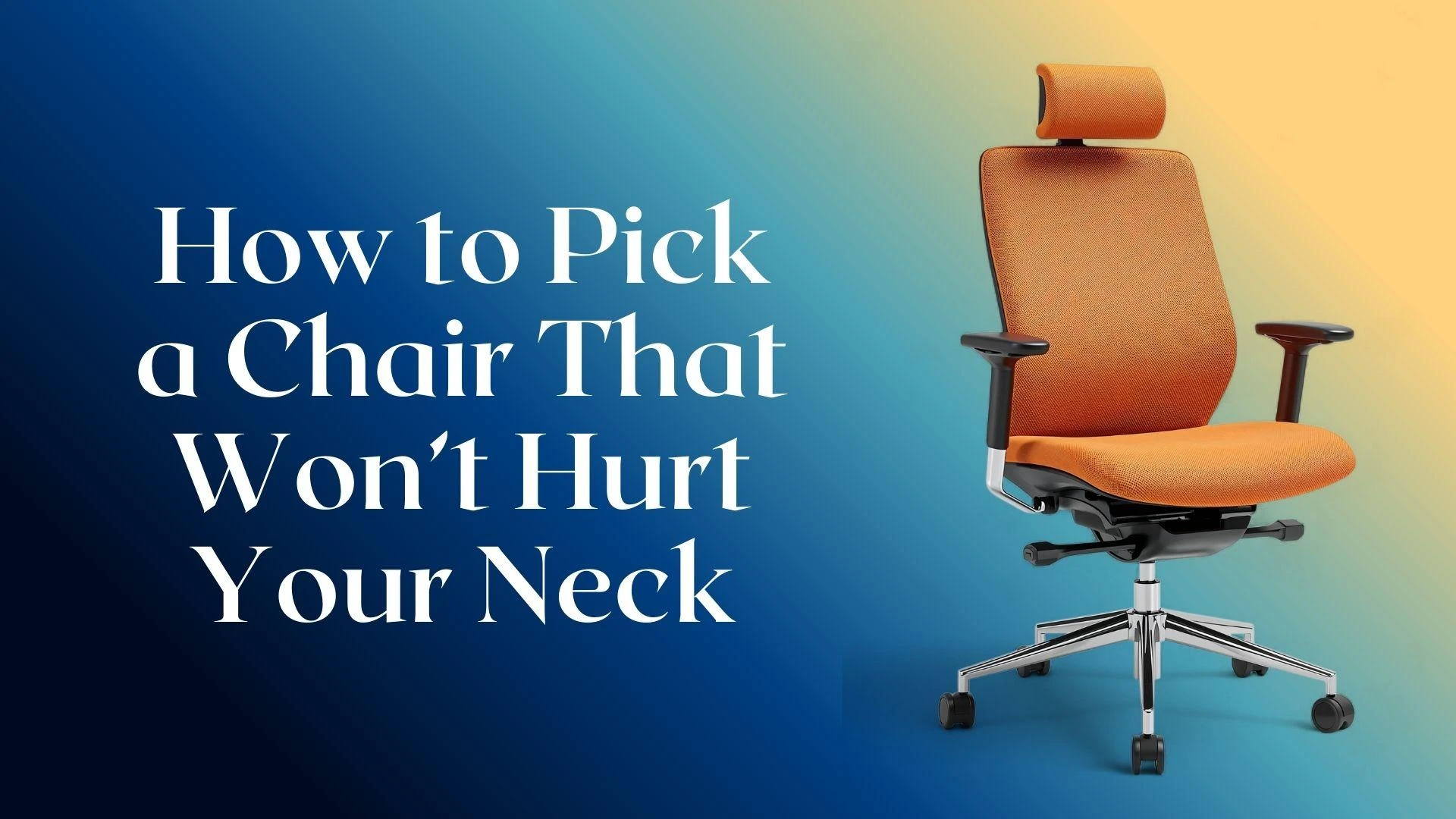
Look for a Headrest That Works for You
One of the biggest factors in neck comfort is a good headrest, but not all headrests are created equal.
What to look for:
- Adjustability: The headrest should move up, down, and tilt to support your head at the right angle.
- Proper height: If it’s too high, it pushes your head forward. Too low, and it won’t support you when you lean back.
- Shape and padding: A gently curved, cushioned headrest helps your neck relax instead of holding tension.
A chair without a headrest isn’t automatically bad, but if neck pain is a concern, choosing an ergonomic office chair with an adaptable headrest is a smart move.
Prioritize Lumbar and Upper Back Support
Neck comfort doesn’t start at your neck; rather, it starts lower down.
When your lower back and mid-back are well supported:
- Your spine stays aligned
- You sit more upright
- Your head naturally rests in a balanced position
Look for chairs that offer:
- Firm lumbar support
- A high backrest that cradles your spine
- Curved structure that follows your body’s natural shape
These features help you avoid the forward head posture that commonly leads to neck fatigue.
Adjustable Features Are Non-Negotiable
When shopping for office chairs in Dubai, check how many adjustments the chair offers. More adjustability means a better chance of tailoring the chair to your body.
Important adjustments include:
- Seat height: Your feet should rest flat on the floor, with knees at a relaxed angle.
- Backrest tilt: Being able to recline slightly shifts pressure off your spine.
- Armrest height: Correct armrest position keeps your shoulders from hunching.
- Headrest angle and position: This helps cradle your head properly.
A chair that moves with you, rather than forcing you into a fixed position, can significantly reduce neck strain.
Consider Chair Depth and Seat Comfort
If your seat is too deep or too shallow, it can affect how you sit, and that impacts your neck.
Good seat depth means:
- Your back rests fully against the backrest
- Your knees sit comfortably at the edge of the seat
- You don’t have to push your head forward to feel balanced
Also look for padding that’s supportive but not too soft. Too much sink can put your head out of alignment, and too little cushioning can make you tense up.
Choose Breathable, Quality Materials
While material doesn’t directly cure neck pain, it does impact how comfortably you sit, especially through long days.
- Mesh backs: Encourage airflow, help you stay cool, and naturally contour to your back.
- Padded fabric or leather: Offers cushioning but can trap heat.
A breathable backrest helps you stay relaxed, and relaxed muscles are less likely to tense up around your neck.
Similar Read: How to Pick a Comfy Lounge Chair on a Budget
Test Before You Buy, If You Can
Trying a chair for a few minutes might not make neck pain disappear, but it helps you feel whether the support matches your body.
If you’re in a showroom or store:
- Sit as you normally would while working.
- Adjust the headrest and backrest.
- Lean back and then sit upright again.
- Notice whether your neck feels supported or if you’re straining to keep your head balanced.
Even small differences in angle and cushion density can feel significant once you’re sitting.
Tips for Better Posture Beyond the Chair
A great chair is half the battle. A few simple habits can help keep your neck pain-free:
- Keep your screen at eye level; look straight forward, not down.
- Take regular breaks; even short stretches help.
- Position your keyboard and mouse close enough that you don’t lean forward.
- Check your posture frequently; being aware alone improves it.
Think of your chair as the foundation; your posture habits build the rest.
Summary: What Makes a Chair Neck-Friendly?
When you’re choosing an office chair, especially an ergonomic office chair, keep these key points in mind:
— Adjustable headrest that fits your height
— Strong lumbar and mid-back support
— Multiple adjustability options
— Comfortable seat depth and padding
— Breathable materials
— A relaxed, balanced posture when seated
Your neck shouldn’t carry the burden of bad seating. With the right chair and a few good habits, you can make your workspace truly comfortable.
So next time you’re looking at office chairs in Dubai, whether online or in person, use these tips to find a chair that supports you all the way up to your head.
Choose wisely, sit well, and your neck will thank you.