
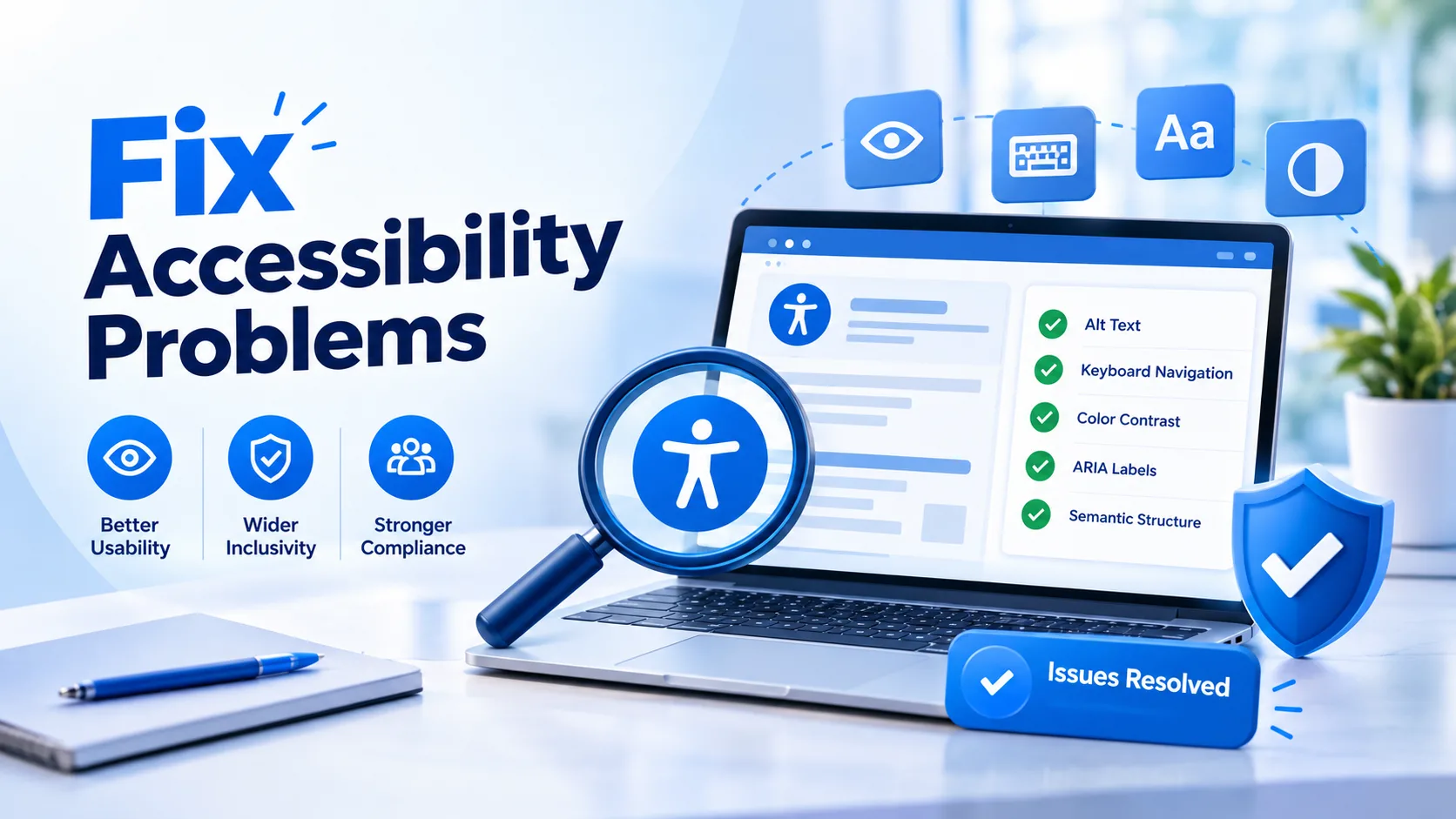
Most visitors who hit a barrier on your website never complain. They simply leave. To fix accessibility problems, begin with a free scan, read the results as a list of causes instead of a list of pages, repair the shared components that create the most errors, and then confirm each repair by using your site the way a person with a disability would. This sequence replaces guesswork with a clear order of work, and it fits into the routine of any small team.
What Do Accessibility Problems Look Like Before Anyone Reports Them?
They hide in ordinary moments. A customer who uses voice control says "click pricing," but the pricing button is an image with no name, so nothing happens. A student with low vision enlarges the text on your course page, and the sign up button slides behind another block. A reader who navigates by keyboard opens your menu and cannot find a way out of it.
None of these people file a ticket. Your analytics show only a short visit and a quick exit. That silence is why identifying problems on purpose matters so much.
How Do You Identify Issues With Free Tools?
Begin with the Tranistics Data Technologies accessibility checker tool. Run it on a page that earns attention, a page that collects information, and a page that explains your service. The comparison is more useful than any single report, because it shows whether a weakness belongs to your whole design or to one editor's habits.
A scan covers code level gaps such as missing labels, empty buttons, and weak color pairs. It cannot tell you whether an image description is helpful or whether the reading order feels natural. For that you need a short manual round. Put your mouse aside and move through the page with the keyboard. Switch on the screen reader that already ships with your phone or computer and listen to the top of your main page. Then enlarge the text and watch for overlapping content.
How to Fix Accessibility Issues Without Rebuilding Everything
Sorting is where good projects are won. Instead of working through errors in the order they appear, rank them by the damage they cause. A form that cannot be completed outranks a faint footer note, and a trapped keyboard outranks a decorative image.
Here is a practical way to estimate the effort. Suppose a scan reports a long list across your site, and you find that your header, footer, and search box each repeat the same few errors on every page. Correcting three components can remove a large share of the list in a single sitting, while correcting pages one by one could take weeks. Counting by cause, not by page, is the most useful calculation you can make.
How Do You Repair Common Barriers?
Give every field a label that is tied to its input. Write image descriptions that explain purpose, and leave decorative images empty so they are skipped. Choose text colors that stand clearly apart from their background. Write link text that makes sense when read alone, such as "view the service plans" instead of "learn more." Keep headings in a logical order so a screen reader user can jump through your page like a table of contents.
What Does a Real Operational Scenario Teach Us?
An anonymized clinic website received steady traffic but few online appointment requests. A scan and a short keyboard test revealed that the date picker could not be reached without a mouse, and its error messages appeared only as red color with no text. The team added a keyboard friendly calendar and wrote plain error messages beside each field. Appointment requests through the form rose within the following weeks, and the front desk reported fewer confused phone calls.
The lesson goes beyond compliance. When a barrier sits on a path that leads to revenue or bookings, accessibility fixes behave like conversion improvements.
How Do You Keep the Work From Piling Up Again?
Treat accessibility as part of publishing, not as a yearly event. Ask writers to check descriptions and headings before a post goes live. Ask designers to review contrast during the approval stage. Ask developers to try keyboard use before a release. Run the accessibility checker tool after every redesign, plugin change, or new landing page, and keep a short shared log of what was fixed and why. New teammates then inherit a standard instead of starting from scratch.
Frequently Asked Questions
Do free tools replace a professional accessibility audit?Free tools are an excellent first layer because they reveal repeated technical gaps quickly. A professional review adds human judgment for complex journeys, so many businesses use both at different stages.Does improving accessibility help my search visibility?
It often supports it. Clear headings, descriptive links, and meaningful image text help search engines understand a page, and a smoother experience keeps visitors engaged longer.What should I do if my site uses a ready made theme or plugin that causes errors?
Report the issue to the provider with the exact error and page, and apply a content level workaround where possible. If the provider cannot resolve it, consider replacing that component with a more accessible option.
Start Today with Tranistics Data Technologies
Every day without action is another day some visitors cannot reach you. Run the Tranistics Data Technologies accessibility checker tool now, group the results by cause, and repair the shared components first. Tranistics Data Technologies Private Limited helps businesses create websites that welcome every visitor and convert more of them. Take the first step today, fix accessibility problems before they cost you customers, and build a website where everyone can succeed.