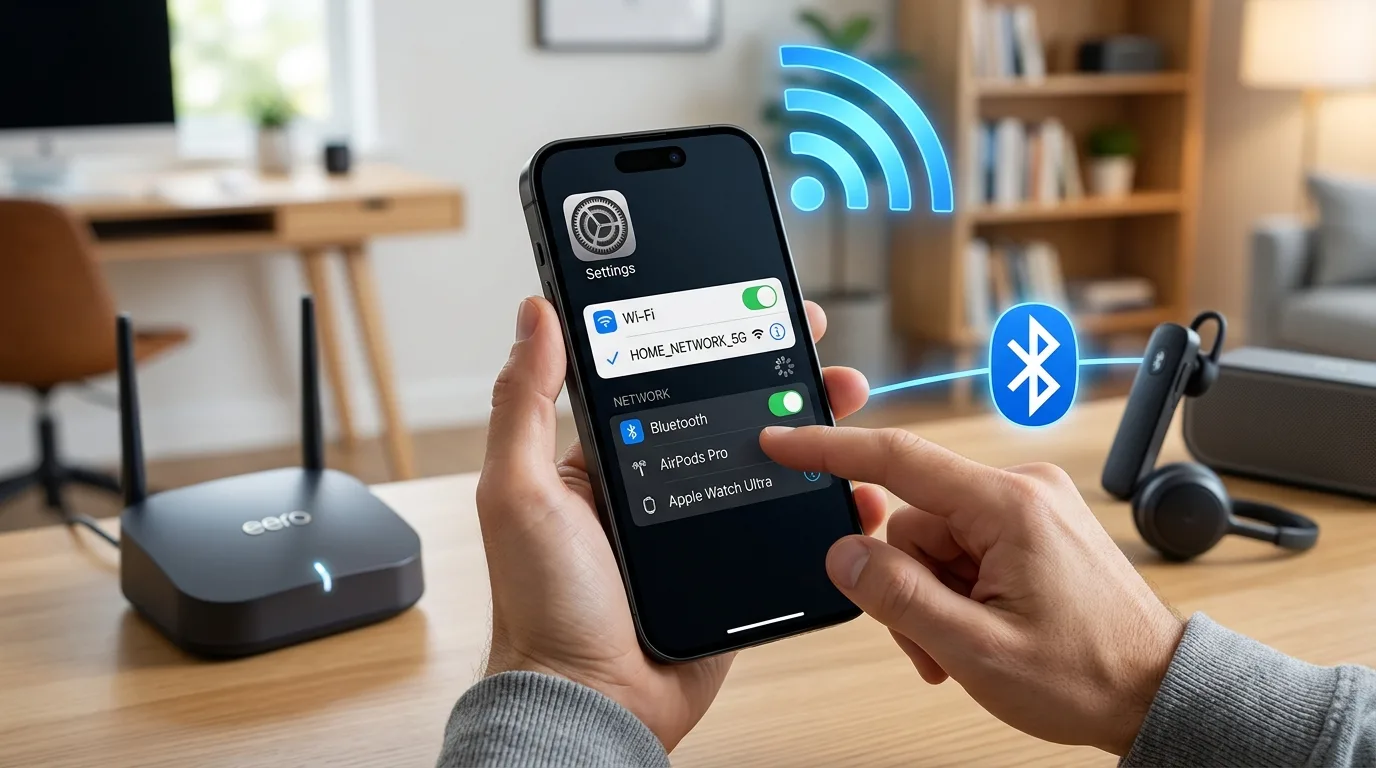
An iPhone that repeatedly disconnects from Wi-Fi and Bluetooth can interrupt browsing, calls, music streaming, and connections with wireless accessories. These problems may result from software glitches, incorrect network settings, outdated iOS versions, router issues, or internal hardware damage. Understanding the cause can help you find the right solution. If troubleshooting does not resolve the issue, professional iPhone Repair Brooklyn services can help. Choosing the best iPhone repair in Brooklyn can help identify whether your device needs network-related diagnostics, hardware repair, or even iPhone screen repair Brooklyn if physical damage has also affected the display.
Table of Contents
- Common Reasons Your iPhone Disconnects
- How to Fix Wi-Fi and Bluetooth Problems
- When to Seek Professional Repair
- Frequently Asked Questions
- Conclusion and CTA
1. Common Reasons Your iPhone Disconnects
Several factors can cause repeated wireless disconnections.
Software Glitches
Temporary iOS bugs can interfere with Wi-Fi and Bluetooth connections. Sometimes, restarting your iPhone is enough to restore normal functionality.
Outdated iOS Software
Older software versions may contain bugs that affect wireless connectivity. Installing available updates can sometimes resolve these problems.
Incorrect Network Settings
Corrupted network configurations, VPN settings, or saved connection information may prevent your iPhone from maintaining stable connections.
Router or Accessory Problems
The issue may not be your iPhone. A faulty router, weak Wi-Fi signal, low accessory battery, or Bluetooth compatibility issue can cause frequent disconnections.
Internal Hardware Damage
If your iPhone was recently dropped or exposed to moisture, internal components responsible for wireless connectivity may have been affected.
2. How to Fix Wi-Fi and Bluetooth Problems
Try these troubleshooting steps before arranging a repair:
- Restart your iPhone: A simple restart can resolve temporary software glitches.
- Check your router: Restart your router and test whether other devices maintain a stable connection.
- Forget and reconnect to Wi-Fi: Open Settings, select Wi-Fi, tap the information icon beside your network, and choose Forget This Network. Reconnect using your password.
- Reconnect Bluetooth accessories: Open Bluetooth settings, forget the affected accessory, and pair it again.
- Disable VPN temporarily: A VPN or network configuration may interfere with certain connections.
- Update iOS: Check Settings for available software updates and install them if appropriate.
- Reset Network Settings: If the problem continues, go to Settings > General > Transfer or Reset iPhone > Reset > Reset Network Settings.
Remember that resetting network settings removes saved Wi-Fi passwords and certain network configurations, so be prepared to reconnect afterward.
3. When to Seek Professional Repair
If Wi-Fi and Bluetooth continue disconnecting despite troubleshooting, your iPhone may have an underlying hardware issue. This is especially worth investigating if both connections stopped working after a drop, liquid exposure, or physical damage.
A qualified technician can inspect the wireless components, internal connections, and relevant hardware to identify the cause. Avoid opening the phone yourself, as this may cause additional damage.
4. Frequently Asked Questions
Q1. Why does my iPhone keep disconnecting from Wi-Fi?
Possible causes include weak signals, router problems, software glitches, or incorrect network settings.
Q2. Why does Bluetooth disconnect repeatedly?
Low accessory battery, pairing issues, interference, outdated software, or hardware faults may be responsible.
Q3. Can resetting network settings fix both problems?
It can resolve certain network configuration issues, but it will not fix physical hardware damage.
Q4. Why did Wi-Fi and Bluetooth stop working after dropping my iPhone?
The impact may have damaged internal components or connections involved in wireless communication.
5. Conclusion and CTA
Repeated Wi-Fi and Bluetooth disconnections can make everyday iPhone use frustrating. Restarting your device, checking your router, reconnecting accessories, and updating iOS may solve many common problems. If the issue continues, consider professional iPhone Repair Brooklyn services. The best iPhone repair in Brooklyn can help diagnose connectivity faults and recommend the right solution, including iPhone screen repair Brooklyn if your device also has display damage.
Need help with your iPhone? Contact Avenue D Cellular in Brooklyn, NY, for assistance with connectivity problems, hardware concerns, and other iPhone repair needs. Get your device checked and find a suitable repair solution.