AI-generated art has surged in popularity, and one of the most sought-after styles is the Ghibli-style portrait—inspired by the breathtaking animations of Studio Ghibli. Many professionals and digital artists turn to AI tools like ChatGPT for guidance, but the premium version, ChatGPT Plus, can be a barrier for those looking for free solutions.
In this guide, we’ll explore how you can generate stunning Ghibli-style portraits without paying for ChatGPT Plus, leveraging free AI tools and alternative platforms to achieve high-quality results.
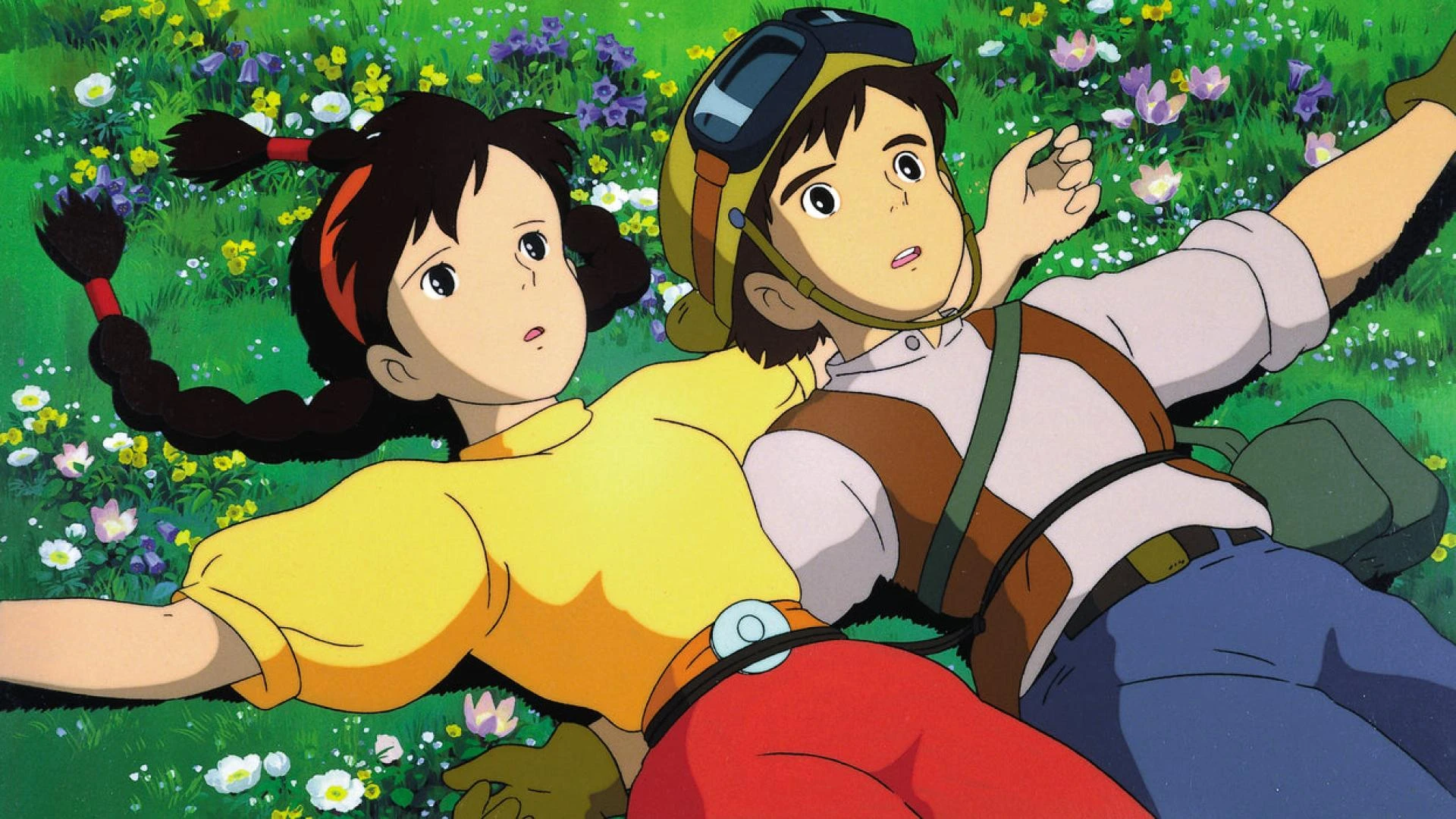
Understanding Ghibli-Style Art
Before diving into AI tools, it’s important to understand what makes Ghibli-style portraits unique:
- Soft, hand-painted textures with a blend of warm and cool tones.
- Expressive characters with large, soulful eyes.
- Intricate backgrounds inspired by nature and fantasy.
- A balance of realism and whimsy, making characters feel lifelike yet dreamy.
With these characteristics in mind, let’s explore how you can achieve this style without ChatGPT Plus.
Free AI Tools to Generate Ghibli-Style Portraits
1. Leonardo.Ai
Leonardo.Ai is a powerful AI art generator that provides a range of styles, including anime and hand-drawn aesthetics. It offers free daily generation credits, making it an excellent alternative to premium AI models.
How to Use Leonardo.Ai:
- Sign up for a free account on Leonardo.Ai.
- Choose the anime or Ghibli-inspired preset.
- Input a descriptive prompt such as: "A Ghibli-style portrait of a young adventurer, soft pastel colors, warm lighting, dreamy background."
- Generate and refine the results using free credits.
2. Stable Diffusion with Ghibli Filters
Stable Diffusion is an open-source AI model that allows users to create high-quality artwork with the right configurations.
Steps to Use Stable Diffusion:
- Download Stable Diffusion Web UI (Automatic1111) or use an online version like Hugging Face Spaces.
- Install a Ghibli-style model (available on platforms like CivitAI).
- Use a well-crafted prompt that includes lighting, texture, and character expressions.
- Adjust sampling steps and CFG scale for the best results.
3. Deep Dream Generator
Deep Dream Generator is another free AI-powered tool that enhances images and applies artistic filters.
How to Get a Ghibli Look with Deep Dream:
- Upload a base image (either a sketch or AI-generated image).
- Select anime or painting filters.
- Adjust depth, texture, and color enhancements.
- Apply post-processing edits for a final polished look.
Using ChatGPT Free Version for Prompt Optimization
Even though ChatGPT Plus is a paid service, the free version can still be highly useful for generating prompts and refining artistic direction.
How to Use Free ChatGPT for AI Art:
- Ask ChatGPT: "Can you generate a detailed prompt for a Ghibli-style portrait?"
- Copy the generated prompt and tweak it based on personal preferences.
- Use the refined prompt in Leonardo.Ai, Stable Diffusion, or Deep Dream Generator.
Enhancing AI-Generated Ghibli Portraits
Even the best AI-generated images often require post-processing for a more polished and artistic look. Here’s how:
1. Photoshop or GIMP for Final Touches
- Enhance lighting and color tones to add warmth.
- Use a soft blur effect to mimic Ghibli’s dreamy aesthetic.
- Adjust facial details for more expressive eyes.
2. Upscale Images with AI Enhancers
Tools like Let’s Enhance or Gigapixel AI can upscale AI-generated images without losing detail.
3. Hand-Drawn Refinements
If you have basic drawing skills, consider making final refinements with Procreate or Krita.
Conclusion
Creating Ghibli-style portraits without ChatGPT Plus is entirely possible with the right tools and techniques. By leveraging free AI platforms like Leonardo.Ai, Stable Diffusion, and Deep Dream Generator, along with prompt engineering in ChatGPT’s free version, you can generate stunning anime-inspired art without any cost.
Experiment with different tools, refine your prompts, and explore post-processing techniques to achieve professional-grade AI artwork. With a little creativity and patience, you’ll be able to bring the magic of Ghibli-style portraits to life—without breaking the bank!
Are you ready to start creating? Let us know which tool worked best for you!